
Skip to content
Email app for Windows and Mac

eM Client: the ultimate email tool

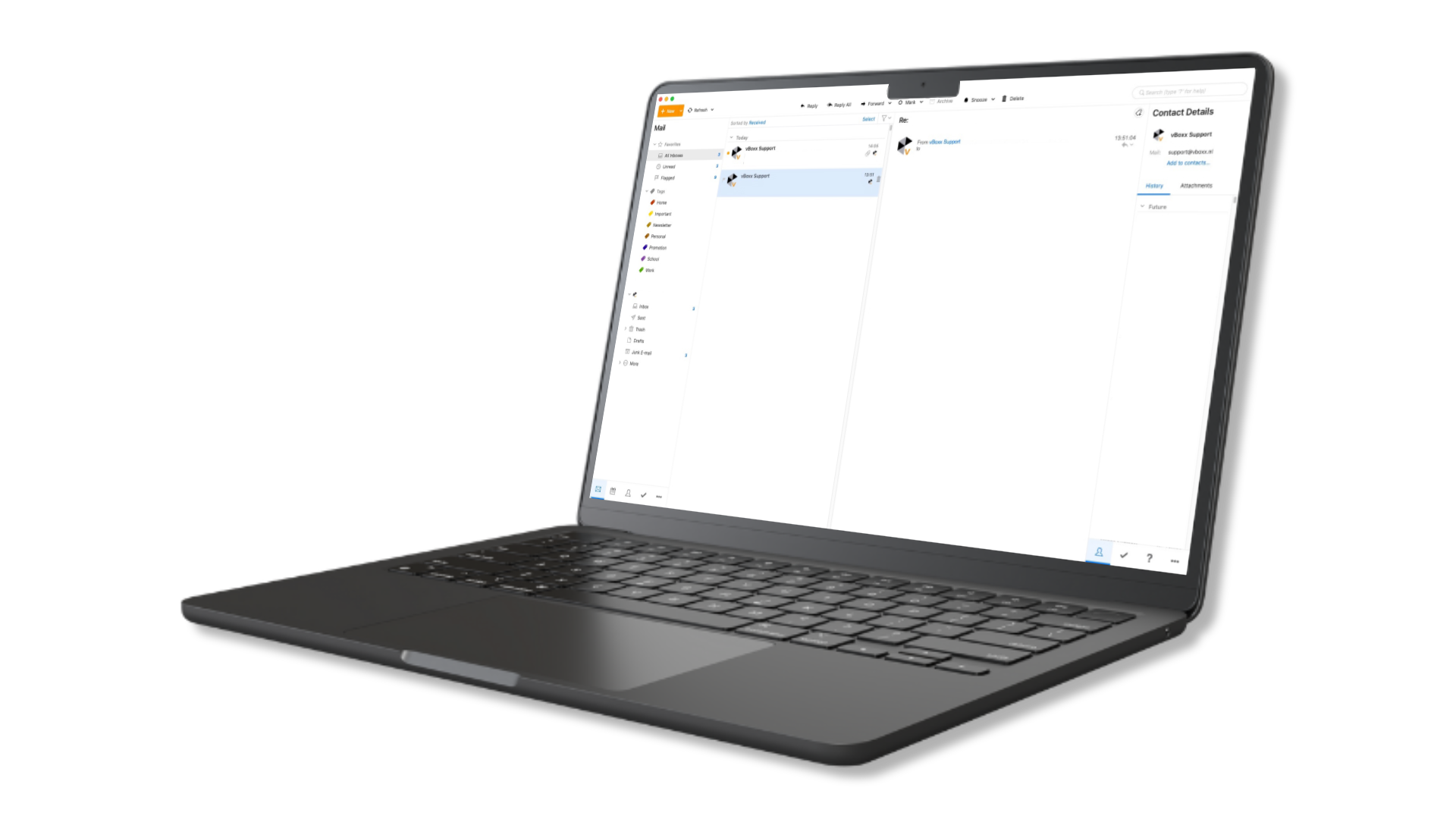
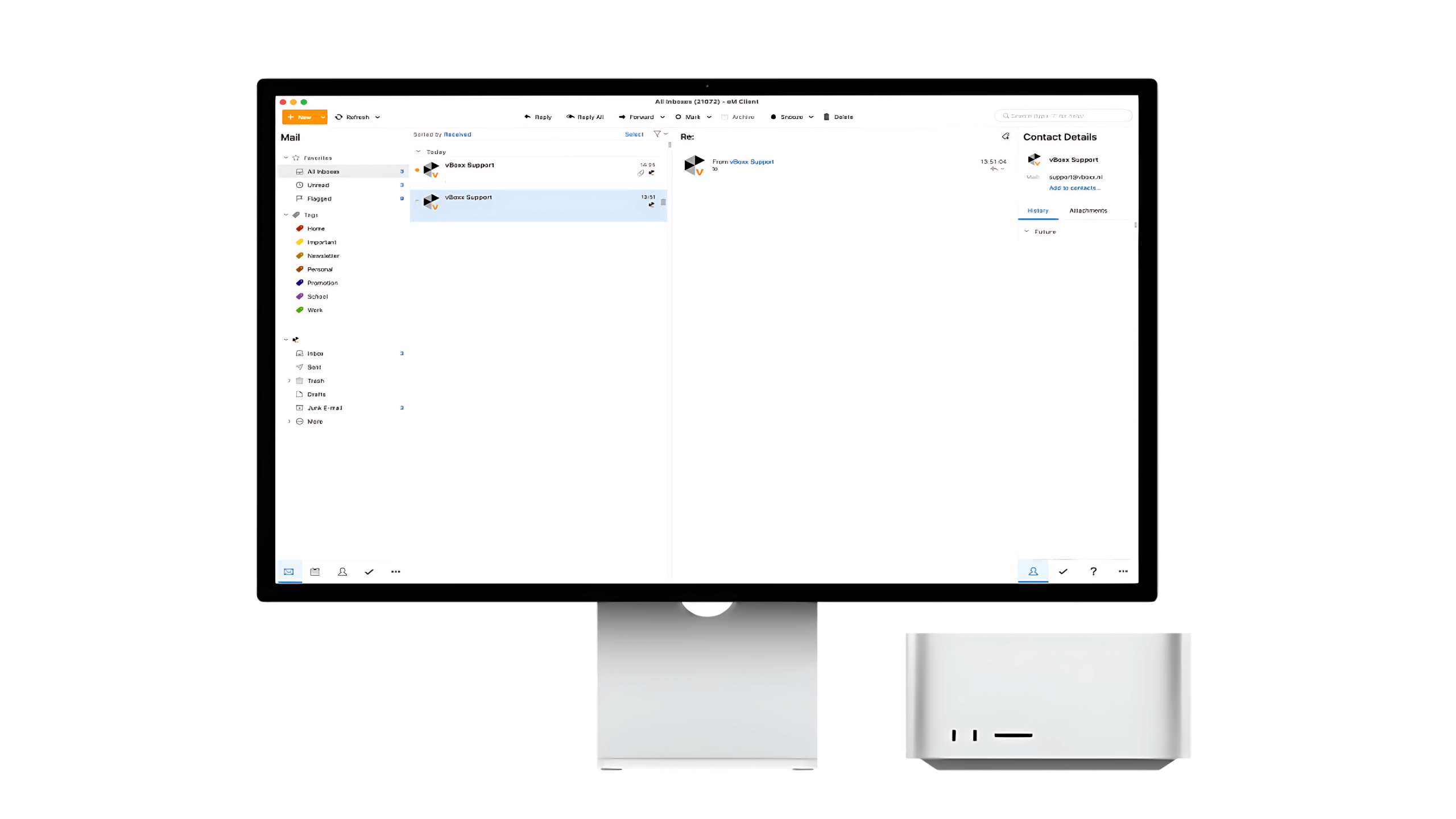
The email program for Windows and Mac that is made for business use. eM Client has powerful features to streamline your email wherever you go. It integrates natively with vBoxxCloud and works best with vBoxxConnect.
eM Client features

Increase your email efficiency and productivity

From email to calendars and tasks, all the essential tools to help you stay productive.

  • Broad service supportWorks with POP3, IMAP, SMTP, Exchange, Microsoft 365, Gmail, iCloud and more.
  • Online meetingsAdd video calls directly to your scheduling workflow.
  • Contacts and notesKeep your important information organized in one place.
The eM Client inbox
Everything in one app

Email, calendar, chat and reports

Email

Manage your email with ease, with encryption, translation, protection against mail tracking and more.

Calendar and tasks

Plan and stay organized with calendars and task management that sync smoothly.

Chat

Chat with colleagues and friends in the same place as your email.

Reports

Monitor your email usage and stay in control with eM Client and vBoxxConnect.

Native vBoxxCloud integration

Share large files without heavy attachments

  • Fewer local attachmentsUse vBoxxCloud directly from eM Client and share attachments of unlimited size as links.
  • Save attachments directlyFiles from vBoxxCloud appear as normal attachments, and you can set an expiry date.
eM Client with vBoxxConnect and vBoxxCloud

eM Client works best with vBoxxConnect

See the vBoxxConnect page for pricing, features and more.

Explore vBoxxConnect

eM Client and vBoxx

How eM Client fits with your vBoxx services

vBoxxConnect mailbox

Use eM Client with vBoxxConnect for email, calendars, contacts and tasks. vBoxxConnect is hosted in Amsterdam, backed up daily, and we migrate your existing email and calendars for free.

About vBoxxConnect

vBoxxCloud file sharing

Share files from vBoxxCloud as links straight from eM Client, without size limits on attachments and with an expiry date if you want one.

About vBoxxCloud

Hosted Kerio Connect

Running your own mail server? eM Client is one of the supported email clients for Hosted Kerio Connect, next to Outlook, Apple Mail and Thunderbird.

About Hosted Kerio Connect

eM Client FAQ

Frequently asked questions about eM Client

Which email accounts can I use in eM Client?

eM Client works with POP3, IMAP and SMTP accounts and with Exchange, Microsoft 365, Gmail and iCloud, among others. It runs on Windows and Mac and puts email, calendars, tasks, contacts and chat in one app. Combined with a vBoxxConnect mailbox from vBoxx, eM Client also gives you the native vBoxxCloud integration for sharing large files.

How much does eM Client with vBoxxConnect cost?

You order eM Client from vBoxx through the vBoxxConnect order page, because eM Client works best with a vBoxxConnect mailbox. vBoxxConnect Starter costs €6.19 per month for the first user including 10 GB, and vBoxxConnect Business €7.90, excl. VAT. The vBoxxConnect page lists the prices for extra users and storage. For separate eM Client licences, contact vBoxx for advice.

Where is my email stored when I use eM Client with vBoxxConnect?

eM Client is the app on your computer; your mailbox is on the server. With vBoxxConnect, your email, calendars and contacts are stored in the maincubes datacenter in Amsterdam and do not leave the Netherlands. Both vBoxx and the datacenter are ISO 27001 certified, vBoxx is GDPR compliant with a DPA available, and vBoxxConnect data is backed up daily.

Can vBoxx migrate my existing email to vBoxxConnect?

Yes. vBoxx offers free migration of your existing email and calendars to vBoxxConnect, so you do not have to transfer the data yourself. You can also migrate on your own if you prefer, and the vBoxx support team is ready to help either way. After the move, you work with your vBoxxConnect mailbox in eM Client on Windows or Mac.

We are happy to help you make the right choice.

Do you have questions about eM Client?
Contact us