NextCloud Hub
Explained:
File Management, Sharing & Collaboration Tools

Nextcloud Hub is powerful on its own. But vBoxx makes it seamless, secure, and tailored to your teams.
As a leading EU partner for open-source solutions, we don’t just deliver Nextcloud: we optimize, maintain, and support it at every scale.

NextCloud Hub

Video Conferencing

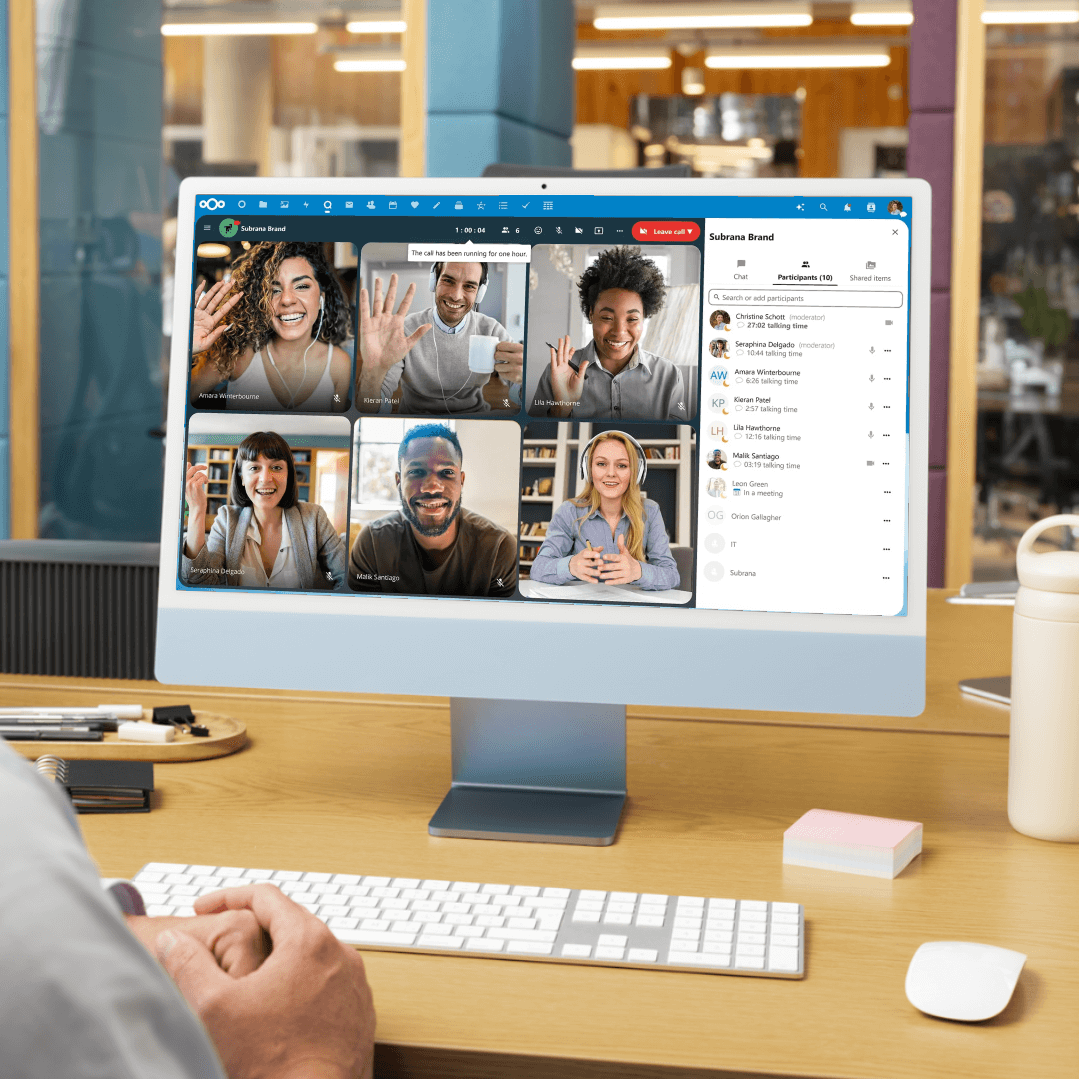
Host secure video calls directly within Nextcloud with real-time collaboration, screen sharing, and chat, no external tools needed.

Email Platform

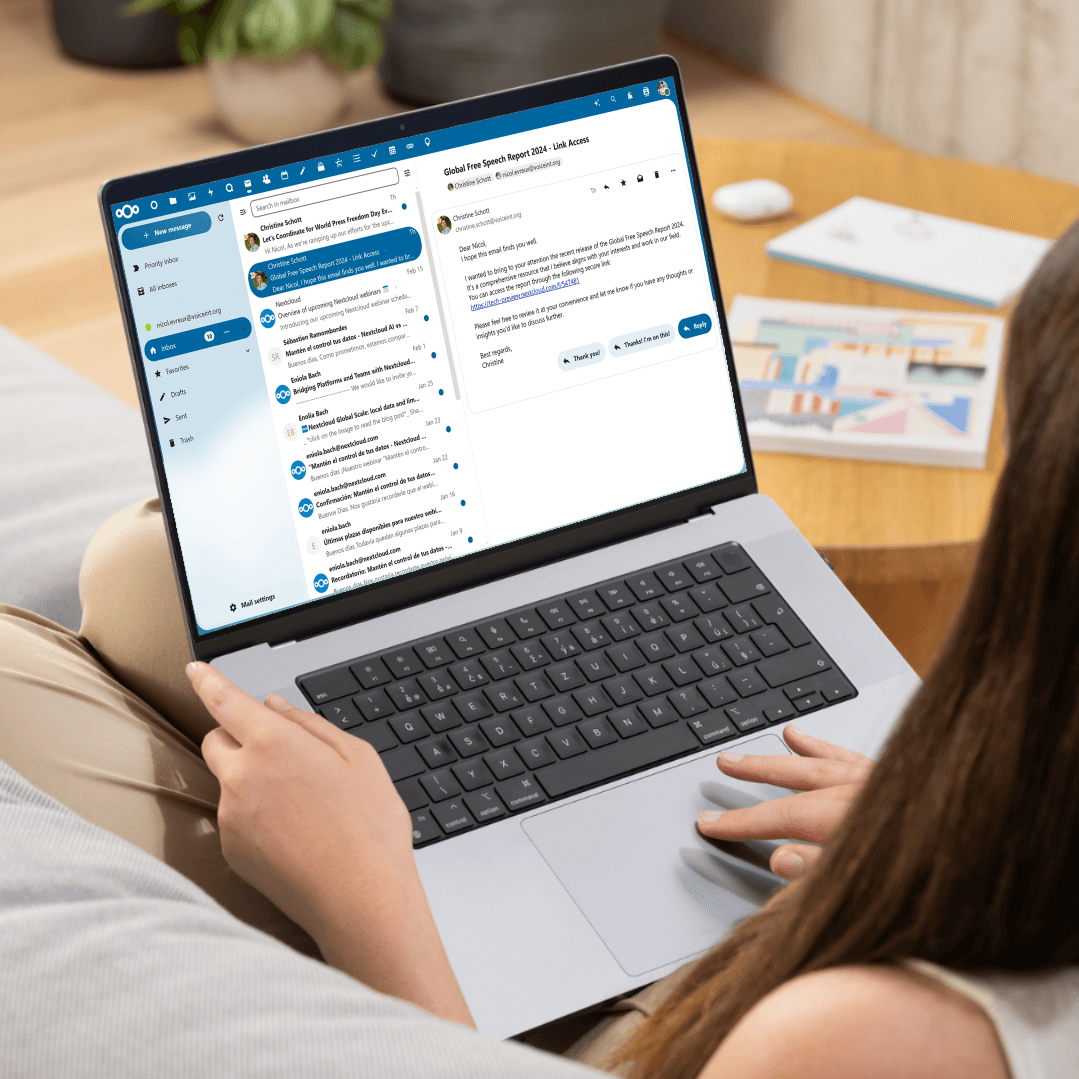
Access and manage your email directly within Nextcloud, with a clean interface and seamless integration with files and calendars.

User Management

Adminis can manage users and groups, set storage limits, and apply essential security settings like two-factor authentication

Open source

Built on open-source technology, Nextcloud gives you full transparency, flexibility, and control over your data, without vendor lock-in.

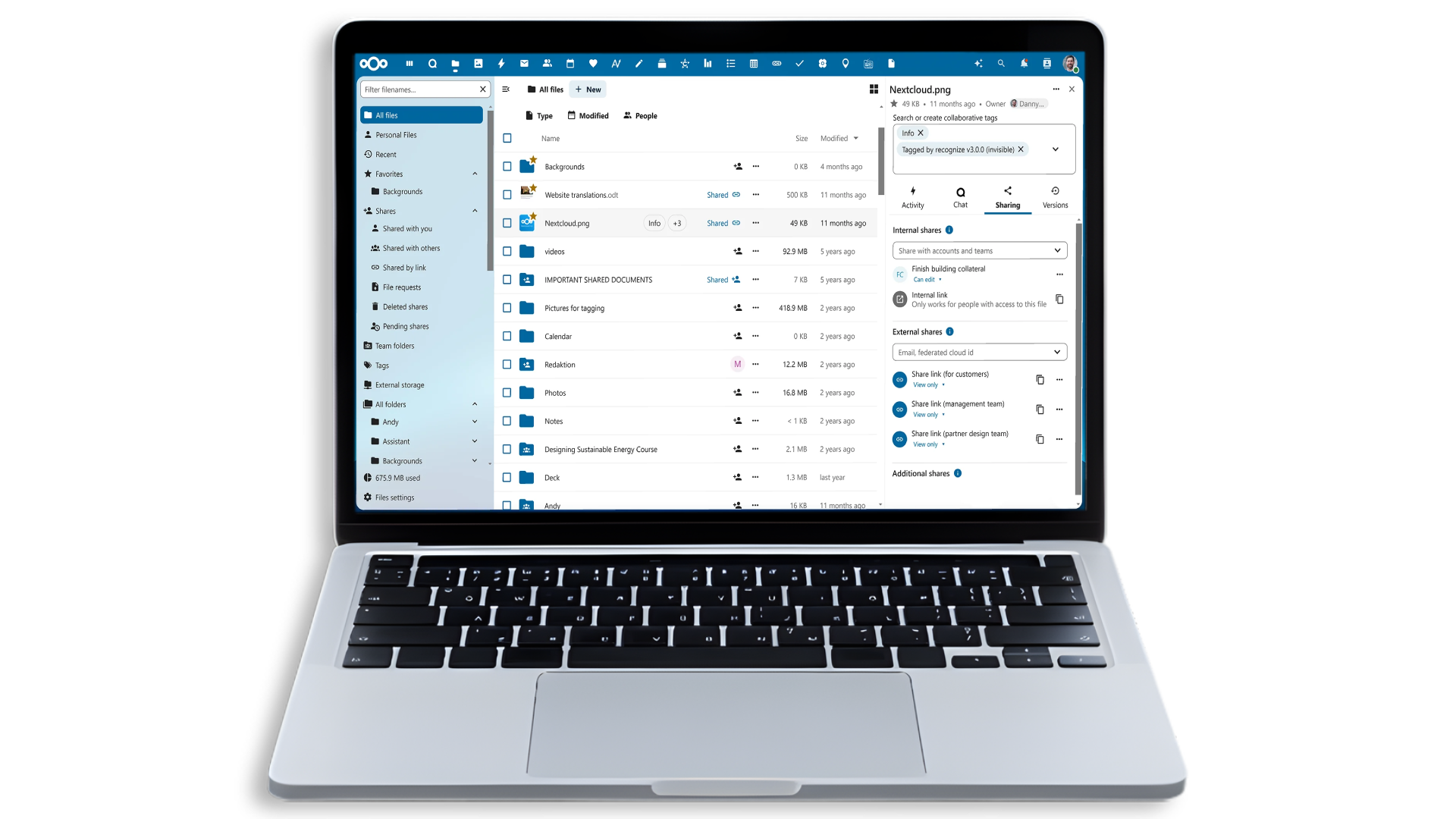
NextCloud Hub: Email, calendar, video meeting all in one tool!

Advanced features combined with a large display and fast performance.

Easy access anywhere
Powerful encryption
FTP integration
Invite anyone to a video call with a simple and secure link
No migration necessary, connect in a few clicks
Enterprise File Sync and Share

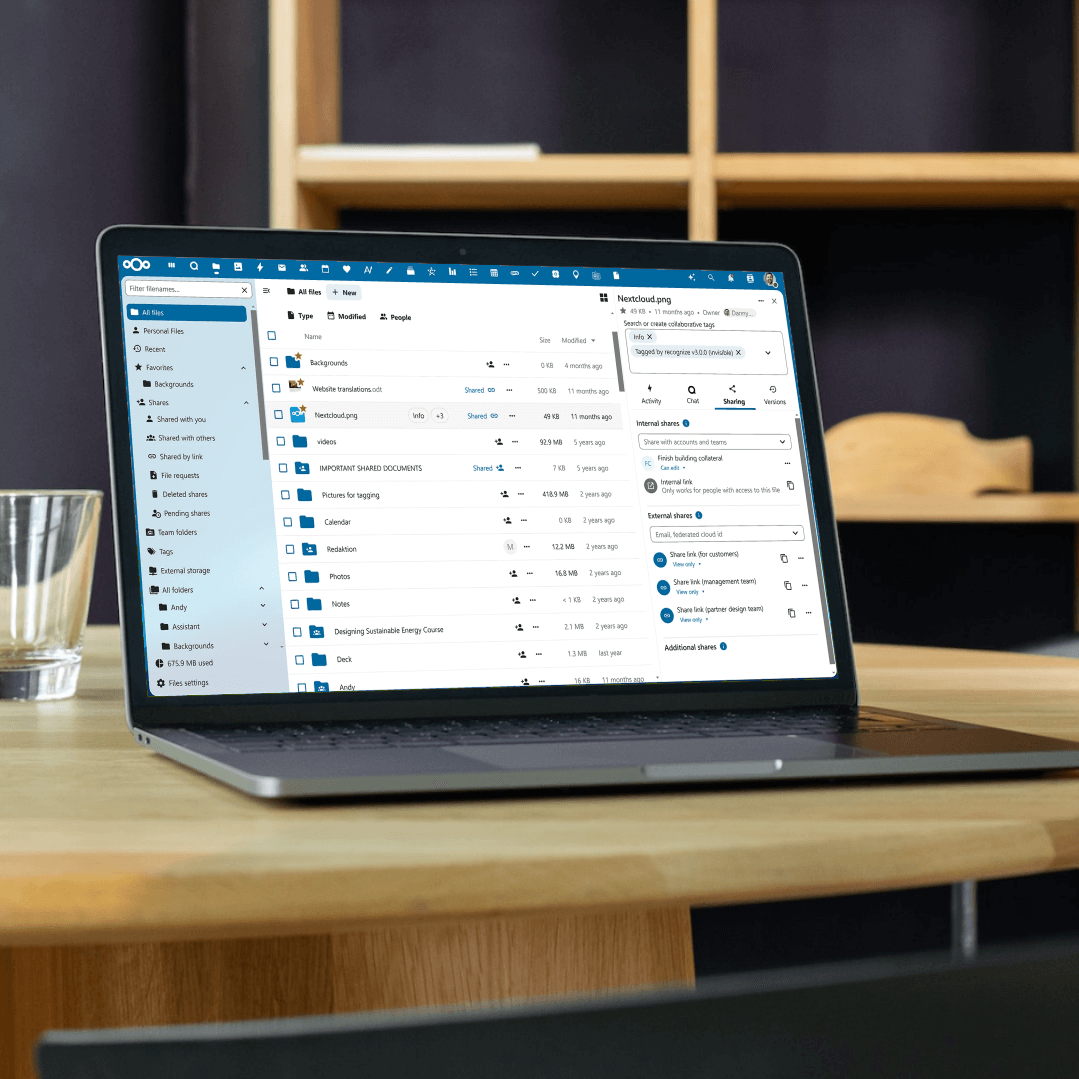
Share files anywhere - on desktop, mobile, or web. Search, comment, and securely lock files while you edit.
Mail
Mail

Access your email from the cloud and manage your accounts right next to your files — all in one secure place.
Video Calls and Screen Sharing

Organize secure online video calls with your team, share your screen, and present your content effortlessly.
Agenda & Contacts
Agenda & Contacts

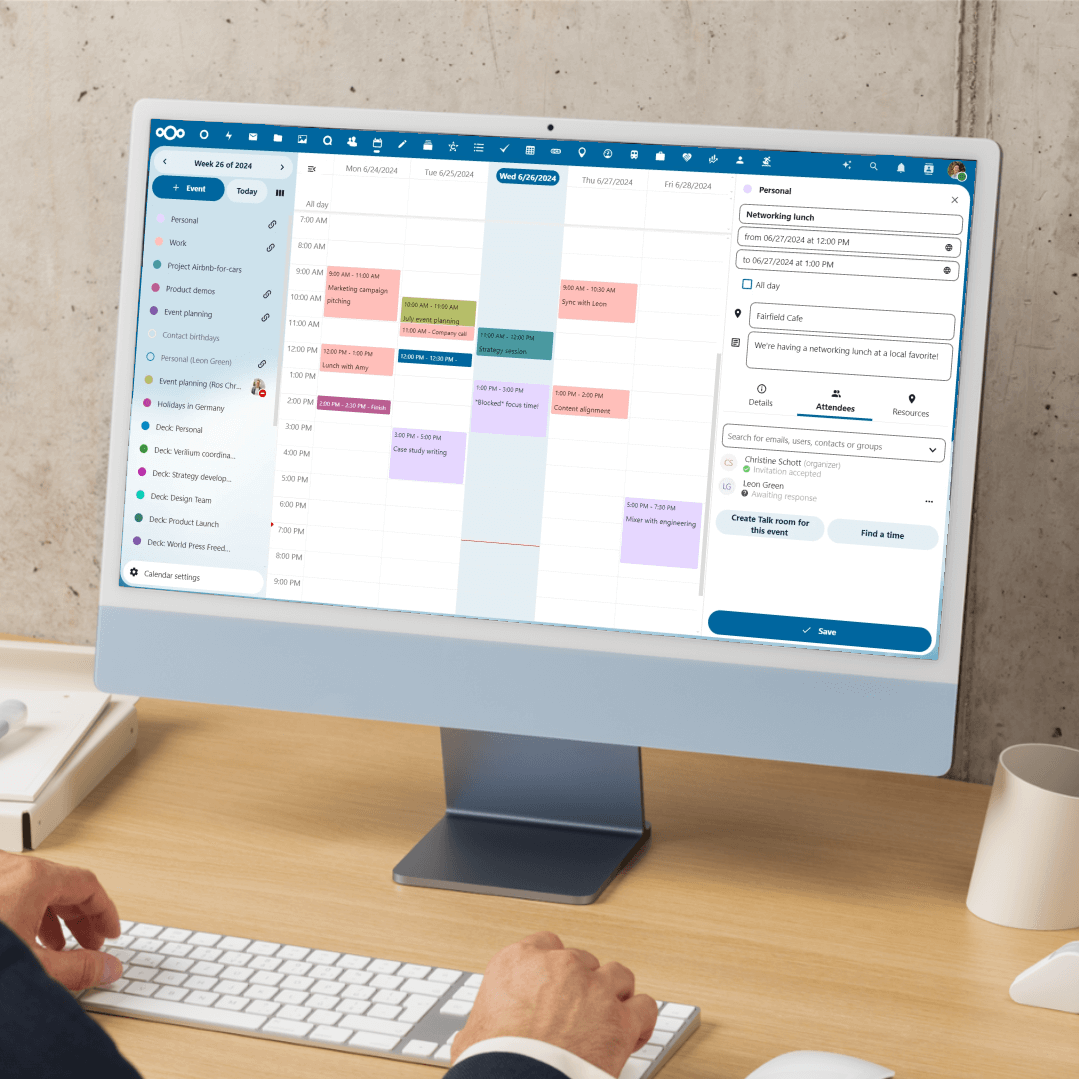
Set up team calendars, share events effortlessly, and access a shared company contact list for seamless collaboration.
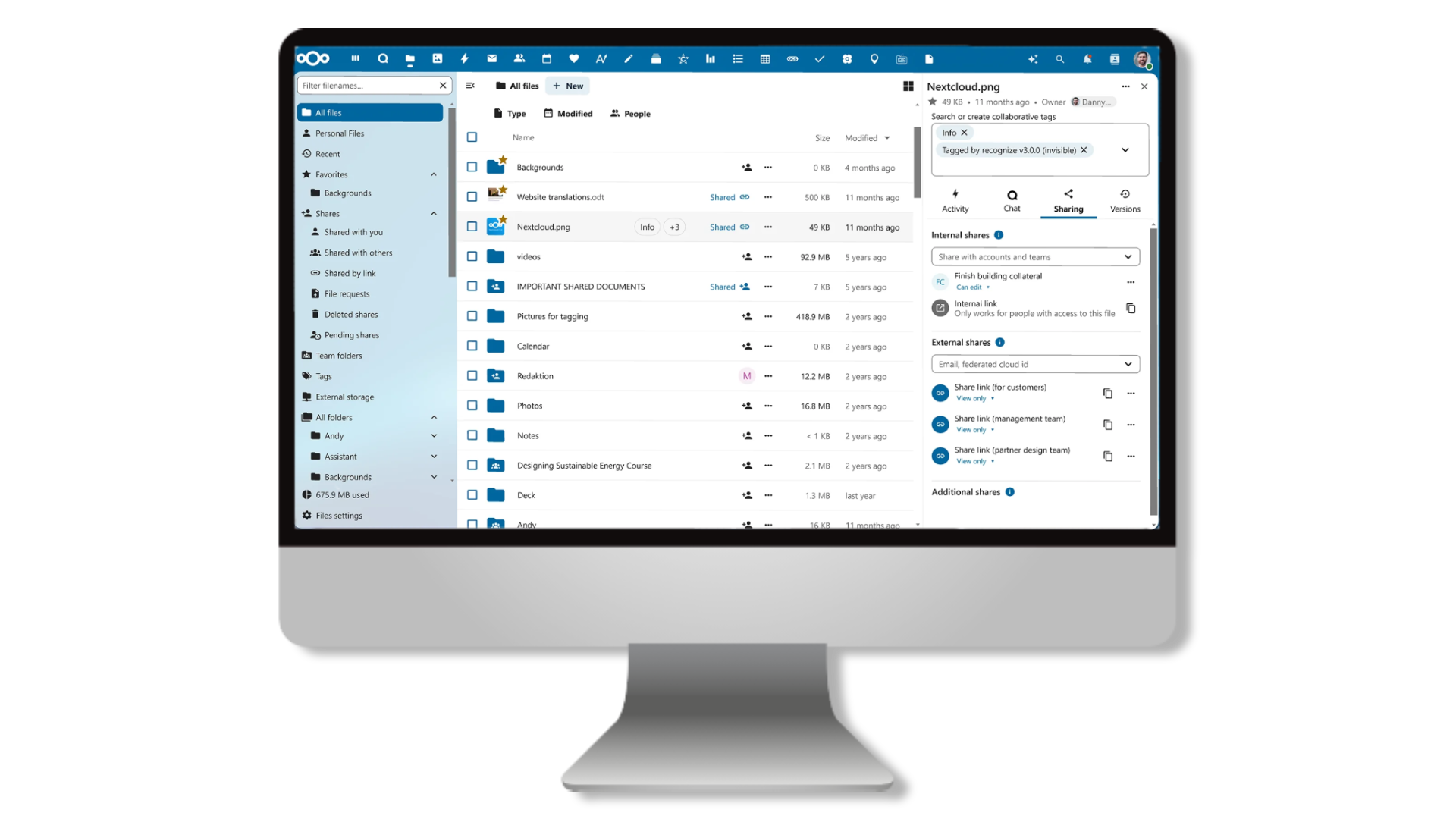
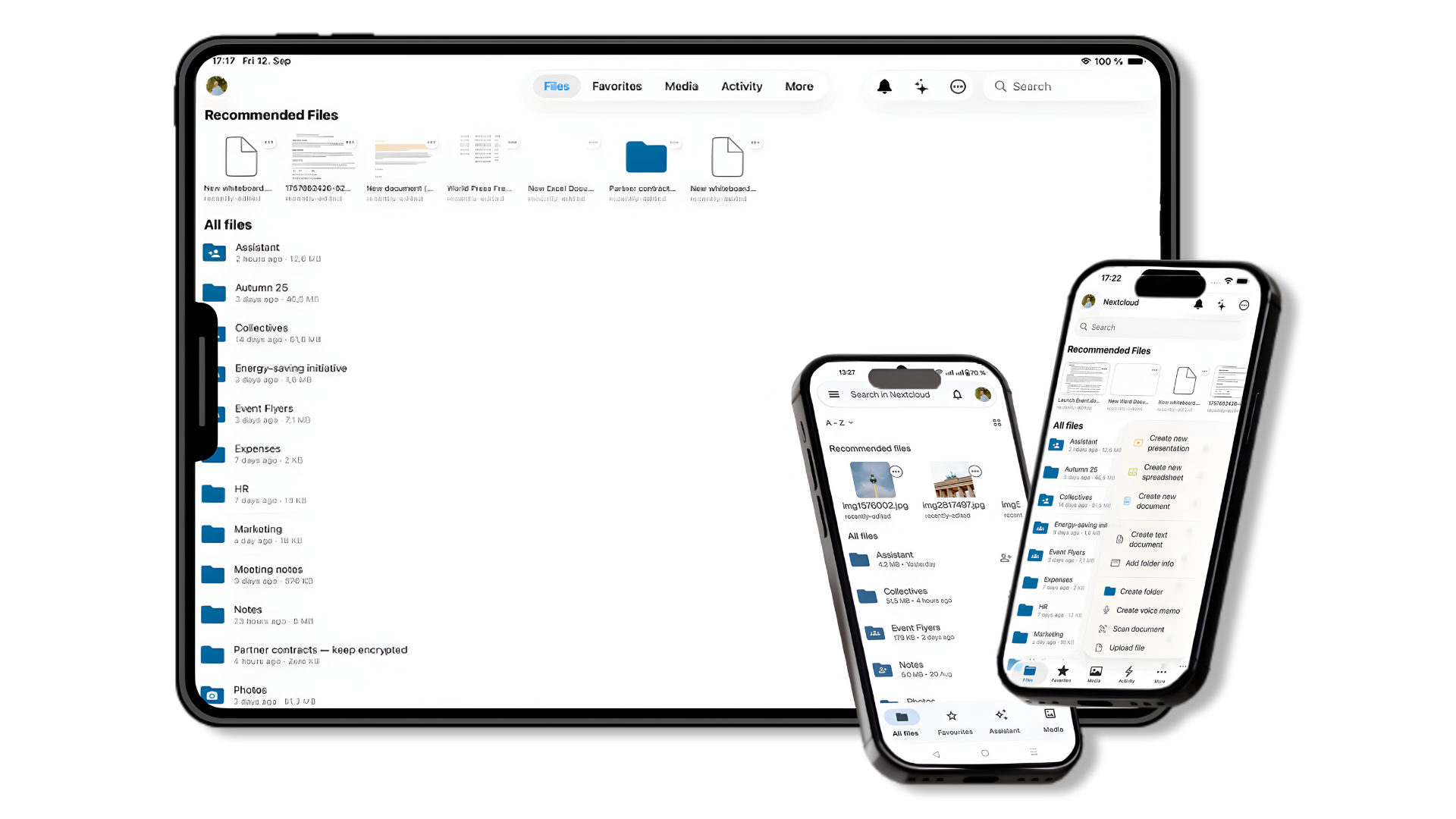
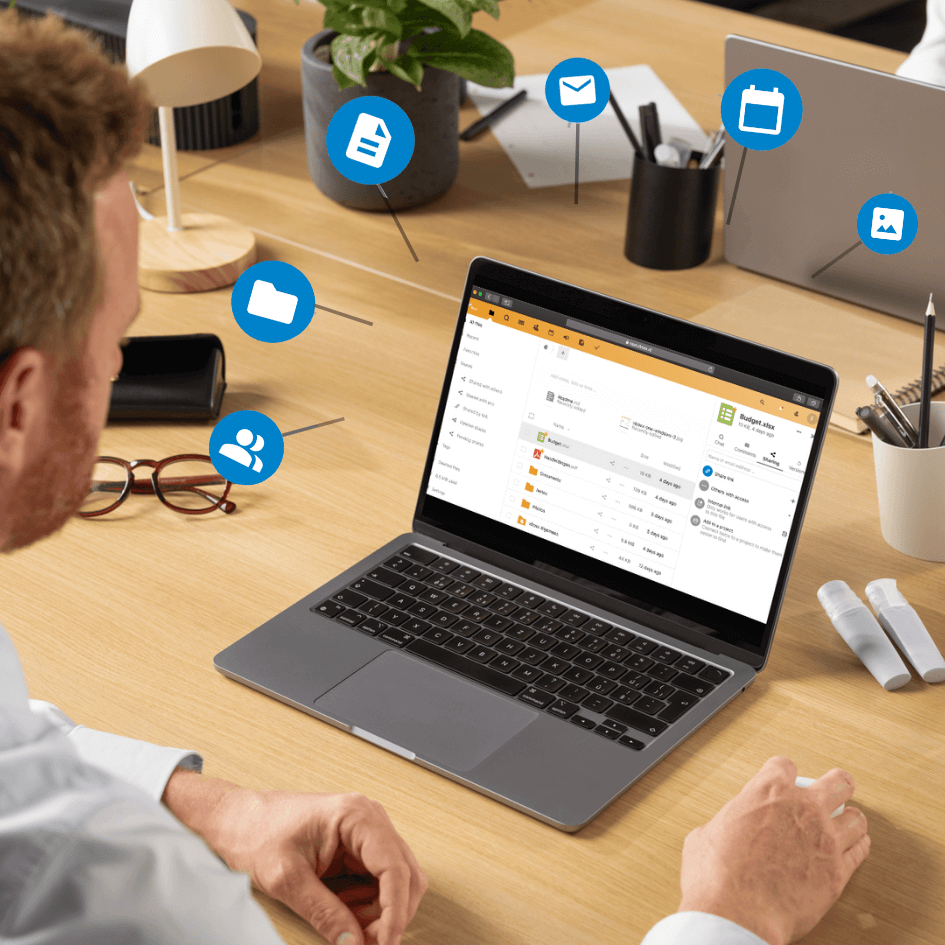
Manage Email, files and tasks from any device

Our customized NextCloud Hub is available on macOS, Windows, iOS and Android.

nextcloud hub sync tool
Synchronize files to your computer
Synchronize files to your computer with the Sync app. The sync tool creates a folder on your computer that synchronizes all your files and changes.
  • Available on macOS
  • Available on Windows
nextcloud hub mobile
All your files accessible from any device

Access and edit your files anywhere by downloading the vBoxxCloud app on your mobile devices.

  • Manage the cloud directly from your mobile device
  • Available on Android
  • Available iOS devices
nextcloud hub web
Manage your cloud from one place

All users can log in via the web browser to view, modify and share their files. Video conferencing, chat and email management tools are all accessible with a click of a button.

  • Manage everything about your files in the cloud
  • Chat and video calls available
  • Shared contact list and calendar
  • Link email accounts and manage them directly from the web browser
Advanced Features

Why Nextcloud Hub

Run wherever you want:
On-Premises or Cloud
100% open source
A single, integrated platform
Integration in infrastructure
Security and encryption
vboxx nextcloud hub

Your Trusted EU Hosting Partner

With extensive experience in secure European hosting and cloud solutions, vBoxx helps organizations build reliable and flexible environments tailored to the way they work.

Contact us to find the solution that best fits your company's needs.