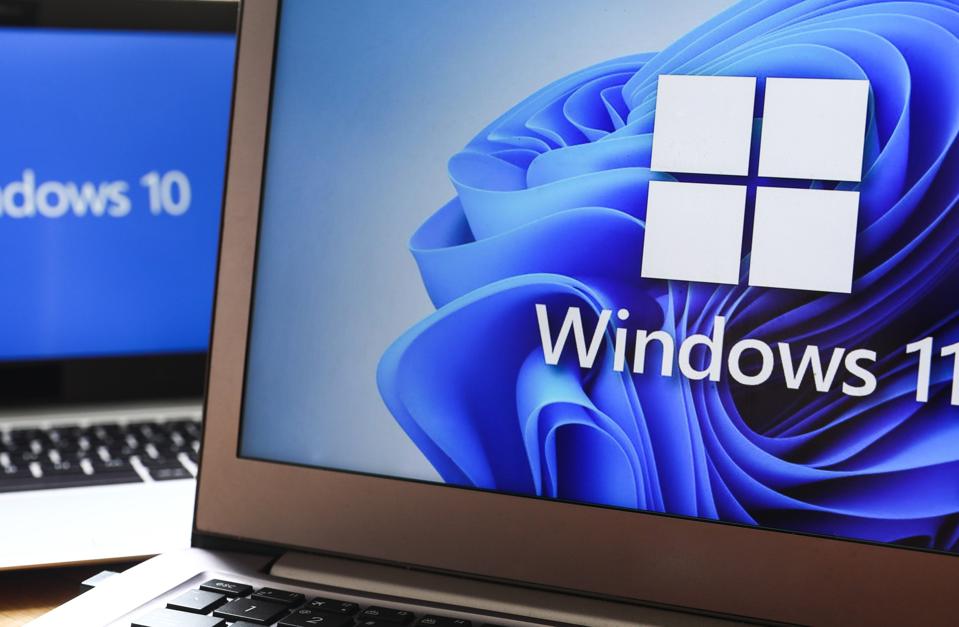

Support for Windows 10 will officially end on October 14, 2025, and this change will affect millions of users and businesses. Most organizations already pay for cloud tools and subscription services. Now, Microsoft is shifting its support policy, which means free updates and patches for Windows 10 will stop.
According to industry estimates, about 400 million PCs cannot upgrade to Windows 11 because they do not meet the hardware requirements. As a result, companies must decide: buy new devices or pay for extended services that used to be free.
This change will not only raise costs but also create risks for security, compliance, and long-term planning. Taking action early will help avoid rushed and expensive decisions.
What Is Changing in the Windows 10 Lifecycle?
- End of free support: Microsoft will stop free security updates, patches, and help for Windows 10 on October 14, 2025.
- Extended support for Windows 10: Microsoft will offer Extended Security Updates (ESU) as a paid subscription to keep systems secure for a limited time.
- Upgrade limits: Around 400 million PCs cannot update to Windows 11 because of hardware limits.
- Impact on budgets: Companies must either pay for ESU or invest in new devices sooner.
- Opportunity for IT providers: Service providers will see a higher demand for Windows 10 upgrade support, migration planning, and lifecycle management.
Why It Matters for Businesses
The end of Windows 10 Support is more than just a software update. It changes how organizations handle their technology:
- Security risks: Unsupported systems will no longer get security updates, leaving them vulnerable to attacks.
- Budget pressure: Organizations will face new costs for hardware or extended services.
- Practical problems: Schools, small firms, and non-profits may not have the funds to replace devices quickly.
Therefore, preparing now is the key to avoiding issues later.
The Real Cost of Staying on Windows 10
Keeping Windows 10 after support ends may seem like a money-saver, but it creates hidden costs:
- Paying for extended support for Windows 10 adds up quickly across large fleets.
- Old devices will eventually need replacing, often sooner than expected.
- Some business apps tied to Windows 10 may stop working or need retesting.
- Compliance rules and security standards will be harder to meet.
In short, short-term savings can turn into long-term risks.
How IT Partners Can Help
The end of Microsoft’s support policy does not have to be a setback. It can also be an opportunity. IT service providers can help businesses make smart choices. A good partner can:
- Check if your devices are ready for Windows 11.
- Build a step-by-step migration plan.
- Provide Windows 10 upgrade support for systems that cannot migrate yet.
- Offer cost-effective hardware replacement solutions.
This way, companies can manage change without rushing or overspending.
Choosing the Right Partner
When picking a partner for Windows 10 lifecycle management, look for:
- A strong track record in Windows migrations.
- Services that include hardware checks, migration, and extended support.
- Clear and transparent pricing.
- Cybersecurity and compliance knowledge.
- Flexible support for both small offices and large enterprises.
FAQ
1. When does Windows 10 Support end?
Free support ends on October 14, 2025.
2. Can all PCs upgrade to Windows 11?
No. About 400 million devices cannot upgrade because they do not meet requirements.
3. What can I do if my device is not compatible?
You can either buy new hardware or pay for extended support for Windows 10.
4. Is it safe to use Windows 10 after support ends?
No. Without updates, devices are open to attacks and compliance issues.
5. Are there alternatives to Microsoft’s paid ESU program?
Yes. Some providers offer tailored Windows 10 upgrade support and lifecycle planning.
Final Thoughts and Next Steps
The end of free Support for Windows 10 is an important moment for businesses. Whether you run a small team or a large company, being unprepared could expose your systems to serious risks.
Now is the time to act. Check your hardware, plan your upgrades, and find the right IT partner. Acting early saves money and keeps your systems secure.
👉 Contact us today to discuss migration planning, and affordable hardware solutions. Future-proof your IT before October 2025.