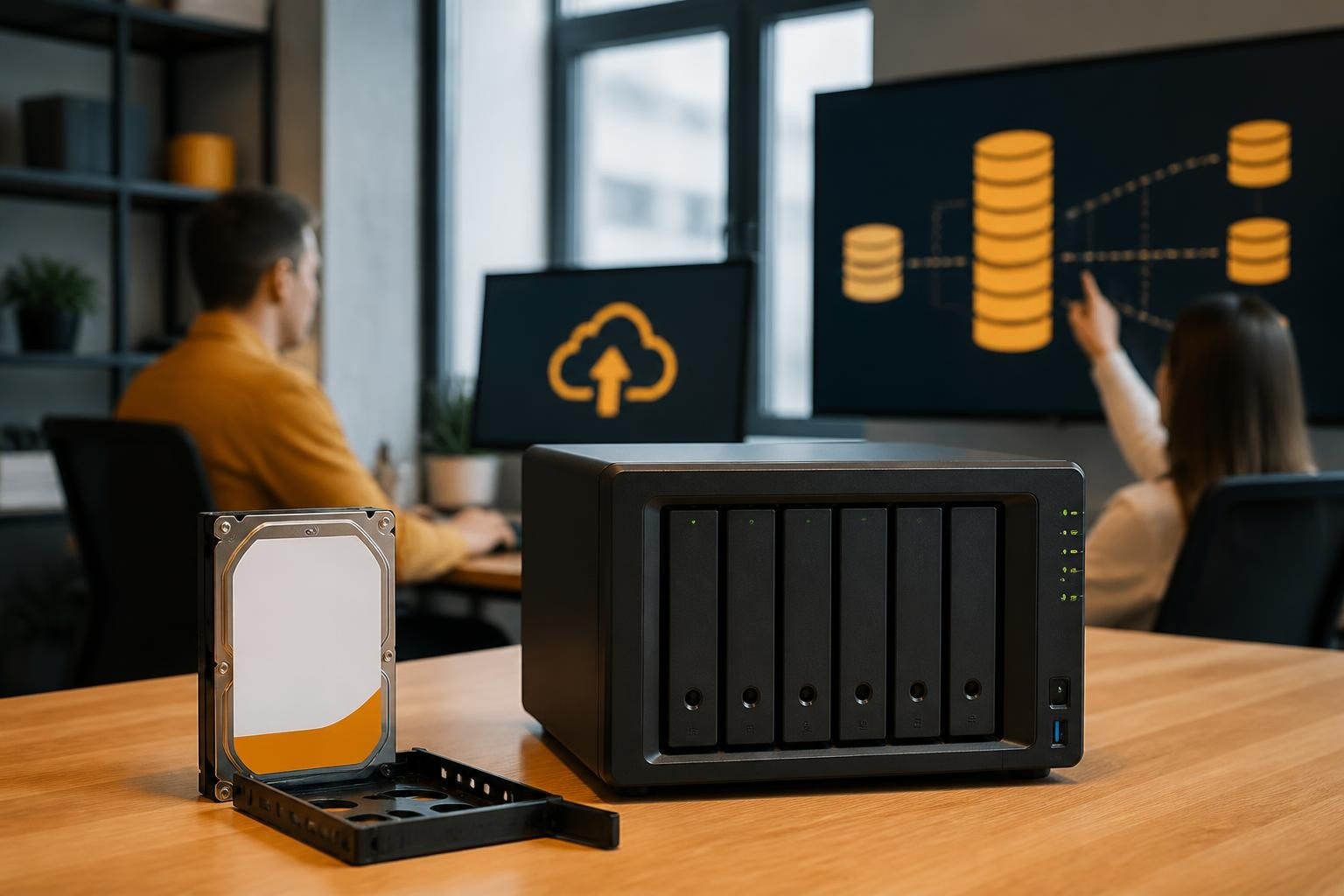
The Synology DS1823xs+ represents a significant milestone in enterprise network-attached storage, offering businesses a powerful solution for centralizing data management, virtualization, and backup operations. Designed for organizations that demand high performance, scalability, and reliability, this 8-bay NAS device delivers the robust infrastructure needed to support growing data requirements whilst maintaining compliance with modern security standards. Furthermore, understanding the capabilities and deployment considerations of the ds1823xs+ enables IT teams to make informed decisions about their storage infrastructure investments.
Hardware Architecture and Performance Capabilities
The ds1823xs+ builds upon Synology's XS+ series heritage with substantial improvements in processing power and expandability. At its core, the device features an AMD Ryzen V1500B quad-core processor running at 2.2 GHz, paired with 8 GB of DDR4 ECC memory expandable to 32 GB. This configuration delivers the computational muscle required for demanding workloads including virtualization, media transcoding, and concurrent multi-user access.

Storage Capacity and Expansion Options
The base configuration provides eight 3.5-inch drive bays supporting HDDs or SSDs, with a maximum raw capacity of 288 TB using 18 TB drives. Nevertheless, the true scalability advantage emerges through expansion capabilities. Moreover, by connecting two DX517 expansion units, organizations can extend total capacity to 360 TB raw storage, accommodating years of growth without requiring infrastructure replacement.
| Specification | DS1823xs+ Base | With 2x DX517 Expansion |
|---|---|---|
| Drive Bays | 8 | 18 |
| Maximum Raw Capacity | 288 TB | 360 TB |
| Hot-Swap Support | Yes | Yes |
| RAID Options | SHR, JBOD, 0, 1, 5, 6, 10 | All supported |
The official Synology DS1823xs+ product page details these expansion capabilities alongside comprehensive specifications for networking and I/O interfaces.
Network Connectivity and Throughput
Network performance proves critical for enterprise deployments. Therefore, the ds1823xs+ includes four Gigabit Ethernet ports supporting link aggregation, failover, and load balancing. For organizations requiring higher bandwidth, two 10GbE SFP+ ports deliver low-latency access for intensive workloads such as video editing, database hosting, and virtual machine storage.
In addition, the dual 10GbE ports enable direct-attached storage configurations for high-performance computing environments. Furthermore, testing confirms sequential read speeds exceeding 2,300 MB/s and write speeds reaching 1,000 MB/s when configured with SSD arrays, as documented in Synology's official performance benchmarks.
DiskStation Manager Operating System
The ds1823xs+ runs DSM (DiskStation Manager), Synology's proprietary operating system that transforms the hardware into a comprehensive business platform. DSM provides centralized management for storage, security, collaboration, and application deployment through an intuitive web-based interface accessible from any device.
Core Storage Services
DSM supports multiple file-sharing protocols simultaneously, including SMB, AFP, NFS, FTP, and WebDAV. Consequently, organizations can serve Windows clients, macOS workstations, Linux servers, and mobile devices from a single unified storage pool. In addition, the platform includes:
- Btrfs file system with built-in data integrity protection and snapshot capabilities
- Thin provisioning to optimize storage allocation across multiple volumes
- SSD caching for accelerated performance on frequently accessed data
- Storage pools supporting multiple RAID levels for different performance and redundancy requirements
Moreover, snapshot replication enables point-in-time recovery without consuming excessive storage space. Therefore, administrators can create protection schedules capturing system state every few hours, safeguarding against ransomware attacks and accidental deletions.
Application Ecosystem
Beyond storage fundamentals, DSM hosts an extensive package centre offering business applications. Nevertheless, critical applications include:
- Synology Drive for team file synchronization and collaboration
- Active Backup for Business providing agentless backup for virtual machines, physical PCs, and file servers
- Hyper Backup supporting versioned backups to local, remote, and cloud destinations
- Virtual Machine Manager for running multiple operating systems concurrently
- Surveillance Station for video management and archiving
Furthermore, businesses seeking secure European cloud storage can complement their on-premises ds1823xs+ infrastructure with GDPR-compliant cloud solutions for hybrid deployment models.
Deployment Scenarios for Business Environments
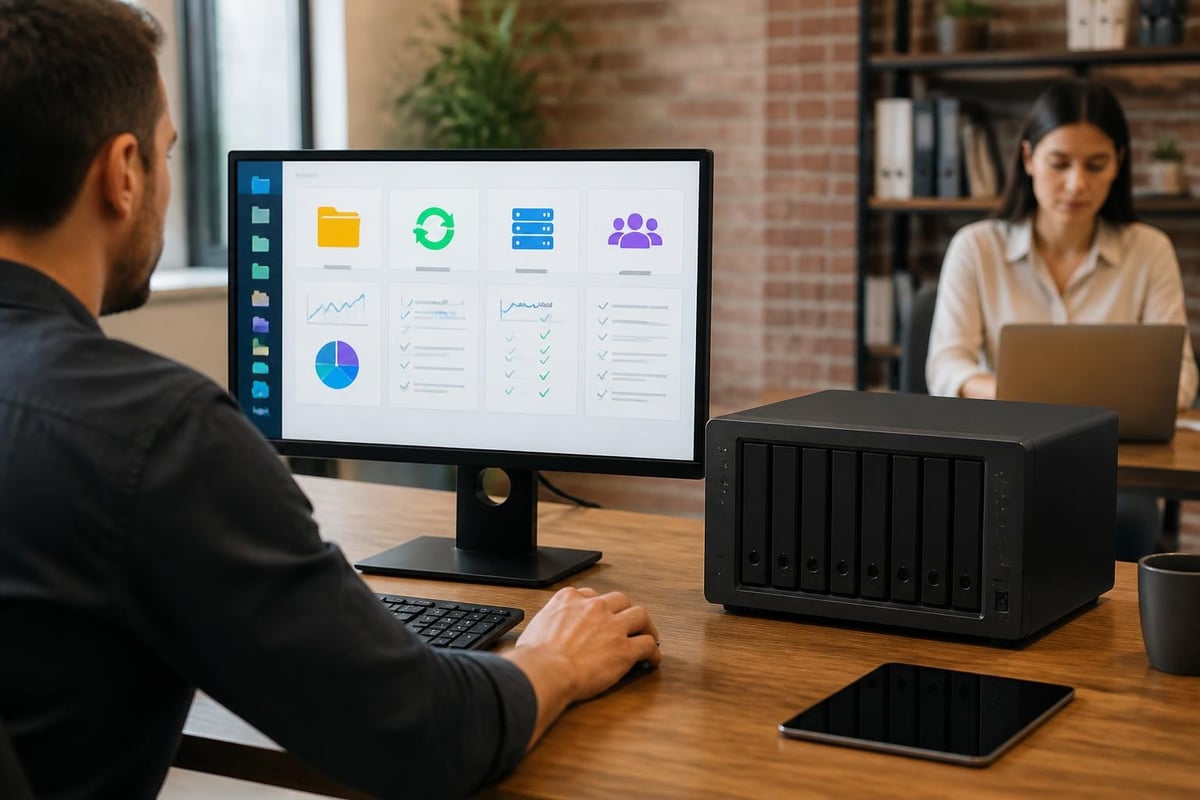
The ds1823xs+ addresses multiple enterprise use cases, making it a versatile investment for organizations with diverse IT requirements. In addition, understanding these scenarios helps businesses maximize their infrastructure investment.
Centralized File Server and Collaboration Hub
Small to medium enterprises frequently deploy the ds1823xs+ as their primary file server, replacing aging Windows Server installations or expensive SAN infrastructure. The device supports granular permissions, Active Directory integration, and quota management, enabling IT teams to maintain control whilst empowering departmental autonomy.
Moreover, integration with Synology Drive transforms the ds1823xs+ into a private cloud platform, offering capabilities comparable to commercial services whilst maintaining complete data sovereignty. Therefore, organizations concerned about data residency and compliance can keep sensitive information within their own infrastructure.
Virtualization Storage Platform
VMware, Hyper-V, and Citrix environments benefit significantly from the ds1823xs+ through iSCSI LUN provisioning. Nevertheless, the dual 10GbE ports ensure low-latency access for virtualized workloads, whilst the robust processor handles multiple concurrent IOPS demands. Furthermore, VMware VAAI and Windows ODX support offload intensive operations from hypervisors to the storage device, improving overall infrastructure efficiency.
The comprehensive datasheet confirms compatibility with major virtualization platforms alongside detailed specifications for protocol support and performance characteristics.
Backup Target and Disaster Recovery
Organizations running Microsoft 365 or Google Workspace environments face retention challenges when cloud providers delete data permanently after limited periods. Therefore, the ds1823xs+ serves as an excellent backup repository through Active Backup for Business or third-party applications. In addition, vBoxx Backup for Microsoft 365 and Google Workspace offers European-hosted cloud-to-cloud protection with AES-256 encryption, providing complementary protection alongside on-premises storage.
For businesses operating Mac infrastructure, the ds1823xs+ provides Time Machine support and macOS-native file sharing. Nevertheless, organizations requiring dedicated Mac hosting for development or creative workflows might also consider specialized solutions such as managed Apple hardware hosted in European data centres.
Security Features and Compliance Considerations
Data protection extends beyond hardware redundancy to encompass access control, encryption, and threat mitigation. Furthermore, the ds1823xs+ implements multiple security layers addressing contemporary enterprise requirements.
Access Control and Authentication
DSM supports multiple authentication methods:
- Local user accounts with password complexity policies
- LDAP and Active Directory integration for centralized management
- Two-factor authentication using SMS, email, or authenticator apps
- SSL/TLS certificates for encrypted administrative access
Moreover, administrators can enforce IP blocking, account protection against brute-force attacks, and automatic device quarantine when suspicious behaviour patterns emerge. Therefore, security teams maintain visibility and control over access patterns.
Data Encryption and Network Security
The ds1823xs+ supports AES-256 encryption for shared folders, ensuring data remains protected at rest. In addition, all network protocols support encryption in transit, including SMB3 encryption, HTTPS for web services, and SFTP for file transfers. Nevertheless, encryption introduces computational overhead, making the powerful processor particularly valuable for environments requiring comprehensive data protection.
Furthermore, the integrated firewall and automatic security updates help maintain protection against evolving threats. The platform also supports European privacy regulations, making it suitable for organizations prioritizing GDPR compliance.
Performance Optimization Strategies
Maximizing ds1823xs+ performance requires thoughtful configuration aligned with workload characteristics. In addition, understanding optimization techniques helps organizations achieve the best return on investment.
RAID Configuration Selection
| RAID Level | Capacity Efficiency | Performance | Fault Tolerance | Best For |
|---|---|---|---|---|
| SHR-2 | 75% (8 drives) | Moderate | 2 drives | General business storage |
| RAID 6 | 75% (8 drives) | Moderate | 2 drives | Maximum protection |
| RAID 10 | 50% | Excellent | 1 drive per mirror | High-performance databases |
| RAID 5 | 87.5% (8 drives) | Good | 1 drive | Cost-effective balance |
Nevertheless, RAID selection involves trade-offs between capacity, performance, and redundancy. Therefore, businesses should align RAID choices with specific workload requirements rather than applying a single configuration across all volumes.
SSD Cache and Storage Tiering
The ds1823xs+ supports both read and write SSD caching, dramatically improving performance for frequently accessed data. Moreover, read cache requires two SSDs in RAID 0 configuration, whilst write cache demands RAID 1 for data protection. Furthermore, organizations can install M.2 NVMe adapters in PCIe slots, providing dedicated cache storage without consuming drive bays.
In addition, Synology's storage analyzer identifies hot data patterns, helping administrators optimize cache sizing and placement. Therefore, even modest cache investments deliver measurable performance improvements for mixed workloads.
Management and Monitoring Capabilities
Effective NAS management requires comprehensive visibility into performance, capacity, and health metrics. Furthermore, DSM provides extensive monitoring tools accessible through the web interface and mobile applications.
Resource Monitoring and Alerting
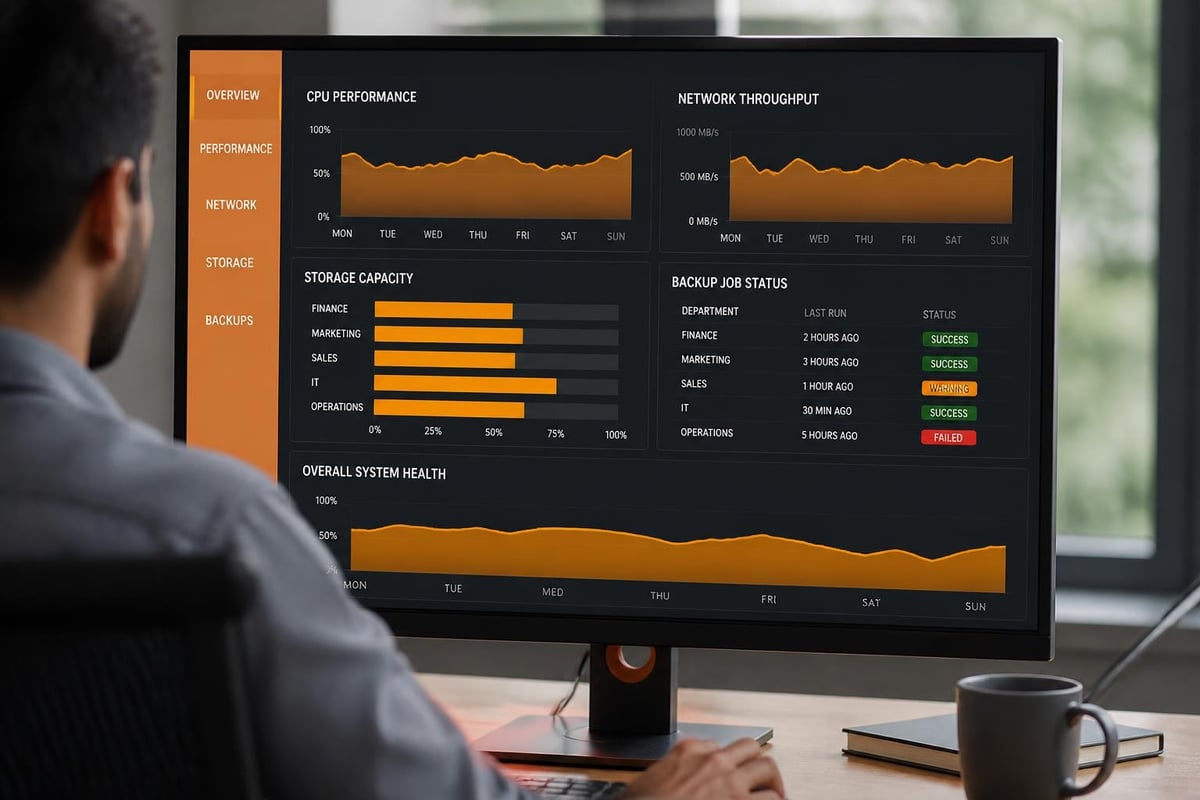
The Resource Monitor displays real-time data for CPU utilization, memory consumption, network throughput, and disk I/O. Moreover, administrators can configure email or SMS notifications for threshold violations, ensuring prompt response to capacity constraints or performance degradation. In addition, historical trend data supports capacity planning and infrastructure forecasting.
Nevertheless, proactive monitoring proves more effective than reactive troubleshooting. Therefore, establishing baseline performance metrics during initial deployment enables rapid identification of anomalies indicating hardware issues or configuration problems.
Remote Access and Mobile Management
DSM's QuickConnect service enables secure remote access without complex firewall configurations or VPN requirements. Furthermore, mobile applications for iOS and Android provide file access, backup monitoring, and system administration capabilities from anywhere. In addition, the DS file, DS photo, and other companion apps transform the ds1823xs+ into a comprehensive mobile productivity platform.
Total Cost of Ownership Analysis
Evaluating the ds1823xs+ requires examining both initial acquisition costs and ongoing operational expenses. Furthermore, understanding TCO helps justify infrastructure investments to stakeholders.
Initial Investment Components
- Base unit including chassis, processor, memory, and power supplies
- Hard drives or SSDs for storage pool creation
- Expansion units if capacity requirements exceed eight bays
- Network infrastructure upgrades for 10GbE connectivity
- UPS systems ensuring graceful shutdown during power failures
Moreover, organizations should budget for sufficient memory upgrades, as the base 8 GB configuration may prove limiting for virtualization or heavy concurrent usage. Nevertheless, the ds1823xs+ supports standard DDR4 SO-DIMM modules, keeping upgrade costs reasonable.
Ongoing Operational Costs
In addition to initial acquisition, consider these ongoing expenses:
- Power consumption averaging 60-70 watts in typical operation
- Cooling requirements in data centre environments
- Drive replacement as devices reach end of life
- Support contracts for extended warranty and technical assistance
- Training for IT staff managing the platform
Furthermore, the Beebom hands-on review confirms thermal performance remains excellent even under sustained load, suggesting reliable operation in standard office environments without specialized cooling infrastructure.
Migration and Implementation Considerations
Successfully deploying a ds1823xs+ requires careful planning to minimize disruption whilst ensuring data integrity throughout the transition. Moreover, methodical implementation reduces risks associated with enterprise storage migration.
Pre-Deployment Planning
Before powering on the device, document current infrastructure including:
- Existing share structures and permission models
- Network addressing and VLAN configurations
- User directory structures and group memberships
- Application dependencies on current storage systems
- Backup schedules and retention policies
Therefore, comprehensive documentation enables smooth migration whilst providing rollback options if unexpected issues emerge. In addition, involving key stakeholders early prevents surprises during implementation phases.
Data Migration Approaches
Organizations can choose multiple migration strategies depending on downtime tolerance and data volumes:
- Direct copy during maintenance window for smaller datasets under 10 TB
- Phased migration moving departments incrementally over weeks
- Parallel operation running old and new systems simultaneously until validation completes
- Replication-based transition using DSM's migration tools
Nevertheless, regardless of approach selected, maintaining parallel backups throughout migration proves essential. Furthermore, validation testing should confirm data integrity, permission inheritance, and application connectivity before decommissioning legacy systems.
Post-Implementation Optimization
After initial deployment, monitor performance metrics for the first 30 days to establish baseline behaviour. Moreover, this observation period reveals unexpected bottlenecks or configuration inefficiencies requiring adjustment. In addition, user feedback often highlights permission issues or connectivity challenges not apparent during technical testing.
Therefore, schedule a post-implementation review approximately one month after go-live, examining:
- Storage utilization patterns and growth trends
- Network throughput and bottleneck identification
- Backup success rates and completion times
- User satisfaction and support ticket volumes
Furthermore, this review informs optimization decisions and helps justify any required infrastructure enhancements.
Comparing DS1823xs+ Within the XS+ Lineup
Synology offers multiple models in the XS+ enterprise series, each targeting specific performance and capacity requirements. Nevertheless, understanding how the ds1823xs+ positions against alternatives helps organizations select the optimal device.
The Synology product announcement positioned the ds1823xs+ as the successor to the DS1821+, offering improved processing power and enhanced memory support. Moreover, compared to rack-mounted alternatives like the RS3621xs+, the desktop form factor provides identical DSM functionality whilst fitting standard office environments without server rack requirements.
In addition, organizations requiring greater density might consider the RS4021xs+ with 16 drive bays, though at significantly higher acquisition costs. Therefore, the ds1823xs+ represents an excellent balance between capacity, performance, and budget for most small to medium enterprises.
Real-World Performance Expectations
Theoretical specifications provide framework understanding, but practical performance depends on numerous configuration variables. Furthermore, setting realistic expectations prevents disappointment during deployment.
File Transfer Performance
Under optimal conditions with 10GbE connectivity and SSD arrays, the ds1823xs+ achieves:
- Sequential reads exceeding 2,300 MB/s
- Sequential writes approaching 1,000 MB/s
- Random 4K reads around 100,000 IOPS
- Random 4K writes approximately 50,000 IOPS
Nevertheless, real-world performance varies significantly based on drive configuration, RAID selection, network infrastructure, and client capabilities. Therefore, HDD-based arrays deliver substantially lower throughput whilst remaining cost-effective for capacity-focused deployments.
Concurrent User Scalability
The ds1823xs+ comfortably supports 100-200 concurrent SMB connections under typical office workloads. Moreover, performance remains consistent even during backup windows or snapshot operations, thanks to the robust processor and ECC memory. In addition, proper network design prevents bottlenecks from concentrating traffic through insufficient switch uplinks.
Furthermore, organizations can review additional performance insights and comparative benchmarks through resources like the Synology hardware portfolio documentation, which contextualizes the ds1823xs+ alongside other enterprise models.
Long-Term Sustainability and Support
Infrastructure investments must deliver value across multi-year horizons. Therefore, examining vendor commitment, update policies, and ecosystem maturity informs purchasing decisions.
Firmware and Security Updates
Synology maintains active DSM development with regular security patches and feature enhancements. Moreover, the company typically supports hardware platforms for 7-10 years following release, ensuring long-term viability. Nevertheless, organizations should verify current DSM version compatibility and update frequency when evaluating the platform.
In addition, Synology's active community forums and knowledge base provide extensive troubleshooting resources. Furthermore, technical expertise for migration and ongoing management can significantly reduce internal IT burden, particularly for organizations without dedicated storage specialists.
Environmental Considerations
Power efficiency contributes to both operational cost reduction and environmental responsibility. The ds1823xs+ features intelligent fan control, drive hibernation, and scheduled power management to minimize energy consumption during low-activity periods. Moreover, compliance with energy efficiency standards aligns with corporate sustainability initiatives increasingly important to stakeholders.
Therefore, organizations prioritizing green IT practices find the ds1823xs+ supports these objectives whilst delivering enterprise-grade performance and reliability.
The Synology DS1823xs+ delivers enterprise-grade storage, backup, and virtualization capabilities within a scalable platform suited for growing organizations. Nevertheless, on-premises infrastructure represents only part of comprehensive data protection strategies. For businesses seeking GDPR-compliant cloud storage, automated backup, and secure collaboration tools hosted entirely within European data centres, vBoxx provides complementary solutions including encrypted cloud storage, Microsoft 365 backup, and business communication platforms, all running on ISO 27001-certified infrastructure in the Netherlands with expert migration assistance and ongoing support.