The rise of autonomous AI agents has transformed how businesses approach automation, and OpenClaw stands at the forefront of this revolution. As organisations seek reliable hardware platforms for deploying these sophisticated agents, the Mac Mini has emerged as a compelling choice. This compact desktop computer combines powerful processing capabilities with energy efficiency, making it particularly suitable for running OpenClaw continuously. Furthermore, its macOS foundation provides the stable environment that OpenClaw requires whilst maintaining robust security features essential for enterprise deployments.
Why Mac Mini Stands Out for OpenClaw Deployment
The mac mini for openclaw pairing has gained significant traction within the AI community, and for good reason. Apple's latest Mac Mini models feature the M-series chips with unified memory architecture, which delivers exceptional performance for AI workloads. Moreover, the neural engine integrated into these chips accelerates machine learning tasks that OpenClaw relies upon for intelligent decision-making.
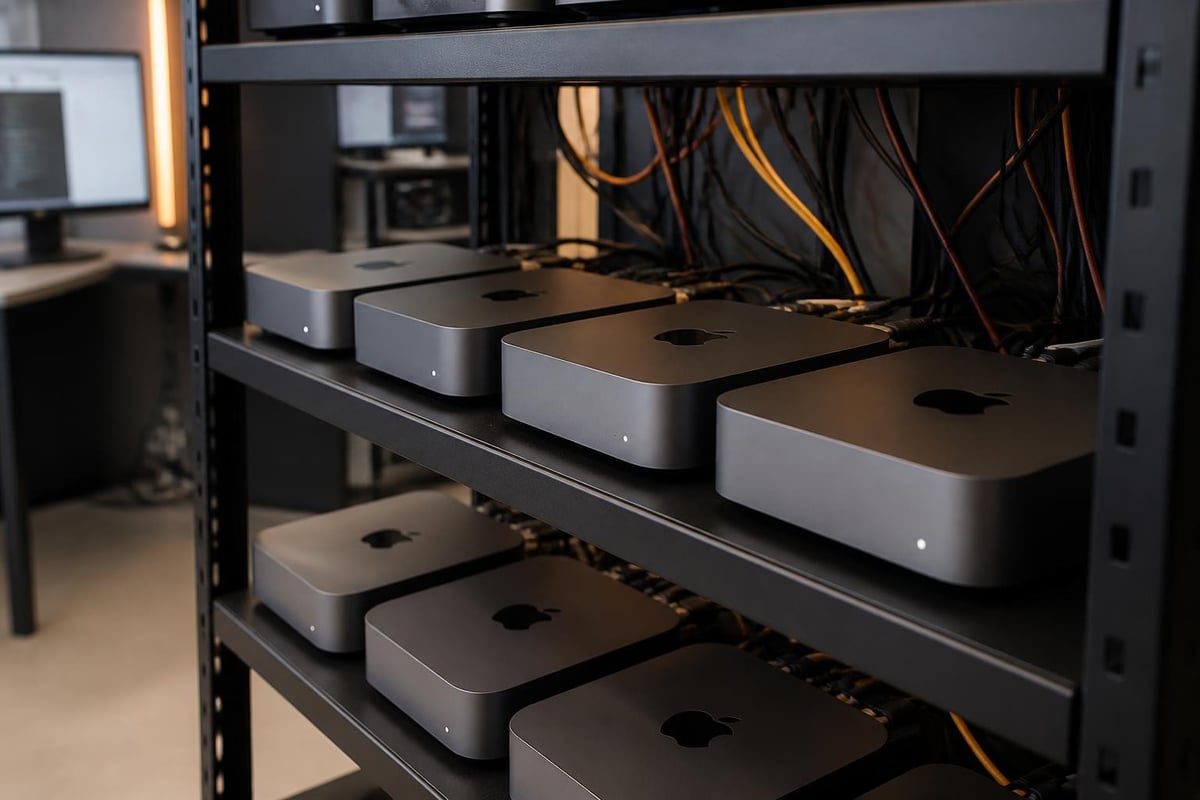
The compact form factor presents another advantage. Businesses can deploy multiple Mac Mini units in limited space, creating distributed OpenClaw agent networks without requiring extensive data centre infrastructure. Nevertheless, the small size doesn't compromise capability. The latest models support up to 64GB of unified memory, ensuring OpenClaw can handle complex workflows without performance degradation.
Hardware Specifications That Matter
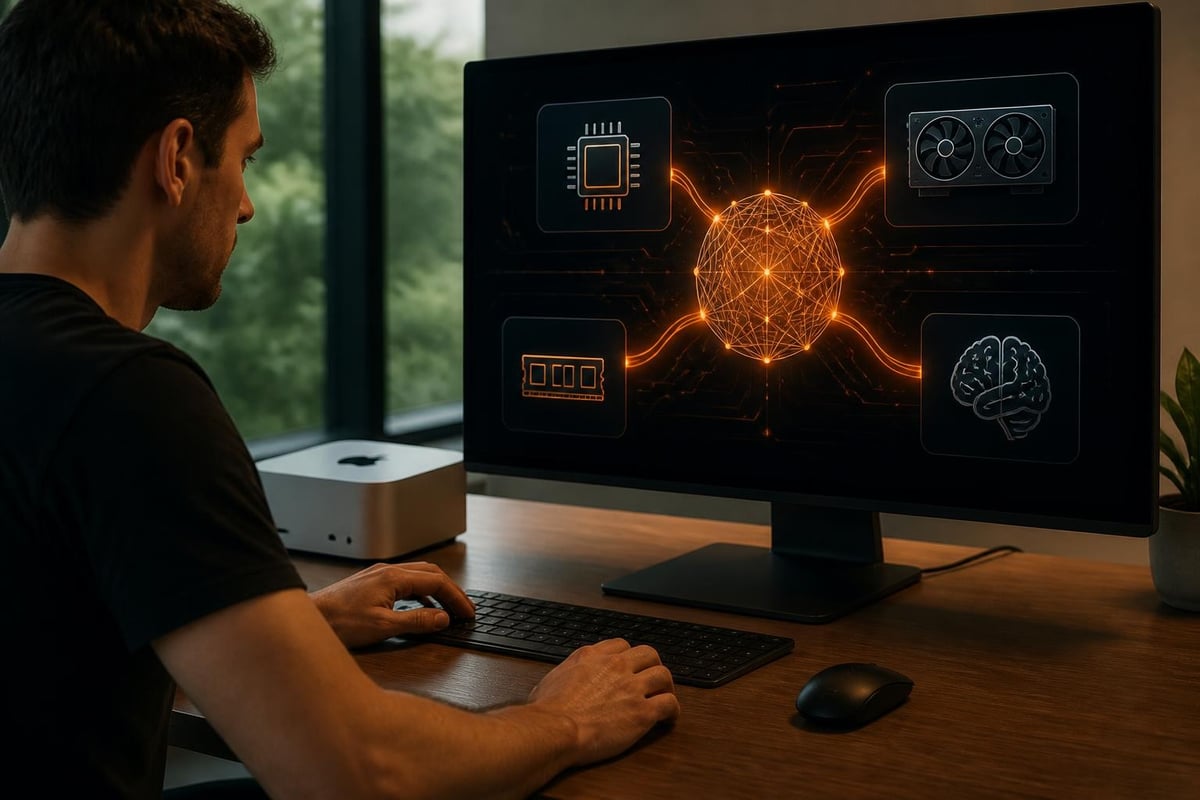
When selecting a mac mini for openclaw, certain specifications demand particular attention. Therefore, understanding these requirements ensures optimal performance and longevity.
Memory considerations include:
- 16GB minimum for basic OpenClaw deployments
- 32GB recommended for production environments
- 64GB ideal for complex multi-agent configurations
The processor choice equally impacts performance. The M2 Pro and M4 variants deliver superior multi-core performance, which directly benefits OpenClaw's parallel processing requirements. In addition, these processors maintain excellent energy efficiency, reducing operational costs over time.
Storage configuration also warrants careful planning. Furthermore, whilst 256GB provides adequate space for the operating system and OpenClaw installation, 512GB or larger SSD capacities accommodate extensive logging, data caching, and workspace requirements. According to research from MacAgentBench, storage speed directly correlates with agent response times in real-world scenarios.
Setting Up Your Mac Mini for OpenClaw
Initial configuration represents a critical phase when deploying a mac mini for openclaw solution. Consequently, following systematic setup procedures prevents common pitfalls and establishes a secure foundation.
System Preparation Steps
- Unbox and perform initial macOS setup with a dedicated administrator account
- Update macOS to the latest stable release through System Settings
- Configure network settings with static IP addresses for consistent connectivity
- Enable remote management features including SSH and screen sharing
- Install Xcode Command Line Tools required for OpenClaw dependencies
- Configure Time Machine backups to external storage or network locations
The preparation phase sets expectations for system stability. Moreover, comprehensive setup guidance emphasises the importance of starting with a clean system configuration before introducing OpenClaw components.
For organisations requiring secure infrastructure management, exploring cloud server hosting options can complement local Mac Mini deployments by providing redundant backup systems and centralised management capabilities.
OpenClaw Installation Process
Installing OpenClaw on macOS requires methodical execution. Therefore, following the correct sequence prevents dependency conflicts and ensures smooth operation.
| Installation Phase | Key Actions | Estimated Time |
|---|---|---|
| Prerequisites | Install Homebrew, Python 3.11+, Git | 15-20 minutes |
| Core Installation | Clone repository, configure environment | 10-15 minutes |
| Dependencies | Install required packages, frameworks | 20-30 minutes |
| Initial Configuration | Set API keys, configure agents | 15-25 minutes |
| Testing | Run verification scripts, validate setup | 10-15 minutes |
Furthermore, video tutorials provide visual guidance through each installation step, particularly helpful for teams deploying their first mac mini for openclaw system.
Security Hardening for OpenClaw Environments
Security considerations cannot be overstated when deploying autonomous AI agents. Nevertheless, the Mac Mini's built-in security features provide an excellent starting point for protecting OpenClaw deployments.
Essential Security Configurations
FileVault encryption should be enabled immediately, protecting data at rest on the internal SSD. Additionally, enabling the firmware password prevents unauthorised boot modifications. The T2 or Apple Silicon security chip provides hardware-level protection that significantly enhances overall system security.
Network isolation represents another crucial consideration. Therefore, deploying OpenClaw on a dedicated VLAN separates agent traffic from general business operations. Moreover, implementing firewall rules restricts inbound connections to only necessary services.
Recent security research highlights vulnerabilities specific to AI agents, emphasising the importance of regular security audits and prompt patching. Consequently, establishing automated update schedules ensures your mac mini for openclaw deployment receives critical security patches without delay.

Access Control and Monitoring
Implementing robust access controls prevents unauthorised interaction with your OpenClaw agents. Furthermore, macOS supports granular permission systems that restrict application capabilities.
Key access control measures include:
- Creating dedicated service accounts with minimal privileges
- Implementing two-factor authentication for administrative access
- Configuring sudo timeout limits to reduce exposure windows
- Establishing audit logging for all agent actions
- Setting up alerting systems for suspicious activities
Additionally, continuous monitoring provides visibility into agent behaviour. Therefore, deploying logging solutions that capture system events, network traffic, and application activities enables rapid incident detection and response.
Performance Optimisation Strategies
Maximising performance from your mac mini for openclaw deployment requires understanding macOS resource management and OpenClaw's specific requirements. Nevertheless, several optimisation techniques deliver measurable improvements.
Memory Management Techniques
Unified memory architecture means RAM serves CPU, GPU, and neural engine simultaneously. Consequently, efficient memory utilisation directly impacts overall system performance. Therefore, monitoring memory pressure through Activity Monitor identifies bottlenecks before they affect agent responsiveness.
Optimisation approaches include:
- Configuring swap file location to fastest available storage
- Limiting background processes to essential services only
- Tuning virtual memory parameters through sysctl configurations
- Implementing memory compression for improved effective capacity
- Scheduling resource-intensive tasks during off-peak periods
Furthermore, the neural engine acceleration available in M-series chips requires proper configuration to benefit OpenClaw workloads. In addition, ensuring Core ML frameworks remain updated maximises this hardware acceleration potential.
Network Performance Considerations
Network latency significantly impacts OpenClaw's ability to interact with external services and APIs. Moreover, the Mac Mini's Gigabit Ethernet provides superior consistency compared to wireless connections. Therefore, hardwired network connections should be standard for production deployments.
| Network Configuration | Expected Latency | Recommended Use |
|---|---|---|
| Gigabit Ethernet | < 1ms local | Production deployments |
| Wi-Fi 6E | 2-5ms local | Development environments |
| Thunderbolt Bridge | < 0.5ms | Multi-Mac setups |
Additionally, Quality of Service (QoS) settings prioritise OpenClaw traffic when network congestion occurs. Nevertheless, dedicated network infrastructure remains the preferred solution for mission-critical deployments.
Scaling Mac Mini OpenClaw Deployments
As OpenClaw agent requirements grow, organisations often need to expand beyond single mac mini for openclaw installations. Furthermore, horizontal scaling through multiple Mac Mini units provides flexibility and redundancy.
Multi-Agent Orchestration
Coordinating multiple OpenClaw agents across several Mac Mini systems requires careful architecture planning. Therefore, implementing centralised configuration management ensures consistency across all units. Moreover, container technologies like Docker provide isolation between different agent configurations on the same hardware.
Load balancing distributes incoming requests across available agents, maximising resource utilisation. In addition, health monitoring systems automatically redirect traffic from failing units to healthy alternatives, maintaining service availability.
Recent demand surges for high-memory Mac Mini configurations demonstrate the growing adoption of these scaling strategies. Consequently, planning procurement well in advance prevents deployment delays.
Backup and Disaster Recovery
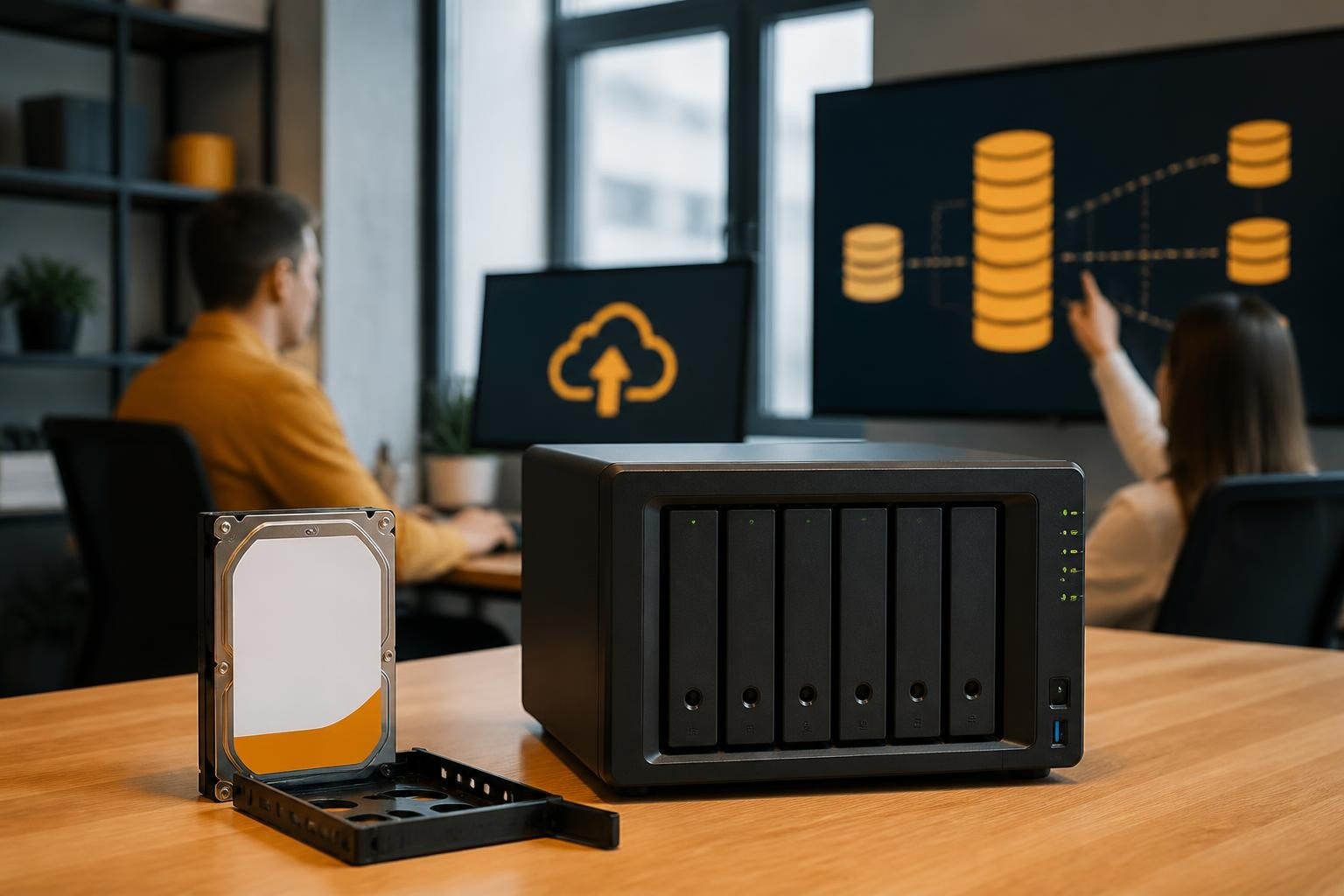
Protecting your mac mini for openclaw infrastructure against data loss and system failures demands comprehensive backup strategies. Furthermore, automated backup solutions minimise recovery time objectives when incidents occur.
Recommended backup approaches:
- Hourly Time Machine backups to network-attached storage
- Daily configuration exports to version control systems
- Weekly full system images to external media
- Monthly off-site backup rotation for disaster recovery
- Continuous replication to standby Mac Mini units
Moreover, regular disaster recovery testing validates backup integrity and team preparedness. Therefore, scheduling quarterly recovery drills identifies procedural gaps before actual emergencies occur.
Cost Considerations and ROI Analysis
Investing in a mac mini for openclaw deployment represents significant capital expenditure. Nevertheless, comparing total cost of ownership against alternatives reveals compelling value propositions.
Hardware Investment Breakdown
| Component | Entry Configuration | Recommended Configuration | Premium Configuration |
|---|---|---|---|
| Base Mac Mini | £649 | £949 | £1,499 |
| Memory Upgrade | Included (16GB) | £200 (32GB) | £800 (64GB) |
| Storage Upgrade | Included (256GB) | £200 (512GB) | £600 (2TB) |
| Networking | Included | £100 (10GbE adapter) | £250 (Thunderbolt switch) |
| Total | £649 | £1,449 | £3,149 |
Furthermore, operational costs remain exceptionally low. The M-series chips consume approximately 15-39 watts under typical OpenClaw workloads, translating to roughly £30-50 annually in electricity costs. In addition, macOS requires no licensing fees, unlike some server operating systems.
Return on Investment Factors
Calculating ROI for mac mini for openclaw deployments considers both tangible and intangible benefits. Therefore, quantifying productivity improvements, error reduction, and labour cost savings provides justification for investment.
Automation through OpenClaw agents typically reduces manual task completion time by 60-80%. Moreover, 24/7 availability ensures continuous operation without shift scheduling complexity. Nevertheless, initial configuration and training investments require 40-80 hours of skilled technical time.
For businesses exploring comprehensive solutions, vBoxx offers consultancy services that accelerate deployment timelines whilst ensuring best practices implementation. Additionally, their maintenance packages provide ongoing support that maximises system uptime and performance.
Integration with Existing Infrastructure
Successfully incorporating a mac mini for openclaw system into established IT environments requires careful integration planning. Furthermore, ensuring compatibility with existing tools, protocols, and workflows prevents operational disruption.
Directory Services Integration
Connecting Mac Mini systems to Active Directory or LDAP services centralises user authentication and authorisation. Therefore, employees access OpenClaw capabilities using existing corporate credentials. Moreover, group policies enforce consistent security settings across all managed systems.
Network file sharing through SMB or AFP protocols enables OpenClaw agents to access centralised data repositories. In addition, mounting cloud storage services provides agents with necessary context for decision-making without duplicating data locally.
API and Webhook Connectivity
OpenClaw's effectiveness depends heavily on external service integration. Consequently, configuring reliable API connections to CRM systems, databases, and third-party platforms becomes paramount. Furthermore, webhook listeners enable real-time event processing that triggers appropriate agent responses.
Common integration points include:
- Customer relationship management platforms
- Project management and collaboration tools
- Email and communication services
- Database systems and data warehouses
- Cloud storage and document repositories
Moreover, implementing API rate limiting and circuit breaker patterns prevents service degradation when external systems experience issues. Therefore, resilient integration architectures maintain OpenClaw functionality even during partial service outages.
Monitoring and Maintenance Best Practices
Sustaining optimal performance from your mac mini for openclaw deployment requires ongoing monitoring and proactive maintenance. Nevertheless, establishing systematic procedures minimises administrative overhead whilst maximising reliability.
System Health Monitoring
Comprehensive monitoring encompasses hardware metrics, software performance indicators, and agent-specific behaviours. Furthermore, establishing baseline measurements enables anomaly detection that identifies emerging issues before they impact operations.
| Metric Category | Key Indicators | Alert Thresholds |
|---|---|---|
| Hardware | CPU temperature, memory pressure, disk I/O | > 85°C, > 80% sustained, > 90% utilisation |
| Network | Latency, packet loss, bandwidth utilisation | > 50ms, > 1%, > 80% capacity |
| Agent Performance | Response time, error rate, task completion | > 5s baseline, > 2%, < 95% success |
| Security | Failed authentication, unusual access patterns | > 3 attempts, any detected |
Additionally, security best practices emphasise the importance of continuous vulnerability scanning and prompt remediation. Therefore, integrating automated security assessment tools into monitoring workflows provides early warning of potential compromises.
Preventive Maintenance Schedules
Regular maintenance prevents gradual performance degradation and extends hardware lifespan. Moreover, scheduled maintenance windows allow updates and optimisations without impacting production workloads.
Monthly maintenance tasks:
- Review and archive log files to free storage space
- Update macOS security patches and system components
- Verify backup integrity through test restorations
- Clean temporary files and cached data
- Review agent performance metrics for optimisation opportunities
Furthermore, quarterly reviews should evaluate whether current mac mini for openclaw configurations still meet evolving business requirements. In addition, capacity planning assessments determine when scaling becomes necessary.
Advanced Configuration Techniques
Experienced administrators can leverage advanced macOS features to further optimise mac mini for openclaw deployments. Nevertheless, these techniques require careful implementation to avoid introducing instability.
Launch Daemon Configuration
Creating custom launch daemons ensures OpenClaw services start automatically after system reboots. Furthermore, properly configured daemons include resource limits, automatic restart policies, and dependency management. Moreover, monitoring daemon health through system logs provides visibility into service reliability.
Benchmark evaluations, including coding task performance assessments, demonstrate how proper daemon configuration impacts agent responsiveness and task completion rates. Therefore, investing time in optimal launch daemon setup yields measurable performance improvements.
Kernel Extension Optimisation
Whilst modern macOS emphasises user-space extensions, certain performance optimisations benefit from kernel-level modifications. Nevertheless, Apple's System Integrity Protection requires careful consideration when implementing such changes. Additionally, maintaining system stability must take precedence over marginal performance gains.
For organisations seeking expert guidance on advanced configurations, scheduling a demonstration with specialists can reveal optimisation opportunities specific to your deployment scenario. Moreover, professional consultancy prevents common configuration mistakes that compromise security or stability.
Deploying a mac mini for openclaw provides businesses with powerful, efficient infrastructure for autonomous AI agents whilst maintaining security and reliability. Furthermore, the combination of Apple Silicon performance, macOS stability, and compact form factor creates an ideal platform for production OpenClaw deployments. Whether you're running a single agent or orchestrating complex multi-system configurations, proper setup and ongoing maintenance ensure optimal results. vBoxx delivers the secure cloud infrastructure, backup solutions, and expert consultancy services that complement your Mac Mini deployments, ensuring your AI agent infrastructure operates reliably within a comprehensive, privacy-focused digital ecosystem.