
Network-attached storage has become an essential component of modern business infrastructure, and the Synology device remains one of the most recognizable names in this space. Nevertheless, choosing the right storage solution requires understanding not just the hardware capabilities, but also how it fits into your broader data protection strategy, security requirements, and regulatory obligations. Furthermore, European businesses face unique considerations around data sovereignty, GDPR compliance, and the need to maintain control over sensitive information. In this article, we explore the Synology device ecosystem, its strengths and limitations, and how businesses can make informed decisions about their storage infrastructure.
Understanding the Synology Device Ecosystem
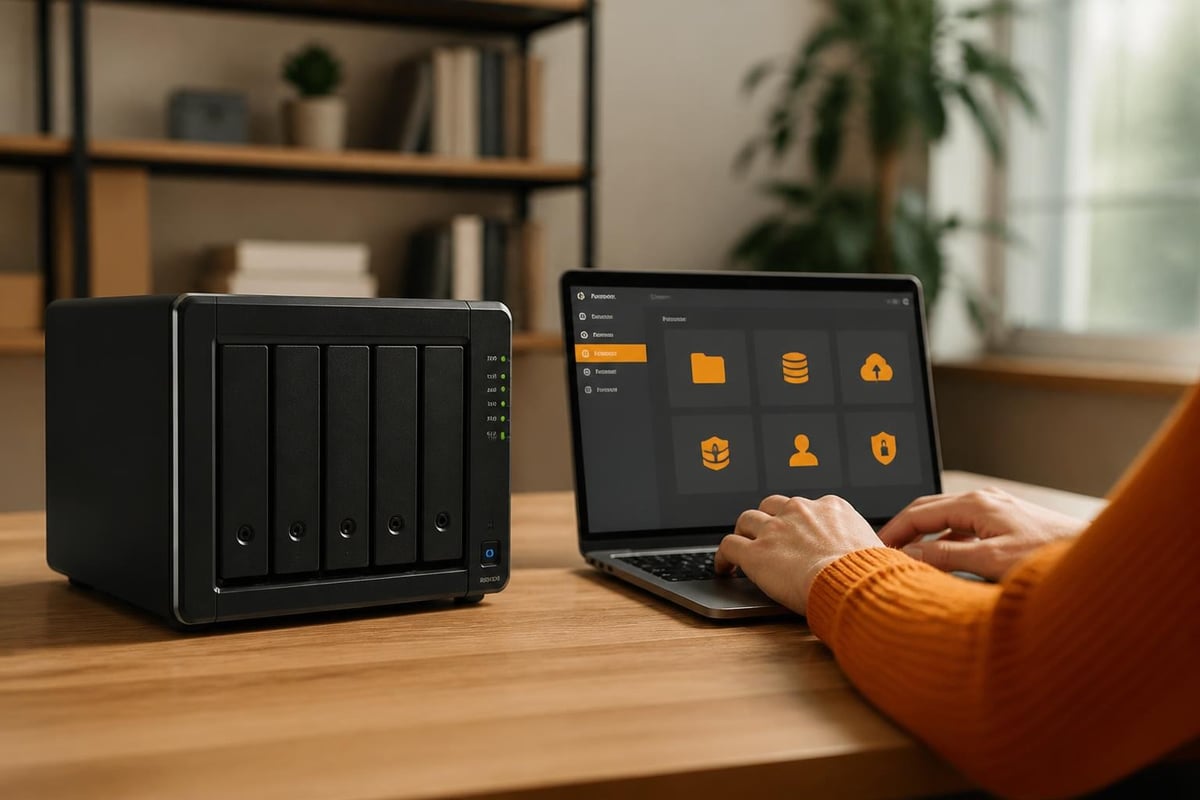
A Synology device typically refers to network-attached storage (NAS) hardware running the company's proprietary DiskStation Manager (DSM) operating system. Moreover, these devices range from compact two-bay units suitable for small offices to enterprise-grade rack-mounted systems with dozens of drive bays. The appeal lies in their versatility; therefore, a single Synology device can serve multiple functions simultaneously.
Core Capabilities and Business Applications
The primary function of any Synology device centres on centralised file storage and sharing. However, the DSM operating system extends functionality far beyond basic file services:
- File sharing and synchronisation across Windows, macOS, and Linux environments
- Backup targets for workstations, servers, and cloud services
- Virtualisation platforms running Docker containers and virtual machines
- Surveillance systems with camera management and recording
- Web hosting and application servers for internal business tools
Furthermore, the modular package system allows businesses to add capabilities as needs evolve. In addition, this flexibility makes the Synology device attractive for growing organisations that want to avoid replacing infrastructure every few years.
Hardware Considerations and Performance
When selecting a Synology device, businesses must balance several technical factors. The processor determines how many simultaneous users the device can support and whether it can handle demanding tasks like real-time transcoding or virtual machines. Therefore, organisations with heavy concurrent access should prioritise models with Intel or AMD processors over ARM-based chips.
| Specification | Small Office (2-10 users) | Medium Business (10-50 users) | Enterprise (50+ users) |
|---|---|---|---|
| Processor | ARM or low-end Intel | Intel Celeron/Pentium | Intel Xeon or Ryzen |
| RAM | 2-4 GB | 8-16 GB | 32 GB+ |
| Drive Bays | 2-4 | 4-8 | 12+ (rack-mounted) |
| Network | 1 GbE | 2.5 GbE or dual 1 GbE | 10 GbE or bonded ports |
Moreover, RAID configuration plays a critical role in data protection and performance. Nevertheless, businesses should understand that RAID is not a backup solution; it protects against hardware failure but not against accidental deletion, ransomware, or corruption.
Security Challenges and the European Perspective
Security remains the most critical consideration when deploying any Synology device in a business environment. Furthermore, the popularity of these devices makes them attractive targets for attackers. In recent years, several high-profile incidents have highlighted the risks of improperly configured or outdated NAS systems.
Vulnerabilities and Patch Management
The National Vulnerability Database lists numerous Synology DSM vulnerabilities, some of which have been actively exploited. Therefore, maintaining current firmware becomes non-negotiable for any business deployment. Synology publishes regular security updates through its official Product Security Advisory page, which administrators should monitor consistently.
Nevertheless, patching alone proves insufficient. In addition, proper security configuration requires:
- Disabling default administrator accounts and creating unique credentials
- Implementing two-factor authentication for all user access
- Restricting network exposure through firewall rules and VPN access
- Regular security audits of user permissions and shared folders
- Network segmentation to isolate the Synology device from public-facing systems
Furthermore, businesses should review Rapid7's technical analysis of Synology vulnerabilities to understand how attackers exploit common misconfigurations. Moreover, this research demonstrates why relying solely on vendor defaults creates unacceptable risk.
Ransomware and Real-World Attacks
The BleepingComputer coverage of the Diskstation ransomware attacks illustrates how threat actors specifically target exposed Synology devices. Therefore, businesses must assume that internet-facing NAS systems will be scanned and probed by automated tools.
In addition to basic hardening, organisations should implement immutable backups stored separately from the primary Synology device. Nevertheless, many businesses discover too late that their backup strategy has a critical flaw when both primary storage and backup reside on the same network segment accessible to ransomware.
Backup Strategies Beyond the Synology Device
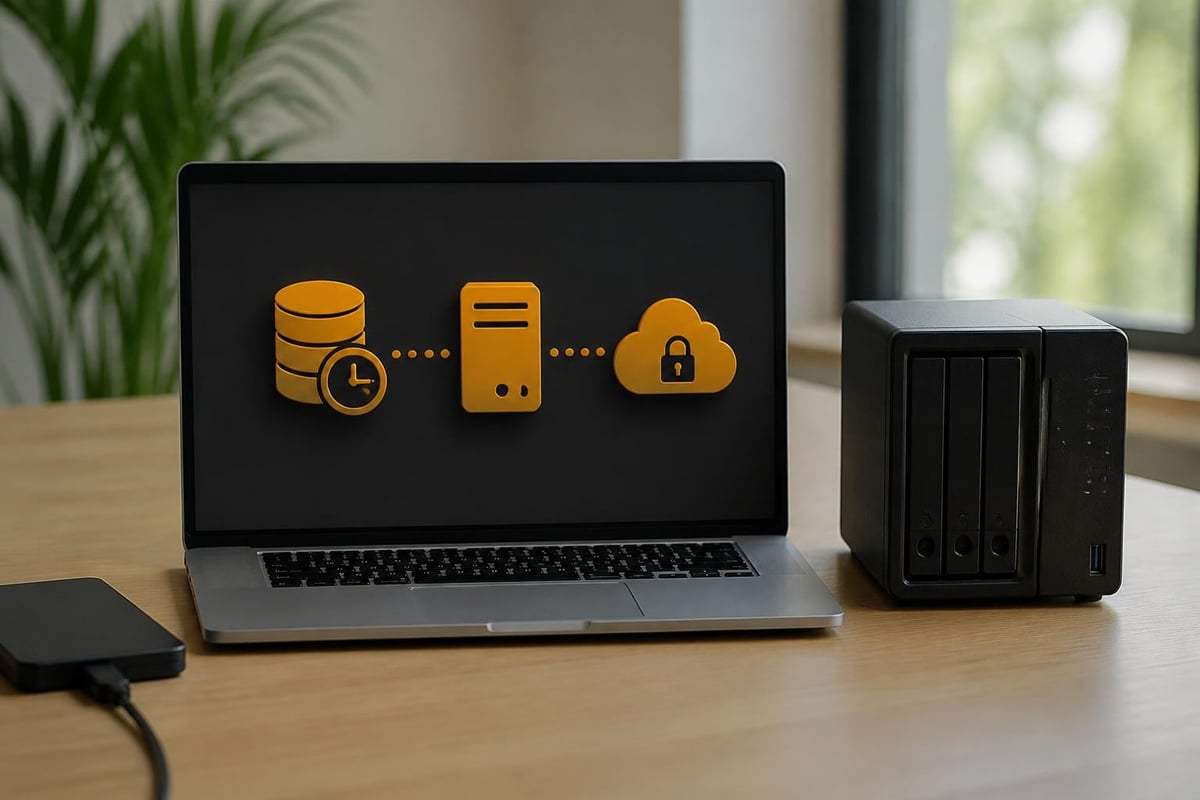
While a Synology device can serve as a backup target, it should never be the only backup solution. Furthermore, following the 3-2-1 backup rule becomes essential: three copies of data, on two different media types, with one copy off-site.
Built-In Backup Tools and Limitations
Synology provides several backup mechanisms within DSM. The official knowledge base guide on backing up a Synology NAS details options including:
- Hyper Backup for scheduled backups to external drives, other NAS devices, or cloud storage
- Snapshot Replication for point-in-time recovery on Btrfs volumes
- Cloud Sync for synchronising data with various cloud providers
Nevertheless, these tools protect the Synology device itself but don't necessarily protect against all business continuity scenarios. Moreover, organisations relying on Microsoft 365 or Google Workspace face retention gaps that neither the cloud provider nor a Synology device addresses adequately.
European Data Sovereignty Concerns
For businesses handling sensitive information, the location and legal jurisdiction of backup data matters significantly. Therefore, storing backups in the United States or with providers subject to the US CLOUD Act creates potential compliance issues under GDPR. In addition, cloud privacy and security considerations extend beyond encryption to include data residency and government access.
Furthermore, businesses should evaluate whether their Synology device backup strategy aligns with their legal obligations. Moreover, relying solely on consumer-grade cloud storage from providers outside the EU potentially violates data protection regulations, particularly when processing personal data of EU citizens.
Performance and Real-World Usage Patterns
Independent testing provides valuable context for understanding how a Synology device performs under typical business workloads. Furthermore, SmallNetBuilder's detailed NAS reviews offer benchmarking data that helps organisations set realistic expectations.
Network and Storage Performance
Performance depends heavily on network infrastructure and drive configuration. Therefore, businesses with gigabit networking should expect sequential read/write speeds approaching 110-120 MB/s on well-configured RAID arrays. Nevertheless, performance degrades significantly with small files, random access patterns, or when the Synology device handles multiple concurrent operations.
In addition, enabling features like encryption, compression, or deduplication impacts performance. Moreover, organisations should test their specific workload rather than relying solely on manufacturer specifications:
- Large file transfers (video editing, CAD): Prioritise sequential throughput and 10 GbE networking
- Office documents and collaboration: Focus on IOPS performance and SSD caching
- Virtualisation workloads: Require NVMe drives and sufficient RAM for caching
- Surveillance recording: Need sustained write performance and dedicated storage pools
Furthermore, the official DSM release notes detail performance improvements and optimisations in newer firmware versions. Therefore, staying current provides not just security patches but also efficiency gains.
Alternative Approaches for European Businesses
While the Synology device ecosystem offers compelling features, businesses should evaluate whether it represents the optimal solution for their specific requirements. Moreover, European organisations face unique considerations that may point toward alternative approaches.
Cloud-Native Solutions and Hybrid Models
Many businesses find that migrating from on-premises NAS systems to European cloud infrastructure provides better security, compliance, and operational efficiency. Furthermore, best European cloud storage options offer GDPR-compliant solutions with data centres located within the EU.
Nevertheless, hybrid approaches combining cloud storage with local caching can provide the best of both worlds. In addition, this model eliminates the maintenance burden of managing physical hardware while ensuring fast local access to frequently used files.
| Approach | Advantages | Disadvantages |
|---|---|---|
| On-premises Synology | Full control, no recurring costs, high local performance | Maintenance burden, single point of failure, limited disaster recovery |
| Cloud-only storage | No hardware maintenance, geographic redundancy, scalable capacity | Internet dependency, potential latency, recurring costs |
| Hybrid cloud + local | Best local performance, cloud backup/DR, reduced hardware investment | Complexity, requires cloud and local infrastructure |
Moreover, organisations should calculate the total cost of ownership over five years, including hardware replacement, power consumption, administrative time, and disaster recovery testing. Therefore, what appears initially as a cost-saving Synology device deployment may prove more expensive than managed cloud alternatives.
Regulatory Compliance and Data Location
European businesses operating under GDPR, NIS2, or sector-specific regulations must carefully consider where their data resides and who can access it. Furthermore, a Synology device located in your office provides physical control but requires robust backup to meet compliance requirements for data availability and disaster recovery.
In addition, businesses should review Synology's 2025 Data Protection Guide for best practices on deploying NAS systems in regulated environments. Nevertheless, compliance ultimately remains the customer's responsibility rather than the hardware vendor's.

For organisations seeking a simpler compliance path, European cloud providers offer infrastructure specifically designed to meet these requirements. Moreover, vBoxxCloud provides GDPR-compliant storage with 256-bit AES encryption in ISO 27001-certified data centres in the Netherlands, eliminating concerns about US CLOUD Act jurisdiction while offering features like eIDAS-compliant digital signing and AI-assisted document management.
Migration and Transition Strategies
Businesses currently using a Synology device who wish to explore alternatives should approach migration methodically. Furthermore, proper planning prevents data loss and minimises disruption to daily operations.
Assessment and Planning
Before initiating any migration, organisations should thoroughly document their current environment:
- Inventory all data stored on the Synology device and categorise by business criticality
- Map dependencies including applications, backup jobs, and user workflows relying on the NAS
- Identify compliance requirements for data handling during and after migration
- Calculate bandwidth needs for transferring data to a new platform
- Plan for validation to ensure data integrity throughout the process
Moreover, businesses should test the migration process with a small dataset before attempting to move production data. In addition, maintaining the existing Synology device operational during migration provides a fallback option if issues arise.
Execution and Validation
The actual migration process varies depending on data volume and the destination platform. Nevertheless, several principles apply universally:
- Schedule transfers during low-usage periods to minimise performance impact
- Use incremental synchronisation rather than one-time bulk transfers when possible
- Verify checksums to confirm data integrity after transfer
- Maintain detailed logs of what was migrated, when, and by whom
- Preserve file permissions and metadata to avoid access issues after migration
Furthermore, organisations moving to European cloud infrastructure often find that providers offer migration assistance as part of onboarding. Therefore, leveraging this expertise can significantly reduce risk and accelerate the transition.
Ongoing Management and Operational Considerations
Whether maintaining a Synology device or transitioning to alternative infrastructure, businesses must establish sustainable operational practices. Moreover, the initial deployment represents only the beginning of the system's lifecycle.
Maintenance Windows and Update Policies
Regular maintenance prevents small issues from becoming major problems. Therefore, organisations should establish:
- Monthly patching schedules aligned with Synology security advisories
- Quarterly capacity reviews to prevent storage exhaustion
- Bi-annual disaster recovery tests validating that backups actually work
- Annual hardware assessments evaluating whether current infrastructure still meets needs
In addition, documenting these procedures ensures consistency even when personnel change. Furthermore, automating routine tasks where possible reduces the administrative burden and minimises human error.
Monitoring and Alerting
Proactive monitoring identifies issues before they impact users. Nevertheless, many organisations configure a Synology device and then never review its health until something fails. Moreover, implementing proper monitoring requires:
- Storage capacity thresholds triggering alerts before drives fill completely
- RAID degradation notifications for failed drives or rebuild operations
- Security event logging capturing access attempts and configuration changes
- Performance baselines to identify unusual activity patterns
- Backup job monitoring confirming successful completion of critical protection tasks
Furthermore, centralising these alerts ensures that the appropriate team members receive notifications promptly. Therefore, integrating NAS monitoring into existing infrastructure management tools provides better visibility than relying solely on the device's built-in notification system.
Total Cost of Ownership Analysis
Understanding the complete financial impact of storage infrastructure requires looking beyond initial purchase price. Moreover, a Synology device represents ongoing costs that accumulate over its operational lifetime.
Direct and Indirect Costs
Initial Investment:
- Hardware purchase (device and drives)
- Network infrastructure upgrades (switches, cabling)
- Installation and configuration labour
Ongoing Expenses:
- Power consumption (hardware running 24/7)
- Cooling and data centre space (if rack-mounted)
- Replacement drives and hardware refresh cycles
- Software licences for additional features or camera licences
Hidden Costs:
- Administrative time for updates, monitoring, and troubleshooting
- Disaster recovery testing and documentation
- Security audits and compliance assessments
- Downtime costs when hardware fails or maintenance runs long
Furthermore, businesses should model scenarios including drive failures, complete device replacement, and the labour required to maintain security compliance. In addition, comparing this total against managed cloud alternatives often reveals surprising results.
Therefore, while a Synology device may appear cost-effective initially, the five-year total cost of ownership frequently exceeds expectations. Moreover, this calculation doesn't account for opportunity costs where IT staff spend time managing storage infrastructure rather than working on strategic projects.
Consumer Products and Business Confusion
Recent product launches like the BeeStation demonstrate Synology's expansion into consumer markets. Nevertheless, the Ars Technica review of the BeeStation highlights important distinctions between consumer-oriented devices and business-grade infrastructure.
Understanding Product Tiers
Synology's product range spans from simple consumer backup devices to enterprise storage systems. Therefore, businesses must carefully match device capabilities to their requirements:
Consumer/Home Office:
- Limited concurrent users
- Basic backup and file sharing
- Consumer-grade support and warranties
- Lower performance and reliability expectations
Business/Professional:
- Designed for 24/7 operation
- Higher performance processors and ECC RAM options
- Business-grade support with faster response times
- Advanced features like high availability and enterprise applications
Moreover, deploying a consumer-grade Synology device in a business environment creates false economy. Furthermore, the cost savings on initial purchase disappear quickly when reliability issues impact productivity or when support proves inadequate during critical incidents.
Managing business storage requires balancing performance, security, compliance, and total cost of ownership. Furthermore, while a Synology device offers powerful capabilities for certain use cases, European organisations should carefully evaluate whether on-premises NAS systems align with their regulatory obligations and operational requirements. vBoxx provides European businesses with GDPR-compliant alternatives hosted in ISO 27001-certified Dutch data centres, combining enterprise-grade security with the simplicity of managed cloud services and eliminating infrastructure maintenance burdens.