The Synology DS115j represents an entry point into network-attached storage designed specifically for home users and small businesses seeking centralised file management without substantial upfront investment. Nevertheless, understanding whether this single-bay solution meets your requirements demands careful examination of its specifications, performance characteristics, and practical limitations. Furthermore, businesses must weigh the trade-offs between affordability and functionality when considering any storage infrastructure decision.
Hardware Specifications and Design Philosophy
The synology ds115j arrives in a compact, tower-style enclosure measuring 166mm in height, 108mm in width, and 233.2mm in depth. This physical footprint makes it suitable for desk placement or small server rooms where space constraints present challenges.
Processing Power and Memory Configuration
At the heart of this device sits a Marvell Armada 370 processor running at 800 MHz, paired with 256 MB of DDR3 RAM. Moreover, these specifications clearly position the unit as an entry-level offering rather than a performance-oriented solution. Therefore, users should set realistic expectations regarding concurrent user support and application responsiveness.
| Component | Specification | Performance Impact |
|---|---|---|
| Processor | Marvell Armada 370 @ 800 MHz | Adequate for basic file serving |
| Memory | 256 MB DDR3 (non-expandable) | Limits multitasking capability |
| Drive Bays | 1 x 3.5" or 2.5" SATA | Single point of failure |
| Network | 1 x Gigabit Ethernet | Sufficient for small workgroups |
The non-expandable memory configuration represents a significant limitation. In addition, modern NAS applications increasingly demand greater RAM allocation, particularly when running multiple packages simultaneously.

Storage Capacity and Drive Compatibility
The synology ds115j accommodates a single 3.5-inch or 2.5-inch SATA hard drive or solid-state drive. Furthermore, Synology officially supports drives up to 10 TB, though compatibility with larger capacities depends on firmware updates and drive manufacturer specifications.
Choosing the Right Drive
Selecting an appropriate drive requires balancing capacity, performance, and reliability considerations:
- NAS-optimised drives deliver better longevity under continuous operation
- Western Digital Red or Seagate IronWolf series offer vibration resistance and error recovery
- Solid-state drives provide faster access times but at premium costs per gigabyte
- Standard desktop drives may function but lack optimisation for 24/7 operation
Nevertheless, the single-bay design eliminates redundancy options entirely. Therefore, implementing robust backup strategies becomes absolutely essential rather than merely advisable.
Performance Characteristics and Throughput
Real-world testing reveals sequential read speeds approaching 112 MB/s and write speeds around 109 MB/s when using gigabit Ethernet connections. Moreover, these figures represent theoretical maximums under ideal conditions with minimal concurrent operations.
Practical Performance Expectations
In typical business scenarios, actual throughput varies significantly based on:
- File size and type influence transfer protocols and caching effectiveness
- Number of concurrent users impacts available processing resources
- Active packages and services consume memory and CPU cycles
- Network infrastructure quality determines actual bandwidth availability
- Drive performance characteristics establish baseline read/write capabilities
Furthermore, the limited RAM allocation means performance degrades noticeably when multiple users access the system simultaneously or when background tasks execute during business hours.
DiskStation Manager Operating System
The synology ds115j ships with DiskStation Manager (DSM), Synology's proprietary operating system. Nevertheless, this represents one of the device's strongest assets, providing an intuitive web-based interface that simplifies administration tasks considerably.
Core Functionality
DSM delivers essential network storage capabilities through integrated applications:
- File Station enables web-based file management and sharing
- Control Panel centralises system configuration and monitoring
- Package Center provides access to optional applications
- Security Advisor identifies potential vulnerabilities
- Resource Monitor tracks system performance metrics
In addition, DSM receives regular updates that introduce new features and security patches. Therefore, even older hardware benefits from ongoing software development efforts.
Application Support and Package Limitations
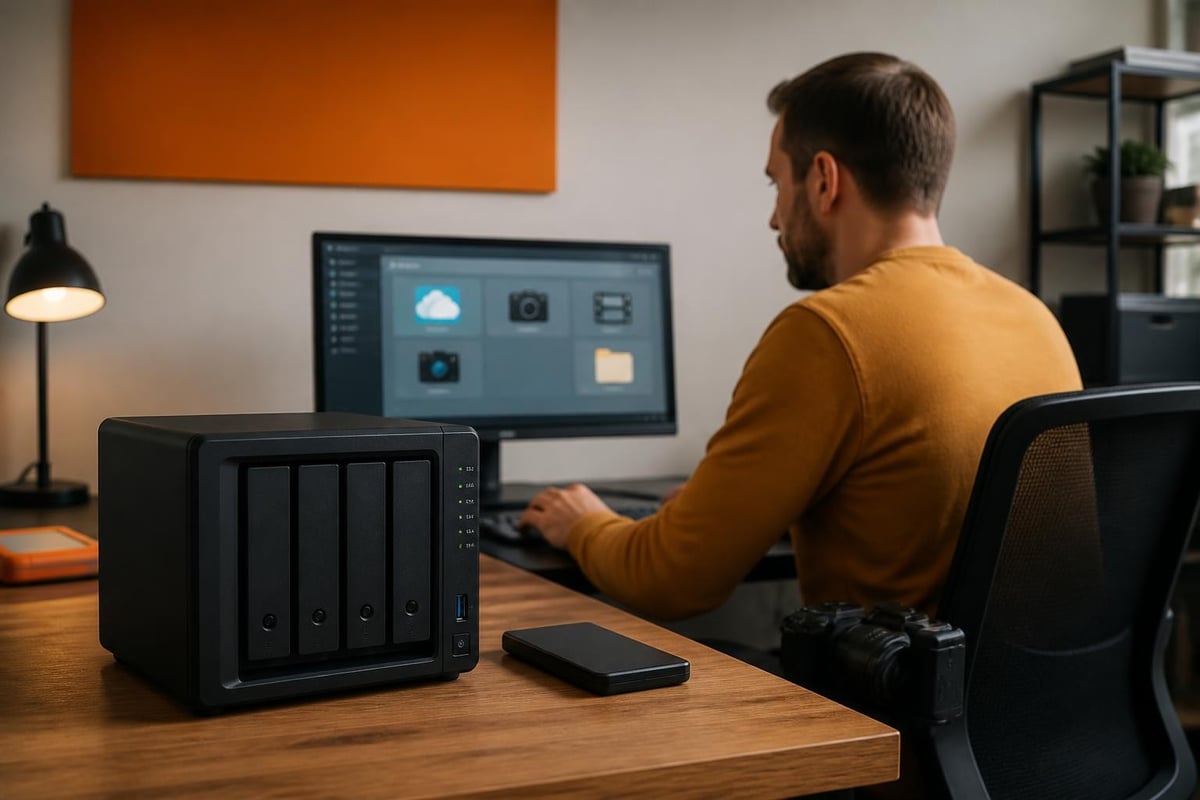
The synology ds115j supports installation of optional packages through Synology's Package Center. However, the modest hardware specifications restrict which applications run acceptably. Moreover, attempting to operate resource-intensive packages results in poor responsiveness or system instability.
Recommended Applications
Given the hardware constraints, these packages typically perform adequately:
| Package Category | Suitable Options | Unsuitable Options |
|---|---|---|
| Backup | Cloud Sync, USB Copy | Snapshot Replication |
| File Sharing | File Station, FTP Server | High-volume WebDAV |
| Productivity | Note Station, Calendar | Resource-heavy databases |
| Security | Security Advisor | Surveillance Station (limited) |
Furthermore, businesses requiring comprehensive surveillance capabilities, virtual machine hosting, or Docker containerisation should consider more capable hardware alternatives. Nevertheless, basic file serving and simple backup tasks remain well within the device's operational envelope.
Data Protection and Backup Strategies
The single-bay configuration of the synology ds115j presents fundamental challenges for data protection. Therefore, implementing multiple backup layers becomes critically important rather than optional.
Essential Backup Approaches
- Cloud synchronisation replicates data to off-site storage locations
- External USB drives provide local backup targets through scheduled tasks
- Network backup copies data to secondary NAS devices or servers
- Hybrid strategies combine local and cloud protection for comprehensive coverage
In addition, businesses handling sensitive customer information must ensure backup solutions comply with GDPR requirements and data residency regulations. For organisations prioritising European data sovereignty, solutions like vBoxxCloud offer GDPR-compliant storage with 256-bit AES encryption in ISO 27001-certified data centres located in the Netherlands, providing an alternative or complementary approach to local NAS storage.
Network Configuration and Access Methods
Connecting the synology ds115j to your business network involves straightforward setup procedures. Nevertheless, proper configuration ensures optimal performance and security.
Connectivity Options
The device provides multiple access methods:
- SMB/CIFS protocol for Windows file sharing integration
- AFP protocol for macOS environments (deprecated in newer systems)
- NFS protocol for Linux and Unix-based clients
- WebDAV for browser-based access without client software
- FTP/SFTP for secure file transfer operations
Moreover, Synology's QuickConnect service enables remote access without complex port forwarding or VPN configuration. However, security-conscious organisations may prefer establishing proper VPN infrastructure for remote connectivity.
Security Considerations and Vulnerabilities
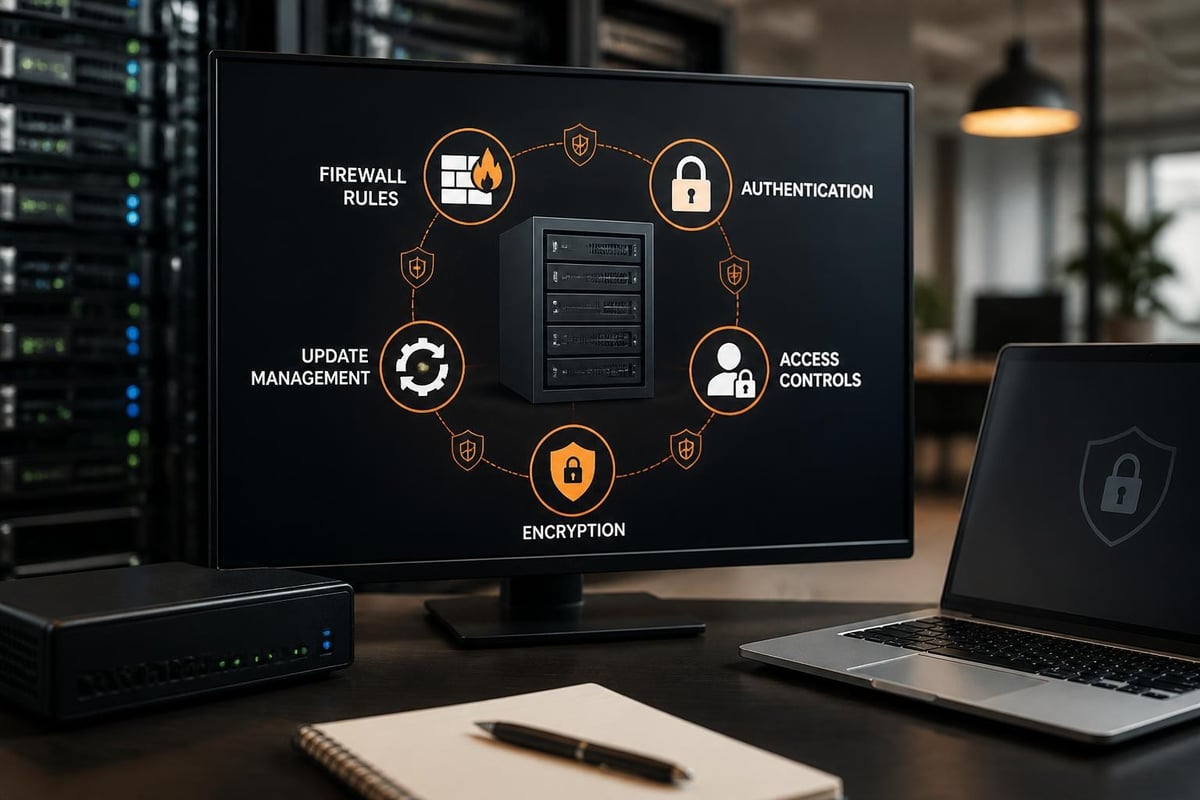
Operating any network-attached storage device introduces security responsibilities. Furthermore, the synology ds115j includes several protective features, though proper configuration remains essential.
Implementing Security Best Practices
- Enable firewall rules limiting access to specific IP ranges
- Activate automatic blocking after failed login attempts
- Disable unused services and protocols reducing attack surface
- Schedule regular security updates during maintenance windows
- Implement strong password policies across all user accounts
- Enable two-factor authentication for administrative access
Nevertheless, no single security measure provides complete protection. Therefore, layered security approaches combining multiple defensive mechanisms offer superior protection against evolving threats.
Power Consumption and Operating Costs
The synology ds115j draws approximately 14.45 watts during operation and 4.97 watts in hibernation mode. Moreover, these modest power requirements translate to minimal ongoing electricity costs.
Annual Operating Costs
Calculating total cost of ownership requires considering:
| Cost Component | Annual Estimate | Notes |
|---|---|---|
| Electricity (continuous operation) | £15-25 | Based on UK average rates |
| Drive replacement (amortised) | £20-40 | Assumes 5-year drive lifespan |
| Software licensing | £0 | DSM updates included |
| Support (optional) | £50-150 | Extended warranty packages |
Furthermore, the absence of cooling fans in some operating modes reduces noise levels, making the device suitable for office environments where acoustic considerations matter.
Upgrading and Migration Considerations
Businesses eventually outgrow entry-level storage solutions. Therefore, understanding migration paths helps inform initial purchase decisions and long-term planning.
When to Consider Upgrading
Several indicators suggest the synology ds115j no longer meets organisational requirements:
- Frequent performance complaints from multiple users
- Storage capacity approaching 80% utilisation
- Requirements for RAID redundancy or data protection
- Need for additional network interfaces or expansion capabilities
- Desire to run resource-intensive applications or services
In addition, Synology's migration tools simplify transferring configurations and data to more capable hardware. Nevertheless, planning migration windows minimises business disruption.
Comparison with Contemporary Alternatives
The synology ds115j competed in a market segment with numerous alternatives. Moreover, understanding competitive positioning helps evaluate whether this specific model suits particular requirements.
Alternative Considerations
- QNAP TS-131 offered similar specifications with slight variations
- Western Digital My Cloud provided consumer-focused simplicity
- Multi-bay entry models delivered redundancy at higher price points
- Cloud-only solutions eliminated hardware management entirely
Furthermore, businesses should evaluate whether local storage genuinely provides advantages over cloud-based alternatives, particularly regarding compliance requirements, access patterns, and total cost comparisons. For additional perspectives on Synology solutions, explore Synology-related insights covering various deployment scenarios.
Practical Deployment Scenarios
Understanding ideal use cases helps determine whether the synology ds115j matches specific requirements. Nevertheless, honest assessment prevents disappointment and ensures appropriate solution selection.
Suitable Applications
The device performs well in these contexts:
- Home office file centralisation for sole proprietors
- Small creative studios requiring shared project storage
- Retail locations needing basic document management
- Personal media libraries for streaming and archival
- Backup targets for desktop and laptop computers
However, organisations with more than five concurrent users, mission-critical data requiring redundancy, or regulatory compliance mandates should explore more robust alternatives.
Maintenance Requirements and Longevity
Proper maintenance extends the operational lifespan of network storage devices. Moreover, the synology ds115j requires minimal ongoing attention beyond basic monitoring and updates.
Routine Maintenance Tasks
- Monitor drive health metrics through DSM's Storage Manager
- Review system logs for errors or unusual activity patterns
- Verify backup completion and test restoration procedures quarterly
- Apply DSM updates within maintenance windows after testing
- Clean external vents preventing dust accumulation
- Test UPS functionality if battery backup is implemented
Furthermore, proactive monitoring identifies developing issues before they escalate into critical failures. Therefore, establishing regular maintenance schedules prevents unexpected disruptions.
Environmental and Sustainability Factors
Modern businesses increasingly consider environmental impacts of technology infrastructure decisions. Moreover, the synology ds115j's modest power consumption contributes to reduced carbon footprints compared to traditional server infrastructure.
Green Computing Considerations
- Low power consumption reduces ongoing environmental impact
- Disk hibernation features minimise energy waste during idle periods
- Compact form factor requires minimal manufacturing materials
- Long software support lifecycle extends useful hardware lifespan
- Proper disposal and recycling programmes prevent electronic waste
Nevertheless, cloud-based alternatives may offer superior environmental efficiency through datacentre-scale optimisation and renewable energy sourcing.
The Synology DS115j served its intended market segment as an accessible entry point into network-attached storage, though its single-bay design and limited specifications constrain its utility for growing businesses. Moreover, organisations requiring robust data protection, regulatory compliance, and scalable infrastructure should evaluate enterprise-grade alternatives. For businesses seeking European-hosted, GDPR-compliant storage solutions with comprehensive features including encryption, e-signing, and AI-assisted search, vBoxx delivers secure cloud infrastructure in ISO 27001-certified Dutch data centres, combining the convenience of cloud storage with the data sovereignty European businesses require.