
Network-attached storage devices have become essential infrastructure for businesses seeking to centralise data, improve collaboration, and maintain control over their digital assets. Furthermore, as companies evaluate their storage options, the balance between affordability, performance, and reliability remains paramount. The synology ds223j represents an entry-level solution designed specifically for small businesses and home offices requiring dependable data management without the complexity or expense of enterprise-grade systems. Moreover, this device offers a compelling proposition for organisations seeking to transition from cloud-only strategies to hybrid approaches that combine local control with selective cloud integration.
Understanding the Synology DS223j Hardware Specifications
The synology ds223j features a dual-core Realtek RTD1619B processor running at 1.7GHz, providing sufficient computational power for essential NAS operations. Nevertheless, this represents an upgrade from its predecessor, delivering improved performance for file transfers and basic multimedia tasks. The device includes 1GB of DDR4 memory, which, whilst modest by contemporary standards, proves adequate for fundamental storage operations and light concurrent user access.
Storage Configuration and Expansion
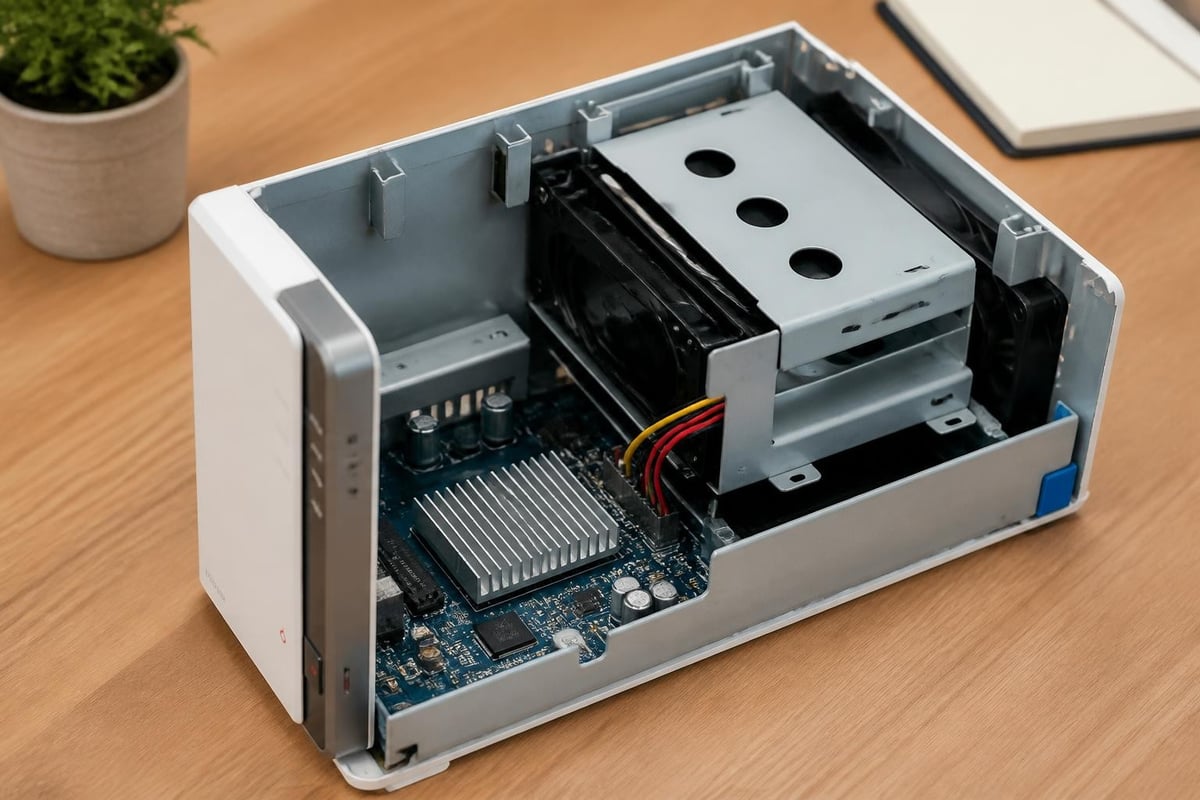
This two-bay device supports both 3.5-inch and 2.5-inch SATA drives, offering flexibility in storage media selection. Therefore, businesses can choose between high-capacity mechanical drives for cost-effective bulk storage or solid-state drives for enhanced performance in specific scenarios. The maximum single volume size reaches 108TB, whilst the total raw capacity extends to 36TB when using 18TB drives in each bay.
| Specification | Details |
|---|---|
| Drive Bays | 2 x 3.5"/2.5" SATA |
| Maximum Internal Capacity | 36TB (18TB × 2) |
| Hot-Swappable Drives | Yes |
| Supported RAID | Basic, JBOD, RAID 0, RAID 1 |
| Expansion Units | Not supported |
Furthermore, the hardware specifications confirm that drive hot-swapping is supported, enabling maintenance without system shutdown. However, unlike higher-tier models, the synology ds223j does not support expansion units, making initial capacity planning crucial for long-term deployment strategies.
Network and External Connectivity
The device incorporates a single Gigabit Ethernet port, delivering theoretical transfer speeds up to 125MB/s. In addition, three USB 3.2 Gen 1 ports facilitate direct connections to external storage devices, printers, or uninterruptible power supplies. Moreover, this connectivity suite enables flexible backup strategies and peripheral integration without requiring additional network infrastructure.
The absence of multiple Ethernet ports prevents link aggregation, which consequently limits both throughput and redundancy options. Nevertheless, for small business environments with standard Gigabit networks, this configuration typically proves sufficient for everyday file access and backup operations.
Software Capabilities and DiskStation Manager
The synology ds223j runs DiskStation Manager (DSM), Synology's proprietary operating system that transforms basic hardware into a versatile platform. Furthermore, DSM provides a browser-based interface that resembles a desktop operating system, reducing the learning curve for administrators unfamiliar with traditional server management. This software ecosystem includes over 100 first-party and third-party applications spanning backup, surveillance, collaboration, and multimedia functions.
Data Protection and Backup Features
DSM includes comprehensive backup solutions for both protecting data stored on the NAS and safeguarding information from connected devices. In addition, Synology Drive enables synchronization across multiple endpoints, creating redundant copies that protect against hardware failures or accidental deletions. The platform supports versioning, allowing recovery of previous file iterations without consuming excessive storage through intelligent deduplication.
- Hyper Backup for flexible backup scheduling and destination management
- Snapshot Replication for point-in-time recovery with minimal storage overhead
- Cloud Sync for integration with major cloud storage providers
- Active Backup for Business supporting Windows PCs, Macs, and virtual machines
Moreover, detailed reviews consistently highlight DSM's backup capabilities as a standout feature, particularly for organisations transitioning from manual backup processes to automated, policy-driven approaches.
Security and Access Control
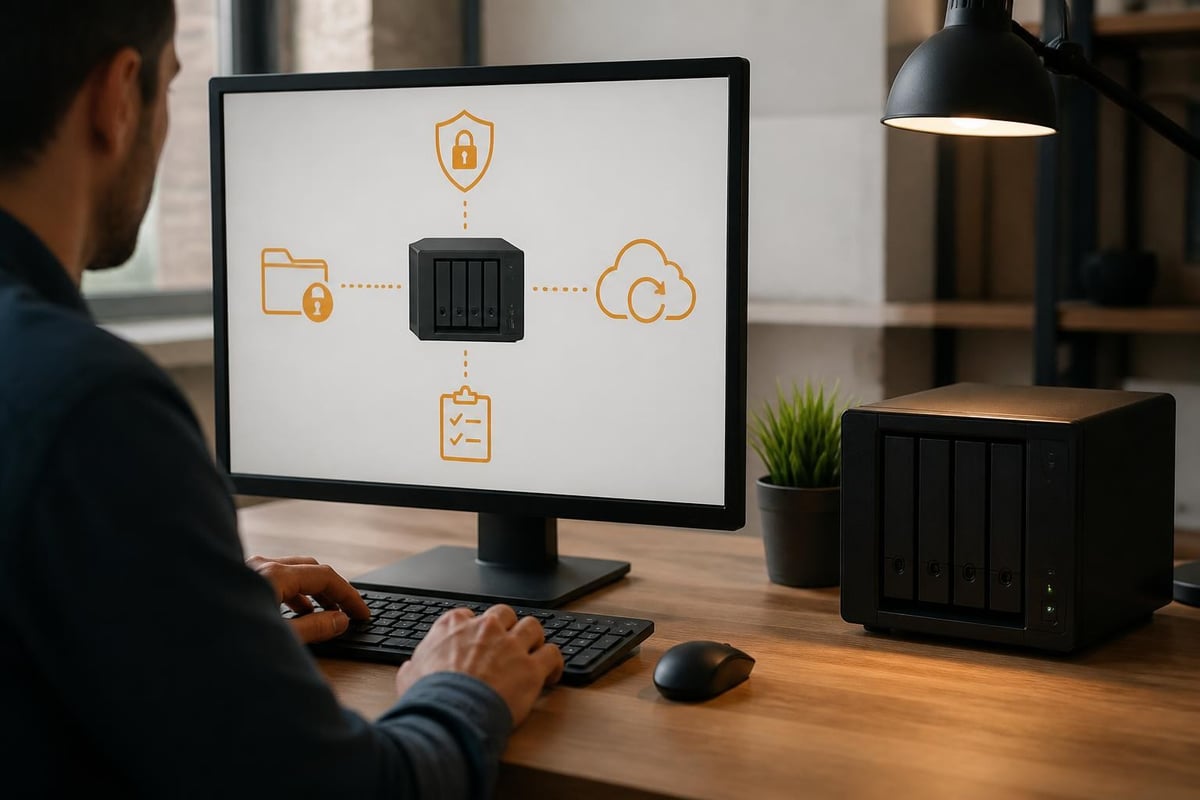
The synology ds223j implements multi-layered security features addressing authentication, encryption, and network protection. Therefore, businesses can establish granular permissions ensuring users access only appropriate resources. The platform supports HTTPS connections, two-factor authentication, and automatic security updates that patch vulnerabilities without administrator intervention.
Furthermore, DSM includes firewall functionality, IP auto-block to prevent brute-force attacks, and comprehensive logging for audit trails. Nevertheless, organisations handling sensitive data should evaluate whether the entry-level hardware provides sufficient processing power for encryption operations without compromising performance. The device supports AES-256 encryption for shared folders, though this introduces computational overhead that may impact transfer speeds on the modest processor.
Business Applications and Use Cases
Small businesses frequently deploy the synology ds223j for file sharing, replacing scattered local storage with centralised repositories accessible across the organisation. In addition, this consolidation simplifies permission management, enhances collaboration, and reduces the risk of data loss from individual device failures. The device handles typical office workloads effectively, including document management, project file sharing, and departmental data storage.
Media Management and Streaming
For businesses incorporating multimedia content, such as marketing agencies or creative studios, the synology ds223j provides basic media server capabilities through Video Station, Audio Station, and Photo Station applications. However, performance evaluations note limitations in transcoding capacity, particularly for high-resolution video formats. Therefore, organisations requiring extensive transcoding should consider higher-specification models with dedicated hardware acceleration.
The device excels at storing and streaming content that clients can play natively without conversion. Moreover, photographers and designers benefit from organised photo libraries with facial recognition and automatic tagging, streamlining asset management workflows. Nevertheless, simultaneous streaming to multiple clients may exceed the processor's capabilities during peak usage periods.
Surveillance and Security Applications
Synology Surveillance Station transforms the synology ds223j into a video management system supporting up to two IP cameras on the included license. Furthermore, additional camera licenses enable expansion for comprehensive premises monitoring. The system records continuously or based on motion detection, indexes footage for rapid searching, and provides remote viewing through mobile applications.
| Feature | Capability |
|---|---|
| Included Camera Licenses | 2 |
| Maximum Cameras (with licenses) | 30 |
| Recording Modes | Continuous, Motion Detection, Scheduled |
| Video Analytics | Basic motion detection, no AI features |
| Remote Access | iOS and Android applications |
In addition, businesses can integrate surveillance with other security systems through API connections, creating comprehensive monitoring solutions. However, the limited processing power restricts advanced analytics like facial recognition or object detection, features reserved for more powerful models.
Performance Considerations for Business Environments
The synology ds223j delivers read speeds averaging 112MB/s and write speeds around 108MB/s under optimal conditions, according to independent testing. Nevertheless, these figures represent best-case scenarios with minimal concurrent operations and efficient network configurations. Therefore, businesses should anticipate lower real-world performance when multiple users access files simultaneously or when background processes like virus scanning execute.
Concurrent User Limitations
The 1GB memory configuration becomes a constraining factor when numerous users access the device simultaneously. Furthermore, each connected client, active application, and background service consumes memory, potentially leading to reduced responsiveness during peak usage. Organisations expecting more than five concurrent users should carefully evaluate whether this model provides adequate resources or whether investing in higher-specification alternatives delivers better long-term value.
Moreover, memory-intensive applications like Docker containers or virtual machines prove impractical on this hardware. The synology ds223j targets straightforward file storage and basic application workloads rather than complex virtualisation or containerised deployments. Nevertheless, for businesses focused primarily on file sharing and backup operations, these limitations rarely impact daily operations.
RAID Configuration Impact
Implementing RAID 1 mirroring, recommended for data protection, effectively halves available capacity whilst providing redundancy against single drive failures. In addition, RAID configurations introduce write performance penalties as the system maintains synchronized copies across both drives. Therefore, businesses must balance capacity, performance, and redundancy requirements when configuring storage arrays.
- RAID 0 (striping): Maximum performance and capacity, no redundancy
- RAID 1 (mirroring): 50% capacity, complete redundancy, modest performance
- Basic: Full capacity, no redundancy, independent drive management
- JBOD: Combined capacity, no redundancy, sequential storage allocation
Furthermore, understanding these trade-offs helps organisations make informed decisions aligned with their risk tolerance and performance requirements. Most business deployments favour RAID 1 despite the capacity sacrifice, prioritising data protection over maximum storage.
Comparing Alternatives in the Entry-Level NAS Market
The competitive landscape for budget-friendly NAS devices includes offerings from QNAP, TerraMaster, and emerging brands like Ugreen. Moreover, each manufacturer presents different value propositions balancing hardware specifications, software ecosystems, and pricing strategies. The synology ds223j distinguishes itself primarily through DSM's maturity and extensive application ecosystem rather than superior hardware specifications.
Comparative analyses reveal that competitors sometimes offer more powerful processors or additional memory at similar price points. Nevertheless, DSM's stability, security update cadence, and comprehensive documentation provide intangible benefits that offset raw performance advantages. Furthermore, the extensive user community and third-party application availability create an ecosystem effect that enhances long-term value beyond initial hardware comparisons.

Total Cost of Ownership Considerations
Evaluating the synology ds223j requires considering expenses beyond the initial hardware purchase. Therefore, businesses must budget for storage drives, which often exceed the NAS enclosure cost when selecting enterprise-grade or high-capacity models. In addition, optional features like additional surveillance camera licenses, off-site backup services, or premium support packages contribute to total ownership costs.
Furthermore, energy consumption, whilst modest at approximately 15W during operation, accumulates over years of continuous service. Nevertheless, the device includes power-saving features that spin down drives during idle periods, reducing both energy costs and mechanical wear. These efficiency measures align particularly well with organisations prioritising sustainable operations.
Integration with Cloud and Hybrid Strategies
Modern businesses increasingly adopt hybrid approaches combining local storage control with cloud service flexibility. The synology ds223j facilitates this strategy through Cloud Sync, which maintains synchronized copies between the NAS and services like Dropbox, Google Drive, or OneDrive. Moreover, this enables businesses to leverage cloud accessibility whilst retaining local copies for performance and privacy.
Organisations concerned about data sovereignty particularly value this hybrid approach, maintaining primary storage within their physical control whilst selectively synchronizing specific datasets to cloud platforms for external access or disaster recovery. Furthermore, this strategy proves especially relevant for European businesses navigating GDPR requirements and data localisation considerations.
Nevertheless, businesses requiring truly comprehensive cloud integration might benefit from evaluating managed solutions that provide infrastructure without local hardware management responsibilities. For example, whilst exploring local storage options, organisations might simultaneously investigate whether platforms offering integrated file sharing, communication, and password management better align with their operational requirements. In this context, scheduling a demonstration of all-in-one solutions can help clarify whether centralised cloud platforms or hybrid NAS approaches better serve specific business needs.
Deployment and Initial Configuration
Setting up the synology ds223j involves physical installation of drives, network connection, and software configuration through Synology's guided setup wizard. Furthermore, the process proves straightforward for administrators with basic IT knowledge, typically requiring under 30 minutes from unpacking to operational status. Nevertheless, optimising security settings, configuring backup schedules, and establishing user permissions demand additional planning and implementation time.
The initial setup wizard addresses fundamental configuration steps:
- Installing DiskStation Manager operating system
- Creating storage pools and volumes with appropriate RAID levels
- Establishing administrator accounts with strong authentication
- Configuring network settings and enabling secure remote access
- Installing essential packages for specific business requirements
Moreover, Synology provides extensive documentation, video tutorials, and community forums that support administrators throughout deployment. In addition, guides highlighting best practices offer valuable insights for optimising configurations based on specific use cases and organisational requirements.
Maintenance and Long-Term Management
The synology ds223j requires minimal ongoing maintenance when properly configured, with DSM handling routine tasks automatically. Nevertheless, administrators should establish monitoring practices ensuring storage capacity remains adequate, backup operations complete successfully, and security updates apply promptly. Furthermore, regular testing of backup restoration procedures validates that recovery processes function correctly before emergencies occur.
DSM includes comprehensive monitoring tools tracking system health, storage utilisation, network activity, and service status. Therefore, administrators receive notifications about potential issues like drive failures, excessive temperatures, or unusual access patterns. Moreover, these proactive alerts enable intervention before problems escalate into data loss or extended downtime.
Hardware Lifespan and Upgrade Paths
Network-attached storage devices typically provide reliable service for five to seven years with proper maintenance and environmental controls. However, the synology ds223j's non-expandable memory limits its ability to support future DSM versions that may require additional resources. Therefore, businesses should consider this device a medium-term solution potentially requiring replacement as software requirements evolve or organisational needs expand beyond entry-level capabilities.
Furthermore, planning upgrade paths involves evaluating whether higher-capacity drives within the existing enclosure suffice or whether entirely new hardware better serves evolving requirements. Nevertheless, DSM's migration tools simplify data transfer between Synology devices, reducing the complexity of hardware transitions when necessary.
Security Best Practices for Business Deployment
Implementing the synology ds223j securely requires attention beyond default configurations, particularly for devices accessible from external networks. Therefore, businesses should enforce strong password policies, enable two-factor authentication for all accounts, and restrict administrative access to trusted networks. Moreover, disabling unused services reduces potential attack surfaces whilst regular security audits identify configuration drift or emerging vulnerabilities.
Essential security measures include:
- Changing default administrative credentials immediately during setup
- Enabling automatic security updates for DSM and installed packages
- Configuring firewalls to restrict access to essential ports only
- Implementing account protection to prevent brute-force attacks
- Establishing secure connections through VPN rather than direct port exposure
Furthermore, regular review of access logs helps identify unusual activity patterns that may indicate security compromises. In addition, maintaining current backups stored separately from the primary NAS ensures recovery options exist even if the device suffers complete compromise or failure.
The synology ds223j delivers reliable, entry-level network-attached storage appropriate for small businesses prioritising data control, automated backups, and collaborative file access. Furthermore, whilst hardware limitations constrain concurrent users and advanced applications, the device excels at fundamental storage operations supported by mature, secure software. For organisations seeking comprehensive cloud infrastructure with integrated communication, file sharing, and security tools without local hardware management, exploring professionally managed solutions offers compelling alternatives. Discover how vBoxx delivers secure, sustainable hosting and cloud services tailored for European businesses requiring privacy-focused digital infrastructure.