
As cyber threats and data loss incidents surge in 2026, Google Workspace users face unprecedented risks to their business data. Relying solely on cloud infrastructure is no longer enough to safeguard vital information. A robust google workspace backup strategy is now essential for every organisation that values business continuity, compliance, and peace of mind. Secure, automated backups ensure your data is always protected and accessible when you need it most.
This guide will walk you through everything you need to know about google workspace backup from understanding the latest risks and compliance requirements to comparing solutions and best practices. Follow along to secure your organisation’s Google Workspace data with confidence.
Why Google Workspace Backup Is Essential in 2026
Data loss is a growing concern for businesses relying on cloud platforms. As organisations continue to adopt Google Workspace, the need for a strong google workspace backup strategy becomes increasingly urgent. Threats are evolving, compliance expectations are stricter, and business continuity depends on rapid recovery.
Growing Risks to Cloud Data
The cloud is not immune to threats. Cybercriminals are developing more sophisticated ransomware and phishing attacks targeting Google Workspace environments. In 2026, the risk of data loss has never been higher. According to the 2025 State of SaaS Backup and Recovery Report, human error remains the leading cause of cloud data loss, even outpacing technical failures.
Accidental deletion, whether by staff or former employees, can result in critical information disappearing from your organisation. High-profile incidents have shown that even well-established companies are not immune to such mistakes or malicious actions.
Outages, failed integrations, and issues during third-party app synchronisation can also lead to unexpected data loss. Google’s Shared Responsibility Model means that while Google secures the infrastructure, customers must protect their own data. Without a robust google workspace backup, the cost of downtime and recovery can be substantial, impacting both finances and reputation.
Compliance and Legal Considerations
Regulatory requirements are tightening across Europe and globally. GDPR, NIS2, and industry-specific rules demand strict data retention and protection. Failure to comply can lead to severe penalties, legal action, and lasting reputational harm.
Data sovereignty is a growing concern for European businesses. Organisations must ensure that data, including google workspace backup copies, is stored in approved jurisdictions. Audit trails and easy access to historical records are essential for passing compliance audits and demonstrating accountability.
Maintaining comprehensive backups is not just about avoiding fines. It is about ensuring your organisation can respond confidently to regulatory requests and prove that data management practices meet the highest standards. Automated backup solutions can also help generate reports and document retention policies, making compliance easier to achieve.
Business Continuity and Productivity
A reliable google workspace backup is fundamental to business continuity. When data is lost, downtime can halt operations, frustrate teams, and erode customer trust. The ability to restore files, emails, or contacts quickly is critical for minimising disruption.
Granular restore features allow IT teams to recover specific items, not just entire accounts. This flexibility ensures that productivity is maintained, even after accidental deletions or cyber incidents. Quick restore options mean teams can be up and running within minutes, not days, after a data loss event.
Investing in a comprehensive backup solution is not just an IT decision, but a business imperative. It supports rapid recovery, keeps teams productive, and safeguards your organisation’s future.
Understanding Google Workspace Backup Options
Choosing the right google workspace backup solution is a crucial decision for any organisation in 2026. With data threats evolving and compliance demands increasing, understanding your backup options is the first step towards a resilient strategy. Let us explore the main categories of backup solutions, their advantages, and what sets them apart.
Native Google Workspace Capabilities
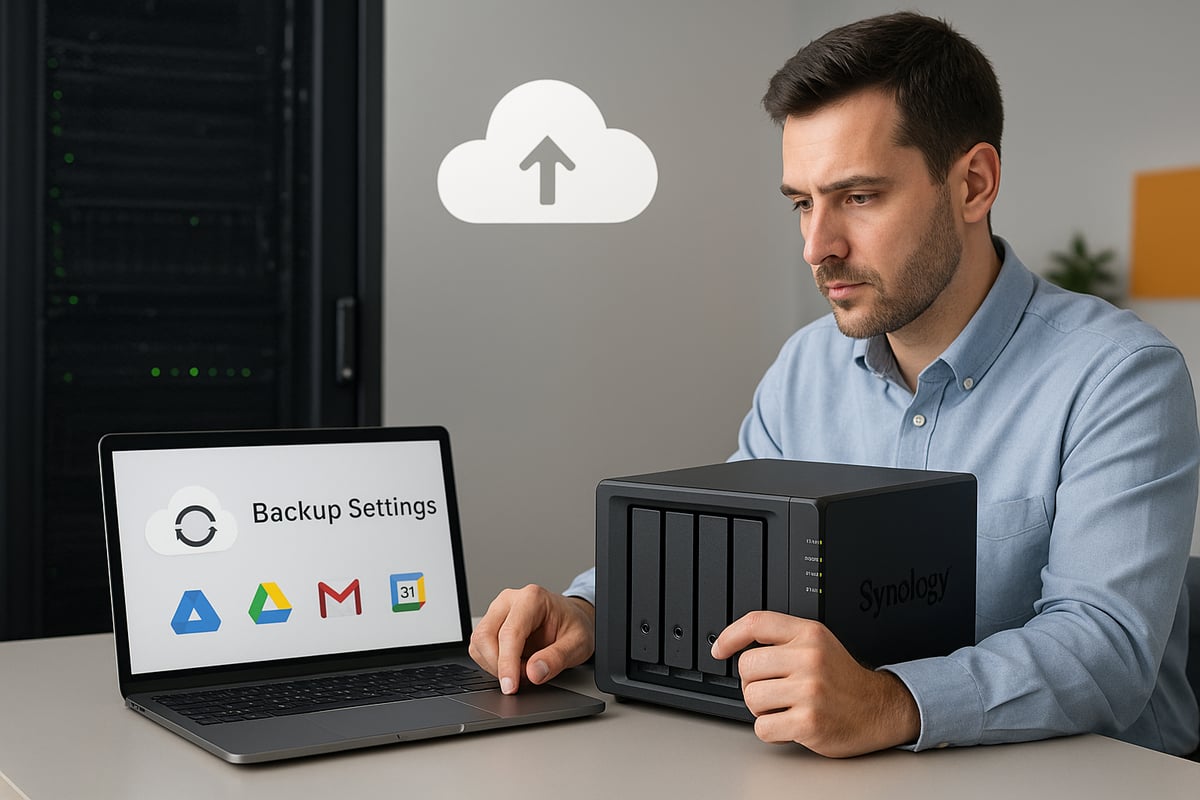
Google Workspace provides built-in tools for data retention and restoration, such as Google Vault and the Admin Console restore functions. These features offer basic protection for emails, Drive files, and user data. However, native google workspace backup capabilities come with several limitations.
Retention policies can be configured, but once data is permanently deleted or falls outside the retention window, recovery is impossible. Shared Drives, Contacts, and Calendar data may not be fully covered by default settings. Admin restores are only available for a limited time, usually up to 25 days after deletion.
Organisations relying solely on these native tools may find themselves exposed to risks such as accidental or malicious deletions, SaaS outages, or failed integrations. A comprehensive approach to google workspace backup often requires looking beyond the built-in options.
Third-Party Backup Solutions
Third-party google workspace backup solutions have gained popularity due to their enhanced automation, security, and flexibility. Providers like Backupify and Spanning offer automated daily backups, granular restore options, and point-in-time recovery for critical business data.
These solutions typically support advanced security measures, including 256-bit encryption, and adhere to compliance standards such as SSAE-16 or SOC 2 Type II. Data centre location is a significant factor, especially for organisations with data sovereignty requirements in the EU, UK, or APAC regions.
Unlimited retention and on-demand backup are common features, providing peace of mind and allowing businesses to restore data from any point in time. Third-party google workspace backup tools can also offer integration with other platforms, robust admin dashboards, and detailed reporting to support compliance and audit needs.
Self-Hosted and Hybrid Backup Approaches
Self-hosted and hybrid solutions appeal to organisations seeking greater control over their google workspace backup. Using dedicated hardware, such as a Synology NAS, businesses can maintain their backups on-premises or in a private hosted environment.
One of the key advantages is the absence of license limitations: you can back up unlimited users and data, limited only by the capacity of your chosen Synology model. This is especially attractive for growing organisations or those with complex data sovereignty needs.
With Synology Drive for business backup, you can automate and schedule backups of your Google Workspace environment, ensuring compliance and rapid recovery. Hosted Synology solutions from providers like vBoxx offer secure, dedicated hardware located in European data centres, supporting GDPR and NIS2 compliance.
While self-hosted and hybrid options provide enhanced control and privacy, they require upfront investment and ongoing management. Scalability is determined by your hardware, so planning for future growth is essential.
Cost, Flexibility, and Scalability
When comparing google workspace backup solutions, cost and scalability are major considerations. Licensing models vary, with some providers charging per user and others offering unlimited user or storage options.
For small and medium-sized enterprises, per-user pricing can be cost-effective, but as organisations grow, unlimited models may deliver better value. Total cost of ownership includes not only licensing fees, but also setup, maintenance, and potential downtime costs.
Flexibility is critical. Your backup solution must adapt as your business evolves, whether through seamless user onboarding, expanding storage, or meeting new compliance requirements. Consider your future needs, and choose a google workspace backup strategy that scales with your organisation.
Step-by-Step Guide: How to Back Up Google Workspace in 2026
Protecting your organisation’s data is more vital than ever. This step-by-step guide will walk you through the most effective and compliant google workspace backup strategies in 2026. By following these practical, actionable steps, you can ensure your cloud data remains secure, recoverable, and compliant.
Step 1: Assess Your Backup Needs
Begin by clarifying what you need to protect within your google workspace backup plan. Identify all critical data types, including Gmail, Google Drive, Shared Drives, Calendar, and Contacts. Consider which business units or users generate the most valuable data.
Create a checklist to guide your assessment:
- List all Google Workspace apps and data types in use.
- Map out data locations, such as Shared Drives or user mailboxes.
- Note compliance and retention requirements for your industry.
- Estimate current data volumes and forecast future growth.
Review any upcoming changes in regulations or business structure. Understanding these factors ensures your google workspace backup covers all essential areas and supports business continuity.
Step 2: Choose Your Backup Solution
Selecting the right backup approach is crucial. Evaluate solutions based on security, automation, retention options, and recovery features. Consider whether a SaaS, self-hosted, or hybrid google workspace backup fits your organisation’s needs.
Compare the following criteria as you shortlist providers:
- Security standards, including encryption and compliance certifications.
- Automated daily backups and on-demand backup options.
- Retention policies, including unlimited storage or user support.
- Data residency, ensuring compliance with EU or UK regulations.
- Scalability for growing user numbers and data volumes.
Renting a Dedicated hosted Synology from vBoxx allows you to back up Google Workspace without license limitations. You can support unlimited users and storage, depending on the Synology model chosen, making it a flexible solution for SMEs and large organisations.
Step 3: Set Up and Configure Backups
Once you have chosen your google workspace backup solution, begin setup and configuration. Connect your Google Workspace account to the backup platform using secure authentication methods.
Follow these steps for initial configuration:
- Schedule automated daily or more frequent backups.
- Configure granular backups for specific users, Shared Drives, or mailboxes.
- Test an initial full backup to ensure all data is covered.
- Verify data integrity by running a test restore.
For Synology NAS users, leverage native apps to automate and schedule recurring google workspace backup tasks. Adjust storage allocations and permissions to match your organisational structure.
Step 4: Monitor and Manage Backups
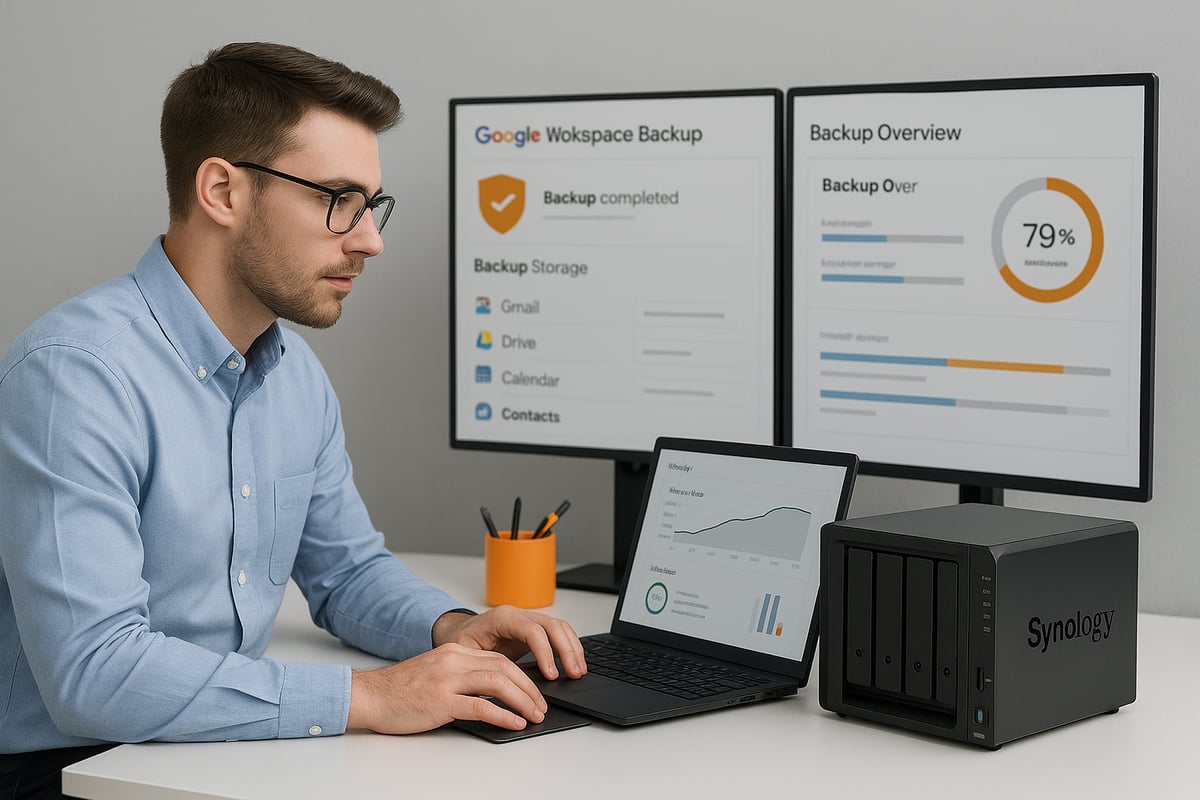
Ongoing monitoring is essential to ensure the reliability of your google workspace backup. Most solutions provide dashboards and alert systems for real-time status updates.
Implement the following best practices:
- Set up admin notifications for failed or incomplete backups.
- Use audit logs to track backup and restore activities.
- Regularly review reports for backup completion and errors.
- Address any backup failures promptly to avoid data gaps.
By actively managing your google workspace backup, you reduce the risk of unnoticed issues and enhance your organisation’s resilience to data loss.
Step 5: Restore and Recover Data When Needed
Effective google workspace backup solutions should allow for rapid, granular recovery. Whether you need to restore a single email or an entire mailbox, having flexible options is key.
Typical restore scenarios include:
- Granular restores for individual files, emails, or contacts.
- Point-in-time recovery for entire mailboxes or Shared Drives.
- Self-service restore features for end users to reduce IT workload.
For example, after a ransomware attack or accidental deletion, a robust google workspace backup enables you to restore data quickly, minimising downtime and disruption to your teams.
Step 6: Maintain Compliance and Documentation
Sustaining compliance is a continuous process in any google workspace backup strategy. Generate regular reports for audits, and document your backup and recovery procedures for staff training.
To ensure ongoing compliance:
- Maintain audit logs detailing backup activities.
- Produce documentation for regulatory reviews.
- Schedule periodic reviews and updates to backup policies.
- Store backups in the appropriate jurisdiction for data sovereignty.
For organisations operating in Europe, following frameworks such as NIS2 compliance and data protection will help ensure your backup processes meet the latest legal requirements. Training staff on policies and regularly updating your strategy will future-proof your organisation’s approach to google workspace backup.
[Back Up Google Workspace with Dedicated Hosted Synology from vBoxx] (https://vboxx.eu)
Securing your organisation’s data is crucial in today’s digital landscape. With vBoxx’s Dedicated Hosted Synology solution, you can achieve robust google workspace backup without the usual limitations. This service allows businesses to protect all Google Workspace accounts, regardless of user count or data volume, simply by selecting a Synology NAS model that fits their requirements.
![[Back Up Google Workspace with Dedicated Hosted Synology from vBoxx] (https://vboxx.eu)](https://xqvnmkjynbkcujcrtubi.supabase.co/storage/v1/object/public/article-images/c4f6e6d4-0cea-4565-ae7d-1be3c3989e7c/article-c4f6e6d4-0cea-4565-ae7-a-high-quality-realistic-photograph-showing-a-mode-3-baoequ.jpg)
Unlimited Google Workspace Backup with No License Restrictions
Unlike many cloud backup services that charge per user or impose storage caps, vBoxx Hosted Synology delivers true scalability. There are no license limitations, so you can back up every Google Workspace user and all data types, including Gmail, Drive, Shared Drives, Calendar, and Contacts. Storage is only limited by the Synology NAS model you select, making it easy to match your current needs and scale as your organisation grows.
- Unlimited users and data per device
- Flexible hardware selection for any business size
- Effortless expansion as requirements change
This approach keeps your google workspace backup strategy both cost-effective and future-ready.
Data Residency, Security, and Compliance
All google workspace backup data is stored exclusively in European data centres, supporting full GDPR and NIS2 compliance. This ensures sensitive information never leaves the EU, addressing data sovereignty concerns for European businesses. The hosted Synology solution provides dedicated, private hardware, giving you full control over access policies, advanced encryption, and retention settings.
- 256-bit AES encryption for data at rest and in transit
- Robust access management for administrators
- Detailed audit trails and monitoring
For organisations with strict regulatory needs, this setup makes it straightforward to meet requirements outlined in Backup Compliance: NIS2, HIPAA, and GDPR Requirements.
Automated, Reliable, and Customisable Backups
With Synology’s native applications, you can automate google workspace backup processes. Set up scheduled or on-demand backups to ensure data protection is ongoing and up-to-date. The platform allows granular restores, so you can recover specific files, emails, or even entire mailboxes with minimal disruption.
- Automated daily or custom backup schedules
- Granular recovery for fast incident response
- Storage performance tailored to your workloads
This flexibility reduces manual effort and ensures business continuity, even in the face of accidental deletion or cyber threats.
Use Cases and Additional Advantages
vBoxx Hosted Synology is ideal for SMEs and large enterprises that require total control and compliance for their google workspace backup. Private, dedicated hardware means your organisation’s data is never mixed with others, supporting strict privacy requirements. Integration with other vBoxx cloud services and expert support makes deployment and management simple.
- Seamless integration with existing cloud workflows
- Expert technical support from vBoxx
- Green hosting practices for sustainable IT
For organisations where data sovereignty, scalability, and compliance are non-negotiable, vBoxx provides a secure and flexible foundation for your google workspace backup strategy.
Comparing Top Google Workspace Backup Solutions
Selecting the right google workspace backup solution is vital for protecting your organisation’s data. With the growing complexity of compliance requirements and cyber threats, businesses must evaluate their options carefully to ensure robust security and fast recovery.
Key Evaluation Criteria
When comparing google workspace backup solutions, focus on several critical factors. Security is paramount. Look for encryption in transit and at rest, and verify that providers hold compliance certifications such as ISO 27001 and SOC 2. For a deeper understanding of ISO 27001’s impact on business security, see the ISO 27001 business security guide.
Backup features matter as well. Automated daily backups, unlimited retention, and granular restore options help ensure no data is left unprotected. Restore capabilities like self-service options and admin controls add flexibility. Reliable admin tools, including status monitoring and alerts, streamline management.
Also, consider where your data is stored. Data centre locations in the EU, UK, or APAC are crucial for compliance and sovereignty. Finally, review support availability, uptime SLAs, and pricing models to ensure your google workspace backup meets both operational and budgetary needs.
Solution Comparison Table (Example)
The table below summarises key features of leading google workspace backup providers:
| Provider | Security & Compliance | Backup Features | Restore Options | Data Centres | Pricing Model |
|---|---|---|---|---|---|
| Backupify | ISO 27001, SOC 2, GDPR | Automated, granular | Self-service, admin | US, EU, APAC | Per-user |
| Spanning | ISO 27001, SOC 2, GDPR | Unlimited retention | Point-in-time, self | US, EU, APAC | Per-user |
| vBoxx Hosted Synology | ISO 27001, GDPR | Unlimited users/storage | Granular, full control | EU only | Per-device, scalable |
This comparison helps clarify which google workspace backup solution aligns with your organisation’s needs, whether you prioritise unlimited storage, compliance, or user flexibility.
Backupify
Backupify is a popular google workspace backup solution known for its robust automation and compliance features. It offers daily automated backups, granular restore options, and supports compliance standards such as ISO 27001 and GDPR.
With data centres in multiple regions, Backupify enables organisations to address data sovereignty requirements. However, some users have noted that support response times can vary. The per-user pricing model suits businesses with predictable user counts.
Spanning
Spanning provides automated google workspace backup with unlimited retention and powerful self-restore options. Admins can monitor backup status, review audit logs, and perform point-in-time recoveries with ease.
Spanning’s strong compliance credentials, including ISO 27001 and SOC 2, appeal to regulated industries. The solution’s user-friendly interface and self-service restore capabilities empower end-users while reducing IT workload.
vBoxx Hosted Synology
With vBoxx Hosted Synology, organisations can run google workspace backup on private, dedicated Synology hardware hosted in European data centres. This approach offers unlimited users and storage, determined only by the Synology model selected.
There are no per-user licence restrictions, making vBoxx ideal for growing businesses or those with complex backup needs. All data remains within the EU, supporting GDPR and NIS2 compliance. Advanced encryption, customisable storage, and integration with other vBoxx services ensure a secure, future-proof backup strategy.
Best Practices for Google Workspace Backup and Recovery
Keeping your organisation’s data safe requires a strategic approach to google workspace backup. By following industry best practices, you can protect your business from evolving threats, ensure compliance, and maintain productivity. Let us explore the key practices that every organisation should adopt for a robust backup and recovery strategy.
Automation and Scheduling
Automating your google workspace backup process is essential to reduce human error and guarantee data is consistently protected. Scheduled daily backups ensure that all new and changed files are captured, even if your team is busy. For critical business moments, on-demand or manual backups provide an extra layer of security.
Understanding how cloud storage works can help you optimise your backup routines. Choose solutions that support automated schedules, allow flexible backup frequencies, and provide real-time monitoring to keep your data safe.
Granular and Flexible Recovery
A strong google workspace backup strategy should enable granular recovery. This means you can restore individual files, emails, or contacts without needing to recover entire accounts or drives. Granular restore capabilities minimise disruptions, letting teams quickly recover only what is needed.
Point-in-time recovery is equally important. If a major incident like ransomware or mass deletion occurs, you should be able to roll back to a specific moment. Solutions offering both granular and point-in-time recovery options provide the flexibility required for modern businesses.
Security and Access Control
Securing your google workspace backup data is just as important as backing it up. Enforce strict access controls, ensuring only authorised personnel can manage or restore backups. Implement strong authentication methods, such as multi-factor authentication, to further reduce risks.
Choose backup providers that use advanced encryption standards like 256-bit AES for data both in transit and at rest. Regularly review user permissions, and update access protocols in line with changes in your organisation’s structure.
Monitoring, Testing, and Reporting
Regularly monitoring the status of your google workspace backup is fundamental for early detection of issues. Set up automatic alerts for failed backups, so problems are addressed immediately. Dashboards and reporting tools provide visibility into backup health, helping you stay proactive.
Periodic test restores are crucial. These tests confirm data integrity and recovery speed, ensuring you are prepared for real incidents. Maintain detailed audit logs and compliance reports to support ongoing reviews and external audits.
Compliance and Data Sovereignty
Compliance with regulations such as GDPR and NIS2 is a core requirement for google workspace backup in 2026. You must store backup copies in jurisdictions that meet legal standards for data sovereignty. For organisations operating in Europe, understanding the EU Cloud Code of Conduct Overview is vital.
Ensure your backup solution supports required retention policies, provides audit trails, and can generate reports for compliance checks. Storing data within the EU or UK can make it easier to meet regulatory obligations and reassure clients about privacy.
End-User Empowerment and Training
Empowering end-users to restore their own data can significantly reduce IT workload. Choose google workspace backup solutions with self-service restore features, enabling staff to recover lost emails or files quickly and independently.
Regular training is essential. Educate employees on backup policies, restoration processes, and basic incident response. Well-informed users are less likely to make mistakes that result in data loss, and more capable of responding to incidents when they occur.
Future-Proofing Your Backup Strategy
The threat landscape and regulatory environment are constantly evolving. Review your google workspace backup policies annually to address new risks and changes in business needs. As your organisation grows, ensure your backup solution can scale accordingly.
Stay informed about innovations in backup technology and update your practices as necessary. A future-proof strategy keeps your data secure, supports compliance, and maintains operational resilience.
After learning about the growing risks to your Google Workspace data and exploring the best backup strategies for 2026, you might be wondering how to put this knowledge into practice for your organisation. At vBoxx, we understand the importance of security, compliance, and sustainability when it comes to protecting your valuable information. If you’d like to see how our hosted Synology solution can fit your business needs offering unlimited backups, GDPR compliance, and expert support we’re here to help. You can experience the platform firsthand and discover its benefits by choosing to start a free trial.