
The demand for secure and flexible cloud storage continues to grow as businesses and individuals look for smarter ways to manage their files. Concerns about Dropbox’s pricing, privacy controls, and feature limitations have prompted many to search for a dropbox alternative that better suits their needs. Choosing the right option can deliver stronger collaboration, lower costs, and enhanced data security. In this article, we explore the top 7 Dropbox alternatives for 2026, highlight what sets each apart, and help you decide which solution fits your requirements best.
What to Look for in a Dropbox Alternative
Choosing the right dropbox alternative in 2026 is more than just finding more storage space. With cloud storage now central to business and personal life, the ideal solution must balance security, collaboration, flexibility, and value. Let us explore the key features and insights you should prioritise before making your choice.
Essential Features and Capabilities
When searching for a dropbox alternative, it is crucial to focus on the core features that directly impact your workflow and data safety.
Storage Options: Evaluate the range of free and paid plans, as well as the scalability to match your evolving requirements. Look for flexible storage that can grow with your team or business.
Security Standards: Security is non-negotiable. Seek end-to-end encryption, strong privacy controls, and compliance with regulations such as GDPR and ISO 27001. For a deeper understanding of how encrypted online storage works and why it matters, see this online storage encryption guide.
Collaboration Tools: Modern teams need real-time editing, file sharing, and granular user permissions. Check for workflow integrations that streamline communication and project management.
Platform Compatibility: Your dropbox alternative should support all major operating systems, including Windows, macOS, Linux, iOS, Android, and web browsers. This ensures seamless access wherever you work.
Third-Party Integrations: Choose a service compatible with productivity suites like Google Workspace and Microsoft 365, as well as project management and automation tools.
Backup and Sync: Reliable backup, fast sync speeds, and robust version control are essential for uninterrupted file management.
Customer Support: Evaluate the availability of support, responsiveness, and whether multilingual assistance is offered.
Here is a quick comparison table for reference:
| Feature | Why It Matters | What to Look For |
|---|---|---|
| Storage Options | Flexibility, scalability | Free/paid tiers, on-demand upgrades |
| Security | Data protection | Encryption, compliance certifications |
| Collaboration | Productivity | Real-time editing, file sharing |
| Compatibility | Accessibility | Multi-platform, mobile, web |
| Integrations | Workflow efficiency | Google, Microsoft, automation tools |
| Backup & Sync | Reliability, control | Versioning, speed, recovery options |
| Support | User experience | 24/7, multilingual, onboarding help |
Key Considerations and Insights
Beyond features, several broader factors will help you select the dropbox alternative that truly fits your needs.
Cost-Effectiveness: Compare pricing structures carefully. Some providers offer generous free tiers, while others focus on value for larger teams or long-term users.
User Experience: An intuitive, easy-to-navigate interface reduces onboarding time and encourages adoption. Look for solutions praised for their simplicity and effective onboarding resources.
Privacy and Compliance: For regulated industries or privacy-conscious individuals, data residency, GDPR compliance, and robust privacy controls are essential. Not all providers offer the same level of assurance.
Scalability: Consider whether the dropbox alternative is suitable for your current size and future growth. Solutions should cater to individuals, SMEs, and large enterprises alike.
Real-World Examples: Many businesses switch to alternatives for better compliance or lower costs. For instance, a healthcare firm may move to a provider with strong regulatory credentials, while a creative agency may seek better media management.
Data Point: TechRadar highlights that cross-platform compatibility and app integrations are among the top reasons users switch from Dropbox.
Perspective: Every dropbox alternative has unique strengths. Identify your top priorities—security, collaboration, cost, or integrations—before making a decision.
By weighing these factors and comparing real-world use cases, you can confidently select a dropbox alternative that supports your workflow and protects your data.
Top 7 Dropbox Alternative Options to Try in 2026
Choosing the right dropbox alternative in 2026 is crucial for businesses and individuals seeking better value, security, and flexibility. With the market evolving rapidly, users are no longer limited to just one provider. Below, we highlight the top 7 Dropbox alternatives for 2026, each offering unique strengths to help you find the perfect fit for your needs.
vBoxxCloud
If privacy and compliance are your top priorities, vBoxxCloud is a dropbox alternative that stands out for 2026. Designed with European businesses in mind, it offers secure cloud storage with a focus on data residency and regulatory compliance.
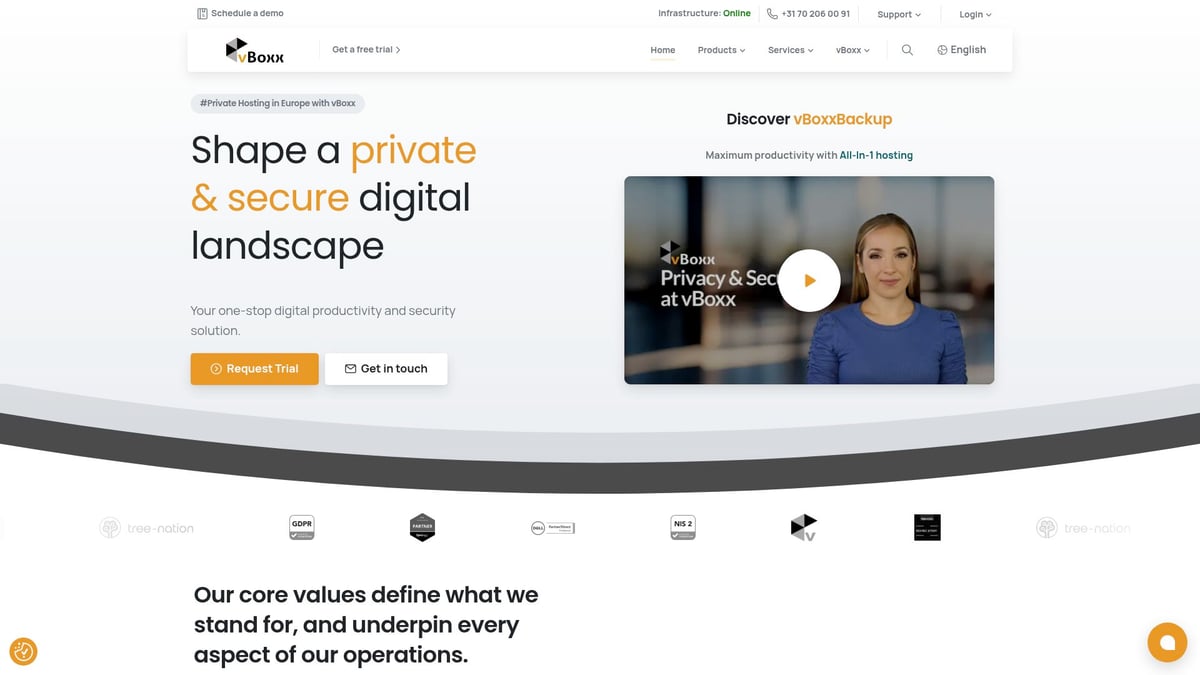
vBoxxCloud provides custom pricing tailored to your organisation, along with a free trial to evaluate its features. Its core offering includes GDPR and NIS2 compliance, ISO 27001 certification, advanced backup, and integrated productivity tools. All data is hosted in European data centres, ensuring adherence to strict privacy laws.
One major advantage of this dropbox alternative is its commitment to green hosting and sustainable practices. vBoxxCloud is also known for expert multilingual support, making it ideal for international teams and enterprises. The solution is highly scalable, serving SMEs as well as larger organisations with complex IT needs.
Pros:
- 100% European hosting
- Strong privacy and security focus
- Integrated backup and productivity tools
- Expert, multilingual support
- Green hosting practices
Cons:
- No public fixed pricing
- More suited to businesses than individuals
Use case: Companies requiring robust privacy, compliance, and integrated IT solutions will find vBoxxCloud particularly compelling. For a deeper dive into how end-to-end encryption protects sensitive data, see this Encrypted cloud service overview.
| Feature | Details |
|---|---|
| Pricing | Custom quotes, free trial |
| Storage Location | Europe only |
| Compliance | GDPR, NIS2, ISO 27001 |
| Support | Multilingual, business-focused |
| Ideal For | SMEs, enterprises, compliance-driven organisations |
Google Drive
Google Drive remains a leading dropbox alternative for those seeking seamless collaboration and generous free storage. It offers a free 15GB tier, with paid plans starting from $1.99/month for 100GB via Google One.
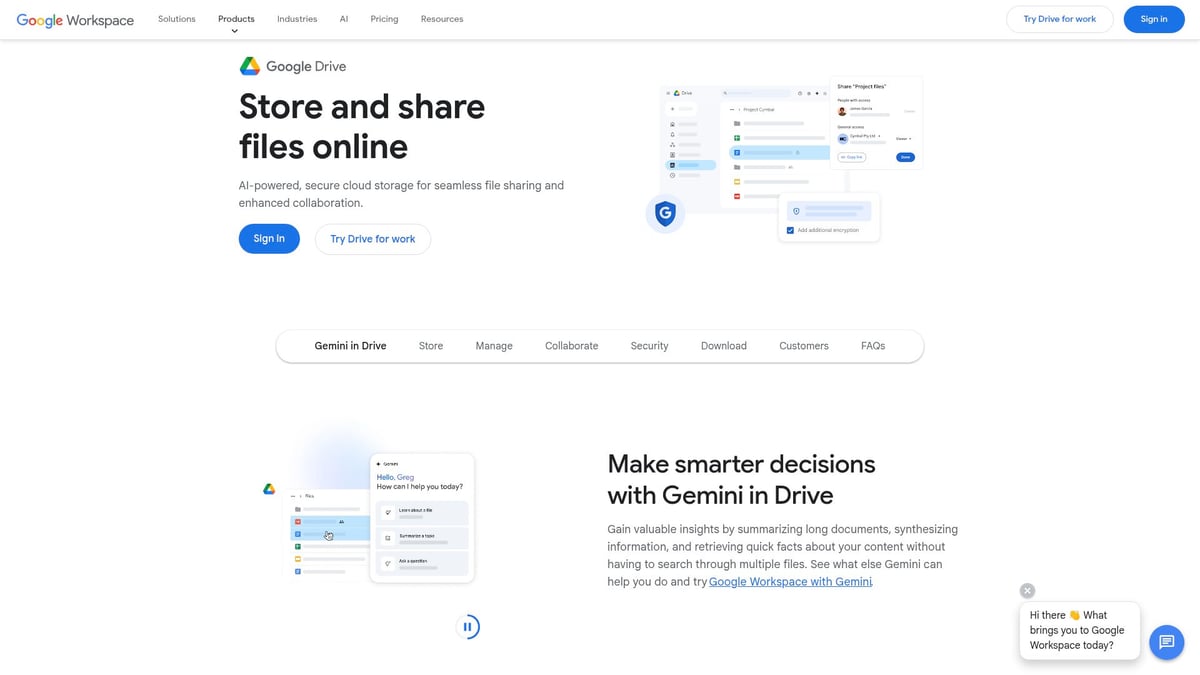
Key features include real-time document editing, file sync across devices, and robust sharing controls. Google Drive integrates tightly with Google Workspace, making it perfect for teams already using Gmail, Calendar, and other Google services. Its extensive third-party integrations further support productivity.
This dropbox alternative excels in cross-platform compatibility, supporting Windows, macOS, Linux, iOS, Android, and web access. Users benefit from reliable uptime and easy onboarding. However, some may have concerns about data privacy, as Google accounts are required for full functionality.
Pros:
- Generous free storage
- Real-time collaboration tools
- Extensive app integrations
- Cross-platform support
Cons:
- Privacy concerns for sensitive data
- Google account required
Use case: Google Drive is ideal for teams and individuals who value collaborative document editing and are invested in the Google ecosystem.
| Feature | Details |
|---|---|
| Pricing | Free 15GB, paid from $1.99/month |
| Collaboration | Real-time editing, Google Docs/Sheets |
| Integrations | Google Workspace, 1000+ third-party apps |
| Ideal For | Teams, education, individuals |
Box
Box is a robust dropbox alternative trusted by enterprises for its advanced security and administration. Business plans start at around $15/user/month, with a free trial for evaluation.
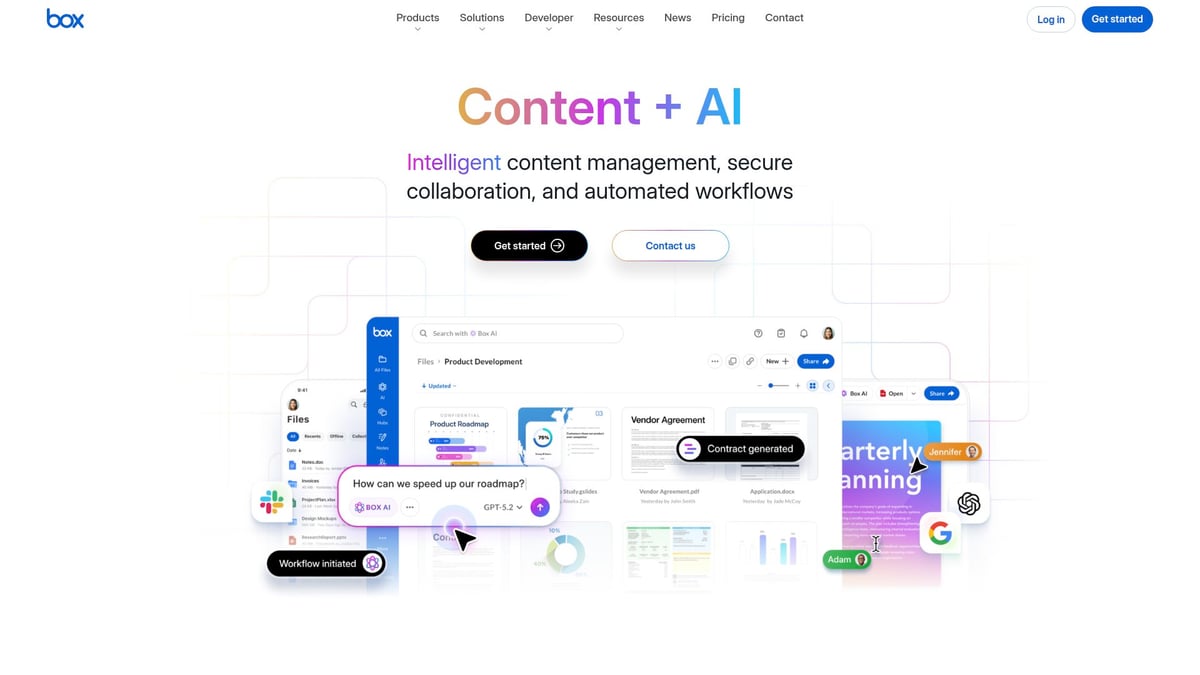
Box delivers enterprise-grade security, workflow automation, and advanced admin controls. Unlimited storage is available on business plans, making it a popular choice for large deployments. With more than 1500 app integrations, Box adapts to diverse business needs.
Its granular user permissions and strong audit trails help organisations in regulated sectors such as legal, finance, and healthcare. While its setup may be complex for smaller teams, Box offers unparalleled compliance support and collaboration tools.
Pros:
- Enterprise-level security features
- Unlimited storage for business plans
- Extensive app integrations
- Advanced admin controls
Cons:
- Higher price point
- May be complex for small teams
Use case: Organisations requiring robust compliance, detailed audit logs, and scalable collaboration will find Box a compelling dropbox alternative.
| Feature | Details |
|---|---|
| Pricing | From $15/user/month |
| Security | Enterprise-grade, strong compliance |
| Integrations | 1500+ third-party apps |
| Ideal For | Large enterprises, regulated sectors |
Sync.com
Sync.com is a dropbox alternative designed for privacy-conscious users. It offers a free 5GB plan, with paid options from $8/user/month. Its standout feature is end-to-end encryption, ensuring that only you control access to your files.
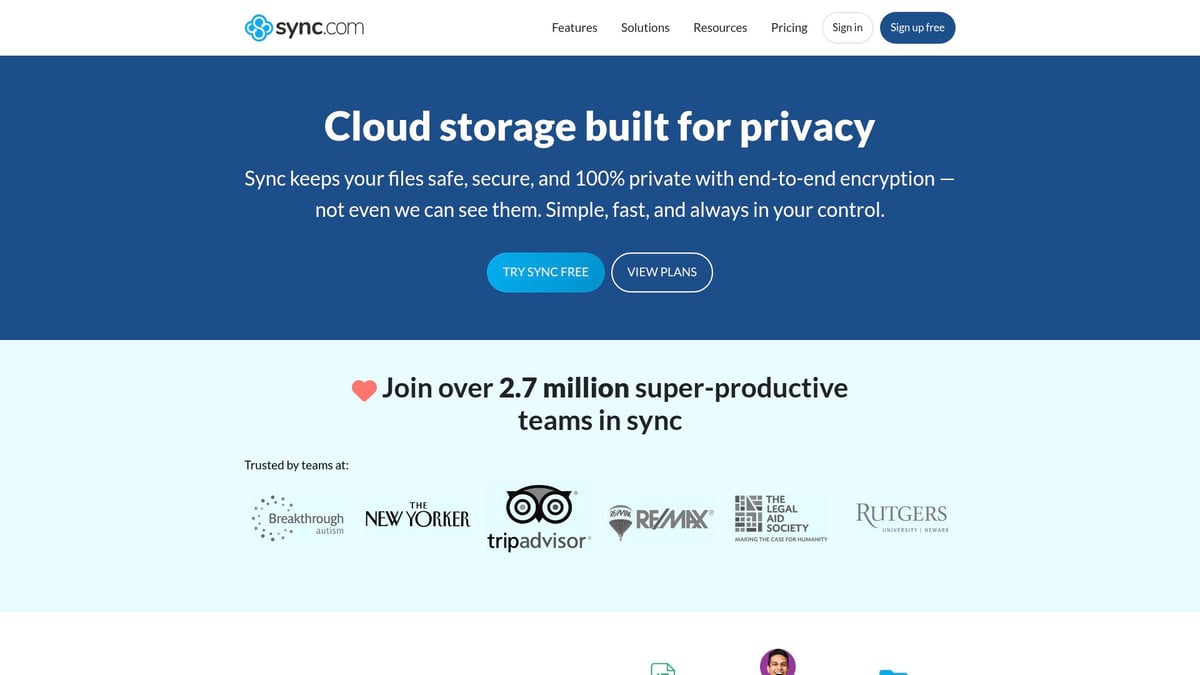
With Canadian data residency and a zero-knowledge architecture, Sync.com is well suited for individuals and small businesses focused on privacy. Secure file sharing, automatic backup, and file versioning are built in, making file management straightforward.
Sync.com does not track user activity or share data with third parties. While it may lack the integration depth of some competitors and can have slower sync speeds, it is GDPR compliant and allows easy password-protected sharing.
Pros:
- End-to-end encryption
- No third-party tracking
- GDPR compliant
- Simple, secure sharing
Cons:
- Limited third-party integrations
- Slower sync speeds
Use case: Sync.com is a smart dropbox alternative for freelancers and businesses prioritising privacy and secure file transfers.
| Feature | Details |
|---|---|
| Pricing | Free 5GB, paid from $8/month |
| Security | End-to-end encryption |
| Data Location | Canada |
| Ideal For | Privacy-focused users |
OneDrive
OneDrive is a dropbox alternative that integrates seamlessly with Microsoft 365. Offering a free 5GB tier and paid options from £1.99/month for 100GB, it is included with all Microsoft 365 subscriptions.
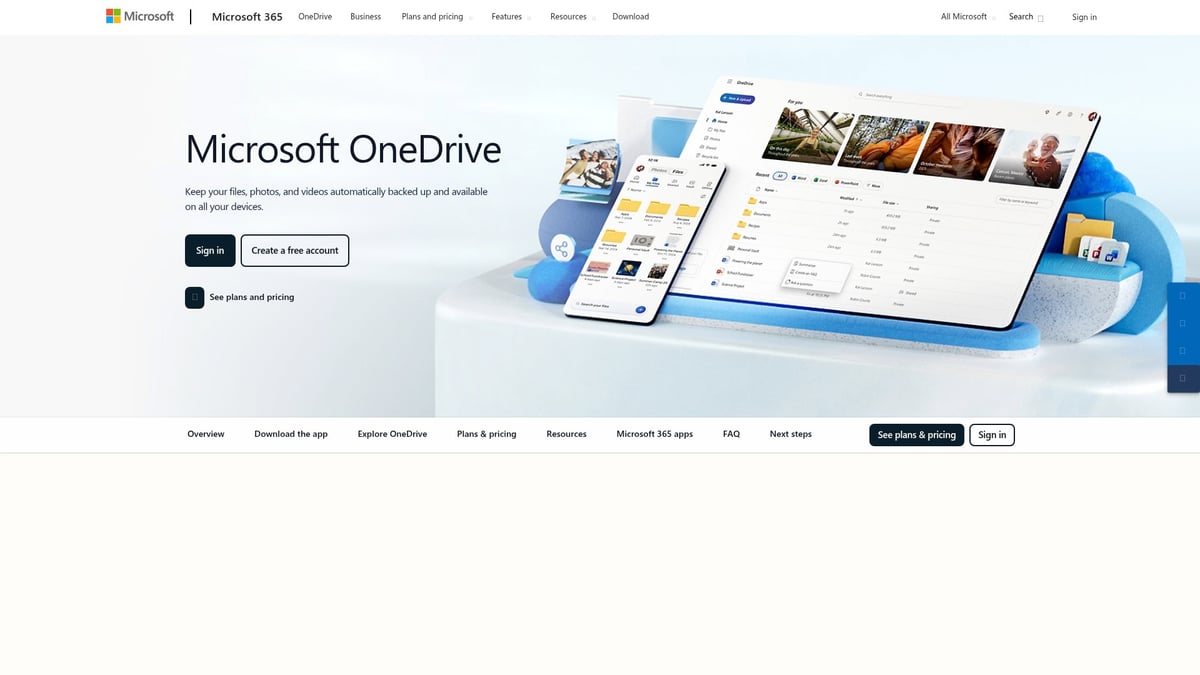
OneDrive’s core features include integration with Office apps, Personal Vault for sensitive files, document scanning, and offline access. Real-time collaborative editing makes teamwork efficient, especially for organisations standardised on Microsoft tools.
Its reliable sync, version history, and cross-platform compatibility appeal to both business and education sectors. The main drawbacks are the requirement for a Microsoft account and privacy considerations for sensitive data.
Pros:
- Deep Microsoft Office integration
- Reliable sync and version control
- Included with Microsoft 365
Cons:
- Microsoft account required
- Privacy concerns for sensitive data
Use case: OneDrive is ideal for teams and students using Microsoft 365, seeking a dropbox alternative with strong productivity features.
| Feature | Details |
|---|---|
| Pricing | Free 5GB, 100GB from £1.99/mo |
| Collaboration | Real-time editing |
| Integrations | Microsoft 365, Office suite |
| Ideal For | Businesses, education |
pCloud
pCloud is a versatile dropbox alternative with flexible pricing and strong media management tools. It offers a free 10GB plan, paid subscriptions from £3.59/month, and unique lifetime plans.
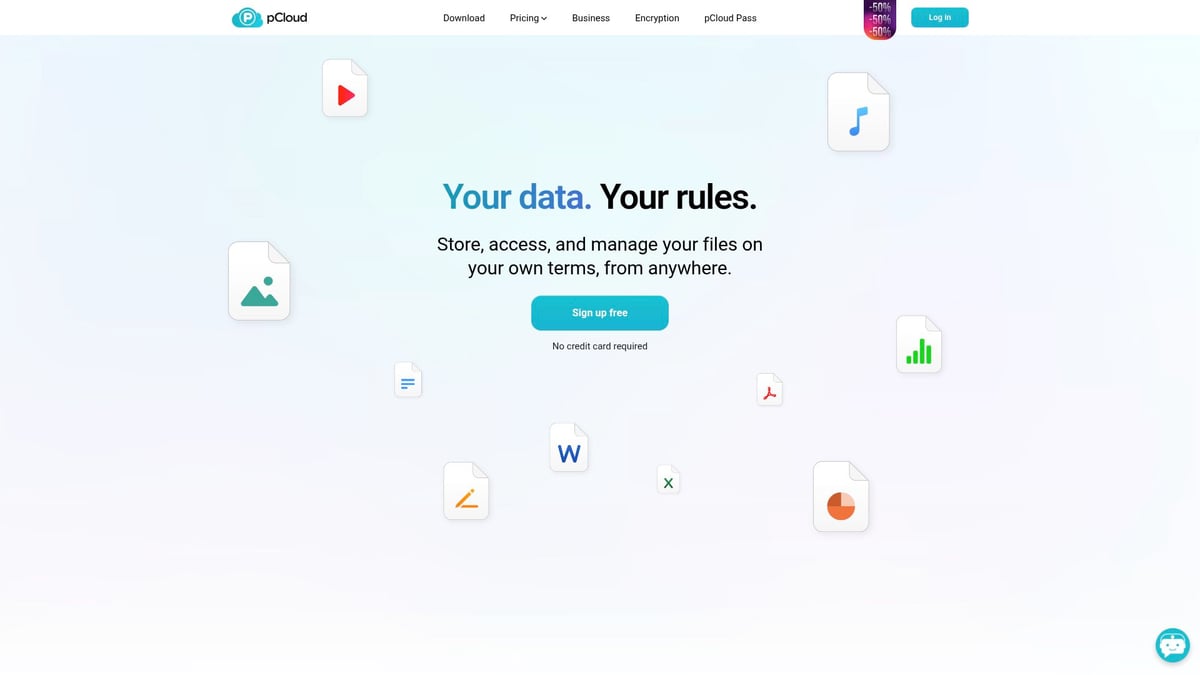
pCloud features file versioning, media playback, and optional client-side encryption (pCloud Crypto). Users benefit from Swiss privacy laws and no file size limits, making it ideal for creatives and users with large storage needs.
While collaboration tools are more limited than some competitors, pCloud’s easy-to-use interface and affordable lifetime pricing offer excellent long-term value. Encryption is available as a paid add-on for those seeking extra security.
Pros:
- Unique lifetime pricing
- Swiss privacy protections
- No file size limits
- User-friendly interface
Cons:
- Encryption is a paid add-on
- Limited collaboration features
Use case: pCloud is perfect for individuals and small businesses seeking an affordable dropbox alternative for long-term storage and media management.
| Feature | Details |
|---|---|
| Pricing | Free 10GB, paid from £3.59/month |
| Security | Swiss privacy laws |
| Media Features | Media playback, file versioning |
| Ideal For | Creatives, long-term storage |
Tresorit
Tresorit is a premium dropbox alternative focused on strong security and compliance. Plans start at £8/month/user, with a free trial available for evaluation.
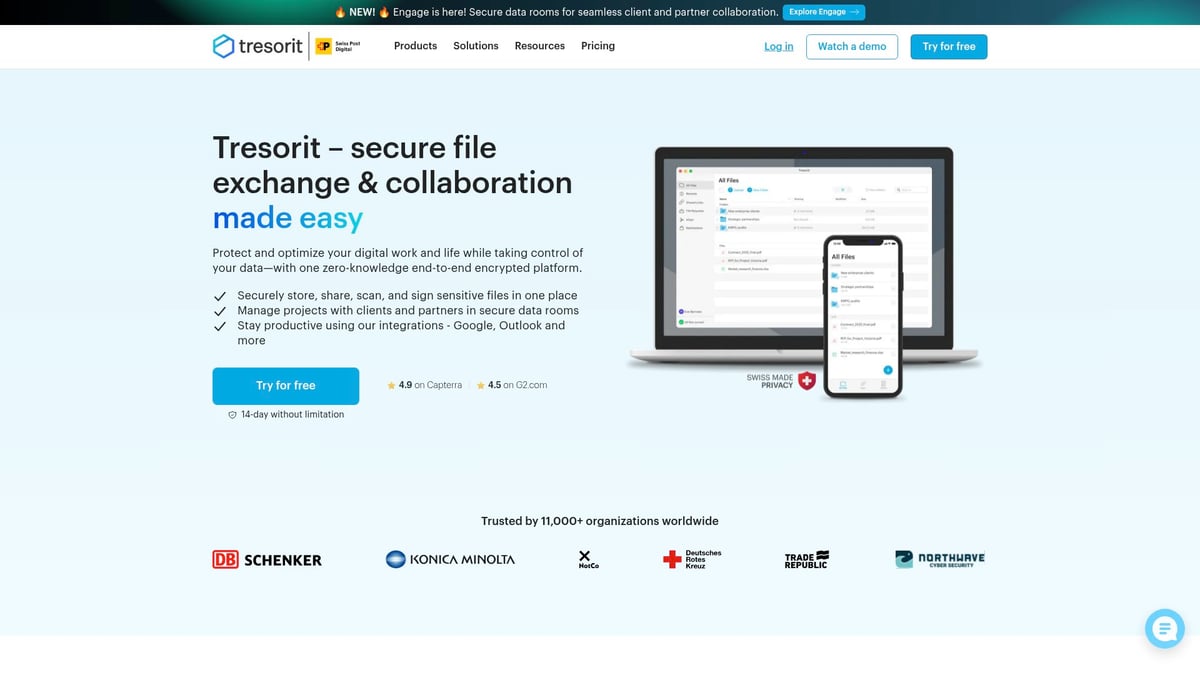
Tresorit offers end-to-end encrypted storage, secure link sharing, and granular access controls. Its data centres in Switzerland provide GDPR and HIPAA compliance, making it suitable for legal, healthcare, and finance sectors.
Zero-knowledge encryption ensures only you have access to your data. Mobile and desktop apps offer flexibility, while detailed permission settings support complex workflows. The higher price and limited free storage may be a consideration for smaller teams.
Pros:
- End-to-end, zero-knowledge encryption
- Swiss data residency
- GDPR and HIPAA compliant
- Detailed permissions
Cons:
- Higher price point
- Limited free storage
Use case: Tresorit is the dropbox alternative of choice for organisations handling highly sensitive information and requiring strict regulatory compliance.
| Feature | Details |
|---|---|
| Pricing | From £8/user/month |
| Security | End-to-end, zero-knowledge |
| Compliance | GDPR, HIPAA |
| Ideal For | Legal, healthcare, finance |
Comparing Dropbox Alternatives: Which is Right for You?
Selecting the right dropbox alternative is crucial to ensuring your files are secure, accessible, and easy to manage. With so many options available in 2026, it is important to weigh each provider’s strengths against your specific needs.
Security and Compliance
For organisations with strict data protection requirements, security is paramount. Providers such as vBoxxCloud, Tresorit, and Sync.com offer robust encryption, data residency controls, and compliance with regulations like GDPR and ISO 27001. It’s essential to assess not only the technical safeguards but also the provider’s ability to address evolving threats. For a deeper understanding of security risks and compliance, see this resource on the unseen risks of cloud storage for businesses. Choosing a dropbox alternative with proven compliance can help regulated industries stay audit-ready and protect sensitive data.
Collaboration and Productivity
If seamless teamwork is a priority, consider how each dropbox alternative supports collaboration. Google Drive and OneDrive stand out for integrated document editing and real-time sharing. Box also excels in workflow automation and advanced permissions, making it suitable for enterprises with complex collaboration needs. Look for features such as simultaneous editing, file commenting, and integration with productivity suites to boost efficiency.
Cost, Storage, and Ease of Use
Budget constraints and storage needs often drive the choice of a dropbox alternative. pCloud offers unique lifetime plans and flexible storage, while Google Drive and OneDrive provide generous free tiers. Usability matters too; a straightforward interface and easy onboarding can save time and reduce frustration. Evaluate how each platform balances price, storage, and user experience for your intended use.
Data Residency and Integration Ecosystem
Data residency is critical for European businesses, making vBoxxCloud and Tresorit attractive choices due to their European data centres. Integration with third-party apps is another key factor. Box and Google Drive support a wide range of integrations, connecting seamlessly with project management, communication, and automation tools. Assess your current workflows and ensure your chosen dropbox alternative fits into your existing ecosystem.
Quick Comparison Table
| Use Case | Best Dropbox Alternative(s) | Key Advantage |
|---|---|---|
| Strict security & compliance | vBoxxCloud, Tresorit, Sync.com | Advanced encryption, certifications |
| Team collaboration | Google Drive, OneDrive, Box | Real-time editing, sharing |
| Cost-effective, long-term storage | pCloud, Google Drive | Lifetime plans, free storage tiers |
| European data residency | vBoxxCloud, Tresorit | EU-based servers |
| Extensive app integrations | Box, Google Drive | Large integration ecosystem |
Every dropbox alternative has unique strengths, so define your priorities before making a decision. Consider whether your focus is security, collaboration, cost, or integration. By matching your requirements to the right provider, you can maximise value and future-proof your cloud storage strategy.
How to Migrate from Dropbox to an Alternative
Migrating from Dropbox to a dropbox alternative can seem daunting, but with a structured approach, your transition will be smooth and secure. Careful planning is key, especially when sensitive business data and compliance requirements are involved.
Planning Your Migration
The first step is to assess your current Dropbox usage. List all files, shared folders, user accounts, and any integration dependencies you have with third-party apps. Understanding your data structure will help you choose the most suitable dropbox alternative.
Next, select your new provider based on features, compliance, and security standards that match your needs. If your business requires ISO 27001 certification or strict GDPR compliance, refer to resources like the ISO 27001 business security guide when comparing options.
Data preparation is crucial. Clean up files, remove duplicates, and organise folders to reduce clutter before migration. This step not only saves time but also ensures your new dropbox alternative starts with an efficient file system.
Migration Methods
You have several options for transferring data:
- Use built-in migration tools offered by your new provider.
- Consider third-party migration services for complex environments.
- Manual transfer may be suitable for smaller data sets.
During migration, pay close attention to security settings and access permissions. According to recent Cloud Misconfiguration Statistics 2025–2026, misconfigured cloud environments are a leading cause of data breaches. Always double-check settings after migration.
Training, Integration, and Post-Migration Checks
Once your data is transferred, train your team on the features and workflows of your chosen dropbox alternative. User onboarding is essential to minimise disruption and maintain productivity.
Re-establish integrations with productivity tools, calendars, and communication platforms. Test these connections to ensure seamless operation.
Finally, complete a post-migration checklist:
- Verify all files and folders have transferred correctly.
- Check sharing settings and user permissions.
- Confirm that backup and versioning features are active.
- Review security and compliance configurations.
Example Migration: Leveraging Expert Support
Businesses switching to vBoxxCloud, for example, can benefit from dedicated consultancy and migration support. Their experts help plan the move, execute the migration with minimal downtime, and provide training tailored to your team’s needs. This approach ensures your dropbox alternative delivers immediate value and long-term security.
With careful preparation and the right resources, migrating from Dropbox to a dropbox alternative can be a straightforward process that unlocks better compliance, control, and collaboration.
FAQs about Dropbox Alternatives in 2026
Choosing a dropbox alternative in 2026 can feel overwhelming, especially as security, compliance, and usability standards continue to evolve. Below, we address the most common questions users have when considering a switch from Dropbox.
Are Dropbox alternatives as secure as Dropbox?
Most leading dropbox alternative platforms now offer comparable or even stronger security than Dropbox. Features like end-to-end encryption, zero-knowledge architecture, and compliance with industry standards such as GDPR and ISO 27001 are increasingly standard. For more details on the latest industry protections, see these Cloud Security Statistics 2026.
Can I use these alternatives for free?
Many dropbox alternative providers offer free plans, often with storage caps ranging from 5GB to 15GB. However, advanced features like team collaboration, larger storage, or enhanced security are typically reserved for paid tiers. Always review what is included in the free version, as limits can vary widely.
Which alternative is best for business vs. personal use?
The ideal dropbox alternative depends on your specific requirements. For business, platforms like Box, vBoxxCloud, and Tresorit offer robust admin controls, compliance options, and integration with productivity tools. For personal use, Google Drive, OneDrive, and pCloud are popular for their ease of use and generous free tiers.
How do privacy laws affect cloud storage choice?
Data residency and privacy regulations such as GDPR or HIPAA can directly impact which dropbox alternative is suitable for your needs. Providers with European or Swiss data centres, like vBoxxCloud and Tresorit, often cater to privacy-conscious organisations. The growing importance of compliance is highlighted in the Cloud Compliance Market Forecast 2026–2034.
Can I migrate my existing Dropbox data easily?
Most dropbox alternative services offer migration tools or guides to help users transfer their files. Options include built-in import features, third-party migration services, or manual file transfers. Some providers, like vBoxxCloud, offer consultancy and hands-on migration support.
What if I need offline access or mobile support?
Nearly every major dropbox alternative includes mobile apps for iOS and Android, plus offline access features. Always check that your chosen platform supports your devices and required workflows to ensure seamless productivity.
Are there open-source Dropbox alternatives?
Yes, open-source solutions like Nextcloud are available and can be hosted independently or through managed providers. These are ideal for users who want full control over their data and customisation.
Integration and regulatory compliance continue to be top factors when businesses evaluate a dropbox alternative, making it essential to align your choice with your specific needs and priorities.
Now that you’ve seen what each Dropbox alternative can offer, you might be wondering which one truly fits your organisation’s security, compliance, and collaboration needs. If you’re looking for a solution that goes beyond standard cloud storage—offering dedicated support, robust European privacy protection, and sustainable hosting—vBoxxCloud is well worth exploring. Why not take the next step and see how it could work for you? You can experience the full range of features and peace of mind, risk free. Simply start a free trial and discover how easy secure cloud storage can be for your business.