
DS1621+ Guide for European Business Storage in 2026
Explore the Synology DS1621+ NAS: performance benchmarks, expansion options, and how it fits into secure European business infrastructure in 2026.
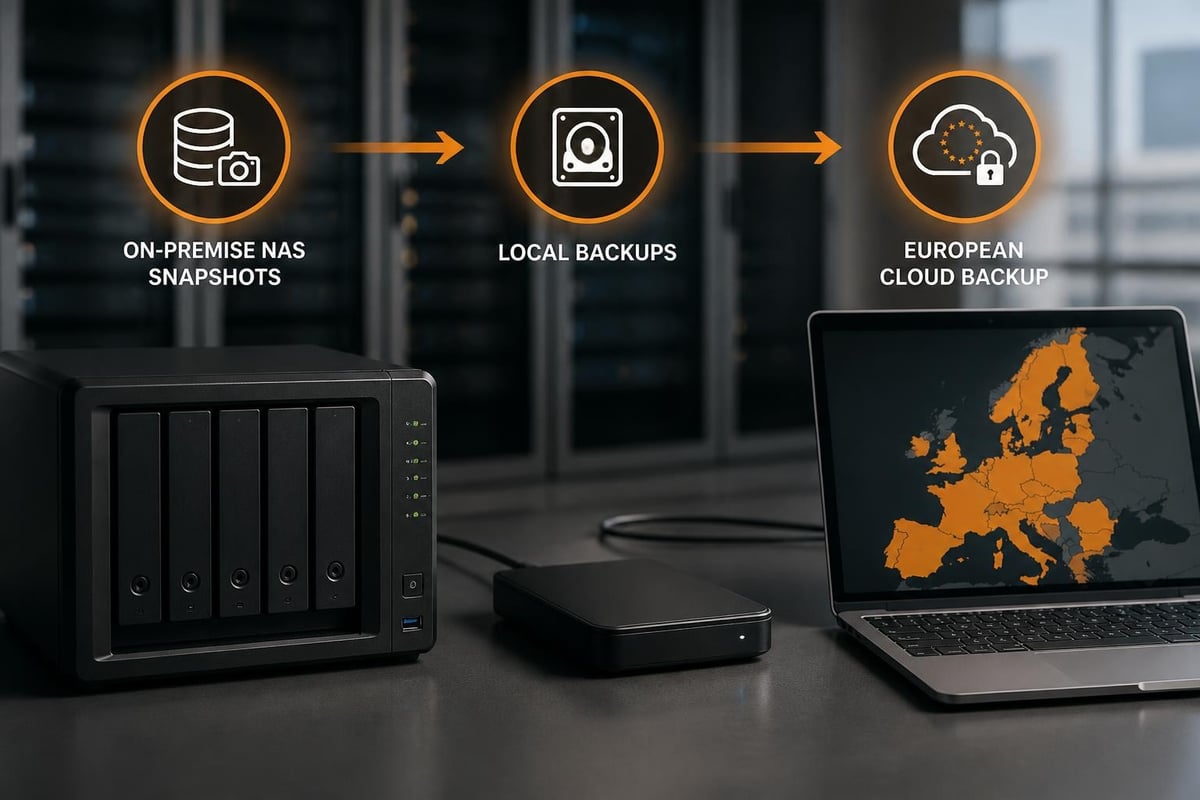
Enterprise data storage infrastructure showing the relationship between on-premise NAS hardware, business file management, and European cloud backup systems with ISO 27001 compliance frameworks
The Synology DS1621+ represents a significant milestone in business-grade network-attached storage, offering European organisations a powerful platform for managing critical data infrastructure. As businesses increasingly demand local control over their data whilst maintaining robust backup and disaster recovery capabilities, this six-bay NAS solution has emerged as a compelling option for mid-sized enterprises and growing organisations. Furthermore, understanding how the ds1621 fits within a broader European data strategy can help IT decision-makers balance on-premise storage with cloud-based solutions, particularly when GDPR compliance and data sovereignty remain paramount concerns.Hardware Architecture and Performance Capabilities
The ds1621 is built around an AMD Ryzen V1500B quad-core processor clocked at 2.2GHz, delivering substantially more processing power than previous generations of Synology's business NAS lineup. This architectural choice provides significant advantages for organisations running virtualisation workloads, container-based applications, or demanding file services.
Core Specifications and Memory
The system ships with 4GB of DDR4 ECC memory, expandable to 32GB through two SODIMM slots. ECC (Error-Correcting Code) memory represents a crucial feature for business deployments, as it automatically detects and corrects data corruption, thereby reducing the risk of silent data errors that could compromise file integrity over time.
Key hardware specifications include:
- AMD Ryzen V1500B quad-core 2.2GHz processor
- 4GB DDR4 ECC RAM (expandable to 32GB)
- Six drive bays supporting 3.5" and 2.5" SATA drives
- Four 1GbE network ports with Link Aggregation support
- Two M.2 NVMe slots for SSD cache acceleration
- Three USB 3.2 Gen 1 ports for external storage
Moreover, the inclusion of four Gigabit Ethernet ports allows for flexible network configurations. Organisations can implement link aggregation to achieve up to 4Gbps of theoretical bandwidth, or segment traffic across different VLANs for security purposes. Nevertheless, businesses requiring higher throughput can add a 10GbE network card through the PCIe Gen3 x8 slot, a critical upgrade path for media production environments or virtualisation hosts.

Storage Expandability Options
The ds1621 supports up to two DX517 expansion units, each adding five additional drive bays. This configuration enables organisations to scale from six drives to a maximum of sixteen drives without replacing the base unit. Therefore, the total raw capacity can reach up to 288TB when populated with 18TB drives, providing substantial room for growth.
| Configuration | Drive Bays | Max Raw Capacity (18TB drives) | Use Case |
|---|---|---|---|
| Base unit only | 6 | 108TB | Small office, basic file sharing |
| One DX517 | 11 | 198TB | Growing business, media storage |
| Two DX517 units | 16 | 288TB | Enterprise backup, archive |
In addition to drive bay expansion, the two M.2 NVMe slots deserve particular attention. When configured as SSD cache, these slots can dramatically improve performance for frequently accessed files and database workloads. According to StorageReview's comprehensive benchmark tests, properly configured SSD caching can improve random read IOPS by up to 400% in typical business scenarios.
DSM Operating System and Business Features
Synology's DiskStation Manager (DSM) operating system transforms the ds1621 from a simple file server into a comprehensive business platform. The software ecosystem includes over 100 installable packages covering everything from surveillance station to VPN servers, backup solutions, and collaboration tools.
File Services and Protocol Support
DSM provides native support for SMB, AFP, NFS, and FTP protocols, ensuring compatibility with Windows, macOS, Linux, and UNIX environments. Furthermore, the file services package includes features such as:
- Advanced folder permissions with Windows ACL support
- Quota management at user and shared folder levels
- File versioning with configurable retention policies
- Recycle bin with scheduled cleanup options
- Real-time file monitoring and activity logs
The Synology Drive package deserves special mention as it provides synchronisation and collaboration capabilities similar to commercial cloud storage platforms. However, organisations concerned about data sovereignty and GDPR compliance may prefer integrating their ds1621 with European-based cloud storage solutions. For instance, understanding what cloud storage truly means in a business context helps IT managers make informed decisions about hybrid architectures.
Snapshot Replication and Data Protection
The ds1621 supports Btrfs filesystem on compatible volume configurations, enabling advanced snapshot technology. Snapshots create point-in-time copies of data without consuming significant storage space, providing rapid recovery from ransomware attacks or accidental deletions.
Snapshot capabilities include:
- Up to 65,536 snapshots per shared folder
- Scheduled snapshot creation with flexible retention policies
- Application-consistent snapshots for supported databases
- Remote replication to offsite Synology units
- Integration with Synology Active Backup for Business
Nevertheless, snapshots should not replace traditional backup strategies. Moreover, organisations should implement the 3-2-1 backup rule: three copies of data, on two different media types, with one copy offsite. The ds1621 can serve as the primary storage tier whilst cloud-based solutions provide geographic redundancy.
Performance Benchmarks and Real-World Testing
Multiple independent reviews have subjected the ds1621 to rigorous performance testing. TechRadar's evaluation highlighted the unit's ability to sustain sequential read speeds exceeding 450MB/s and write speeds around 420MB/s when configured with four 1GbE ports in Link Aggregation mode.
IOPS and Latency Metrics
In mixed workload scenarios that simulate typical business usage, the ds1621 demonstrates impressive random I/O performance. When equipped with SSD caching, the system can deliver over 50,000 random read IOPS, making it suitable for running virtual machines or database applications directly from the NAS.
| Test Scenario | Without Cache | With SSD Cache | Improvement |
|---|---|---|---|
| Sequential Read | 445 MB/s | 462 MB/s | +3.8% |
| Sequential Write | 418 MB/s | 431 MB/s | +3.1% |
| Random Read IOPS | 12,400 | 51,200 | +313% |
| Random Write IOPS | 8,900 | 15,600 | +75% |
Furthermore, IT Pro's business-focused analysis emphasized the value proposition for small and medium enterprises. The review noted that whilst enterprise SAN solutions might offer superior raw performance, the ds1621 provides 80-90% of that capability at a fraction of the cost, making it ideal for organisations with budget constraints.
Virtualisation Performance
The AMD Ryzen processor and ECC memory support position the ds1621 as a capable platform for running Virtual Machine Manager. Organisations can consolidate light workloads such as development servers, domain controllers, or monitoring tools directly on the NAS hardware. In addition, the system supports Docker containers through the Container Manager package, enabling modern DevOps workflows.
However, it is worth noting that the ds1621 should not replace dedicated virtualisation infrastructure for mission-critical production workloads. Instead, consider it for development environments, secondary services, or disaster recovery scenarios where performance requirements are less stringent.
Use Cases and Deployment Scenarios
The versatility of the ds1621 makes it suitable for numerous business applications. Understanding these use cases helps organisations determine whether this platform aligns with their specific requirements.
Media Production and Creative Workflows
Video production companies and creative agencies benefit significantly from the ds1621's performance characteristics. The ability to directly edit 4K footage over a 10GbE connection (with optional network card upgrade) eliminates the need for expensive SAN infrastructure.
Media workflow advantages:
- Direct timeline editing from shared storage
- Automated backup of project files with versioning
- Centralized asset management and retrieval
- Integration with Adobe Creative Cloud applications
- Support for high-resolution ProRes and RAW formats
Moreover, the Synology Moments package provides AI-powered photo organization and facial recognition, valuable features for agencies managing extensive image libraries. Nevertheless, organizations should ensure adequate network infrastructure to support multiple concurrent editors accessing large media files.
Small Office File Server and Collaboration
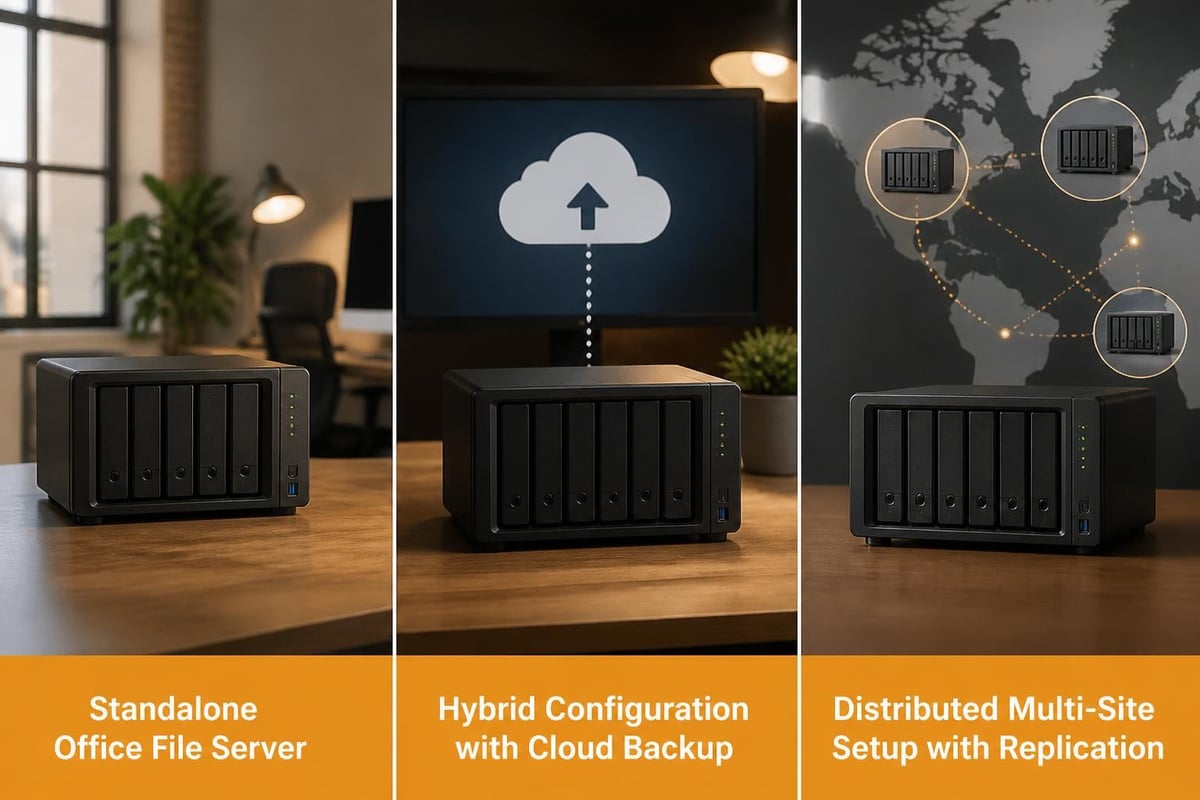
For general office environments, the ds1621 serves as a robust file server and collaboration platform. The unit can replace expensive Windows Server licenses whilst providing equivalent functionality for file sharing, basic permissions management, and automated backups.
In addition, integration with existing business tools enhances productivity. Synology Office provides web-based document editing, whilst Calendar and MailPlus packages offer alternatives to commercial productivity suites. However, European businesses increasingly prioritize GDPR-compliant solutions hosted within the EU. Therefore, combining on-premise storage with European cloud infrastructure creates an optimal balance between performance and compliance.
Backup Target and Disaster Recovery
Perhaps the most common deployment scenario involves using the ds1621 as a backup target for workstations, servers, and cloud services. Synology Active Backup for Business provides agentless backup for VMware and Hyper-V environments, Windows PCs, and physical servers.
The system can also serve as a backup destination for cloud-to-cloud scenarios. Organisations using Microsoft 365 or Google Workspace face the risk of data loss from accidental deletion, retention policy gaps, or malicious actions. Furthermore, whilst these platforms provide redundancy for availability, they do not guarantee data preservation against user errors.
For businesses requiring comprehensive protection of cloud productivity suites, dedicated European backup services ensure both compliance and geographic redundancy. Solutions such as Microsoft 365 backup hosted in the Netherlands provide an additional layer of protection whilst maintaining GDPR alignment.
Network Configuration and Security Considerations
Proper network configuration significantly impacts the ds1621's performance and security posture. Organisations should carefully plan their network topology before deployment.
Link Aggregation and Network Segmentation
The four built-in Gigabit Ethernet ports support IEEE 802.3ad Link Aggregation, enabling load balancing across multiple connections. This configuration requires a compatible managed switch with LACP (Link Aggregation Control Protocol) support.
Network configuration options:
- Failover mode: One active port with automatic failover for redundancy
- Balance-TCP mode: Load balancing across connections for optimal throughput
- Balance-XOR mode: Distribution based on MAC address hashing