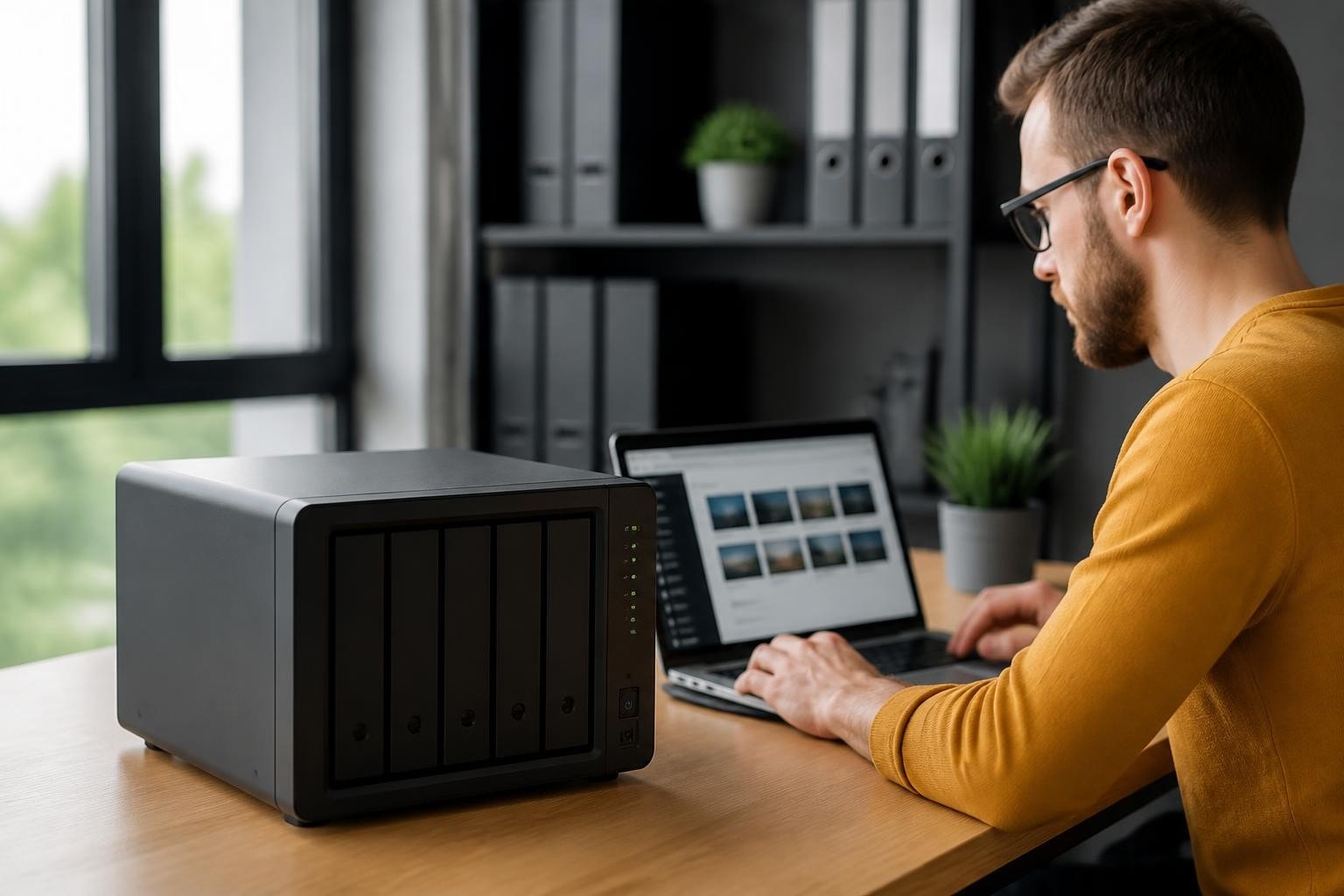

The digital transformation of modern businesses has created unprecedented demands for reliable, secure, and accessible data storage solutions. Moreover, the shift towards remote work and cloud-based collaboration has highlighted the necessity for robust network-attached storage systems that can bridge the gap between local infrastructure and cloud services. The Synology DS218 Play represents a compelling option for small to medium-sized businesses seeking an affordable yet capable NAS device that balances multimedia capabilities with essential business functions. Furthermore, understanding its technical specifications, performance characteristics, and practical applications becomes crucial for organizations evaluating their storage infrastructure options.
Understanding the DS218 Play Hardware Architecture
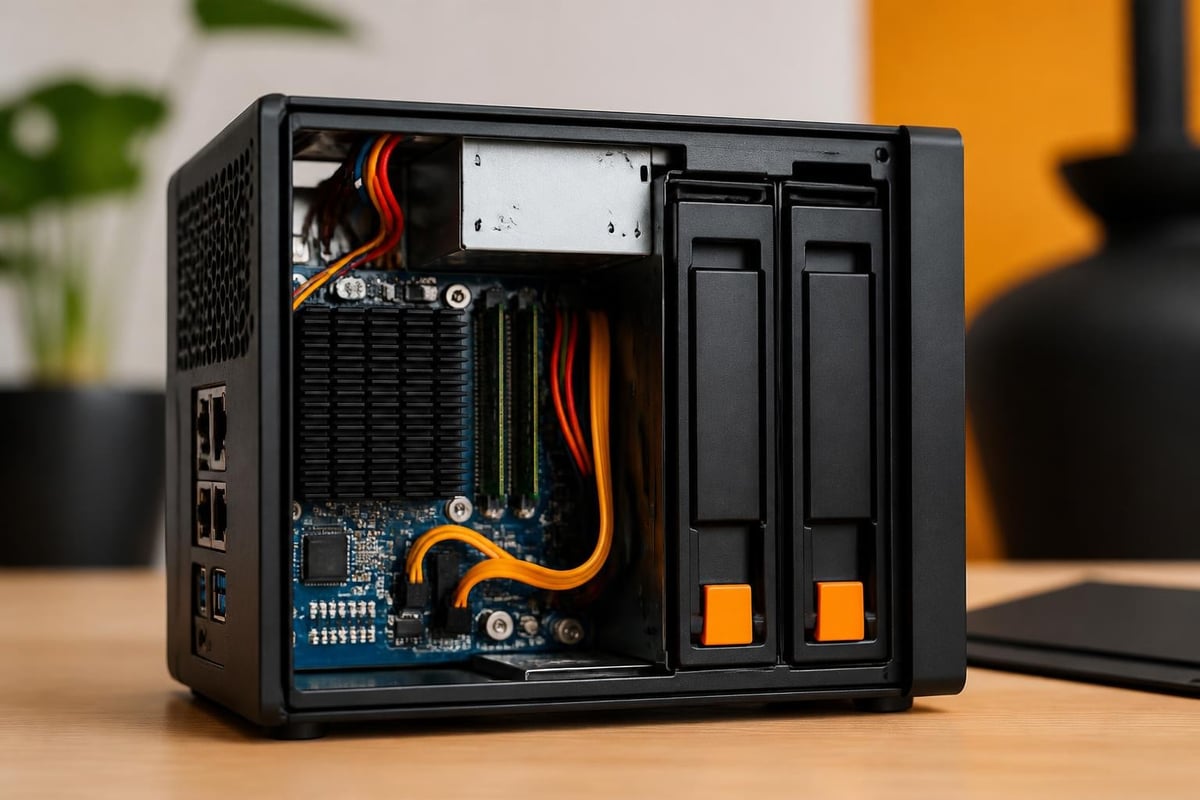
The ds218 play features a dual-core processor specifically optimised for multimedia transcoding whilst maintaining adequate performance for general file storage tasks. According to the official product specifications, this two-bay NAS system incorporates a Realtek RTD1296 quad-core processor running at 1.4 GHz, coupled with 1GB of DDR4 non-expandable RAM. Nevertheless, these specifications represent a deliberate design choice that prioritises energy efficiency and thermal management over raw computational power.
Processing Capabilities and Performance Metrics
The hardware architecture of the ds218 play emphasises balanced performance across multiple use cases:
- Hardware-accelerated H.265 (HEVC) 10-bit and H.264 (AVC) video transcoding
- Support for 4K Ultra HD video playback at 30 frames per second
- Dual Gigabit Ethernet ports for link aggregation and failover capabilities
- USB 3.0 ports enabling external storage expansion and quick backup operations
Therefore, businesses considering this device should evaluate whether the processing capabilities align with their specific workload requirements. The transcoding engine proves particularly valuable for organisations managing video content libraries, whilst the dual network ports enhance network resilience and throughput.
Storage Configuration and RAID Options
The two-bay design provides flexibility in storage configuration strategies. Consequently, administrators can choose between maximum capacity using JBOD (Just a Bunch of Disks), basic redundancy with RAID 1 mirroring, or Synology's proprietary Synology Hybrid RAID (SHR) technology. Furthermore, the SHR system offers advantages for organisations that may need to upgrade drives incrementally, as it optimises storage space whilst maintaining data protection.
| RAID Type | Capacity | Redundancy | Use Case |
|---|---|---|---|
| Basic/JBOD | 100% | None | Maximum storage, non-critical data |
| RAID 1 | 50% | Full mirror | Business-critical data protection |
| SHR | Optimised | Intelligent | Flexible growth and protection |
Business Applications and Use Case Scenarios
The ds218 play serves multiple functional roles within business environments, extending beyond simple file storage. Moreover, its versatility makes it suitable for diverse organisational requirements, from content management to collaborative workflows.
Centralised File Management and Collaboration
Modern businesses require seamless access to shared resources across distributed teams. Therefore, the ds218 play functions as a central repository where employees can store, access, and collaborate on documents regardless of their physical location. The DiskStation Manager (DSM) operating system provides sophisticated permission controls, ensuring that sensitive business information remains accessible only to authorised personnel.
In addition, the integration capabilities with existing business infrastructure prove essential. The device supports common network protocols including SMB, AFP, NFS, and FTP, ensuring compatibility with Windows, macOS, and Linux environments. Nevertheless, organisations prioritising security should implement encrypted connections and two-factor authentication, features fully supported by the DSM platform.
For businesses evaluating comprehensive cloud solutions that complement local storage infrastructure, exploring integrated platforms can provide additional layers of functionality. Furthermore, solutions like vBoxxCloud for cloud storage and file sharing demonstrate how cloud and local storage can work synergistically to create robust data management ecosystems.
Backup and Data Protection Strategies
The ds218 play excels as a backup target for critical business data. Consequently, IT administrators can configure automated backup schedules for workstations, servers, and even cloud-based storage services. The Hyper Backup application supports versioned backups, allowing organisations to maintain multiple historical snapshots of their data.
Key backup capabilities include:
- Active Backup for Business suite supporting physical and virtual machines
- Cloud synchronisation with major providers including Amazon S3 and Microsoft Azure
- Snapshot Replication for near-instantaneous recovery points
- USB external drive support for offline backup copies
Therefore, implementing a comprehensive backup strategy becomes straightforward with the tools provided by Synology's ecosystem. Nevertheless, businesses should test restoration procedures regularly to ensure backup integrity and recovery time objectives can be met during actual disaster scenarios.
Performance Evaluation and Real-World Testing
Independent reviews provide valuable insights into the practical performance characteristics of the ds218 play. According to KitGuru’s comprehensive evaluation, the device demonstrates reliable performance for its intended use cases, particularly excelling in multimedia applications whilst maintaining acceptable file transfer speeds for business operations.
Network Transfer Speeds and Throughput
The dual Gigabit Ethernet configuration enables theoretical maximum throughput of 226 MB/s when configured for link aggregation. However, real-world performance depends significantly on network infrastructure, drive configuration, and concurrent user loads. Furthermore, sequential read and write operations typically achieve speeds between 110-115 MB/s, which proves adequate for small teams accessing shared files.
Performance considerations:
- Single large file transfers perform optimally
- Multiple simultaneous users reduce individual throughput
- RAID configuration impacts write performance significantly
- Network switch capabilities affect aggregation benefits
Moreover, as highlighted in various professional assessments, the device maintains consistent performance under sustained loads, demonstrating thermal stability and reliable operation during extended periods.

Multimedia Transcoding Performance
The hardware transcoding capabilities distinguish the ds218 play from basic file servers. Therefore, organisations managing video content, digital signage, or multimedia presentations benefit from the device's ability to convert video files on-the-fly to formats compatible with various playback devices. In addition, the 4K transcoding support ensures future compatibility as ultra-high-definition content becomes increasingly prevalent.
Testing conducted by various reviewers demonstrates smooth playback of 4K HEVC content through Synology's Video Station application. Nevertheless, simultaneous transcoding of multiple 4K streams may challenge the processor, making it advisable to limit concurrent high-resolution transcoding operations.
Software Ecosystem and DSM Operating System
The DiskStation Manager operating system represents a significant value proposition beyond the hardware specifications. Furthermore, Synology's commitment to regular updates ensures ongoing security patches and feature enhancements, extending the useful lifespan of the ds218 play hardware.
Essential Applications for Business Operations
The DSM package centre offers numerous applications tailored to business requirements:
- File Station: Web-based file management with drag-and-drop functionality
- Cloud Station: Private cloud synchronisation across devices
- Synology Drive: Comprehensive file sharing and team collaboration
- Calendar and Contacts: Shared scheduling and contact management
- Note Station: Collaborative note-taking and knowledge management
Therefore, businesses can deploy a comprehensive productivity suite without additional licensing costs. Moreover, the web-based interface ensures accessibility from any device with a modern browser, supporting increasingly mobile workforces.
Security Features and Access Controls
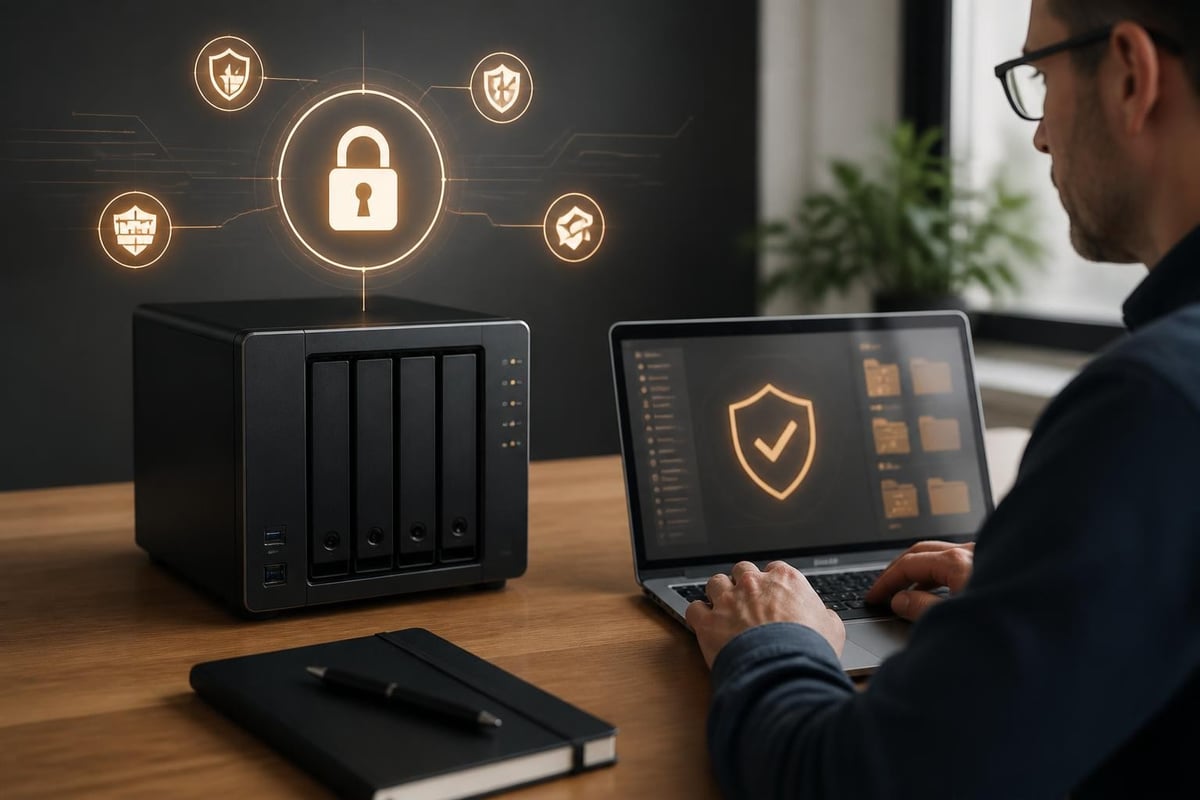
Data security remains paramount for business storage systems. Consequently, the ds218 play incorporates multiple security layers:
- Encrypted shared folders protecting data at rest
- SSL/TLS certificate support for encrypted transmissions
- Two-factor authentication preventing unauthorised access
- Firewall and automatic IP blocking defending against intrusion attempts
- Security Advisor scanning for vulnerabilities and misconfigurations
In addition, organisations concerned with regulatory compliance appreciate the detailed access logs and audit trails maintained by DSM. Furthermore, integration with existing authentication systems through LDAP and Active Directory simplifies user management in enterprise environments.
Power Efficiency and Environmental Considerations
The ds218 play consumes approximately 14.45 watts during typical operation and less than 6 watts in disk hibernation mode. Therefore, organisations prioritising environmental sustainability and operational cost reduction benefit from these efficient power characteristics. Moreover, the fanless operation during low-load conditions reduces noise pollution in office environments.
Total Cost of Ownership Analysis
Evaluating the ds218 play requires consideration beyond the initial purchase price:
| Cost Component | Initial | Annual | 3-Year Total |
|---|---|---|---|
| Hardware | £270 | £0 | £270 |
| Drives (2x4TB) | £180 | £0 | £180 |
| Power (24/7) | £0 | £15 | £45 |
| Maintenance | £0 | £0 | £0 |
Consequently, the total cost of ownership remains remarkably low compared to cloud-only storage solutions, particularly for organisations with substantial storage requirements. Nevertheless, businesses should factor in their time investment for initial configuration and ongoing administration.
Integration with Existing Business Infrastructure
The ds218 play seamlessly integrates into diverse IT environments through comprehensive protocol support and compatibility features. Furthermore, its ability to function alongside existing file servers, cloud storage platforms, and backup systems makes it an additive rather than disruptive technology investment.
Hybrid Cloud Strategies
Modern businesses increasingly adopt hybrid approaches combining local storage with cloud services. Therefore, the ds218 play serves as an ideal on-premises component within such architectures. The Cloud Sync application enables selective synchronisation with public cloud providers, allowing organisations to maintain frequently accessed data locally whilst archiving less critical information to cost-effective cloud storage.
Moreover, this hybrid approach addresses common concerns about bandwidth limitations and internet connectivity dependencies. In addition, organisations can maintain primary copies of sensitive data within their direct control whilst leveraging cloud services for geographic redundancy and disaster recovery.
For businesses seeking comprehensive cloud platforms that complement local infrastructure, exploring options like vBoxx’s cloud solutions provides insights into integrated approaches balancing security, accessibility, and compliance requirements.
Maintenance and Long-Term Reliability
The ds218 play requires minimal ongoing maintenance beyond routine monitoring and occasional DSM updates. Furthermore, Synology's reputation for long-term software support means devices continue receiving security patches and feature updates for years after purchase, protecting the technology investment.
Monitoring and Proactive Management
DSM provides comprehensive monitoring capabilities:
- Real-time resource utilisation dashboards
- Email notifications for system events
- S.M.A.R.T. drive health monitoring
- Automatic firmware update notifications
- Storage usage alerts preventing capacity exhaustion
Therefore, administrators can identify potential issues before they impact operations. Moreover, the mobile DSM application enables remote monitoring and management, supporting responsive IT support regardless of physical location.
Limitations and Appropriate Use Cases
Whilst the ds218 play offers substantial value, understanding its limitations ensures appropriate deployment decisions. Nevertheless, recognising these constraints helps organisations avoid disappointment and select the optimal device for their specific requirements.
When the DS218 Play Fits Best
The device excels in scenarios characterised by:
- Small teams (5-15 users) with moderate file sharing needs
- Multimedia content storage and streaming requirements
- Budget-conscious organisations seeking entry-level NAS capabilities
- Businesses testing NAS technology before larger investments
- Remote offices requiring local storage with central management
Furthermore, organisations with these profiles find the ds218 play delivers excellent value and reliable performance. In addition, the straightforward setup process makes it accessible even for businesses without dedicated IT personnel.
When to Consider Alternatives
Conversely, certain scenarios demand more capable hardware:
- Intensive database hosting requiring high IOPS performance
- Large teams exceeding 20 concurrent users
- Mission-critical applications demanding enterprise-grade redundancy
- Virtualisation hosting requiring substantial processing resources
- Rapid scalability needs beyond two drive bays
Therefore, businesses with these requirements should evaluate higher-specification models within Synology's product range or consider enterprise-class storage solutions. Moreover, consulting with storage specialists ensures appropriate technology selection aligned with both current needs and future growth trajectories.
Configuration Best Practices
Optimising the ds218 play requires attention to several configuration aspects. Consequently, following established best practices ensures maximum reliability, performance, and security throughout the device's operational lifespan.
Initial Setup Recommendations
Critical first steps include:
- Installing matched drive pairs for optimal RAID performance
- Configuring automatic DSM updates for security patches
- Enabling two-factor authentication for administrator accounts
- Creating shared folders with appropriate permission structures
- Establishing automated backup schedules immediately
Moreover, documenting the configuration choices and access credentials in a secure location prevents future administrative challenges. In addition, testing disaster recovery procedures during the initial deployment phase, rather than during an actual emergency, proves invaluable.
Ongoing Optimisation Strategies
The ds218 play benefits from periodic review and optimisation:
- Monthly verification of backup completion and integrity
- Quarterly drive health assessments and S.M.A.R.T. status reviews
- Semi-annual permission audits ensuring appropriate access levels
- Annual capacity planning reviews anticipating storage growth
- Regular DSM version updates incorporating security enhancements
Therefore, incorporating these activities into standard IT maintenance schedules ensures the device continues delivering reliable service. Furthermore, proactive monitoring prevents unexpected failures and data loss incidents that could disrupt business operations.
The ds218 play represents a practical, cost-effective solution for businesses requiring reliable network storage with multimedia capabilities. Understanding its specifications, applications, and limitations enables informed decisions about whether it suits your organisational requirements. For businesses seeking comprehensive cloud and storage solutions that prioritise security and European data sovereignty, vBoxx offers integrated platforms combining local infrastructure benefits with cloud flexibility, ensuring your data remains protected whilst supporting modern collaborative workflows.