
In 2026, the need to secure photos has never been more urgent as our lives and businesses become increasingly digital. With more data breaches, ransomware attacks, and privacy concerns targeting personal and professional images, the risks are greater than ever. This article provides clear, actionable strategies to help you secure photos online now and in the future. Whether you are safeguarding family memories or vital business assets, discover seven smart and practical ways to keep your images protected. Take control and stay ahead with the latest best practices for photo security.
Understanding the Risks of Storing Photos Online
In today’s digital landscape, understanding the risks associated with storing photos online is essential if you want to secure photos effectively. The convenience of cloud services also brings exposure to sophisticated cyber threats, making proactive security a necessity for everyone.
The Growing Threat Landscape
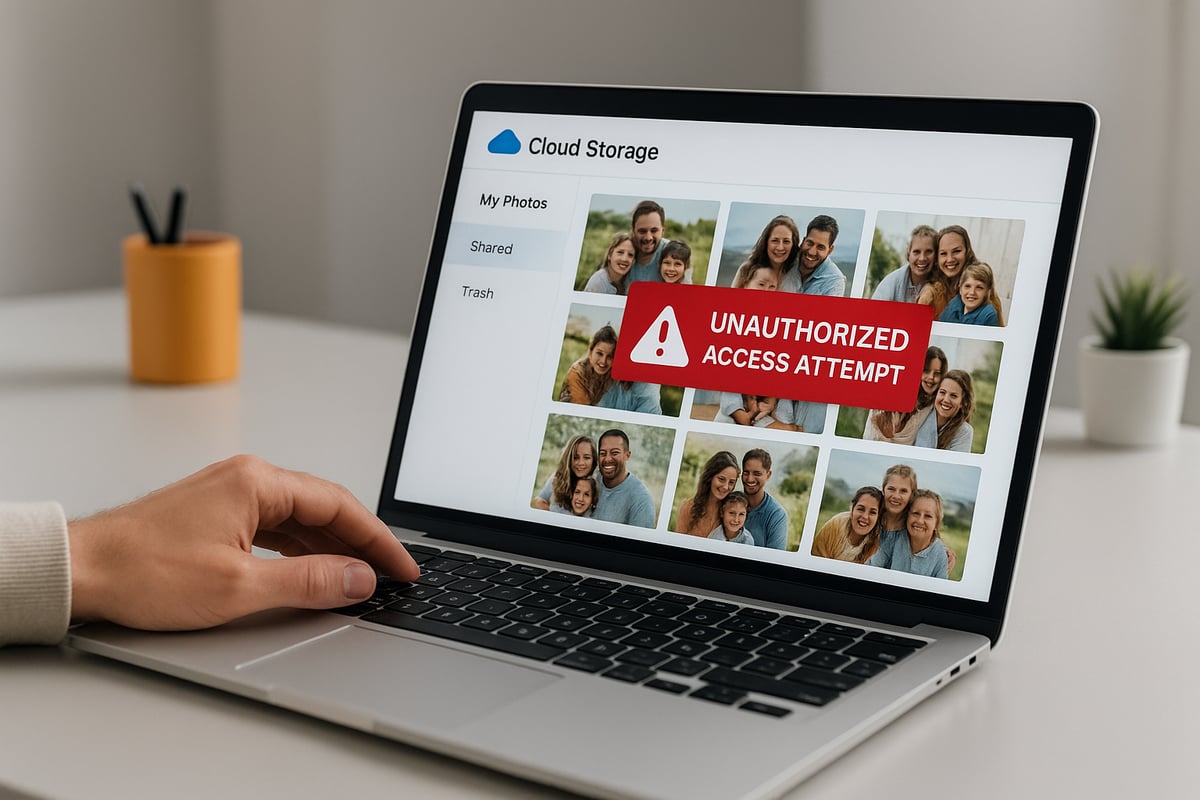
Online photo storage platforms have become prime targets for cybercriminals. Hacking, phishing attacks, and ransomware campaigns are increasingly common, putting your ability to secure photos at risk. According to the Cloud Data Security Report 2025, data breaches in cloud storage services rose by 24 percent last year, impacting millions of users globally.
Personal and professional photo leaks have led to significant consequences. High-profile breaches have exposed private moments, damaging reputations and causing emotional distress. AI and deepfake technologies now make it easier for malicious actors to manipulate stolen images, further amplifying the risks for those who fail to secure photos.
Another hidden danger is metadata in images, which can reveal sensitive details such as location, device information, and time stamps. This data, when exposed, can compromise your safety and privacy. In 2026, cybercriminals use advanced tools to scrape and exploit this metadata, making the need to secure photos even more urgent.
Common Mistakes Users Make
Many individuals and businesses undermine efforts to secure photos by falling into common traps. One frequent mistake is relying solely on default cloud settings without customising security preferences. Weak or repeated passwords across platforms make accounts easy targets for attackers.
Neglecting to enable two-factor authentication (2FA) is another oversight that weakens your ability to secure photos. Without 2FA, even a stolen password grants full access to your photo libraries. Failing to back up photos in multiple locations increases the risk of losing irreplaceable memories if an attack occurs.
Ignoring regular software updates leaves devices and apps vulnerable to known exploits. Each of these mistakes can open the door to unauthorised access and data loss. By recognising and addressing these risks, you lay the foundation to secure photos with greater confidence and resilience.
Criteria for Choosing Secure Photo Storage Solutions
Selecting the right platform to secure photos is more critical than ever in 2026. With evolving threats and privacy demands, both individuals and businesses must know what to look for in a trustworthy solution. Let us explore the essential features and practical considerations when choosing where to store your secure photos online.

Essential Security Features to Look For
When evaluating platforms to secure photos, focus on robust security features that put privacy first.
- End-to-end encryption ensures your images are protected from the moment they leave your device until you access them again. Only you, not the service provider or hackers, can view your secure photos.
- Zero-knowledge architecture means the provider cannot decrypt or access your files, giving you full control over your data.
- Multi-factor authentication (MFA) adds another shield, requiring more than just a password to access your secure photos.
- Data residency and compliance are crucial for those dealing with sensitive or regulated content. Opt for platforms that comply with GDPR or relevant local laws, ensuring your secure photos are stored in approved jurisdictions.
- Transparent privacy policies and open-source credibility signal that a provider is committed to user trust. Open-source platforms let the community verify security claims, reducing the risk of hidden vulnerabilities.
These features are not just technical jargon—they are the foundation of a reliable strategy to secure photos in any scenario. Always check for independent security audits and clear documentation before making your choice.
Balancing Usability, Cost, and Security
While strong security is essential, usability and cost cannot be ignored when selecting a platform to secure photos. Free options often come with limitations, such as reduced storage space, fewer security features, or restricted support.
Paid services generally offer larger storage limits, better scalability, and advanced tools for managing secure photos. Consider ease of use—an intuitive interface means you and your team are more likely to use best practices consistently.
Support and reliability matter, too. Responsive customer service and a proven uptime record ensure you can access your secure photos whenever needed. Regular independent audits provide extra confidence that your data is well protected.
To help you compare, resources like this File storage service comparisons article give a clear overview of how major platforms stack up on encryption, privacy, and value. Take advantage of such comparisons to find the solution that best fits your needs and budget.
Ultimately, striking a balance between robust security, practical usability, and reasonable cost is the key to keeping your secure photos safe in 2026.
7 Smart Ways To Secure Photos Online In 2026
Securing your digital memories is more crucial than ever in 2026. With evolving threats and sophisticated cyber attacks, both individuals and businesses must adopt proactive strategies to secure photos online. The following seven methods are designed to keep your images private, protected, and under your control, no matter where or how you store them.
1. [Use End-to-End Encrypted Photo Storage Services]
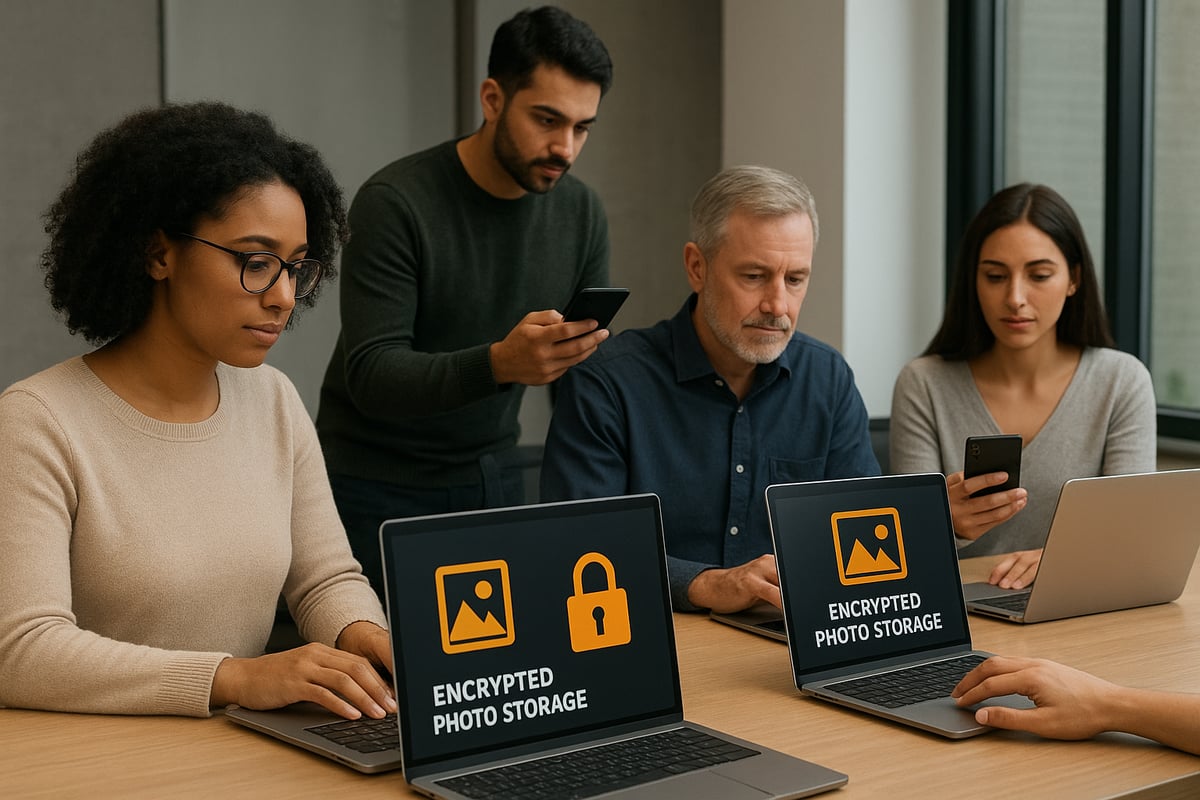
End-to-end encryption is the gold standard for anyone looking to secure photos online. It ensures that only you hold the keys to your images, making them unreadable to anyone else, including the service provider. This approach is vital for protecting sensitive or private images from prying eyes, hackers, or unauthorised access.
In 2026, several leading services offer robust end-to-end encryption for photo storage. Platforms such as Proton Drive, Ente.io, and Filen.io are at the forefront, providing zero-knowledge architecture and user-friendly interfaces. These services allow you to secure photos without sacrificing usability or performance.
For those new to the concept or seeking a deeper understanding, this Encrypted cloud service overview explains how encrypted storage works and why it's essential for safeguarding your images. Choosing an encrypted platform gives you direct control over your data, ensuring compliance with privacy regulations and reducing the risk of leaks.
Pros:
- Maximum privacy and data control
- Protection against service provider breaches
- Ideal for sensitive or professional content
Cons:
- May limit sharing features
- Some platforms have learning curves
To secure photos with end-to-end encryption, always check if the service is truly zero-knowledge and supports strong, independent security audits. This first step forms the foundation for digital photo privacy in 2026.
2. [Implement the 3-2-1 Backup Strategy]
Relying on a single storage location is risky. The 3-2-1 backup strategy is a proven method to secure photos against data loss, ransomware, or accidental deletion. This approach means keeping three copies of your photos, stored on two different types of media, with one copy stored offsite.
For example, you might keep the original images on your primary device, a backup on an external hard drive, and a third in a secure cloud service. Automated backup tools make this process easy and ensure no new photos are left unprotected.
Real-life stories highlight the importance of this method. Many have salvaged irreplaceable memories after device failure or cyber attacks by following the 3-2-1 rule. By diversifying storage, you secure photos even if one method fails.
Pros:
- High resilience against loss or attack
- Easy recovery from disasters
- Peace of mind for valuable images
Cons:
- Requires setup and regular maintenance
- May incur additional storage costs
Set reminders to review and update your backups regularly. This simple habit can make the difference between lost and secured photos.
3. [Regularly Update and Secure Your Devices]
Keeping your devices updated is a crucial step to secure photos online. Unpatched operating systems, outdated apps, or old firmware can be exploited by attackers to gain access to your cloud photo accounts or local files.
Enable automatic updates on all devices used for photo storage, including smartphones, tablets, and computers. Use reputable security software and firewalls to add extra layers of protection. In 2026, device management platforms often offer integrated security checks and update reminders.
Device security checklist:
- Turn on automatic OS and app updates
- Install and maintain security software
- Use strong, unique passwords for device logins
- Enable device-level encryption where available
Neglecting device updates can leave your accounts wide open to cyber criminals. To secure photos, treat every device as a potential entry point and keep security a top priority.
4. [Enable Multi-Factor Authentication on All Accounts]
Multi-factor authentication (MFA) is a powerful tool to secure photos stored online. MFA requires two or more proofs of identity before granting access to your account, making it much harder for attackers to succeed even if they have your password.
Most photo storage platforms in 2026 support MFA using SMS codes, authenticator apps, or hardware tokens. Enabling MFA is straightforward:
- Log in to your photo storage account.
- Navigate to security settings.
- Activate multi-factor authentication and choose your preferred method.
- Follow the prompts to complete setup.
Statistics show that accounts with MFA enabled are significantly less likely to be breached. While it adds a minor step to logging in, the security benefits far outweigh the inconvenience.
Pros:
- Strong defence against unauthorised access
- Widely supported across platforms
Cons:
- Slightly longer login process
- Possible issues if you lose your second factor
Make MFA a non-negotiable part of your plan to secure photos, and encourage others in your family or team to do the same.
5. [Encrypt Photos Before Uploading]
Even with secure cloud services, adding your own layer of encryption offers maximum protection. Client-side encryption tools let you encrypt photos before uploading, ensuring only you can decrypt and view them, even if the provider is compromised.
Popular tools like Cryptomator and VeraCrypt are still highly effective in 2026, with newer apps offering seamless integration and automation. Encrypting before upload is especially valuable for highly sensitive images or professional work.
How to encrypt before upload:
- Choose a trusted encryption app
- Encrypt your photos on your device
- Upload the encrypted files to your cloud storage
Pros:
- Extra privacy layer
- Keeps images safe even if cloud security fails
Cons:
- Makes sharing or accessing photos from other devices more complex
- Requires careful management of encryption keys
For those who want to secure photos beyond standard measures, pre-upload encryption is a smart and future-proof choice.
6. [Review and Manage Photo Sharing Permissions]
Oversharing is a common risk when storing images online. Many photo leaks occur due to public links or misconfigured sharing settings. Regularly reviewing permissions is essential to secure photos and control who can access them.
Audit your shared albums and files at least monthly. Use features like expiring links, password protection, and limiting access to specific people. Many modern platforms send notifications if a file or album is accessed by someone new.
Best practices:
- Avoid public sharing unless absolutely necessary
- Use expiring links for temporary access
- Revoke access for users who no longer need it
Real-world incidents show how easily photos can become exposed through forgotten or outdated links. Taking a few minutes to review sharing settings can prevent unwanted access and keep your images secure.
7. [Monitor Account Activity and Set Up Alerts]
Ongoing monitoring is the final layer to secure photos online. Most secure storage services in 2026 offer tools for tracking account logins, device access, and suspicious activity. Set up real-time alerts to notify you of any unauthorised attempts to access your account.
Regularly review your account’s activity logs and notifications. If you receive an alert about unfamiliar access, act quickly: change your password, review sharing settings, and contact support if necessary.
Pros:
- Early detection of breaches or suspicious activity
- Enables prompt response to threats
Cons:
- Possible alert fatigue if notifications are too frequent
To secure photos effectively, combine proactive monitoring with the other strategies in this guide. Early action can stop a minor incident from becoming a major breach.
Comparing Popular Secure Photo Storage Platforms in 2026
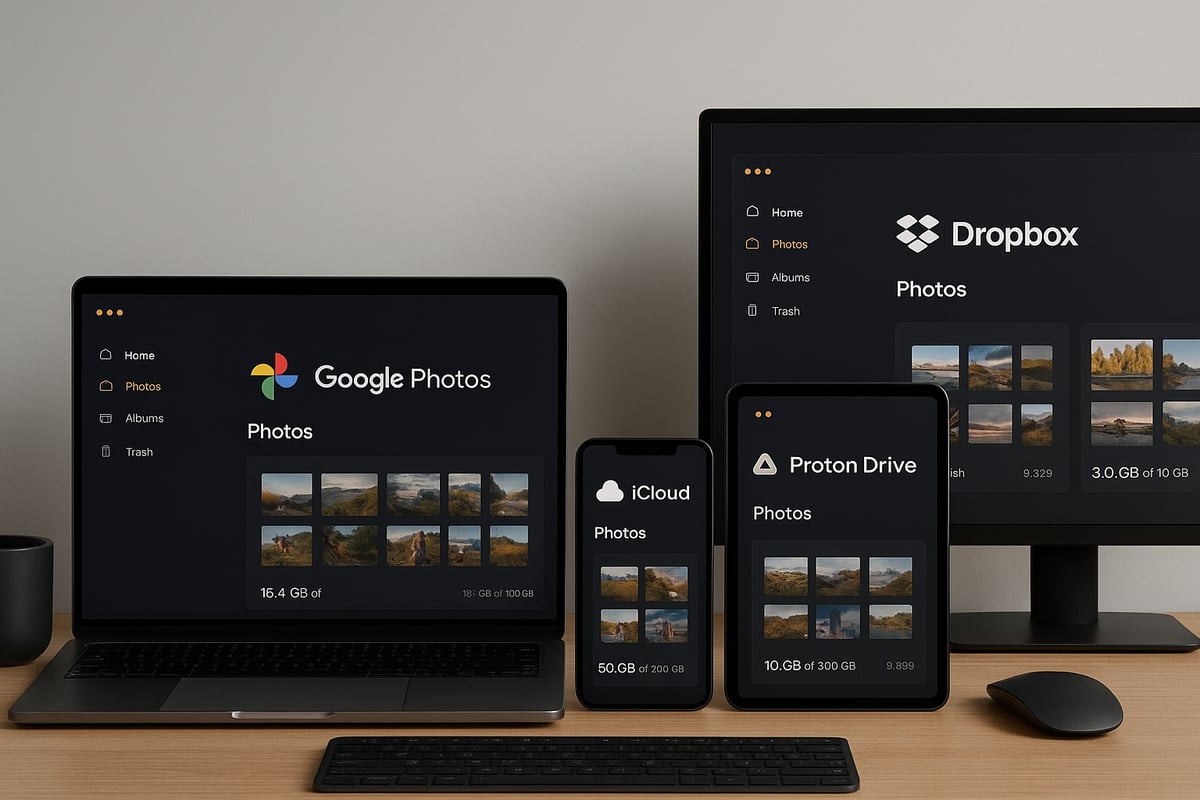
Choosing the right platform to store secure photos is crucial in 2026. With cyber threats evolving, both individuals and organisations need solutions that combine privacy, reliability, and practicality. Below, we compare leading platforms to help you make an informed decision for safeguarding your secure photos.
Key Players and Comparison Table
The following table summarises the main features of the most trusted platforms for secure photos in 2026:
| Platform | Encryption | Storage Limits | Pricing | Privacy Features | Target Audience |
|---|---|---|---|---|---|
| Google Photos | AES-256 at rest | Up to 15GB free, paid tiers | £ | Basic 2FA, metadata controls | General users, families |
| iCloud | AES-128/256 | 5GB free, paid tiers | ££ | Private relay, end-to-end for some data | Apple ecosystem users |
| Proton Drive | End-to-end | Up to 5GB free, paid tiers | ££ | Zero-knowledge, open source | Privacy-focused individuals |
| Ente.io | End-to-end | 1GB free, scalable plans | ££ | Open source, strong encryption | Tech-savvy users |
| Filen.io | End-to-end | 10GB free, scalable plans | ££ | GDPR compliant, open source | EU users, small businesses |
| Dropbox | AES-256 at rest | Up to 2GB free, paid tiers | ££ | File recovery, 2FA | Professionals, teams |
| Amazon Photos | AES-256 at rest | Unlimited for Prime, paid | ££ | Family vault, basic controls | Amazon Prime members |
| Jottacloud | AES-256 at rest | Up to 5GB free, paid tiers | £ | GDPR compliant, Norwegian laws | EU & privacy-conscious users |
For a deeper understanding of encryption standards and best practices when storing secure photos online, see this Online storage encryption guide.
Unique Features and User Experiences
Each platform offers distinct advantages for secure photos:
- Proton Drive and Ente.io provide end-to-end encryption, meaning only you can access your images.
- Filen.io stands out for its GDPR compliance and open-source transparency, appealing to those prioritising European data standards.
- Google Photos and iCloud excel in seamless integration with their respective ecosystems, making photo management effortless.
- Dropbox is popular with professionals who need reliable file recovery and advanced sharing controls.
- Amazon Photos is ideal for families and Prime members who want unlimited storage for secure photos.
- Jottacloud leverages Norway’s strong privacy laws, giving EU users additional peace of mind.
User reviews consistently highlight the importance of user interface simplicity, responsive customer support, and the availability of mobile apps for managing secure photos on the go.
Recommendations Based on Needs
If privacy and encryption are your top priorities, choose platforms like Proton Drive, Ente.io, or Filen.io for storing secure photos. These services feature robust encryption and transparent privacy policies.
For those already invested in Apple or Google ecosystems, iCloud and Google Photos offer seamless integration, but review their privacy settings regularly to keep secure photos safe.
Businesses and professionals may prefer Dropbox or Filen.io for advanced sharing, auditing features, and scalable plans. Always consider storage limits, regulatory compliance, and usability before committing.
No matter your choice, prioritise platforms that invest in regular security audits and provide clear, user-friendly privacy controls for your secure photos.
The Future of Photo Security: Trends and Innovations
As technology evolves, the landscape for secure photos is transforming rapidly. By 2026, individuals and businesses will face new challenges and opportunities in safeguarding digital memories and assets. Let us explore the innovations and best practices set to define the next era of photo security.
Artificial Intelligence and Automated Protection
Artificial intelligence is revolutionising the way we secure photos. In 2026, AI-driven threat detection tools will automatically scan uploaded images for potential risks, such as hidden malware or unauthorised access attempts. These intelligent systems can identify suspicious account activity in real time, offering instant alerts and even blocking attacks before they reach your files.
Automated privacy tools are also gaining traction. They can detect sensitive information within your photos and suggest privacy settings or recommend encryption options. Many platforms now use machine learning to monitor metadata and flag photos that may inadvertently reveal location or personal details.
By integrating AI with secure photos, both personal and professional users can reduce manual oversight while enhancing protection. This shift towards automation marks a significant step forward in digital photo security.
Decentralised Storage and Blockchain Security
Decentralised storage solutions are emerging as a robust defence for secure photos. Unlike traditional cloud models, these platforms distribute encrypted photo data across multiple nodes, making it far more difficult for hackers to compromise the entire dataset. Blockchain technology further enhances this security by providing transparent, tamper-proof records of access and sharing activity.
Innovations like lightweight encryption frameworks, such as FlowCrypt: Lightweight Encryption for Cloud Photo Privacy, are enabling users to maintain control over their photo privacy while benefiting from cloud convenience. These technologies are particularly valuable for those seeking both scalability and resilience in their storage solutions.
Decentralisation and blockchain not only strengthen defences but also empower users to retain ownership and oversight of their secure photos in an increasingly complex digital environment.
Regulation, Biometric Advances, and Open-Source Solutions
Regulatory changes are shaping the future of secure photos. As privacy laws evolve, organisations must comply with stricter standards for data handling and transparency. Biometric authentication, such as facial recognition and fingerprint scanning, is becoming more prevalent for cloud account access, offering an extra layer of protection against unauthorised entry.
The rise of open-source platforms is also noteworthy. By opting for transparent, community-reviewed solutions, users can better trust the security of their photo storage systems. Keeping pace with these changes is essential for anyone looking to protect their digital assets.
For those who want to stay ahead, resources like Cybersecurity Resolutions for 2026 offer valuable guidance on adapting to new threats and implementing best practices for secure photos. By embracing innovation and compliance, you can ensure your memories and work remain protected in the years to come.
Frequently Asked Questions About Securing Photos Online
Wondering how to secure photos effectively? Here are answers to the most common questions.
Can cloud providers see my photos?
Most mainstream cloud services have access to your data unless you use a platform with end-to-end encryption. For maximum privacy, choose providers that cannot access your files at any stage.
What happens if a provider is breached?
If your provider is compromised, your photos could be exposed. Regularly backing up and encrypting your images reduces this risk. For insights on the scale of these risks, see the latest data loss statistics.
What are the easiest steps for beginners to secure photos?
Start with strong, unique passwords, enable two-factor authentication, and review sharing settings. Always keep your apps and devices up to date.
For more guidance, explore reputable resources and stay informed about emerging photo security best practices.
After exploring these smart strategies for securing your photos online in 2026, you can see how important it is to choose the right tools and practices that truly protect your privacy. If you are ready to put these tips into action and want a secure, sustainable solution tailored to your needs, why not try it for yourself? With vBoxx, you can experience robust encryption, reliable backups, and green hosting practices first hand. Take the next step towards safeguarding your digital memories—Start a free trial and see how simple secure photo storage can be.