

With the rapid rise of digital photography, managing thousands of images is becoming a major challenge for individuals and businesses by 2026. As photo collections grow, finding a secure and efficient way to organise, search, and share these memories is more important than ever. Enter synology photos, a modern, private, and intelligent photo management platform designed for the needs of today’s users. This solution stands out by offering streamlined organisation, robust privacy controls, and advanced sharing tools, making it ideal for both personal and professional use.
In this guide, you will discover everything you need to know about synology photos in 2026. We will cover its latest features, setup process, organisation strategies, sharing options, mobile integration, AI-driven advancements, and privacy protections to help you take control of your digital photo library.
Synology Photos in 2026: What’s New and Why It Matters
The landscape of digital photo management has changed rapidly, and synology photos stands at the forefront of this evolution. What began as a simple image storage tool has matured into an essential component within the Synology NAS ecosystem, empowering users to take control of their digital memories and assets. As we move into 2026, synology photos continues to adapt, meeting the demands of an ever-expanding user base.
Recent updates to DSM have brought a host of new features to synology photos, including advanced AI-powered recognition, granular sharing controls, and seamless integration with other DSM apps. Users can now benefit from faster indexing, improved facial and object recognition, and robust support for high-resolution formats like RAW, HEIC, and even 8K video. These enhancements are designed to streamline workflows for both individuals and professional teams, ensuring that photo libraries remain organised, accessible, and secure.
Comparing synology photos to its predecessors, Photo Station and Moments, reveals significant progress. Where earlier solutions offered basic categorisation and sharing, synology photos delivers unified management, smart albums, and intuitive navigation, all within a modern interface. The shift to a single, powerful platform means less fragmentation and more efficiency for users migrating from older Synology photo applications.
Perhaps the most compelling reason to adopt synology photos is its focus on private, self-hosted management. Unlike public cloud services, users retain full ownership and control over their data. This is increasingly important for those seeking GDPR compliance and data residency assurance. For businesses and individuals alike, leveraging a Synology NAS as the ultimate Synology NAS storage solution offers peace of mind, knowing sensitive images never leave their premises.
The global deployment of Synology NAS units continues to rise, with millions of devices now active worldwide. This surge reflects growing trust in synology photos as a robust, future-proof platform. Whether you are a home user managing family albums, a photographer with demanding workflows, or a business safeguarding intellectual property, synology photos is designed to evolve with your needs, ensuring your memories and assets are protected well into the future.
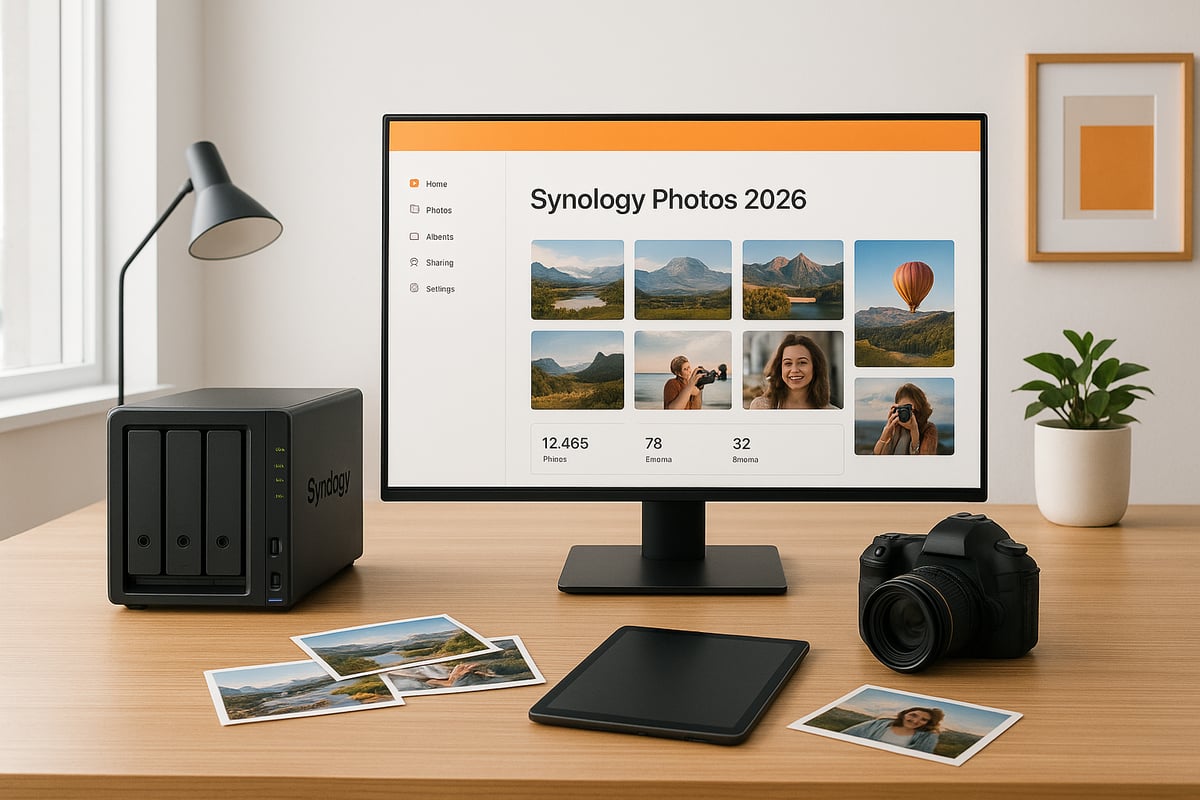
Setting Up Synology Photos: Step-by-Step Guide
Getting started with synology photos in 2026 is straightforward, but planning is key to a smooth experience. Before you begin, ensure your Synology NAS model is compatible and running the latest DSM version. Most modern DiskStations support synology photos, but double-checking is essential. For detailed compatibility and software requirements, refer to the Synology Photos Technical Specifications. This ensures your hardware is ready for the latest features and performance improvements.
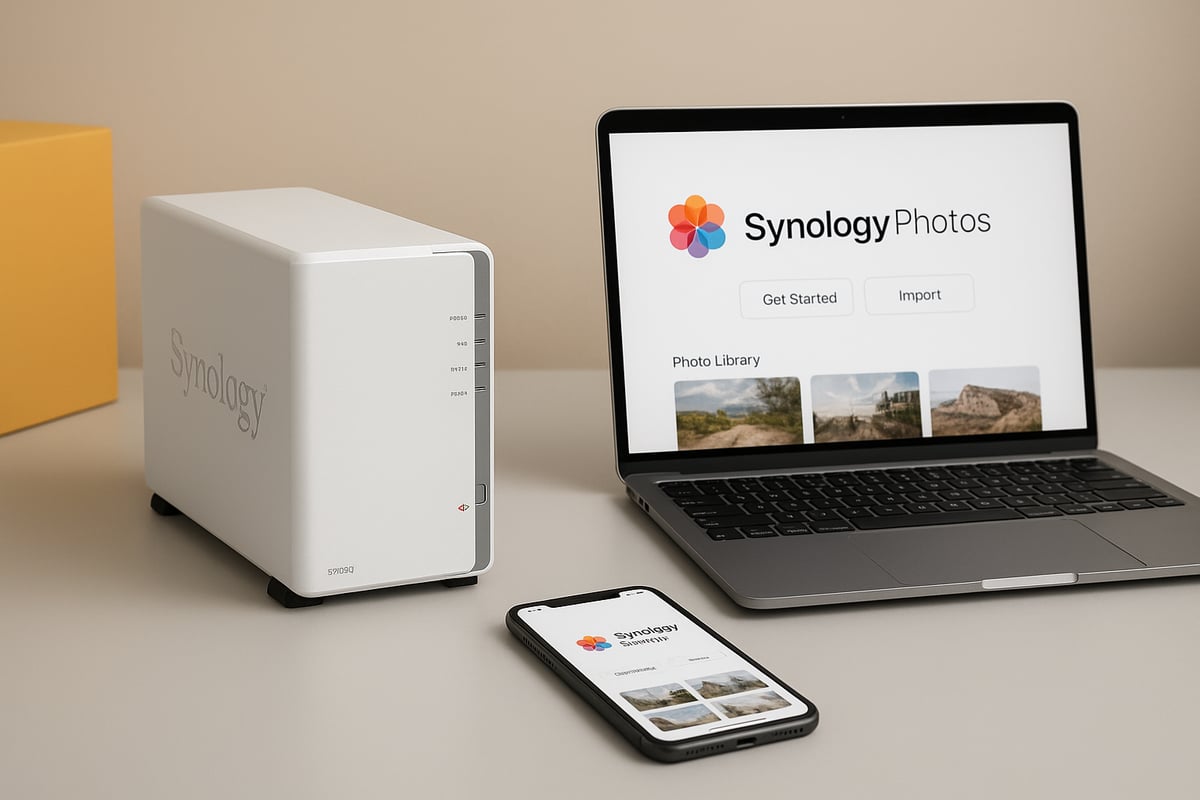
Installation and Initial Setup
Begin by accessing your NAS’s Package Center. Search for synology photos and click install. Once installed, launch the application from the DSM dashboard. The setup wizard will guide you through initial preferences, such as language, theme, and notification settings.
Next, configure user accounts. For home users, set up individual logins for each family member. In business environments, create user groups based on departments or roles. Assign permissions according to who needs access to specific photo libraries or albums. This step is crucial for maintaining privacy and control.
Migration and Configuration
If you are upgrading from Photo Station or Moments, synology photos offers migration tools. Start by backing up your existing libraries. Use the built-in migration assistant to transfer albums, tags, and metadata. Review the results to ensure all photos and organisational structures have carried over correctly.
During configuration, set up shared libraries for collaborative projects or family albums. Use the permissions panel to restrict or grant access as needed. This ensures everyone can contribute to shared memories or business projects without compromising security.
Storage Management and Library Setup
Effective storage management is vital for large photo collections. In synology photos, select the appropriate storage volume during setup. Organise your library with a logical folder structure, such as by year, event, or client. For business users, consider separating personal and work images into distinct libraries.
Set quotas to prevent any single user or group from consuming excessive space. Monitor storage usage through DSM’s built-in tools. Synology recommends using high-capacity drives and RAID configurations for libraries exceeding 20,000 images to maintain performance and data integrity.
Practical Example and Performance Tips
For a family library, create shared albums for holidays, birthdays, and milestones. Assign individual accounts to each family member, allowing them to upload and manage their own photos within shared collections. In a business context, structure folders by project or client, and grant access to relevant team members only.
Optimise synology photos by scheduling regular indexing and enabling thumbnail generation during off-peak hours. This keeps the interface responsive, even as your library grows. Always keep DSM and synology photos updated to benefit from the latest security patches and performance enhancements.
Organising and Finding Photos Efficiently
Managing a vast collection of digital images can quickly become overwhelming. By 2026, many users will have tens of thousands of photos across devices, events, and years. With synology photos, efficient organisation is not just a luxury but a necessity for individuals and businesses alike.
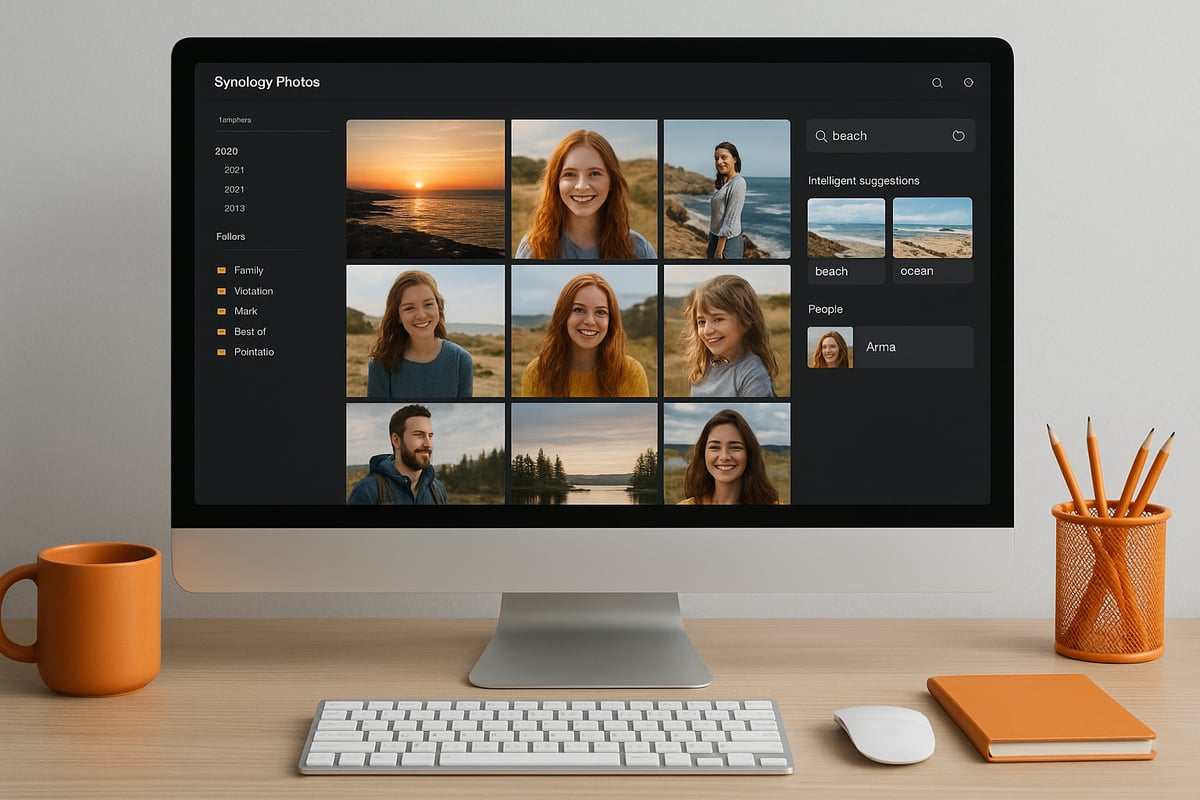
Folder vs album structure: best practices for different users
The foundation of any synology photos library is its folder and album structure. Folders mirror your actual storage locations, making them ideal for those who prefer a hierarchical, date-based, or project-based system. Albums, on the other hand, are virtual collections that can group images from various folders without duplicating files.
For families, a simple folder structure like “Year > Month > Event” keeps memories accessible. Businesses may opt for folders based on clients, projects, or campaigns. Albums shine when you want to curate photos for sharing, such as “Best of 2025” or “Marketing Materials.” Using both folders and albums gives you flexibility, letting you organise by context and purpose.
Deciding which to prioritise depends on your workflow. If you import images from multiple devices, start with a clear folder structure. Then, use albums to highlight special collections or collaborative projects. This layered approach ensures your synology photos library remains tidy and intuitive, regardless of scale.
Tagging, rating, and labelling images for easy retrieval
Beyond folders and albums, synology photos offers robust tagging, rating, and labelling features. Tags allow you to assign keywords like “holiday,” “family,” or “workshop” to any image. Ratings help you quickly mark favourites, while colour labels can indicate status or urgency.
These tools transform basic storage into a searchable database. For instance, after a busy summer, you can tag all beach photos and rate the best ones. Later, searching for “beach” and filtering by five stars will instantly surface your top memories.
To maintain consistency, establish a tagging convention early. Use singular terms, avoid ambiguous labels, and train collaborators on your system. Over time, tagging and labelling make it much easier to find specific images in your synology photos collection, especially as your archive grows.
Using AI-powered face, object, and location recognition
One of the most powerful features in synology photos is its AI-driven recognition engine. It automatically detects faces, objects, and locations, allowing you to find images without manual sorting. For example, the AI can group all photos featuring a particular person, even if they appear across years and albums.
Location recognition uses embedded metadata to plot photos on a map, making travel memories easy to browse. Object detection lets you filter for categories like “dogs,” “cars,” or “mountains,” unlocking new ways to rediscover old images.
Advanced search combines these AI tools with filters for date, camera model, and custom metadata. Imagine wanting every photo of a family member at the beach in 2022, shot with a specific camera. With synology photos, this level of precision is just a few clicks away, saving hours compared to manual searching.
Bulk management: batch renaming, moving, and editing
When working with large libraries, bulk management features are essential. Synology photos supports batch renaming, allowing you to standardise file names for consistency. You can also move, copy, or delete thousands of images at once, making reshuffling collections straightforward.
Editing tools let you adjust metadata, rotate images, or apply tags to multiple files simultaneously. This is especially useful after migrating old archives or consolidating photos from various sources.
Consider the example of sorting a decade’s worth of travel photos. Previously, this task could take days. With synology photos, users report productivity gains of up to 60 percent, thanks to AI tagging, smart albums, and bulk actions. For those interested in further optimising their NAS workflows, the Synology category articles offer in-depth guides and tips.
Sharing, Collaboration, and Access Control
Effectively managing image sharing and collaboration is essential in a world where privacy and control matter more than ever. synology photos provides a robust suite of sharing and access features, allowing users to securely manage how photos are distributed and who can collaborate, whether for family albums or business projects.
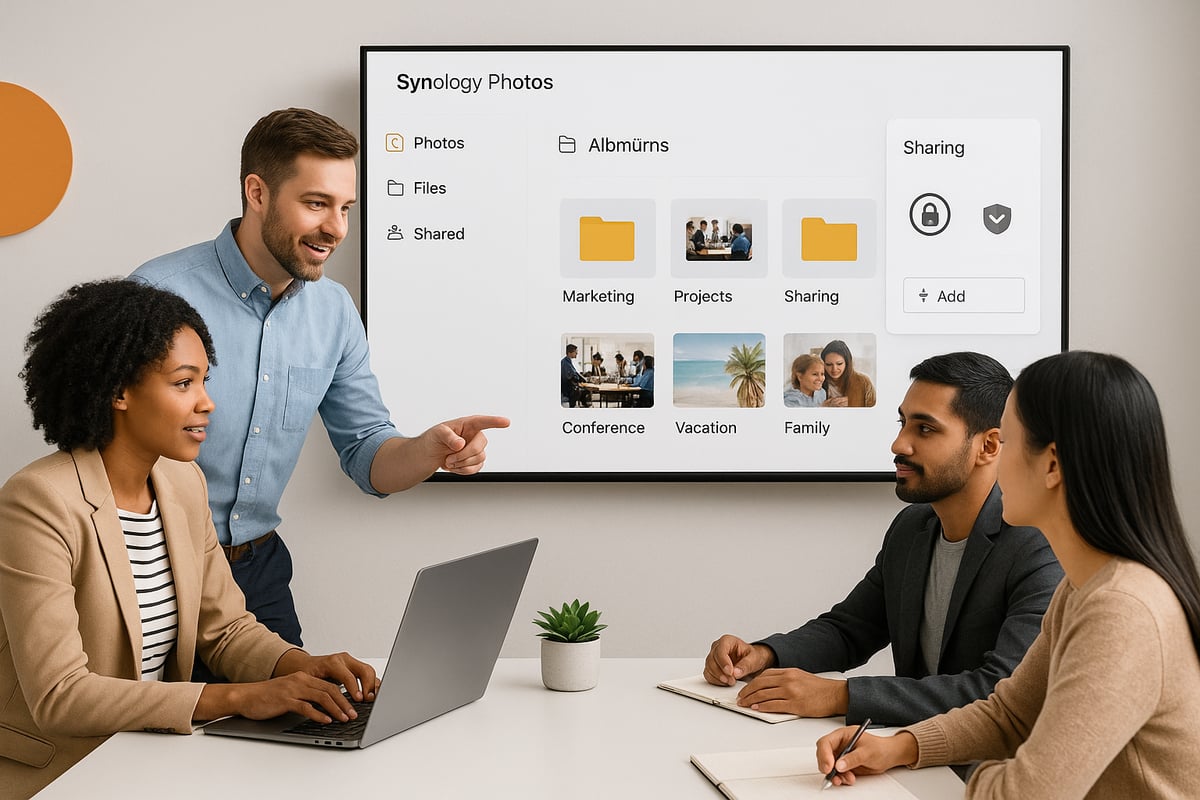
Flexible Sharing Options
synology photos offers a range of sharing tools designed to fit any scenario, from personal photo sharing with family to professional event delivery for clients.
Sharing methods include:
- Public links: Generate a shareable link to any photo or album. Ideal for quick, broad access.
- Private invitations: Send invites to specific users, giving them controlled access to selected content.
- Expiring links: Set time-limited access, ensuring photos are only available for a defined period.
Each method can be tailored with password protection and download restrictions, so users always know who can see or save their images.
| Sharing Option | Access Scope | Security Features | Ideal Use Case |
|---|---|---|---|
| Public link | Anyone with link | Password, expiry, watermark | Family gatherings, events |
| Private invitation | Specific users | User authentication | Team projects, clients |
| Expiring link | Anyone, time-limited | Expiry, password | Temporary project sharing |
Granular Permissions and Access Control
Control is at the heart of synology photos. Permissions can be set at both the album and individual photo level, giving precise management of who can view, edit, or share content.
Permission levels include:
- Admin: Full control over all settings, sharing, and content management.
- Standard user: Can view and contribute to shared libraries, but with restricted administrative rights.
- Guest: Limited, view-only access to selected albums or photos.
Set up shared spaces for group projects, such as a collaborative wedding photography team, where each member can upload, tag, and organise images. Sensitive content can be restricted to certain users or groups, ensuring privacy for confidential material.
Collaboration Features for Teams and Families
synology photos is built for both teamwork and family use. Teams can create shared albums, assign tasks, and leave comments on images, streamlining feedback and approval processes. Families benefit from communal spaces, making it easy to gather memories in one secure location.
For example, a wedding photography studio might create a shared project album where photographers upload raw images, editors tag and select the best shots, and the client receives a curated gallery, all within the synology photos environment.
Integration with Synology Drive for Seamless Sharing
One of the standout advantages of synology photos is its integration with Synology Drive file management. This allows users to share photos alongside documents, presentations, and other files, supporting streamlined workflows for creative teams and businesses. Cross-app sharing ensures that images remain accessible and secure, without the need to rely on third-party platforms.
Privacy-Focused Sharing: Trends and Insights
With increasing concerns over data privacy, users are moving away from public social platforms and opting for private, self-hosted solutions. synology photos addresses this demand by providing GDPR-compliant, on-premises sharing without sacrificing convenience.
Recent trends show a rise in privacy-focused sharing, particularly among professionals and families who value data ownership. By balancing security with ease of use, synology photos ensures that users retain control while enjoying modern collaboration features.
Balancing Convenience with Security
The challenge lies in offering powerful sharing tools without compromising on security. synology photos achieves this through layered permissions, detailed access logs, and regular security updates. Users can confidently share event photos with clients, knowing exactly who has access and for how long.
In summary, synology photos empowers individuals and organisations to collaborate, share, and control access to their images with confidence. Whether you are managing a decade’s worth of family photos or coordinating a creative team, the platform’s sharing and access features keep your memories and projects safe and accessible.
Privacy, Security, and Data Protection in Synology Photos
The exponential growth in digital photography has made privacy and security more critical than ever. In 2026, users are increasingly aware of the risks associated with storing personal and professional images in public clouds. With synology photos, you can take control of your image library, ensuring that your data stays private, protected, and fully under your control.
Self-Hosted Privacy: The Core Advantage
One of the primary reasons individuals and organisations choose synology photos is the unmatched privacy of a self-hosted solution. Unlike public cloud services, where data may be subjected to third-party access or cross-border transfers, Synology NAS keeps your photos on hardware you own and control.
For a deeper look at the privacy and security advantages of self-hosted photo management, you can read this discussion on Synology Photos as an alternative to public clouds. This approach gives you direct oversight, reducing exposure to mass data breaches that have affected many public platforms.
Encryption and Access Control
Security in synology photos extends far beyond simple password protection. The platform provides:
- AES 256-bit encryption for both stored and transmitted images
- Role-based access control to restrict who can view or manage specific albums
- Two-factor authentication for all user accounts
- Comprehensive access logs and audit trails for monitoring activity
These layers protect against unauthorised access and ensure your sensitive images remain confidential.
| Feature | Synology Photos (self-hosted) | Public Cloud Services |
|---|---|---|
| Data Ownership | You | Service Provider |
| Local Encryption | Yes | Sometimes |
| Access Logs/Audit Trails | Yes | Limited |
| GDPR/Data Residency Control | Full | Often Limited |
| Exposure to External Breaches | Minimal | Higher Risk |
GDPR Compliance and Data Residency
For both families and businesses, compliance with regulations such as GDPR is a growing concern. Synology photos offers tools that help meet these requirements, including data residency controls and user consent management. You decide where your data resides, and you can easily review and export user activity logs for auditing purposes.
This level of compliance is especially valuable for European businesses or anyone handling sensitive personal information.
Real-World Protection: Example Scenario
Imagine a professional photographer managing thousands of client images, some of which are highly sensitive. Using synology photos, the images never leave the secure environment of your NAS. You can set up encrypted shared folders for clients, with permissions that expire automatically after project delivery.
Similarly, families can safeguard private moments, knowing that only selected members have access to specific albums. The risk of accidental exposure or unauthorised sharing is dramatically reduced.
Data Breaches: The Public Cloud Risk
Recent years have seen an increase in privacy breaches affecting major public photo services. These incidents often expose millions of images to malicious actors, resulting in reputational and financial damage for users.
Choosing synology photos means opting out of this risk. Your images are not part of a massive, centralised target, and you have complete control over who can access your data.
Why Synology Photos is the Privacy-Conscious Choice
In summary, synology photos stands out as the ideal solution for users who prioritise privacy, security, and regulatory compliance. By hosting your photo library on your own NAS, you gain peace of mind, knowing your memories and professional assets are shielded from external threats.
As digital privacy concerns continue to rise, taking control of your photo management with synology photos is not just smart, it is essential.
Integrations, Workflows, and Power User Tips
Modern image management requires flexibility, efficiency, and automation. Synology Photos has evolved into a hub for digital workflows, offering robust integrations and powerful features for both everyday users and professionals. Whether you manage a family archive or run a creative studio, mastering integrations and advanced tools can unlock the full potential of synology photos.
Seamless Integrations with DSM Apps
Integration is at the core of synology photos. The platform connects effortlessly with other DSM apps like Synology Drive, Office, and Calendar. This allows users to share albums through Drive, collaborate on projects in Office, and even link photo reminders to Calendar events, creating a unified digital experience.
Here is a quick comparison of popular integrations:
| DSM App | Integration Type | Example Use Case |
|---|---|---|
| Synology Drive | Cross-app sharing | Delivering edited albums to clients |
| Office | Embedding images | Team presentations and reports |
| Calendar | Event reminders | Scheduling family photo sessions |
DSM 7.0 has introduced enhanced APIs and security, making these integrations even smoother. For a detailed overview of the latest DSM features, see the Synology DSM 7.0: New Features Overview. With these tools, synology photos can easily fit into any digital workflow.
Automation and API Workflows
Automation is vital for scaling your synology photos library. The platform supports RESTful APIs, enabling integration with third-party tools and custom scripts. Power users often automate tasks such as tagging, album creation, or scheduled exports to external drives or cloud services.
A simple example using the API to fetch image metadata:
import requests

url = "https://your-nas-address:5000/webapi/entry.cgi"
params = {
    "api": "SYNO.Foto.Browse.Item",
    "method": "list",
    "version": "1",
    "type": "photo"
}
response = requests.get(url, params=params, verify=False)
print(response.json())
Creative professionals use these workflows to automate repetitive tasks, streamline client deliveries, and ensure backups. Families can set up scripts for automatic photo sorting based on date or event, saving hours each month. The versatility of synology photos makes it adaptable for both home and business environments.
Power User Tips and Real-World Examples
Power users of synology photos benefit from a range of advanced features. Keyboard shortcuts, batch processing, and advanced search queries can all significantly boost productivity. Consider these tips:
- Use batch renaming and tagging for rapid organisation.
- Employ custom scripts for scheduled exports.
- Utilise advanced search filters for instant access to specific images.
For those requiring robust hardware, devices like the DS220 are highly recommended. The Synology DS220 NAS review provides insights into why this NAS is a favourite among power users.
A real-world workflow might involve a professional photographer automating album delivery to clients via Synology Drive, while a creative team leverages calendar integration to manage project timelines. With synology photos at the centre of your digital ecosystem, seamless collaboration and efficiency are within reach.
If you’re excited about taking control of your photo management in 2026, you’re not alone—many businesses and individuals are looking for smarter, more secure ways to organise and protect their digital memories. With Synology Photos and vBoxx’s commitment to privacy, security, and sustainable hosting, you have all the tools you need to future proof your image library. Whether you want to streamline your workflow, safeguard sensitive images, or collaborate with your team, seeing Synology Photos in action could be the next step forward. Why not schedule a demo and discover how it fits your needs?