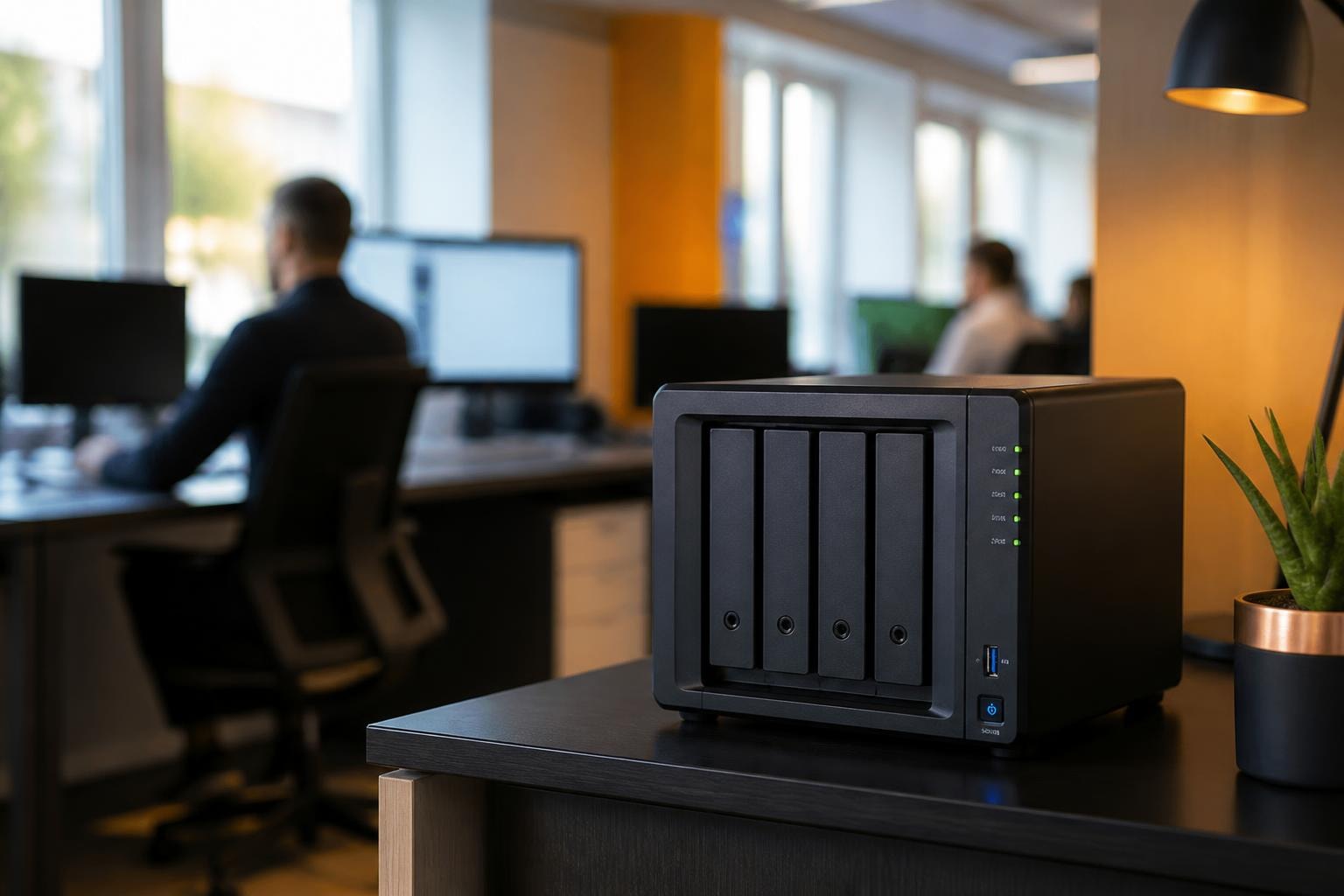

Network-attached storage has become an essential component of modern business infrastructure, providing centralised data management, secure file sharing, and reliable backup solutions. Among the leading manufacturers in this space, Synology has established itself as a trusted provider of enterprise-grade storage systems that combine robust security features with user-friendly interfaces. For organisations seeking to maintain control over their data whilst ensuring compliance with privacy regulations, understanding the capabilities and implementation strategies of Synology systems is crucial for building a resilient digital infrastructure.
Understanding Synology NAS Architecture
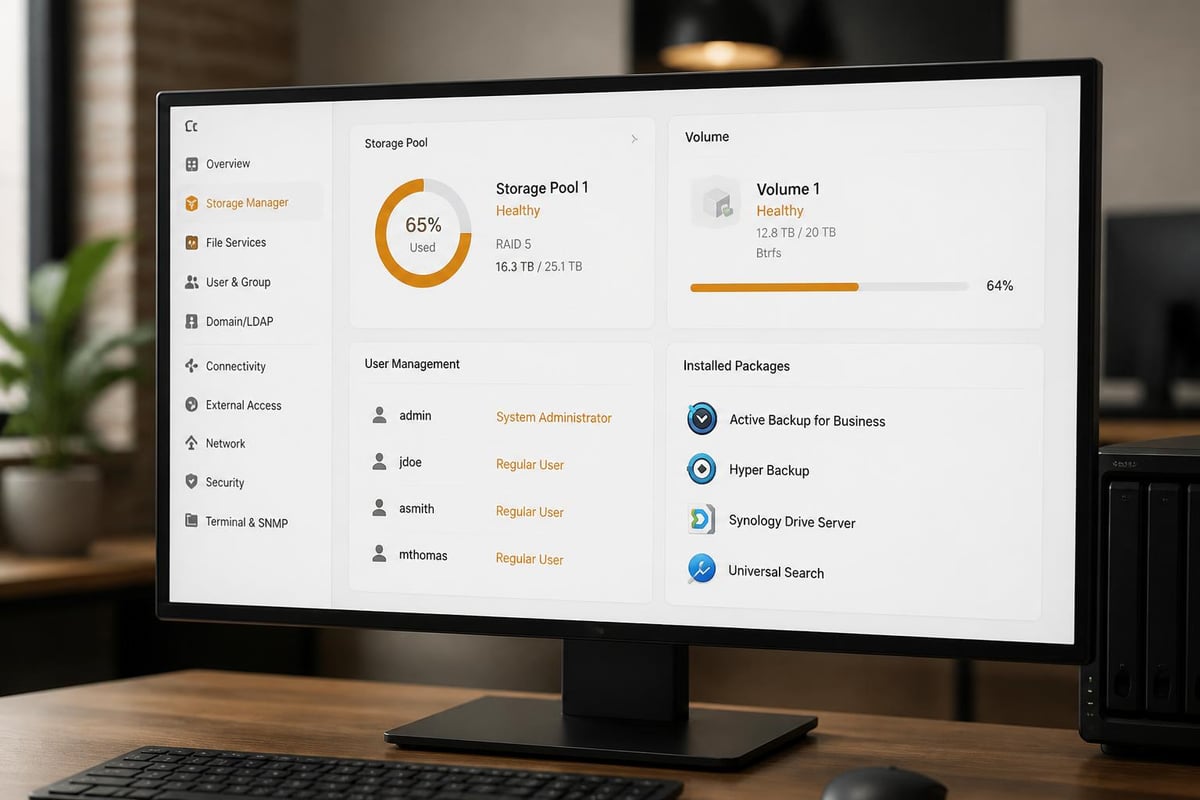
Synology devices operate on a sophisticated operating system called DiskStation Manager (DSM), which provides the foundation for all storage, security, and application functions. This Linux-based platform delivers a web-accessible interface that allows administrators to configure storage pools, manage user permissions, and deploy applications without requiring extensive technical expertise.
The hardware architecture typically consists of multiple drive bays supporting various RAID configurations, enabling organisations to balance performance requirements against data redundancy needs. RAID 1 provides mirroring for critical data, whilst RAID 5 and RAID 6 offer efficient storage utilisation with parity protection. For businesses requiring maximum performance, SSD caching accelerates frequently accessed data whilst maintaining cost-effective capacity through traditional hard drives.
Key Components of Synology Infrastructure
- DiskStation Manager (DSM): The operating system providing web-based management
- Storage pools: Flexible allocation of physical drives into logical volumes
- Volume management: Partitioning storage for different departments or functions
- Package Center: Application repository for extending functionality
- Snapshot Replication: Point-in-time recovery capabilities
Processor selection impacts overall system performance, with options ranging from ARM-based chips suitable for basic file serving to Intel Xeon processors capable of handling virtualisation workloads. Memory capacity directly influences the number of concurrent users and the efficiency of caching mechanisms, making proper specification essential during the procurement process. According to comprehensive reviews of newer models, recent Synology units deliver significant performance improvements over previous generations.
Security Implementation for Enterprise Environments
Security represents a critical consideration for any organisation deploying network-attached storage, particularly given the increasing sophistication of cyber threats targeting data repositories. Synology has developed a multi-layered security architecture that addresses vulnerabilities at the system, network, and application levels.
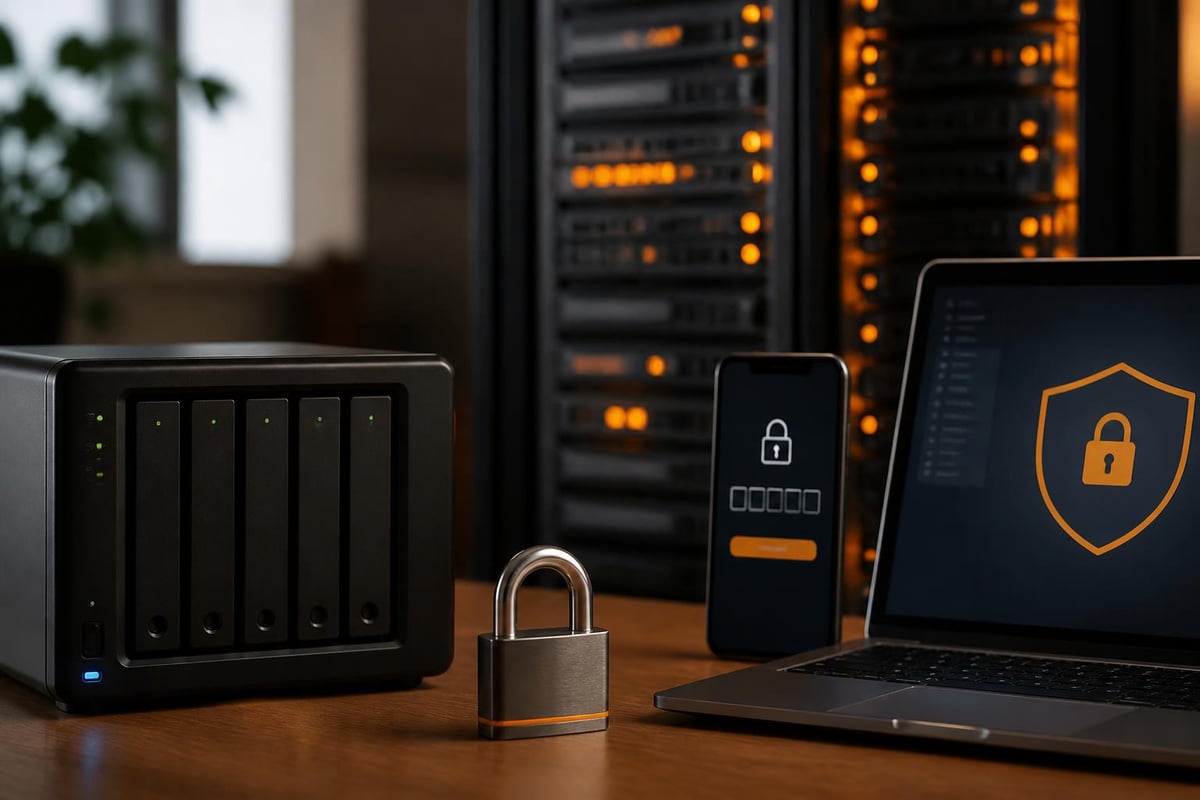
The foundation of security begins with account management practices. Implementing two-factor authentication for all administrative accounts prevents unauthorised access even if credentials are compromised. The Synology security framework includes features such as Secure SignIn, which requires verification codes alongside traditional passwords, creating a robust authentication mechanism.
| Security Layer | Implementation | Purpose |
|---|---|---|
| Account Protection | 2FA, password policies | Prevent unauthorised access |
| Network Isolation | Firewall rules, VLANs | Segment traffic |
| Encryption | AES-256 for volumes | Protect data at rest |
| Access Controls | Granular permissions | Limit user capabilities |
| Threat Prevention | Auto Block, DoS protection | Detect and block attacks |
Network security configuration requires careful attention to firewall rules, particularly when enabling remote access. Rather than exposing services directly to the internet, organisations should implement VPN connections that establish encrypted tunnels for remote users. This approach, detailed in guides for protecting against ransomware, significantly reduces the attack surface whilst maintaining accessibility for authorised personnel.
Essential Security Hardening Steps
- Disable default administrator account and create uniquely named administrative users
- Configure automatic security updates to patch vulnerabilities promptly
- Enable Auto Block to prevent brute-force authentication attempts
- Restrict SSH access to specific IP addresses or disable entirely
- Implement snapshot schedules for rapid recovery from encryption attacks
- Review shared folder permissions quarterly to prevent privilege creep
Encryption of stored data provides protection against physical theft and unauthorised drive access. Volume-level encryption using AES-256 algorithms therefore ensures that data remains unreadable without proper authentication, though organisations must implement secure key management procedures to prevent data loss. Regular security audits using resources like this comprehensive checklist help identify configuration drift and potential vulnerabilities before they can be exploited.
Business Applications and Use Cases
Synology systems support diverse business requirements beyond basic file storage, transforming into comprehensive platforms for collaboration, data protection, and application hosting. Understanding these capabilities enables organisations to maximise return on investment whilst consolidating infrastructure.
File synchronisation through Cloud Station enables teams to access current documents across devices whilst maintaining version history and conflict resolution. This functionality rivals commercial solutions but keeps data within organisational boundaries, addressing privacy concerns and therefore regulatory requirements for secure cloud services.
Virtualisation capabilities through Virtual Machine Manager allow businesses to run multiple operating systems on a single Synology device, consolidating legacy applications or test environments. Docker support extends this further, enabling containerised applications that simplify deployment and updates. For organisations evaluating their infrastructure options, understanding how network-attached storage integrates with other solutions, such as exploring Nextcloud alternatives, provides valuable context for decision-making.

Common Business Deployment Scenarios
- Document management: Centralised storage with version control and audit trails
- Media production: High-performance editing workflows with shared asset libraries
- Surveillance systems: Integration with IP cameras for security monitoring
- Email archiving: Compliance-focused retention of communications
- Development environments: Version control repositories and testing platforms
Backup and disaster recovery represent perhaps the most critical functions for business continuity. Synology devices support the 3-2-1 backup strategy (three copies, two media types, one offsite) through built-in tools like Hyper Backup. Organisations can replicate data to cloud services, remote Synology units, or external drives with flexible scheduling and retention policies.
Deployment and Configuration Best Practices
Successful implementation requires careful planning that considers current requirements alongside future growth. Capacity planning should account for data growth rates, typical file sizes, and therefore the overhead introduced by RAID configurations and snapshot retention.
Initial setup procedures establish the foundation for secure operations. Creating separate storage volumes for different data classifications prevents unauthorised access and simplifies backup scheduling. Quota implementation prevents individual users or departments from consuming disproportionate resources, maintaining fair allocation across the organisation.
| Configuration Area | Recommendation | Rationale |
|---|---|---|
| Storage Pools | Separate pools for performance vs capacity | Optimise SSD cache usage |
| User Groups | Align with organisational structure | Simplify permission management |
| Snapshot Frequency | Critical data: hourly; general: daily | Balance protection vs storage |
| Backup Windows | Off-peak hours | Minimise performance impact |
| Update Policy | Automatic for security; manual for DSM | Stability whilst maintaining security |
Network design significantly impacts performance and security. Implementing link aggregation combines multiple network interfaces for increased throughput, whilst VLAN segmentation isolates storage traffic from general network activity. For businesses processing sensitive information, dedicating separate network interfaces for internal and external access therefore provides an additional security boundary.
Performance Optimisation Strategies
Recent changes to Synology’s compatibility policies have reinstated support for third-party drives, providing organisations with greater flexibility in component selection. However, validated drives from the compatibility list typically deliver better performance and reliability.
SSD caching dramatically improves performance for frequently accessed files, particularly in environments with many users accessing the same datasets. Read-write caching provides maximum benefit but requires RAID 1 configuration to prevent data loss, whilst read-only caching offers acceleration without the redundancy requirement.
Regular maintenance procedures ensure optimal performance over time. Scrubbing operations verify data integrity across RAID arrays, identifying and correcting silent corruption before it impacts availability. File system defragmentation, whilst less critical than on traditional PCs, can improve performance on volumes experiencing heavy modification activity.
Integration with Cloud Services
Hybrid deployment models combine on-premises Synology storage with cloud services, providing geographical redundancy whilst maintaining local performance. Cloud Sync enables selective synchronisation with major cloud providers, allowing organisations to leverage unlimited storage for archival purposes whilst keeping active data locally accessible.
Glacier integration provides cost-effective long-term archiving for compliance requirements, automatically transitioning older data to cold storage tiers based on age or access patterns. This tiered approach optimises storage costs whilst maintaining accessibility for regulatory purposes.
For organisations already invested in cloud infrastructure, Synology units therefore can function as edge storage that caches cloud-hosted data for local access. This topology reduces latency for remote offices whilst centralising authoritative data in resilient cloud environments. Businesses exploring comprehensive approaches might benefit from understanding how different platforms compare, and for those interested in seeing integrated solutions in action, a demonstration of all-in-one solutions can provide valuable insights into how various components work together.
Scalability and Future-Proofing
Growth planning requires understanding both vertical scaling (upgrading existing units) and horizontal scaling (adding additional devices). Synology supports expansion through external units that add drive bays without requiring data migration, simplifying capacity increases as requirements evolve.
High availability configurations using multiple Synology devices in active-passive or active-active clusters eliminate single points of failure for mission-critical data. Heartbeat functionality monitors system health and triggers automatic failover, ensuring continuous access even during hardware failures.
The ecosystem continues evolving with regular DSM updates introducing new capabilities and security enhancements. Staying current with platform developments enables organisations to leverage emerging features whilst maintaining compatibility with existing workflows. Resources like TechRadar’s detailed reviews provide insights into how newer models compare against previous generations.
Selecting the Right Model
Choosing appropriate hardware depends on specific requirements rather than simply selecting the largest available unit. Guides covering the best Synology NAS devices categorise options by use case, helping organisations match capabilities to actual needs.
Drive bay count determines maximum raw capacity and RAID options, whilst processor selection impacts virtualisation capabilities and concurrent user support. For businesses primarily focused on file serving, mid-range processors provide adequate performance at lower cost, whilst multimedia production or surveillance applications benefit from higher-end CPUs with hardware transcoding.
Memory expandability ensures systems can adapt to increasing workloads without requiring complete replacement. Starting with minimum specifications and upgrading as usage patterns emerge often proves more cost-effective than over-provisioning initially.
Implementing robust storage infrastructure requires careful consideration of security, performance, and scalability requirements to ensure long-term business value. Whether deploying network-attached storage, exploring hybrid cloud architectures, or consolidating existing infrastructure, partnering with experienced providers simplifies the journey whilst ensuring best practices throughout deployment. vBoxx delivers secure hosting and cloud solutions with emphasis on privacy, security, and sustainable practices, helping businesses build resilient digital infrastructure that supports growth whilst protecting critical data assets.