
The demand for secure and scalable synology hosting is accelerating as we approach 2026. Businesses want a reliable way to manage growing volumes of data while staying ahead of privacy and compliance challenges.
With the landscape shifting, companies face hurdles in protecting sensitive data, maintaining high performance, and ensuring their solutions are ready for the future. Finding the right approach to synology hosting is now more critical than ever.
This guide brings you expert strategies and the latest recommendations for deploying, managing, and optimising synology hosting. You will discover practical tips on hardware selection, software setup, security, sustainability, compliance, and cost optimisation.
Stay ahead of 2026’s hosting trends with actionable insights that help you build a secure, future-proof environment for your business data.
Understanding Synology Hosting in 2026
The landscape for synology hosting has transformed significantly as businesses prioritise privacy, performance, and future scalability. In 2026, organisations face new demands for secure, compliant, and sustainable data solutions. Synology remains at the forefront, delivering innovations that align with these evolving expectations.
Evolution of Synology NAS Solutions
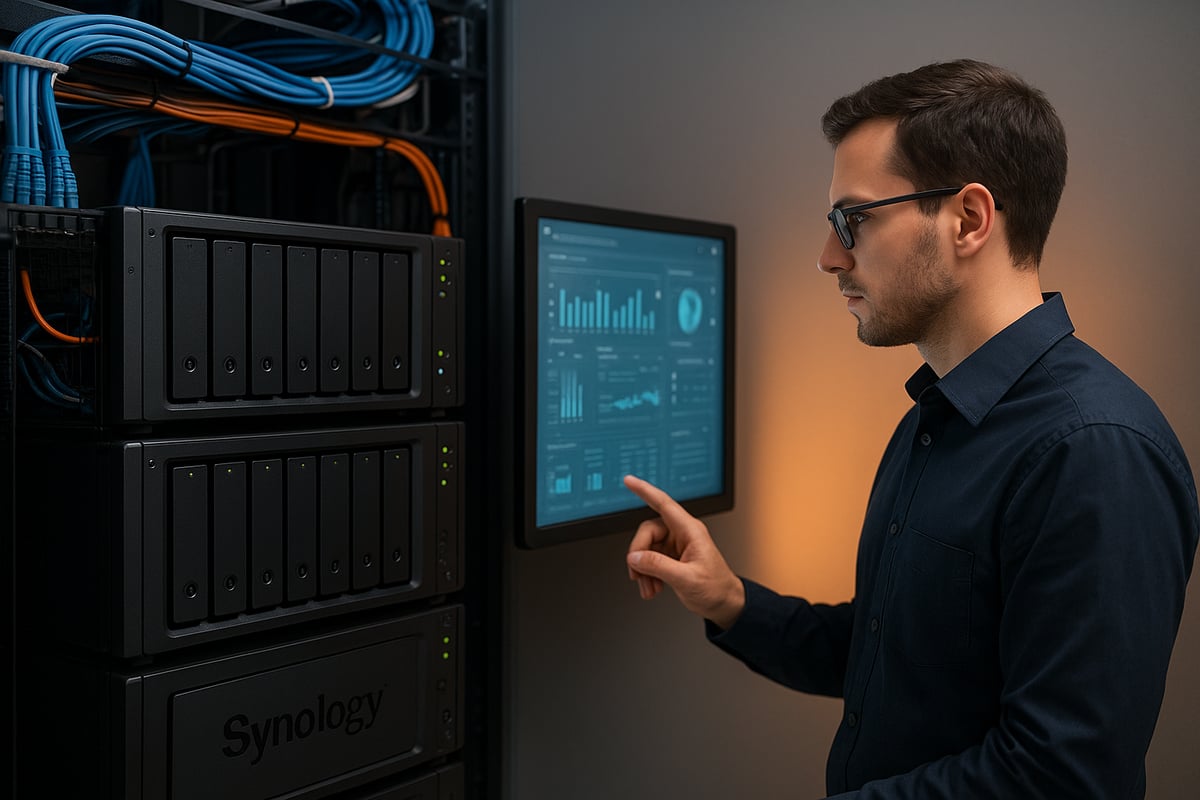
Synology hosting has rapidly advanced, driven by rising business demands for robust, centralised data management. Since 2020, Synology has introduced new NAS models, continually optimising their DiskStation Manager (DSM) operating system for greater efficiency and security. The 2026 lineup, including the RS822+, RS1221+, and RS2821RP+, offers businesses remarkable performance with read speeds exceeding 2,200 MB/s and up to 32GB RAM, supporting even the most demanding workloads.
Integration with cloud and hybrid environments is now seamless. Businesses can extend on-premises storage to the cloud for backup, disaster recovery, or collaboration. Hardware expandability – such as RAM upgrades, SSD caching, and PCIe slots – ensures that synology hosting adapts to changing needs.
Adoption rates among SMEs and enterprises continue to rise, with these solutions providing centralised, scalable, and secure data infrastructure. For a deeper look at how Synology NAS is shaping business storage, see the Synology NAS for Businesses overview.
Key Use Cases for Modern Businesses
Modern synology hosting empowers organisations to address a wide range of operational challenges. File sharing, automated backups, and business continuity are at the core, helping teams collaborate and recover quickly from disruptions. Hosting private clouds and collaboration platforms is straightforward, with Synology Drive enabling secure document management and team workflows.
Integration with Office 365, Google Workspace, and device backup services allows businesses to consolidate data protection strategies. For example, using synology hosting for GDPR-compliant document management ensures sensitive files are stored securely within European borders.
Scalability is central to these solutions. As workforces become more remote and data volumes grow, synology hosting provides flexible expansion options. Companies can start with a 4-bay NAS and scale up to larger models as their requirements evolve.
Common Business Use Cases
- Secure file sharing and synchronisation
- Automated device and SaaS backups
- Private cloud deployment for remote teams
- GDPR-compliant document archiving
- Collaboration tools and shared workspaces
Market Drivers and Industry Statistics
Several key trends are shaping the synology hosting market in 2026. European data residency and privacy requirements drive demand, as businesses seek to comply with GDPR and NIS2 regulations. Sustainability is also a major factor, with more organisations choosing green IT solutions and energy-efficient hardware.
Performance remains a top priority. Current NAS models deliver over 100,000 4K random read IOPS, meeting the needs of high-transaction environments. Synology hosting is increasingly favoured by businesses that must balance speed, reliability, and compliance.
Regulatory compliance is no longer optional. Enterprises rely on synology hosting to maintain audit trails, manage legal holds, and ensure all data remains within approved jurisdictions. As sustainability initiatives expand, many providers now operate carbon-neutral datacentres to support environmental goals.
In summary, synology hosting in 2026 is defined by innovation, compliance, and adaptability, making it the platform of choice for modern businesses.
Choosing the Right Synology Hardware and Configuration
Selecting the best hardware and configuration is fundamental for effective synology hosting. Every business has unique requirements, so taking a structured approach ensures you get optimal performance, reliability, and scalability. Let’s explore how to align your hardware choices with your organisation’s needs for 2026.
Evaluating Business Needs and Workloads
Before investing in synology hosting, assess your current and future storage demands. Consider how many users will access the system, what types of files will be managed, and the expected rate of data growth.
Determine if you need high-speed access for large media files or steady, reliable storage for document archives. Assess redundancy requirements to ensure data is protected against hardware failures. Scalability is key, especially for businesses planning to expand or support remote teams.
By mapping these parameters, you can confidently choose a synology hosting solution that aligns with your operational objectives and budget.
Comparing Synology Models and Features
Choosing the right NAS model is crucial for synology hosting success. Consider models like RS822+, RS1221+, RS2421+, and RS2821RP+, each offering varying bay counts, RAM, and expansion capabilities.
Here’s a quick comparison:
| Model | Bays | Max RAM | Power Supply | Read Speed (MB/s) |
|---|---|---|---|---|
| RS822+ | 4 | 32GB | Single | 2,200+ |
| RS1221+ | 8 | 32GB | Single | 2,200+ |
| RS2421+ | 12 | 32GB | Redundant | 2,200+ |
| RS2821RP+ | 16 | 32GB | Redundant | 2,200+ |
Expandability is also vital, enabling future upgrades in storage or network speed. For practical insights into hardware selection, you can read the Synology DS220 Review for SMBs.
Customising Storage, Memory, and Extensions
Tailor your synology hosting setup by selecting the right HDD or SSD sizes, such as 8TB, 12TB, 16TB, or 18TB drives. Larger drives are suitable for archiving or video editing, while SSDs offer faster performance for databases or virtualisation.
Upgrade RAM to support virtual machines, heavy workloads, or large collaborative environments. PCIe expansion cards allow for higher network speeds or additional storage, ensuring your system grows alongside your business.
For further expansion, consider units like RX418 to add more bays and increase overall storage capacity.
Sustainability and Green Hosting Considerations
Sustainability is increasingly important in synology hosting decisions. Opt for energy-efficient NAS models and select datacentres powered by renewable energy. Efficient cooling systems and power management features help reduce environmental impact.
Many European businesses now prioritise green IT, choosing providers with carbon-neutral commitments and active reforestation projects. Sustainable hosting not only reduces your carbon footprint but can also improve your company’s reputation and compliance with environmental regulations.
Secure Hosting and Cloud Solutions by vBoxx
As an official Synology partner, vBoxx delivers secure and scalable synology hosting for European businesses. Privacy and GDPR compliance are at the core of their offering, with customisable NAS builds tailored to your organisation’s needs.
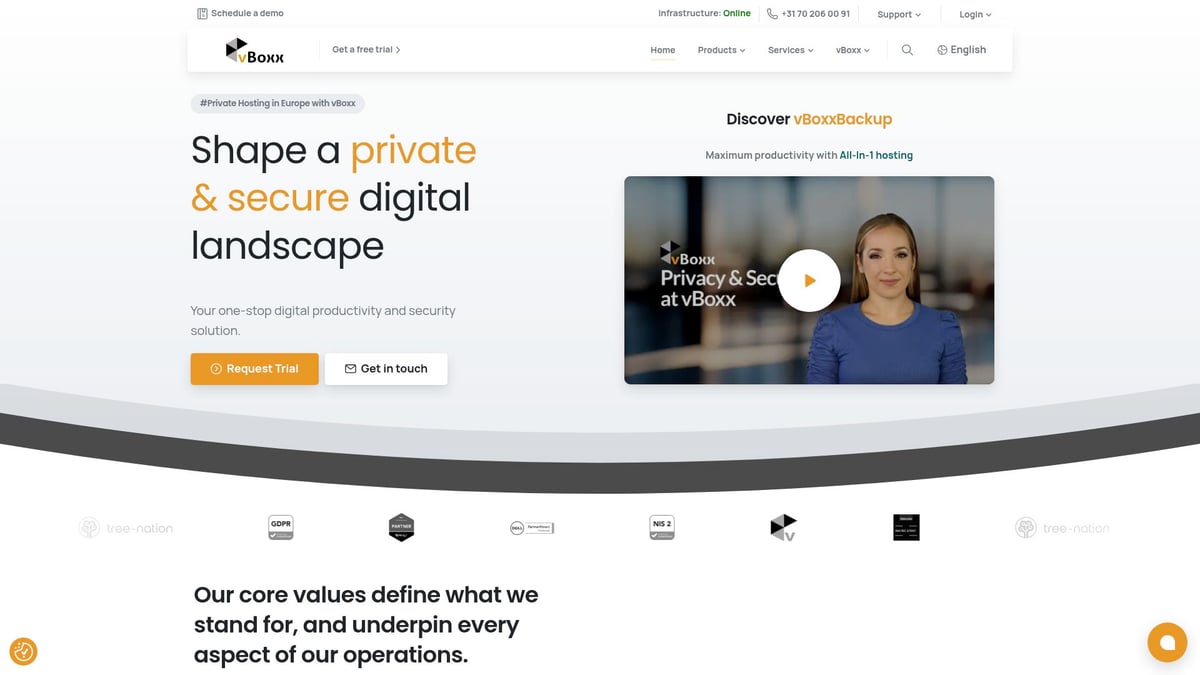
vBoxx operates from 100% renewable energy datacentres, supporting your sustainability goals. Their team provides expert consultancy, multilingual support, and free trial options so you can experience premium synology hosting risk-free.
With vBoxx, you gain peace of mind, knowing your data is secure, compliant, and future-ready.
Step-by-Step Guide: Setting Up Synology Hosting
Deploying synology hosting successfully requires careful planning and methodical execution. This section breaks down the entire process, from preparing your environment to integrating essential business tools, so you can achieve secure, high-performance results.
Initial Planning and Network Preparation
Before starting synology hosting, conduct a detailed site assessment. Ensure you have reliable power sources, sufficient rack space, and strong network connectivity. Evaluate your LAN and VLAN needs, considering both current and future business requirements.
Create a checklist that covers:
- Power redundancy (UPS, dual supplies)
- Rack mounting options
- Internet bandwidth and failover needs
Plan for remote access and hybrid cloud integration if required. Anticipate expansion by leaving space for additional NAS units or switches. Map out your network topology, defining which devices need access to synology hosting and how you will segment traffic for security.
Hardware Installation and Configuration
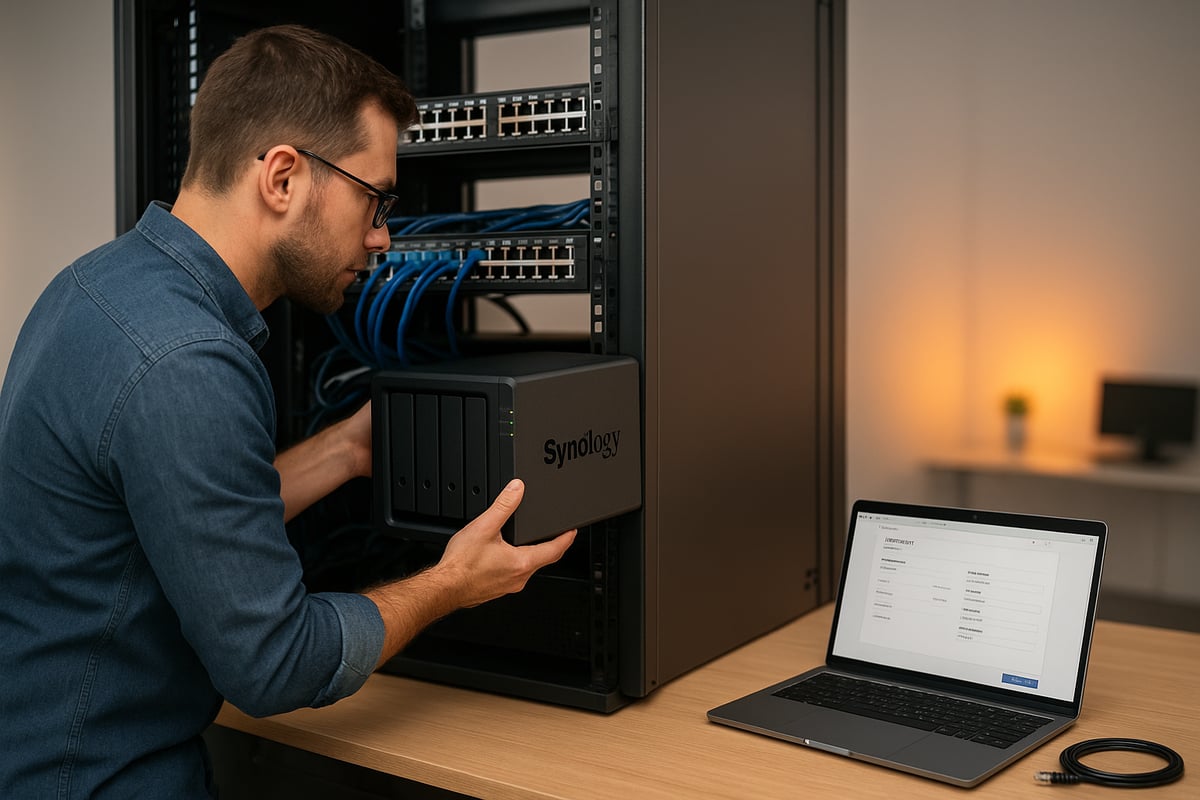
Unbox your Synology NAS and carefully install the drives, RAM, and any PCIe expansion cards required for your chosen configuration. Secure the unit in your rack, connect network cables, and power up the device.
Follow the manufacturer’s guidelines for:
- Drive insertion and bay assignment
- RAM upgrades for higher workloads
- PCIe modules for improved networking
Configure RAID for the right balance of performance and redundancy, based on your synology hosting needs. Confirm all hardware components are recognised by the system before proceeding to software setup.
DSM Installation and Core Settings
Install DiskStation Manager (DSM), Synology’s operating system, using the web-based setup wizard. Assign a strong administrator password and enable two-factor authentication to protect your synology hosting environment.
Set up user accounts, groups, and permissions to mirror your organisational structure. Configure system notifications for critical events, ensuring you receive alerts for drive failures or security issues.
Enable secure password policies to enforce best practices across your team. This step is vital for maintaining a resilient synology hosting deployment from day one.
Network and Security Hardening
Protect your synology hosting by implementing robust network security measures. Set up firewall rules within DSM to restrict access to only trusted IP ranges. Use VLANs to separate sensitive business data from guest or IoT networks.
Enable HTTPS and install an SSL certificate, such as those from Let’s Encrypt, for secure remote management. For enhanced security, consider configuring VPN access for offsite users. For further guidance on creating a secure network environment, consult the Synology Router Network Security resource.
Regularly review access logs and monitor for unusual activity. These steps fortify your synology hosting against evolving cyber threats.
Integrating with Business Applications
Connect synology hosting to your core business platforms. Integrate with Office 365 and Google Workspace for seamless backup and collaboration. Set up shared folders and define user groups to ensure the right people have access to the right data.
Automate routine tasks using DSM’s built-in scheduler. Schedule regular device and SaaS backups, and enable snapshot replication for fast recovery in case of accidental deletion or ransomware.
This integration not only enhances productivity but also ensures business continuity. By following these steps, your synology hosting will be ready to support your organisation’s evolving needs.
Advanced Security, Compliance, and Data Protection
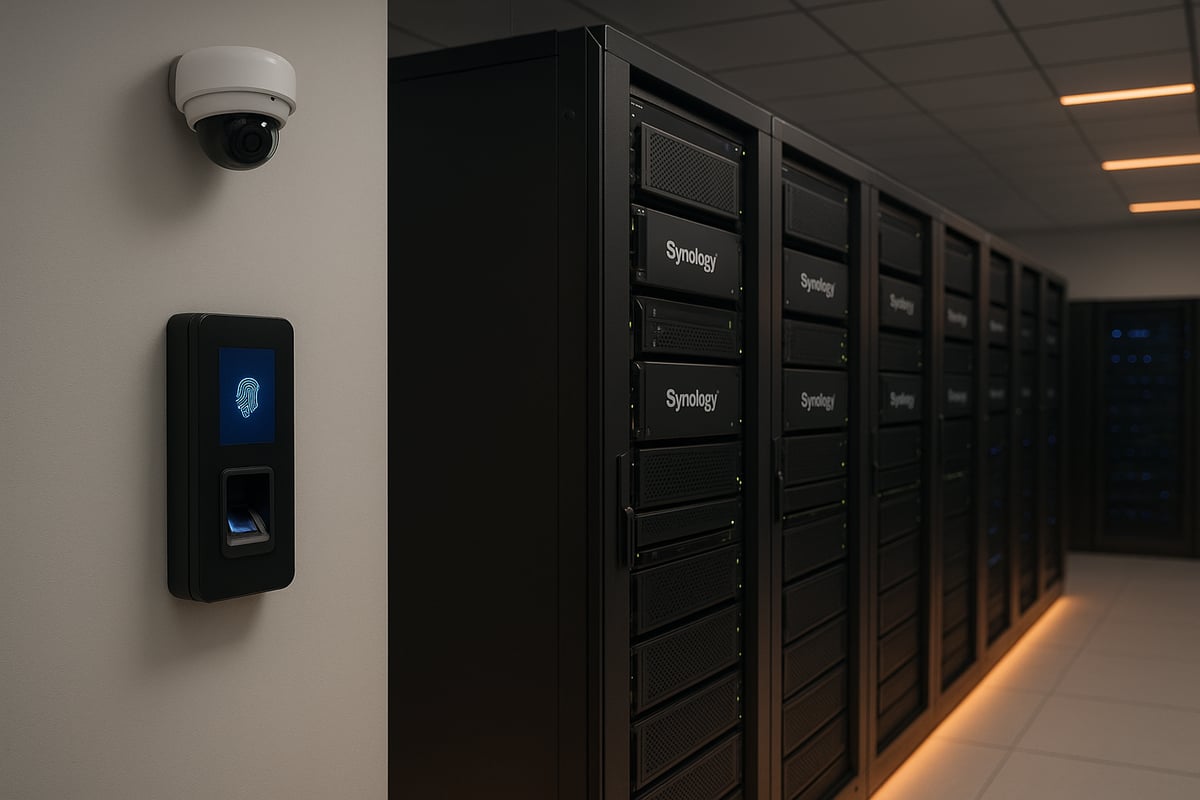
The future of synology hosting relies on robust security, rigorous compliance, and resilient data protection strategies. As businesses depend more on digital infrastructure, safeguarding data and meeting regulatory requirements is crucial. This section explores expert approaches for securing synology hosting, ensuring privacy, and building a sustainable, compliant operation.
Best Practices for Synology Security in 2026
Securing synology hosting starts with a proactive, layered defence. Regular firmware and DSM updates are essential to patch vulnerabilities and keep systems resilient. Implementing role-based access control ensures users only access what they need, reducing risk.
24/7 monitoring and instant alerts allow quick response to suspicious activity. For a comprehensive checklist, refer to Synology NAS security best practices, which covers network segmentation, firewall rules, and secure remote access.
Key steps include:
- Enforcing strong password policies
- Enabling two-factor authentication (2FA)
- Isolating management interfaces on separate VLANs
By embedding these practices, synology hosting environments stay ahead of evolving threats.
Data Encryption and Privacy Safeguards
Encryption is fundamental for protecting sensitive business data within synology hosting environments. Enabling AES 256-bit encryption for shared folders and volumes ensures only authorised users can access confidential files.
Secure file sharing tools, such as encrypted download links and password-protected file access, help businesses collaborate safely with partners. Synology hosting is designed to support GDPR and NIS2 compliance, with built-in privacy controls and audit trails.
To further enhance privacy, administrators should regularly review user permissions and apply the principle of least privilege across all data sets.
Backup, Disaster Recovery, and Business Continuity
A resilient synology hosting strategy requires comprehensive backup and disaster recovery planning. Multi-location backup, including offsite and cloud-based solutions, minimises data loss from hardware failure or cyber incidents.
Automated device and SaaS backups keep critical data protected, while snapshot replication enables fast recovery from ransomware or accidental deletion. Integration with tools such as vBoxxVault and vBoxxBackup supports both on-premises and hybrid backup schemes.
Table: Backup Strategies Comparison
| Backup Type | Recovery Speed | Storage Location | Automation Level |
|---|---|---|---|
| Local Snapshot | Fast | On-premises | High |
| Offsite Replication | Moderate | Remote site | Medium |
| Cloud Backup | Fast | Cloud | High |
Regular testing of recovery workflows ensures synology hosting can withstand unexpected disruptions.
Regulatory Compliance for European Businesses
Compliance is a key driver for synology hosting adoption in Europe. Organisations must prioritise data residency, ensuring information remains within EU borders. Synology hosting supports GDPR compliance by offering features such as audit trails, legal hold, and detailed reporting.
Businesses benefit from 100 percent European data hosting, which simplifies regulatory audits and supports sovereignty requirements. For NIS2 compliance, synology hosting provides advanced logging and security event tracking.
Staying up to date with evolving regulations is vital. Regularly review compliance features and update internal policies to align with legal changes.
Monitoring, Logging, and Incident Response
Continuous monitoring is a cornerstone of secure synology hosting. Real-time dashboards provide visibility into system health, user activity, and security events. Log retention policies ensure forensic evidence is available for investigations.
Incident response planning is crucial. Establish clear workflows for detecting, investigating, and remediating security incidents. Automated alerts and detailed logs empower IT teams to act swiftly and minimise downtime.
A sample incident response workflow:
1. Detect anomaly (alert triggered)
2. Investigate affected systems
3. Contain and mitigate threat
4. Recover from backup
5. Report and document incident
This proactive approach strengthens synology hosting resilience.
Sustainability and Environmental Compliance
Sustainability is increasingly important for synology hosting providers and clients. Choosing partners with carbon-neutral datacentres and renewable energy commitments reduces environmental impact.
Initiatives like vBoxx’s tree-planting projects in Madagascar help offset carbon emissions. Energy-efficient hardware and responsible e-waste management contribute to green IT goals.
By prioritising sustainability, businesses using synology hosting can meet environmental compliance requirements and demonstrate corporate responsibility.
Optimising Synology Performance and Cost Efficiency
Optimising synology hosting in 2026 is crucial for balancing speed, reliability, and budget. With the right approach, businesses can extract maximum value, ensure smooth operations, and future-proof their data environment for evolving needs.
Performance Tuning and Resource Management
To unlock the full potential of synology hosting, start by configuring SSD caches for both read and write workloads. This greatly accelerates frequent data access and reduces latency. For businesses requiring even higher throughput, upgrading to 10Gb or 25Gb Ethernet can make a substantial difference.
Monitoring tools within Synology’s DSM allow real-time analysis of CPU, RAM, and disk utilisation. For detailed model-specific performance data, refer to the Synology NAS performance benchmarks. By identifying and addressing bottlenecks early, you maintain consistent high performance for all users.
Storage Management and Expansion
Effective storage management is essential in synology hosting, especially as data grows. Dynamic volume and storage pool management let you add drives or expansion units like the RX418 with minimal downtime. This modular approach ensures storage can scale alongside business needs.
Data deduplication and compression features help reduce capacity requirements, improving efficiency. With Synology’s recent update to support third-party HDDs and SSDs, businesses can now choose from a wider range of drives, as detailed in Synology NAS third-party HDD support, further optimising budget and flexibility.
Cost-Saving Strategies and ROI
Balancing costs in synology hosting requires a clear understanding of both capital and operational expenses. Hosted solutions often offer predictable monthly fees, while on-premises deployments may involve higher upfront investment but long-term control. Customising hardware to match actual workloads helps avoid costly overprovisioning.
| Cost Factor | Hosted Synology | On-Premises Synology |
|---|---|---|
| Upfront Investment | Low | High |
| Monthly Fees | Predictable | Variable |
| Scalability | Flexible | Limited by hardware |
| Maintenance | Included | Self-managed |
Reviewing these factors enables informed decisions that maximise return on investment.
Proactive Maintenance and Support
Proactive maintenance is the backbone of reliable synology hosting. Scheduled health checks and predictive failure alerts help prevent downtime. Synology’s built-in monitoring tools, combined with third-party solutions, enable 24/7 system oversight.
Key activities include:
- Regular firmware and DSM updates
- Checking drive health and SMART status
- Testing backup and restore processes
- Reviewing security settings
- Leveraging expert support for troubleshooting
Businesses benefit from rapid response and minimal disruption by making these tasks routine.
Case Study: Real-World Synology Hosting Optimisation
A mid-sized consultancy recently enhanced its synology hosting setup by consolidating file storage, enabling SSD caching, and moving to a hybrid cloud backup. By taking advantage of third-party drive support, their IT team reduced hardware costs by 18 percent without compromising reliability.
The firm also implemented scheduled maintenance and real-time monitoring, which resulted in improved system uptime and user satisfaction. Their experience highlights how a strategic approach to synology hosting drives both performance and cost efficiency.
Future-Proofing Your Synology Hosting Strategy
Staying ahead in 2026 means planning your synology hosting for long-term resilience and adaptability. As technology evolves, businesses must anticipate change and prepare their infrastructure to support growth, compliance, and sustainability. The following strategies will help you keep your synology hosting efficient and future-ready.
Emerging Trends and Technologies
The synology hosting landscape in 2026 is shaped by emerging technologies. AI-driven analytics now optimise storage management, automatically allocating resources based on usage patterns. This reduces manual intervention and improves efficiency.
Integration with multi-cloud and edge computing platforms is another key trend. Businesses increasingly deploy synology hosting alongside public cloud providers, creating hybrid environments for greater flexibility and redundancy.
Keeping pace with Synology’s frequent hardware and software updates is crucial. Anticipate new releases and plan for compatibility to maintain peak performance. Regularly reviewing the latest advancements ensures your synology hosting remains competitive.
Scaling for Business Growth and Remote Work
Supporting a growing and distributed workforce requires flexible synology hosting solutions. Secure file sharing, remote collaboration, and seamless device management are essential as teams expand across locations.
Customisable storage and user management features allow organisations to scale from small businesses to large enterprises without disruption. Integrating platforms like Synology Drive Features Overview offers streamlined collaboration and version control, which is vital for hybrid and remote teams.
Planning for future expansion, including additional storage bays and network upgrades, ensures your synology hosting can adapt to changing business requirements.
Sustainability and Long-Term IT Planning
Sustainable synology hosting is no longer optional for forward-thinking organisations. Selecting energy-efficient hardware and partnering with green datacentres reduces environmental impact and supports regulatory compliance.
Long-term planning involves scheduling hardware refresh cycles and implementing responsible e-waste management. Investing in carbon-neutral hosting partners and supporting reforestation or similar initiatives also demonstrates corporate responsibility.
Building sustainability into your synology hosting strategy ensures your IT operations remain both future-proof and environmentally conscious.
Building a Resilient and Compliant Infrastructure
A resilient synology hosting infrastructure starts with robust security policies and regular staff training. Establish clear procedures for data protection, incident response, and compliance audits to reduce risk.
Leverage expert partners for ongoing consultancy, monitoring, and support. Staying informed about Synology NAS security vulnerabilities helps you address threats proactively and maintain regulatory compliance.
Continuous improvement, combined with a strong culture of security, ensures your synology hosting infrastructure is prepared for future challenges.
After exploring the essential strategies for secure, high performance Synology hosting in 2026, it is clear that having the right partner makes all the difference for privacy, sustainability, and business growth. If you are ready to experience the benefits of expert managed Synology solutions—tailored to your needs and backed by green hosting practices—why not see it in action? You can take the next step towards future proofing your digital infrastructure and see how vBoxx can support your unique requirements. Schedule a demo and discover first hand how seamless and secure your Synology hosting can be.