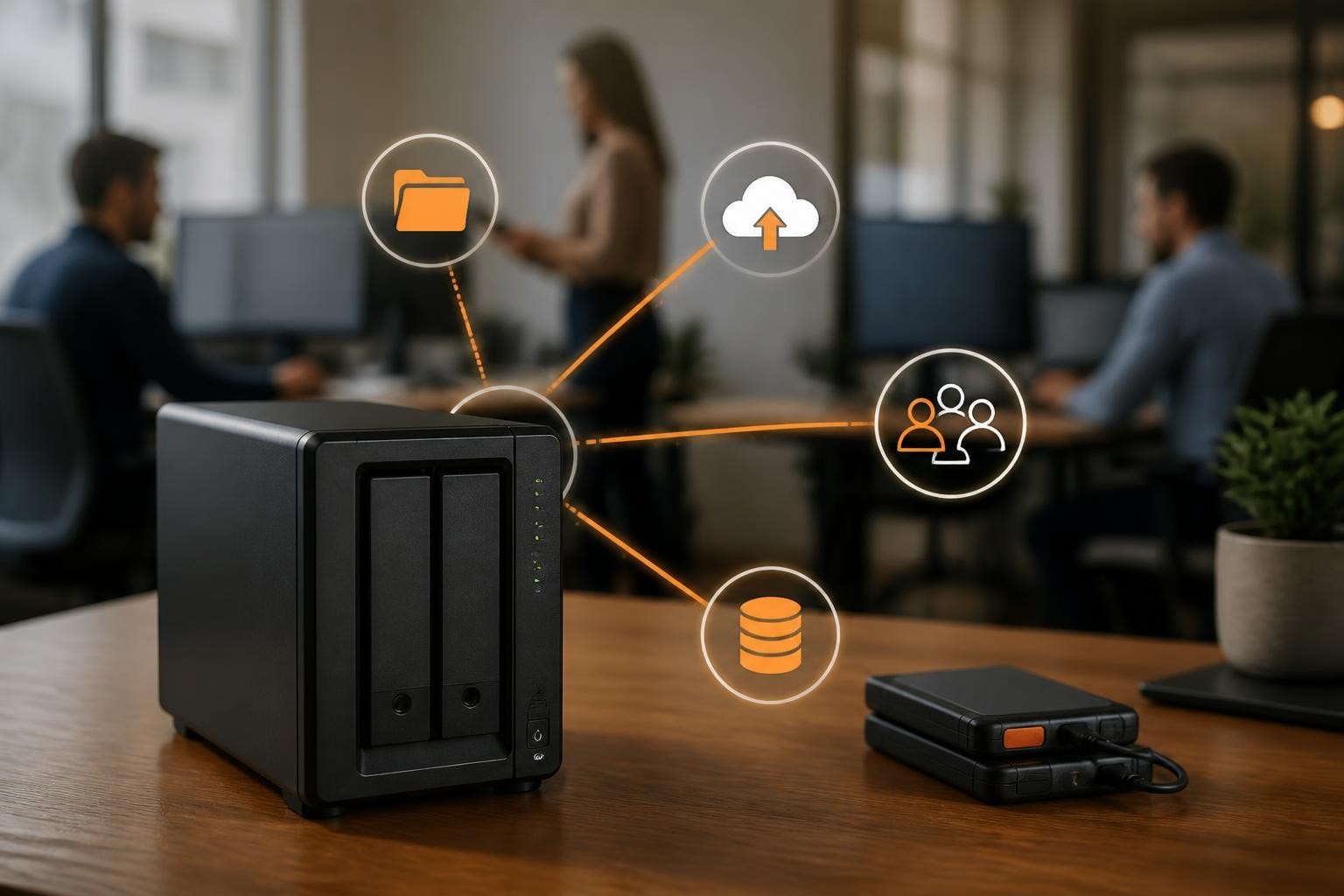

In 2026, data protection is more critical than ever for businesses and individuals. Cyber threats, compliance demands, and the sheer volume of information make reliable backup essential. Synology’s reputation for robust and flexible solutions stands out, meeting the latest security and compliance challenges head-on.
The right synology backup strategy not only prevents costly data loss but also ensures business continuity and peace of mind. This essential guide will walk you through every Synology backup option, best practices, and future-proofing strategies.
By the end, you will understand Synology backup methods, software, cloud integration, security, and how to deploy them effectively at home or in your business.
Understanding Synology Backup: Core Concepts and Trends
Understanding the landscape of synology backup in 2026 is crucial for anyone looking to protect their digital assets. The backup world is evolving rapidly, and Synology’s solutions are at the forefront, blending reliability with innovation. Let us explore the essential concepts and trends shaping synology backup today.
What is Synology Backup?
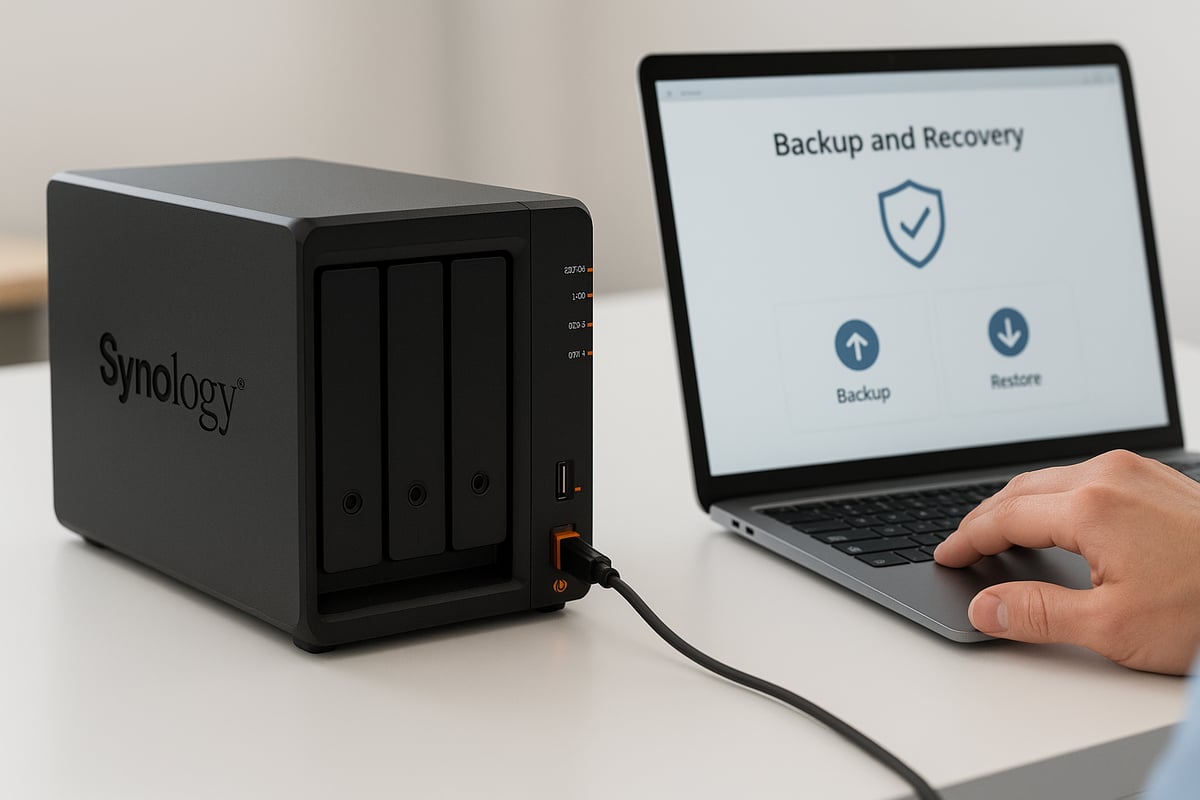
Synology backup is a comprehensive approach to safeguarding data using Synology Network Attached Storage (NAS) devices. In 2026, its relevance has grown as data volumes and threats increase. Unlike simple sync or replication, backup creates versioned, restorable copies of files, ensuring recovery from any incident.
Key features unique to synology backup include multi-versioning, deduplication, and strong encryption. DiskStation Manager (DSM) acts as the control hub, making backup management straightforward. A typical workflow involves selecting folders, scheduling jobs, and storing copies on local, remote, or cloud destinations.
With businesses and individuals seeking all-in-one data protection, synology backup solutions offer the flexibility and control needed for modern environments.
The Importance of Backup in 2026
In 2026, the risk of data loss is higher than ever. Alarming statistics reveal that 85% of organizations experienced data loss in 2024, underscoring the urgent need for effective synology backup strategies. Cyber threats like ransomware and phishing keep evolving, making proactive backup essential.
Regulatory frameworks such as GDPR and NIS2 now demand reliable data protection. Businesses must ensure business continuity and disaster recovery plans are in place. One case involved a company losing access to customer records due to failed backups, resulting in lost revenue and reputational harm.
This demonstrates why synology backup is no longer optional but a core requirement for every organisation’s IT strategy.
Synology’s Backup Ecosystem Overview
The synology backup ecosystem is built around several robust solutions. Hyper Backup provides multi-versioned, encrypted backups to local, remote, or cloud locations. Active Backup Suite enables agentless, centralised backup for PCs, servers, and cloud services. Snapshot Replication offers near-instant, point-in-time recovery, while Synology C2 Cloud delivers secure offsite protection.
Integration with third-party clouds like AWS S3 and Google Drive extends flexibility. Synology hardware, from the DS series for home use to RS and FS series for enterprises, supports diverse backup needs. For example, the DS220 is a popular choice for small offices, while RS models serve larger deployments.
Synology’s position in the backup market is strong, offering end-to-end solutions adaptable to any environment.
Key Backup Trends for 2026
Several trends are shaping synology backup in 2026. Hybrid cloud and multi-site strategies are becoming standard, blending local and cloud storage for resilience. The demand for immutable, ransomware-proof backups is rising, ensuring backups cannot be altered by attackers.
Artificial intelligence and automation are streamlining backup management, from scheduling to anomaly detection. Scalability is vital, with petabyte-scale storage required as data grows. Data sovereignty and localisation are also increasingly important, with organisations needing to keep backups within specific regions to meet compliance.
These trends highlight the need for a synology backup strategy that is secure, flexible, and future-ready.
Synology Backup Solutions Explained: Features, Use Cases, and Comparison
Choosing the right synology backup solution is essential for staying ahead of data loss, cyber threats, and compliance challenges. Synology’s diverse backup portfolio addresses a range of needs, from home users to complex enterprise deployments. Below, we break down each major synology backup approach, key features, and real-world examples to help you make an informed decision.
Hyper Backup
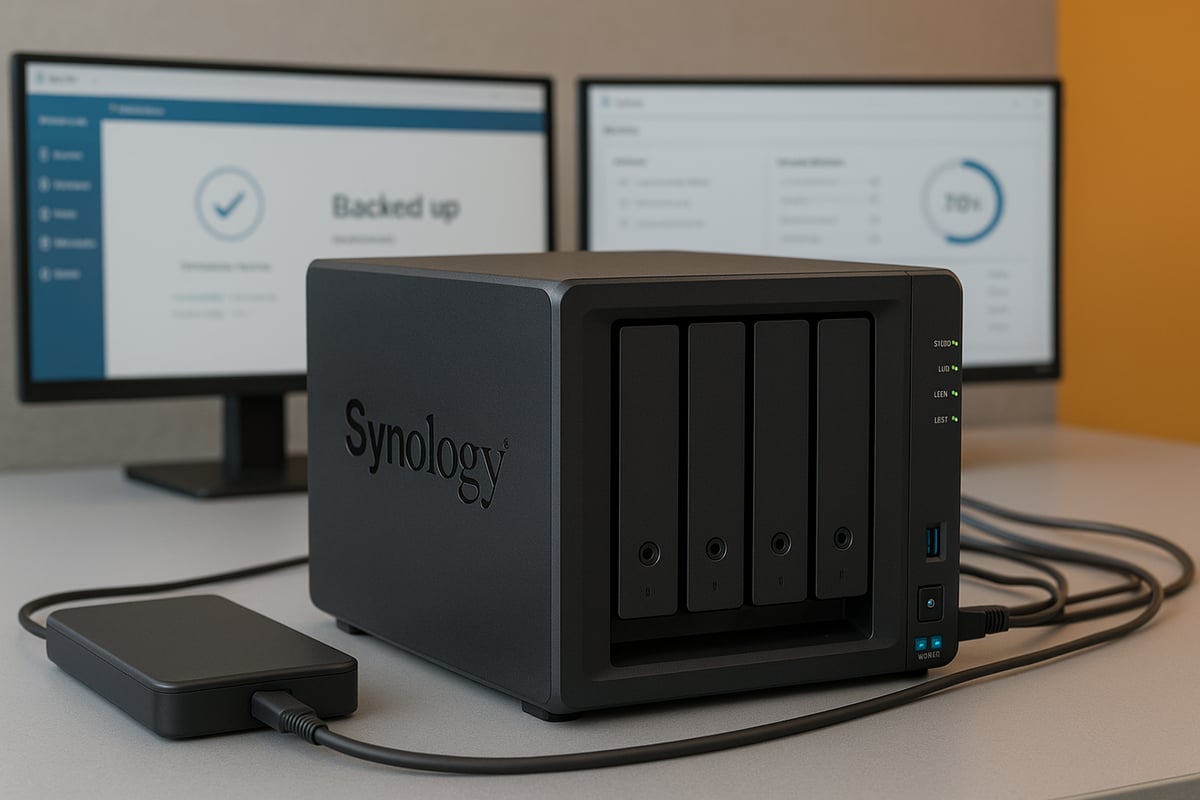
Hyper Backup is the cornerstone synology backup tool for multi-versioned data protection. It allows users to back up files, applications, and system configurations with advanced options like client-side encryption and deduplication.
You can send synology backup jobs to local disks, remote Synology NAS devices, rsync servers, or major public clouds including Synology C2. This flexibility supports both on-premises and offsite protection.
A typical use case involves a small business safeguarding project files and system settings. For example, you might create a synology backup routine that saves data to an external drive and simultaneously to Synology C2 for disaster recovery. This layered approach ensures redundancy and rapid restores when needed.
Active Backup Suite
Active Backup Suite is a synology backup platform designed for centralised, agentless protection of PCs, servers, and virtual machines. It covers modules for Business, Microsoft 365, Google Workspace, and VMware/Hyper-V, all managed via a unified dashboard.
The agentless nature of this synology backup solution means you can protect hundreds of endpoints with minimal setup. Enterprises benefit from detailed reporting and automated scheduling.
A practical scenario is an organisation automatically backing up Office 365 mailboxes and local servers daily. For insight into its scale and reliability, consider how Synology Active Backup reaches 20 million milestone, demonstrating its widespread trust among businesses.
Snapshot Replication
Snapshot Replication provides near-instant point-in-time synology backup copies for shared folders and iSCSI LUNs. Snapshots are lightweight, requiring little storage, and allow fast recovery from accidental deletions or ransomware attacks.
This synology backup method is ideal for safeguarding mission-critical business data. You can schedule snapshots as frequently as every five minutes, ensuring minimal data loss.
For example, an IT team might configure hourly snapshots for a finance directory, enabling quick restores of files altered by a ransomware incident. Snapshot Replication enhances both security and operational continuity.
Synology C2 Cloud Backup
Synology C2 Cloud Backup extends synology backup capabilities to secure, geo-redundant cloud storage. It integrates seamlessly with Hyper Backup and Hybrid Share, enabling encrypted, offsite data protection that meets GDPR and other compliance standards.
This option is perfect for businesses needing to safeguard data against local disasters or site failures. A typical setup involves enabling synology backup to C2 for remote branches, ensuring that even if local hardware fails, data remains accessible and recoverable.
With Synology C2, you can tailor retention policies to meet regulatory requirements, and monitor backup status directly from DSM for peace of mind.
Comparing Synology Backup Solutions
Selecting the right synology backup solution depends on your environment, compliance needs, and recovery objectives. The table below summarises key differences:
| Solution | Features | Workloads | Destinations | Licensing |
|---|---|---|---|---|
| Hyper Backup | Multi-version, deduplication | Files, apps, configs | Local, remote, C2 | Free |
| Active Backup Suite | Agentless, dashboard, reporting | PCs, servers, SaaS, VMs | NAS, external | Free (some limits) |
| Snapshot Replication | Instant snapshots, replication | Shared folders, LUNs | Local, remote NAS | Free |
| C2 Cloud Backup | Offsite, encryption, GDPR | All | Synology C2 Cloud | Subscription |
Assess pros and cons based on factors like backup frequency, retention, and compliance. For example, a business with strict RPO/RTO might choose Snapshot Replication, while an SMB focused on simplicity may prefer Hyper Backup.
Third-Party Integrations and Compatibility
Synology backup solutions integrate with leading cloud providers such as AWS S3, Azure, Google Drive, and Dropbox. You can also use popular backup software like Veeam or Acronis, and expand storage with external drives or Synology expansion units.
A common synology backup scenario is backing up NAS data to AWS S3 for offsite redundancy. Hardware compatibility spans DS, RS, FS, and HD series, enabling flexible scaling as data requirements grow.
These integrations mean your synology backup strategy can evolve with changing business needs and technology landscapes.
Real-World Scenarios and Case Studies
Synology backup is trusted across diverse industries and use cases. For instance, a distributed business might implement multi-site synology backup, synchronising data between headquarters and remote offices for seamless collaboration and disaster recovery.
In one case, an organisation recovered from a ransomware attack using snapshot replication, restoring critical files within minutes. Sector-specific deployments are also common: healthcare providers rely on synology backup for HIPAA/GDPR compliance, while schools protect student records and coursework.
Lessons from these deployments highlight the value of regular testing, layered protection, and choosing the right synology backup tools for each environment.
Step-by-Step Guide: Setting Up Synology Backup for Home and Business
Setting up a robust synology backup system is essential for protecting your data, whether at home or in a business environment. This guide walks you through each stage, from initial NAS preparation to advanced management. Follow these steps to ensure your backups are secure, reliable, and ready for any challenge.
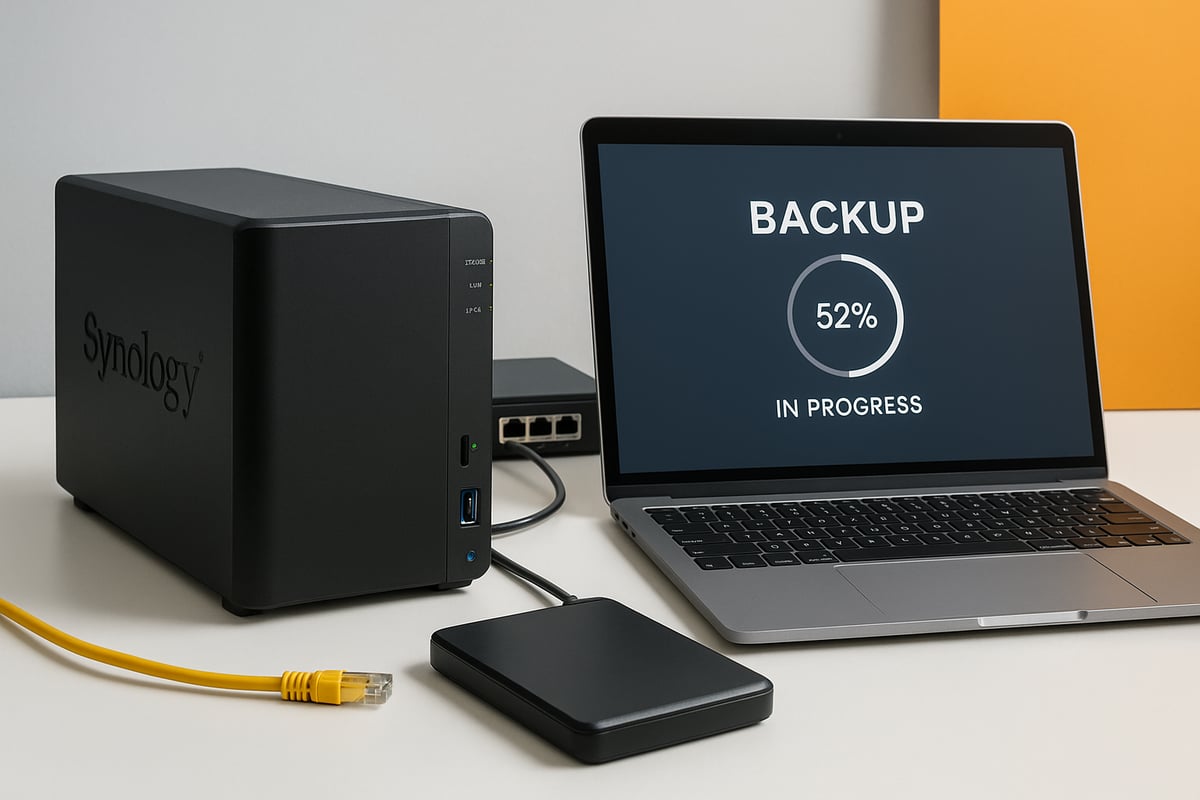
Preparing Your Synology NAS for Backup
Before configuring your synology backup, ensure your NAS is ready for secure, reliable operation. Start by updating DiskStation Manager (DSM) to the latest version for optimal performance and security. Check drive health and configure RAID for redundancy, minimising risk of data loss.
Manage user accounts and set permissions carefully, granting backup access only to trusted users. Secure your network by enabling firewalls, disabling unused services, and using strong passwords.
For detailed device guidance, the Synology DS220 review for home and small business offers practical tips on setup and suitability for backup needs. A secure and well-prepared NAS is the cornerstone of any synology backup strategy.
Configuring Hyper Backup
Hyper Backup is the heart of synology backup for many users, offering flexible and encrypted protection. Launch Hyper Backup from DSM, then select the type of backup job—local, remote, or cloud.
Choose the source data, such as shared folders or system settings. Next, pick a destination, like an external drive, another Synology NAS, or Synology C2 cloud. Set your backup schedule to automate regular backups, and configure retention policies to balance space and historical coverage.
Enable encryption for sensitive data, and use email notifications for backup status updates. With Hyper Backup, your synology backup is both versatile and secure, ensuring peace of mind.
Implementing Active Backup Suite
For businesses, the Active Backup Suite streamlines synology backup across multiple devices and platforms. Install the required modules from the Package Center, such as Active Backup for Business, Microsoft 365, or Google Workspace.
Add PCs, servers, or cloud accounts through the centralised dashboard. Configure backup schedules to meet your organisation’s needs, and monitor progress using built-in reporting tools.
The agentless architecture reduces complexity, making synology backup efficient for both IT teams and end users. Automate backup tasks and leverage detailed logs to maintain a clear overview of your backup health.
Using Snapshot Replication for Instant Recovery
Snapshot Replication enhances synology backup by providing near-instant recovery points for critical data. Enable Snapshot Replication on selected shared folders or LUNs in DSM. Define snapshot schedules, such as hourly or daily, and set retention rules to manage storage usage.
Replicate snapshots to another Synology NAS for added redundancy. In the event of accidental deletion or ransomware, use the snapshot manager to restore files to a previous state within seconds.
Integrating Snapshot Replication into your synology backup plan helps protect against data loss and speeds up recovery, keeping downtime to a minimum.
Offsite and Multi-Destination Backups
To build resilience, extend your synology backup offsite or across multiple destinations. Set up remote backups by connecting to another Synology NAS over the internet, or select a cloud provider like Synology C2 or AWS S3.
Consider bandwidth and scheduling to avoid network congestion, especially during business hours. Multi-destination backups let you combine local and offsite protection, ensuring your data survives hardware failure or site disasters.
Test offsite restores regularly to confirm data integrity. A hybrid approach strengthens your synology backup, aligning with disaster recovery best practices.
Monitoring, Testing, and Restoring Backups
Ongoing monitoring is vital for synology backup reliability. Use DSM’s built-in tools to check backup status, review logs, and receive automated alerts for failures or warnings.
Schedule periodic test restores to verify that backup data is complete and accessible. Document your restore procedures so anyone can recover files quickly if needed.
Regular monitoring builds confidence in your synology backup system, helping you detect issues early and maintain business continuity.
Best Practices for Ongoing Backup Management
Effective synology backup management requires continuous attention. Update DSM and backup applications promptly to patch vulnerabilities. Review backup logs weekly and address any errors without delay.
Adjust backup schedules and retention policies as your data grows, ensuring you have enough coverage without wasting storage.
Create a monthly checklist to review backup health, test restores, and confirm offsite copies are current. Proactive management keeps your synology backup strategy robust and future-proof.
Advanced Backup Strategies: Security, Compliance, and Optimisation
Protecting your data in 2026 requires more than just regular backups. Advanced strategies are essential for defending against modern threats, meeting compliance standards, and optimising resources. Here, we explore how synology backup solutions address these demands, ensuring your business is always resilient and future-ready.
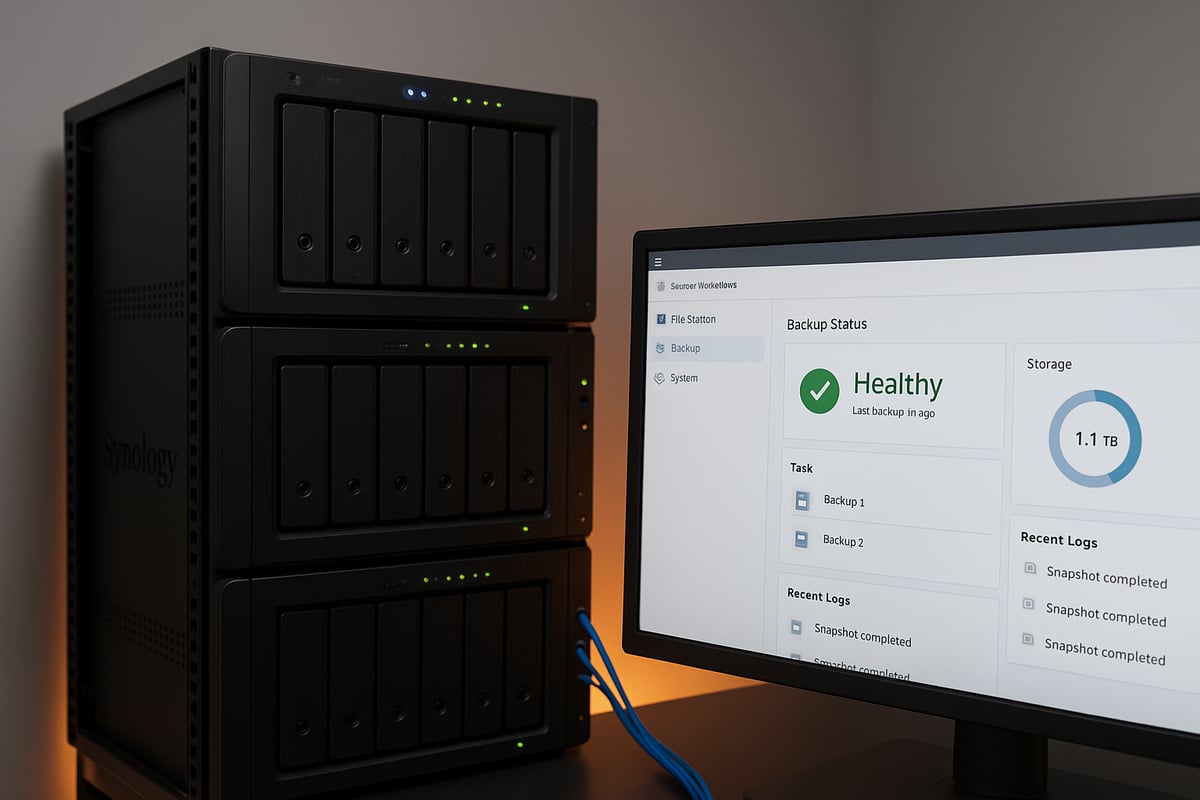
Ransomware Protection and Immutability
Ransomware attacks are on the rise, making immutable backups a critical part of any synology backup strategy. Immutability ensures that once data is written, it cannot be altered or deleted within a specified retention period. This approach blocks attackers from encrypting or erasing backup sets.
Synology backup features like snapshot replication and Write Once Read Many (WORM) storage help achieve this. By enabling immutable retention policies, you can safeguard business-critical files against tampering and unauthorised changes. For extra security, consider air-gapped backups, where copies are kept offline or in isolated environments.
Regularly review and test your immutable configurations to ensure they function as intended. In the event of a ransomware incident, these safeguards allow you to restore clean data quickly.
Regulatory Compliance and Data Sovereignty
Compliance with regulations such as GDPR, NIS2, and ISO 27001 is mandatory for many organisations. Synology backup solutions simplify compliance by offering encryption, detailed audit trails, and data residency options.
With synology backup, you can select storage locations that meet your local data sovereignty requirements. For example, configuring Synology C2 storage in a European data centre ensures that sensitive information remains within required jurisdictions. Detailed reporting and access controls help demonstrate compliance during audits.
Always stay updated on changing regulatory landscapes, and periodically review your backup configurations to ensure ongoing alignment with legal obligations.
Scalability for Growing Data Needs
The volume of data businesses manage is growing rapidly. Scalability is a core benefit of synology backup, allowing you to expand storage as your needs evolve. Synology NAS devices support a range of expansion units, enabling you to seamlessly increase capacity without disrupting operations.
For organisations with petabyte-scale requirements, upgrading from DS Series to FS Series models provides higher throughput and IOPS. Centralised management tools offer visibility and control over large, distributed backup environments.
Plan for future growth by monitoring usage trends and forecasting storage needs. This proactive approach ensures your synology backup infrastructure can handle tomorrow’s data challenges.
Performance Optimisation and Cost Control
Efficient synology backup operations balance speed, reliability, and cost. Features like deduplication and compression reduce storage requirements, while incremental and block-level backups minimise resource consumption.
Adjusting backup frequency and scheduling during low-usage hours can prevent network congestion and improve performance. Monitoring tools built into DiskStation Manager help you identify bottlenecks and optimise configurations.
To control costs, review retention policies and remove outdated backups. Leveraging efficient backup types ensures you only store necessary data, keeping expenses in check while maintaining robust protection.
Backup Retention, Rotation, and Archiving
Long-term data protection relies on thoughtful retention and rotation strategies. Synology backup supports customisable retention policies, allowing you to keep recent versions for fast recovery and archive older data for compliance or historical reference.
Implement the 3-2-1 backup strategy: maintain three copies of your data, store them on two different media, and keep one copy offsite. Cold storage can be used for archiving seldom-accessed backups, freeing up primary storage.
Regularly review your backup sets and archive policies to ensure they align with business and legal requirements. This reduces risk and guarantees data is available when needed.
Automation and AI in Backup Management
Automation and artificial intelligence are transforming synology backup management. DSM’s built-in tools allow you to schedule tasks, automate failure remediation, and trigger alerts for anomalies. AI-driven analytics identify patterns, detect issues early, and support predictive maintenance.
With the rise of AI-based cyber threats, as highlighted in AI as a major cybersecurity threat in 2026, it is essential to leverage these advanced technologies for proactive defence. Automated workflows ensure backups are always up-to-date, and any failure is addressed without manual intervention.
Frequent testing and monitoring of automated systems help maintain reliability and ensure your synology backup remains resilient against emerging risks.
Synology Backup for Different Environments: Home, SMB, and Enterprise
When it comes to data protection, one size does not fit all. Every environment, from home networks to large enterprises, has unique requirements. The right synology backup approach ensures data is protected, accessible, and compliant, no matter the scale.
Home Users: Protecting Personal Data
For home users, synology backup offers peace of mind by safeguarding irreplaceable memories and documents. It is simple to set up, making it ideal for families who want to back up photos, videos, and important files with minimal effort.
A popular choice is integrating Synology Drive, which enables seamless file synchronisation and sharing across devices. You can learn more about its features in this Synology Drive overview and features guide.
With intuitive apps and automated scheduling, backups run quietly in the background. Home users benefit from features like versioning, quick restores, and remote access, ensuring data is always safe and within reach.
Small and Medium Businesses (SMB): Cost-Effective Protection
SMBs require synology backup solutions that are both robust and affordable. Centralised backup protects multiple devices and users, reducing the risk of data loss from hardware failure or cyber threats.
Solutions such as Active Backup Suite and Hyper Backup offer agentless backups, strong encryption, and comprehensive reporting. For businesses seeking scalable and secure storage, explore Synology NAS for business storage as an ultimate solution.
With easy expansion options, SMBs can start small and scale as their data grows. Automated alerts and detailed logs help IT teams stay ahead of issues, ensuring business continuity.
Enterprises: Multi-Site and High-Availability Backup
Enterprises face complex challenges, including distributed offices, large data volumes, and stringent uptime demands. Synology backup addresses these with multi-site snapshot replication and high-availability clusters.
Central management tools allow IT departments to monitor backups across all locations. Failover solutions and instant recovery minimise downtime. Enterprises can combine on-premises storage with cloud integration, ensuring critical workloads are always protected.
With advanced role-based access controls and compliance features, large organisations can meet regulatory requirements while maintaining operational efficiency.
Industry-Specific Solutions
Different industries have specialised synology backup needs. Healthcare must meet HIPAA and GDPR standards, while education requires reliable protection for student and faculty data. Finance demands secure, auditable backup processes.
| Industry | Key Requirement | Synology Solution |
|---|---|---|
| Healthcare | GDPR/HIPAA compliance | C2 Cloud, encrypted backups |
| Education | Data protection, easy restore | Hyper Backup, Snapshot Replication |
| Finance | Auditability, security | Immutable backups, detailed logs |
By tailoring backup strategies to industry standards, organisations ensure data integrity and compliance.
Cloud-First and Hybrid Cloud Strategies
A modern synology backup approach often blends on-premises and cloud solutions. Hybrid cloud strategies leverage Synology C2 and third-party providers, offering redundancy and flexibility.
This setup is ideal for remote workforces and distributed teams. Data can be synchronised between local NAS and the cloud, allowing for rapid recovery and scalable storage.
Hybrid solutions also simplify disaster recovery planning, enabling businesses to restore operations quickly after an incident.
Future-Proofing Your Backup Strategy
As threats evolve and data volumes grow, future-proofing your synology backup is essential. Regularly reviewing backup policies, adopting AI-driven anomaly detection, and planning for new workloads helps organisations stay ahead.
Scalability is key. Upgrading NAS hardware or expanding storage ensures your backup infrastructure adapts as needs change. Proactive monitoring and continuous improvement keep your data protection strategy resilient for years to come.
Synology Backup Support, Resources, and Community
Navigating the world of synology backup requires ongoing access to reliable resources, expert support, and a vibrant user community. Whether you are just starting or optimising an advanced deployment, leveraging these tools ensures your backup strategy remains secure, efficient, and future-ready.
Official Synology Support and Documentation
Access to official resources is crucial for maximising your synology backup strategy. The Synology Knowledge Center provides step-by-step guides, FAQs, and troubleshooting tips for every synology backup solution. You can find detailed hardware planning tools, such as the RAID calculator, to ensure your NAS setup is robust and reliable.
For device-specific queries, such as optimising the Synology DS1515 model, official documentation helps you understand compatibility and advanced features. If technical issues arise, Synology’s support team offers direct assistance through ticketing and live chat, making it easy to resolve challenges quickly.
Community Forums and User Groups
The Synology community is a valuable resource for anyone using synology backup. By joining official forums and user groups, you gain access to a wealth of shared knowledge from IT professionals, enthusiasts, and Synology staff. Users regularly share best practices, troubleshooting tips, and creative backup solutions.
Participating in discussions allows you to learn from real-world experiences, discover innovative workflows, and even contribute your own insights. Community-driven guides and forum threads often address niche issues or unique deployment scenarios that may not be covered in official documentation.
Training, Certification, and Professional Services
Investing in training ensures you get the most from your synology backup investment. Synology offers a range of online training programmes and certifications designed for both beginners and advanced users. These cover essential topics like backup configuration, disaster recovery, and security best practices.
For businesses seeking a tailored approach, certified Synology consultants provide professional services, including deployment, migration, and optimisation. Enrolling in official training or working with partners helps you build expertise and maintain a resilient backup environment.
Staying Updated with Synology Innovations
Keeping abreast of the latest developments is vital for maintaining an effective synology backup strategy. Regularly reviewing the Synology blog, release notes, and webinars ensures you are informed about new features, security updates, and product launches.
For example, Synology’s expansion into enterprise-level backup appliances, as highlighted in this industry news, demonstrates their commitment to innovation and robust data protection. Participating in beta programmes and providing feedback also allows you to shape future backup solutions and adopt cutting-edge technologies early.
As you’ve seen throughout this guide, choosing the right Synology backup solution is essential for safeguarding your data, meeting compliance requirements, and ensuring business continuity in 2026 and beyond. Whether you’re a business looking for secure, high-performance cloud integration or an individual focused on protecting personal files, Synology’s flexible options can be tailored to your needs. If you’re ready to see how these strategies could work in your environment or want a hands-on look at what vBoxx can offer, why not schedule a demo and explore the possibilities for your data protection journey?