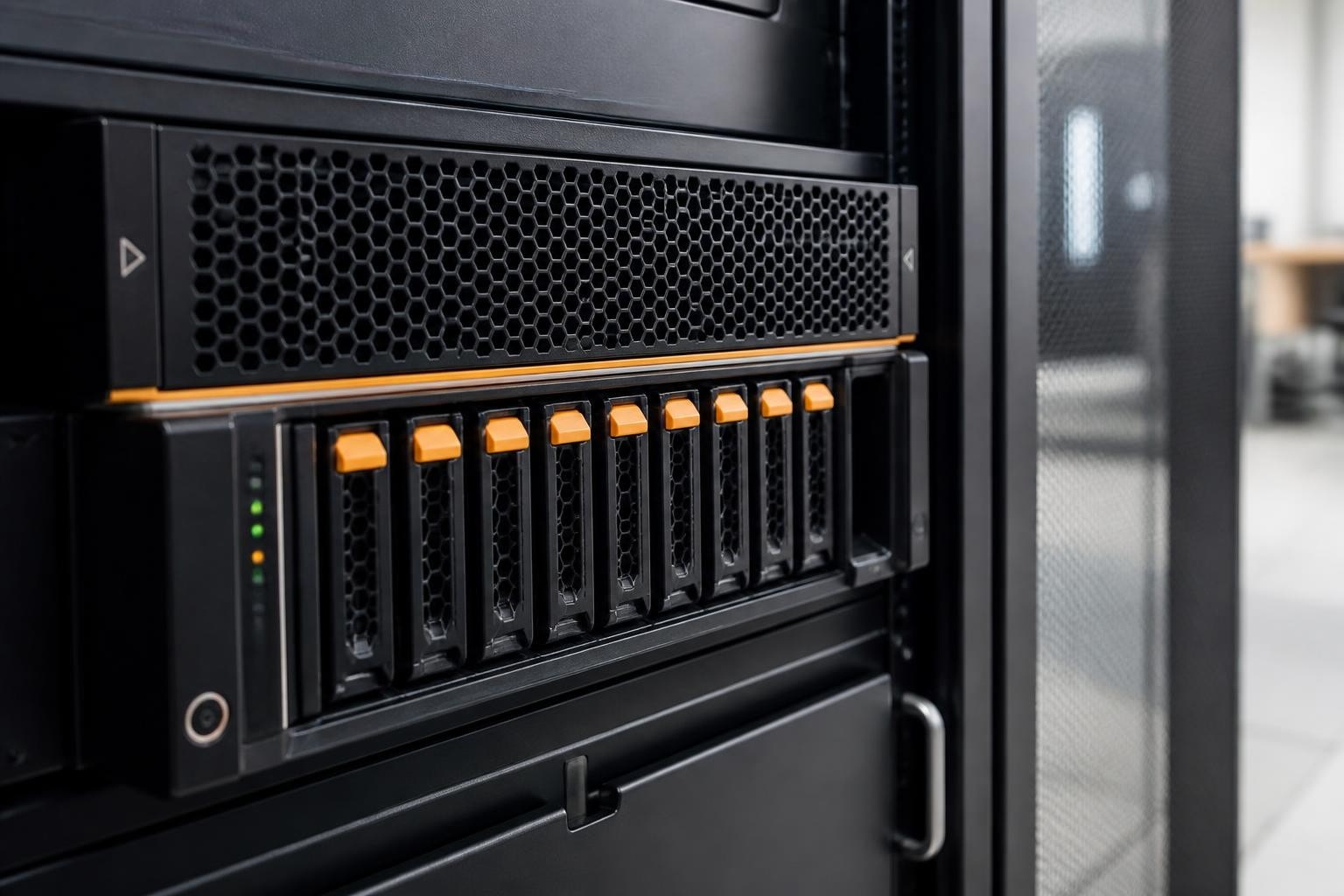

Businesses seeking robust, scalable storage solutions often face challenges balancing performance, reliability, and security within their infrastructure. In particular, the Synology RS1221+ represents a purpose-built rack-mounted network-attached storage system designed specifically for enterprises requiring consolidated data management. Furthermore, this eight-bay RackStation model delivers impressive specifications alongside Synology’s renowned DiskStation Manager operating system. As a result, it becomes an attractive option for organisations prioritising secure, efficient storage deployment.
Understanding the Synology RS1221+ Architecture
The Synology RS1221+ features a compact 1U rack-mounted design that maximises data centre efficiency whilst providing substantial storage capacity. In particular, at its core, the system utilises an AMD Ryzen V1500B quad-core processor running at 2.2 GHz, which delivers significant computational performance for intensive workloads. Furthermore, the base configuration includes 4GB of DDR4 ECC memory, expandable to 32GB, ensuring data integrity during transfer operations. As a result, organisations benefit from a balance of performance, scalability, and reliability in a compact form factor.
Hardware Specifications and Expansion Capabilities
The official product specifications reveal eight hot-swappable drive bays supporting both 3.5-inch and 2.5-inch SATA drives. In particular, this flexibility allows organisations to optimise their storage strategy based on performance requirements and budget constraints. Furthermore, it enables a balanced approach to capacity and cost efficiency. As a result, businesses can tailor storage configurations to their specific operational needs.
Additionally, the system provides four Gigabit Ethernet ports with failover and Link Aggregation support, ensuring network resilience. Moreover, this design improves both availability and bandwidth performance under load. Consequently, organisations benefit from more reliable connectivity and improved data throughput.
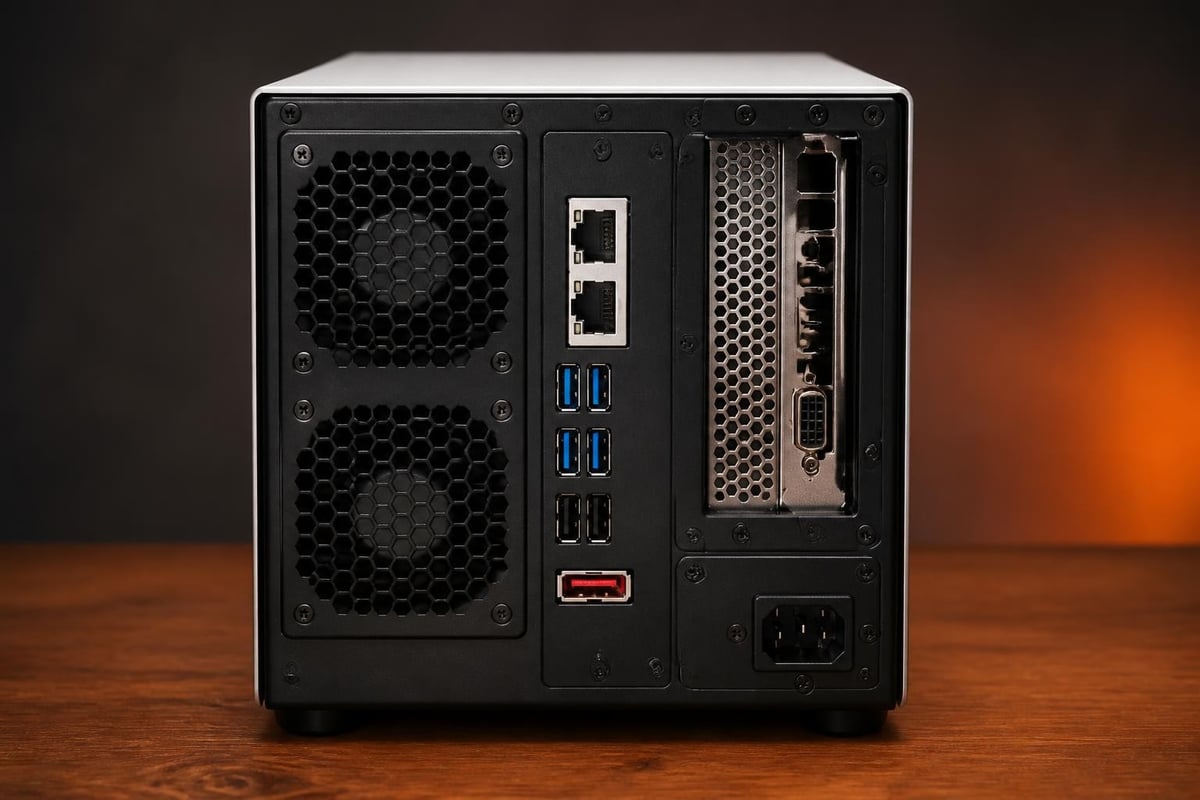
Key hardware features include:
- Processor: AMD Ryzen V1500B quad-core 2.2 GHz
- Memory: 4GB DDR4 ECC (expandable to 32GB)
- Drive Bays: 8× hot-swappable SATA 6Gb/s
- Network: 4× Gigabit Ethernet ports
- Expansion: 1× PCIe Gen3 x8 slot, 2× eSATA ports
- USB Connectivity: 3× USB 3.2 Gen 1 ports
The PCIe expansion slot represents a crucial feature for organisations requiring enhanced performance. Therefore, administrators can install 10GbE network interface cards or M.2 NVMe SSD adapter cards to accelerate caching operations. Nevertheless, organisations should carefully evaluate their network infrastructure before investing in 10GbE upgrades, as noted in various user feedback discussions.
Performance Metrics and Real-World Capabilities
The synology rs1221 delivers impressive throughput in both sequential read and write operations. According to comprehensive performance analyses, the system achieves over 2,200 MB/s sequential reads and 1,000 MB/s sequential writes when configured with appropriate RAID configurations and network connectivity. Furthermore, these figures demonstrate the platform’s capability to handle demanding enterprise workloads.
RAID Configuration Strategies
Selecting the appropriate RAID level significantly impacts both performance and data protection. The synology rs1221 supports Synology Hybrid RAID (SHR), RAID 0, RAID 1, RAID 5, RAID 6, and RAID 10 configurations. Consequently, organisations can tailor their storage approach to specific requirements.
| RAID Level | Minimum Drives | Usable Capacity | Fault Tolerance | Best Use Case |
|---|---|---|---|---|
| SHR | 2 | Varies | 1-2 drives | General purpose, mixed drive sizes |
| RAID 5 | 3 | (n-1) × drive size | 1 drive | Balance of capacity and protection |
| RAID 6 | 4 | (n-2) × drive size | 2 drives | Enhanced redundancy requirements |
| RAID 10 | 4 (even) | 50% of total | Multiple drives | Maximum performance priority |
SHR represents Synology’s proprietary technology that optimises storage utilisation whilst providing redundancy. In particular, it proves especially valuable when deploying drives of varying capacities. Furthermore, it automatically maximises available space without requiring manual calculations. As a result, organisations can achieve more efficient storage utilisation with reduced administrative effort.
DiskStation Manager: The Software Foundation
The Synology RS1221 operates on DiskStation Manager 7, Synology’s acclaimed operating system that transforms hardware capabilities into practical business solutions. Therefore, understanding DSM’s feature set proves essential for maximising the platform’s value. Furthermore, this enables organisations to fully leverage built-in tools for storage, security, and management. As a result, businesses can optimise system performance and operational efficiency.
Data Protection and Security Features
DSM provides comprehensive security mechanisms designed to protect sensitive business information. Administrators can implement:
- Shared folder encryption using AES-256 encryption algorithms
- Two-factor authentication for all user accounts
- IP auto-block to prevent brute-force attacks
- Firewall configuration with granular port and service control
- Security Advisor for automated vulnerability scanning
Additionally, the platform supports WORM (Write Once Read Many) functionality through Synology’s snapshot technology, creating immutable recovery points that protect against ransomware attacks. In particular, this capability has become increasingly critical as cyber threats continue to evolve. Furthermore, it ensures that stored data cannot be altered or deleted once written, strengthening overall data integrity. As a result, organisations gain more robust protection against malicious encryption and accidental data loss.

Backup and Disaster Recovery Solutions
The Synology RS1221 excels in backup scenarios through multiple integrated applications. In particular, Hyper Backup enables flexible backup schedules to external drives, remote Synology devices, or public cloud providers. Furthermore, this provides organisations with versatile options for data protection and offsite storage. As a result, businesses can implement reliable and adaptable backup strategies.
Furthermore, Active Backup for Business provides agentless backup for virtual machines, physical servers, and workstations without licensing fees. Moreover, this simplifies enterprise-wide backup management while reducing operational costs. Consequently, organisations can achieve comprehensive data protection with minimal administrative overhead.
The platform supports:
- 3-2-1 backup rule implementation through multi-destination configuration
- Incremental and differential backup methodologies for efficiency
- Application-aware backups for databases and email systems
- Point-in-time recovery with granular restoration options
- Encryption during transit and at rest for compliance requirements
Deployment Scenarios for Enterprise Environments
Organisations implement the Synology RS1221 across diverse use cases, each leveraging different platform strengths. In particular, understanding common deployment patterns helps organisations plan their infrastructure more effectively. Furthermore, this enables better alignment between system capabilities and business requirements. As a result, organisations can optimise performance, scalability, and resource allocation from the outset.
File Server Consolidation
Many businesses utilise the Synology RS1221 as a centralised file server replacing disparate storage solutions. In particular, the system supports SMB, AFP, NFS, and FTP protocols, ensuring compatibility with Windows, macOS, and Linux environments. Furthermore, this broad protocol support enables seamless integration across mixed operating systems. As a result, organisations can unify file storage and improve cross-platform accessibility.
Moreover, Windows ACL integration provides familiar permission management for administrators. In addition, this simplifies user and access control administration within Windows-centric environments. Consequently, businesses can maintain consistent security policies while reducing configuration complexity.
Advanced features include:
- File versioning with customisable retention policies
- Universal search across all stored content
- Quota management per user and shared folder
- Real-time file access logging and auditing
- Previous version restoration through File Station
Virtualisation Storage Target
The platform serves effectively as iSCSI storage for virtualisation hosts. Therefore, organisations running VMware vSphere, Microsoft Hyper-V, or Citrix XenServer can leverage the synology rs1221 as cost-effective shared storage. Additionally, the system supports VMware VAAI and Microsoft ODX for offloaded operations, reducing host CPU utilisation.
| Feature | Benefit | Implementation |
|---|---|---|
| iSCSI LUN | Block-level storage | Direct presentation to hypervisors |
| NFS Datastore | File-based VM storage | Mount as network datastore |
| VAAI Primitives | Hardware acceleration | Automatic with compatible hypervisors |
| SSD Caching | Performance boost | Install cache drives in available bays |
Surveillance Recording Platform
Through Synology Surveillance Station, the Synology RS1221 functions as a comprehensive video management system. In particular, the platform includes two camera licences, with additional licences available for purchase. Furthermore, this makes it scalable for growing surveillance needs. As a result, organisations can start small and expand their security coverage over time.
Furthermore, the system supports over 8,300 camera models from major manufacturers. Moreover, this broad compatibility ensures integration with existing security infrastructure. Consequently, businesses can deploy flexible and cost-effective surveillance solutions without being locked into specific hardware ecosystems.
Scalability and Future-Proofing Considerations
Planning for growth represents a critical aspect of storage infrastructure decisions. The synology rs1221 addresses scalability through multiple expansion methods, ensuring organisations avoid premature system replacement.
Expansion Unit Integration
Synology offers compatible expansion units that connect via eSATA, extending total drive capacity beyond the base eight bays. The RX418 provides an additional four bays, whilst the RX1217(RP) adds twelve bays with redundant power options. Consequently, organisations can scale storage capacity to 20 bays without replacing the primary unit.
Nevertheless, administrators should consider that expansion units share the processing resources of the main unit. Therefore, extremely large deployments might benefit from multiple independent systems rather than extensive expansion configurations.
Performance Scaling Strategies
Beyond capacity expansion, organisations can enhance performance through several approaches:
- Install 10GbE network cards in the PCIe slot for increased throughput
- Deploy M.2 NVMe SSDs for read-write cache acceleration
- Upgrade memory to 32GB for enhanced caching capabilities
- Implement SSD-only configurations for maximum IOPS
- Utilise Link Aggregation across multiple network interfaces
The detailed specifications document provides comprehensive compatibility information for supported expansion cards and memory modules.
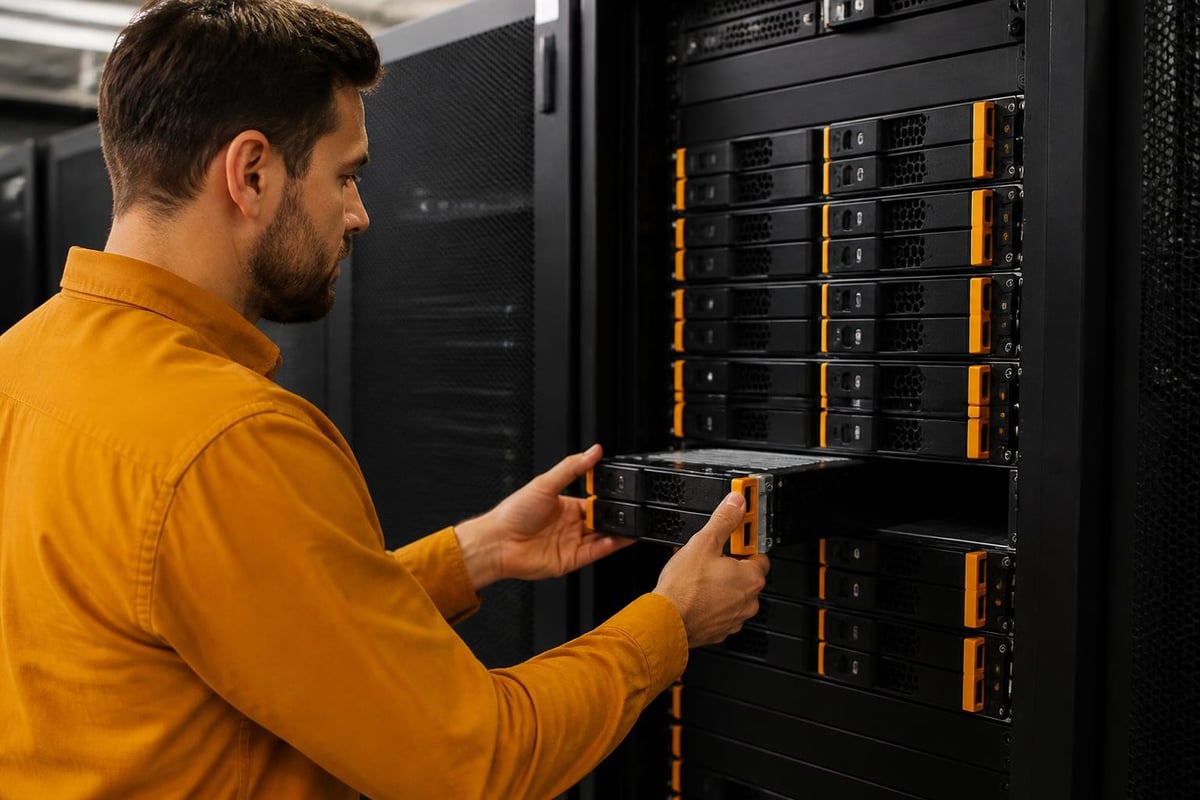
Operational Management and Monitoring
Effective storage management requires comprehensive visibility into system health, performance metrics, and resource utilisation. Therefore, DSM provides extensive monitoring tools accessible through the web-based interface or mobile applications.
Resource Monitoring Dashboard
The Resource Monitor application displays real-time and historical data across multiple dimensions:
- CPU utilisation with per-process breakdowns
- Memory consumption including cache allocation
- Network throughput per interface with packet statistics
- Disk I/O showing read/write operations and latency
- Storage pool health and RAID status information
Furthermore, administrators can configure notifications for specific thresholds, ensuring proactive issue resolution before users experience service degradation. Alert delivery supports email, SMS, and push notifications to mobile devices.
Log Management and Analysis
Comprehensive logging provides audit trails and troubleshooting information. The Log Centre aggregates messages from all system services, applications, and connected devices. Moreover, administrators can configure log forwarding to external SIEM platforms for centralised security monitoring.
Integration with Business Workflows
Modern storage systems must integrate seamlessly with existing business applications and processes. The synology rs1221 provides multiple integration pathways through APIs, synchronisation tools, and collaboration features.
Collaboration and Productivity Tools
Synology Drive transforms the platform into a private cloud storage solution comparable to commercial offerings whilst maintaining complete data sovereignty. Teams can synchronise files across devices, share documents with external parties, and collaborate on Office documents through built-in editing capabilities.
For businesses evaluating comprehensive secure cloud solutions, exploring options like the vBoxx demonstration provides valuable insights into integrated approaches combining storage, email, and password management within unified security frameworks.
API and Development Integration
Developers can leverage Synology’s comprehensive API documentation to build custom integrations. RESTful APIs provide programmatic access to file operations, user management, and system configuration. Therefore, organisations can automate workflows, integrate storage with custom applications, and build specialised management tools.
Maintenance and Support Considerations
Long-term operational success depends upon proper maintenance practices and access to quality support resources. The synology rs1221 benefits from Synology’s established support infrastructure and active user community.
Firmware Updates and Patching
Synology maintains regular update cycles addressing security vulnerabilities, performance improvements, and feature additions. DSM notifies administrators when updates become available, and the update process typically completes without service interruption through sequential drive updates. Nevertheless, organisations should schedule updates during maintenance windows and validate critical applications following major version upgrades.
Hardware Warranty and Support Options
Standard warranty coverage includes three years of hardware protection. Additionally, Synology offers extended warranty programmes and advance hardware replacement options for mission-critical deployments. Support tiers range from community forums and knowledge base articles to direct technical support with guaranteed response times.
Cost-Benefit Analysis for Business Investment
Evaluating the synology rs1221 requires examining total cost of ownership beyond initial hardware acquisition. Furthermore, comparing against alternative solutions helps organisations make informed decisions.
| Cost Factor | Synology RS1221+ Approach | Traditional Alternatives |
|---|---|---|
| Software Licensing | Included in hardware cost | Often requires separate licensing |
| Backup Software | Integrated without fees | Typically charged per agent/host |
| Upgrade Path | In-place firmware updates | May require hardware replacement |
| Power Consumption | Approximately 60W typical | Varies, often higher |
| Rack Space | 1U efficient design | May require multiple units |
The comprehensive review analyses highlight that whilst the initial investment appears substantial, the inclusive software licensing model and operational efficiency often result in lower five-year ownership costs compared to solutions requiring ongoing licence renewals.
Energy Efficiency and Environmental Impact
Sustainability considerations increasingly influence infrastructure decisions. The synology rs1221 incorporates several energy-saving features that reduce operational costs whilst minimising environmental impact.
The system supports scheduled power on/off cycles, automatic hibernation of inactive drives, and variable fan speeds based on thermal conditions. Moreover, the power supply achieves 80 PLUS efficiency certification, reducing wasted energy during AC to DC conversion. These features align well with organisations prioritising green hosting practices and sustainable technology deployments.
The Synology RS1221+ delivers enterprise-grade storage capabilities within a compact, efficient platform suitable for diverse business requirements. From file serving and virtualisation storage to backup targets and surveillance recording, the system’s versatility combined with DSM’s comprehensive feature set addresses multiple infrastructure needs simultaneously. For organisations seeking secure, reliable storage solutions backed by robust support and straightforward management, exploring how vBoxx can complement your infrastructure with privacy-focused cloud services, email solutions, and backup capabilities ensures a comprehensive approach to your digital infrastructure requirements.