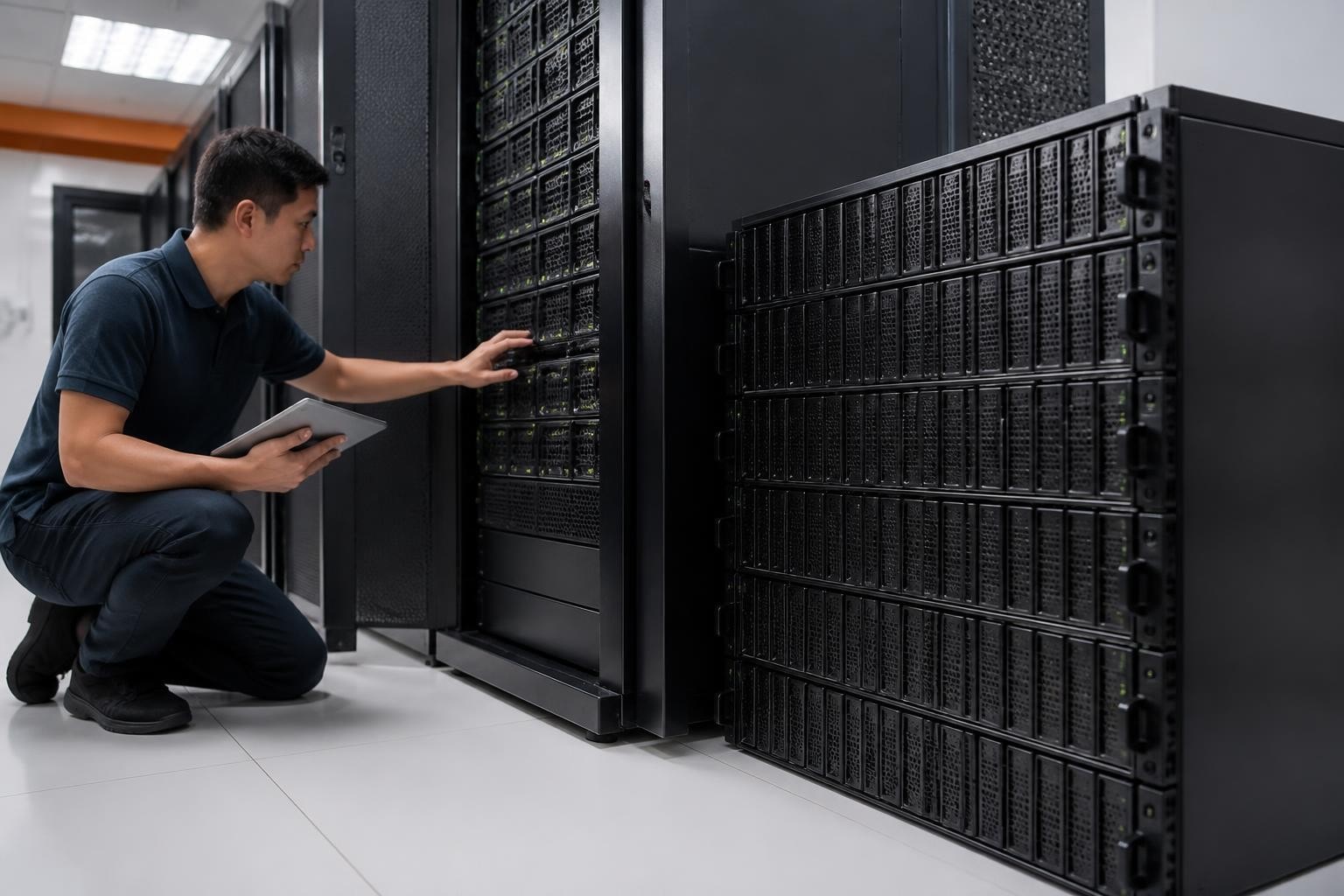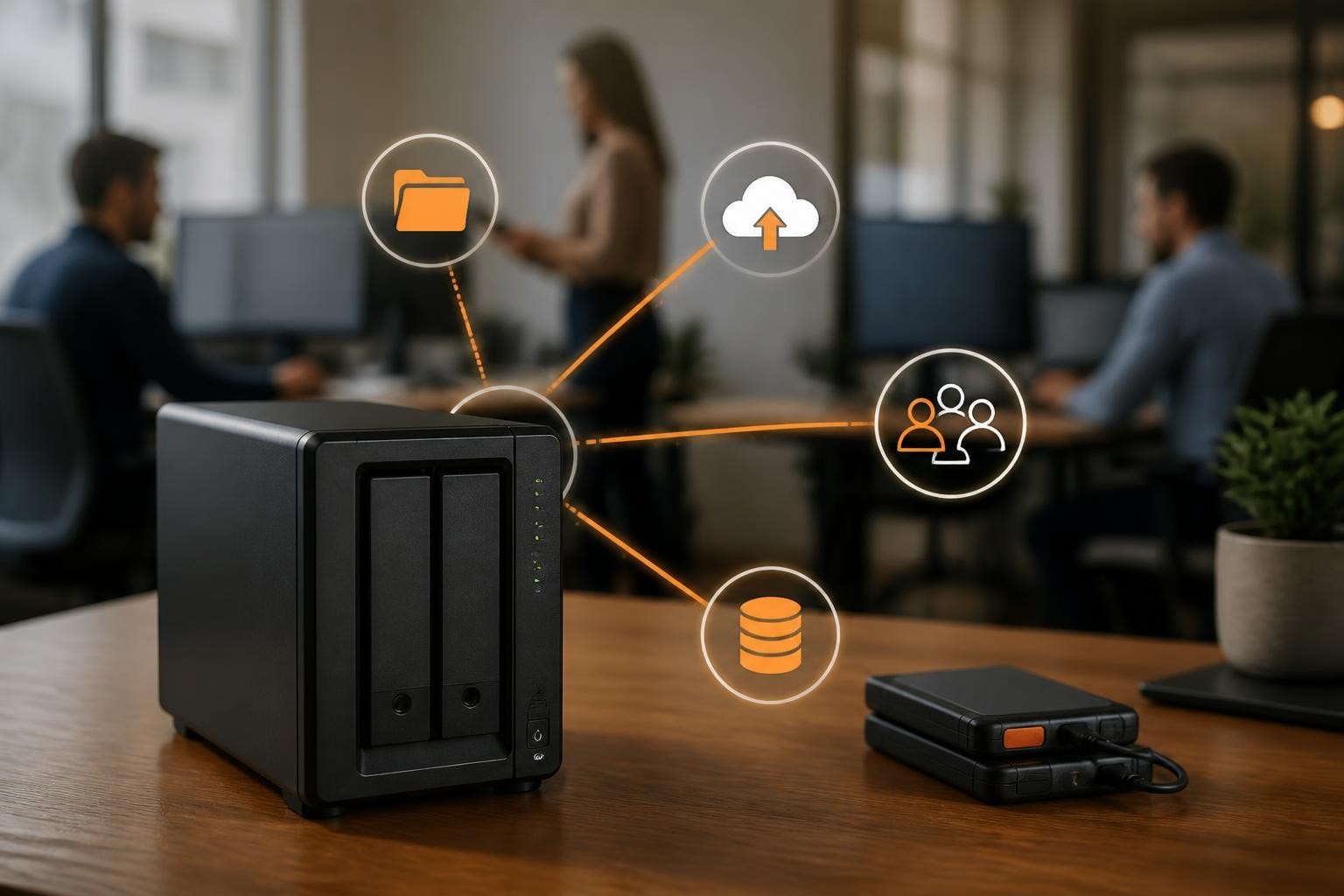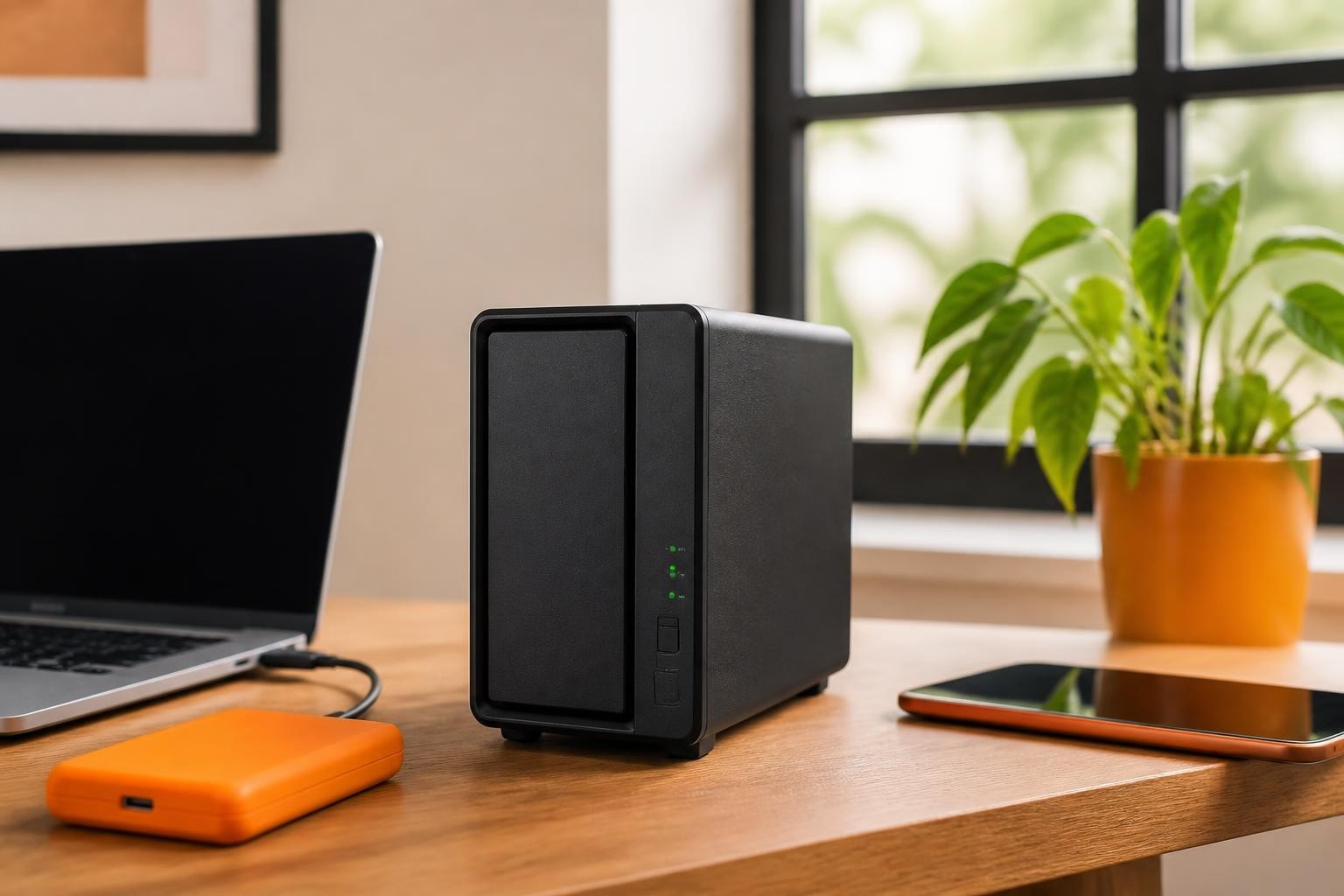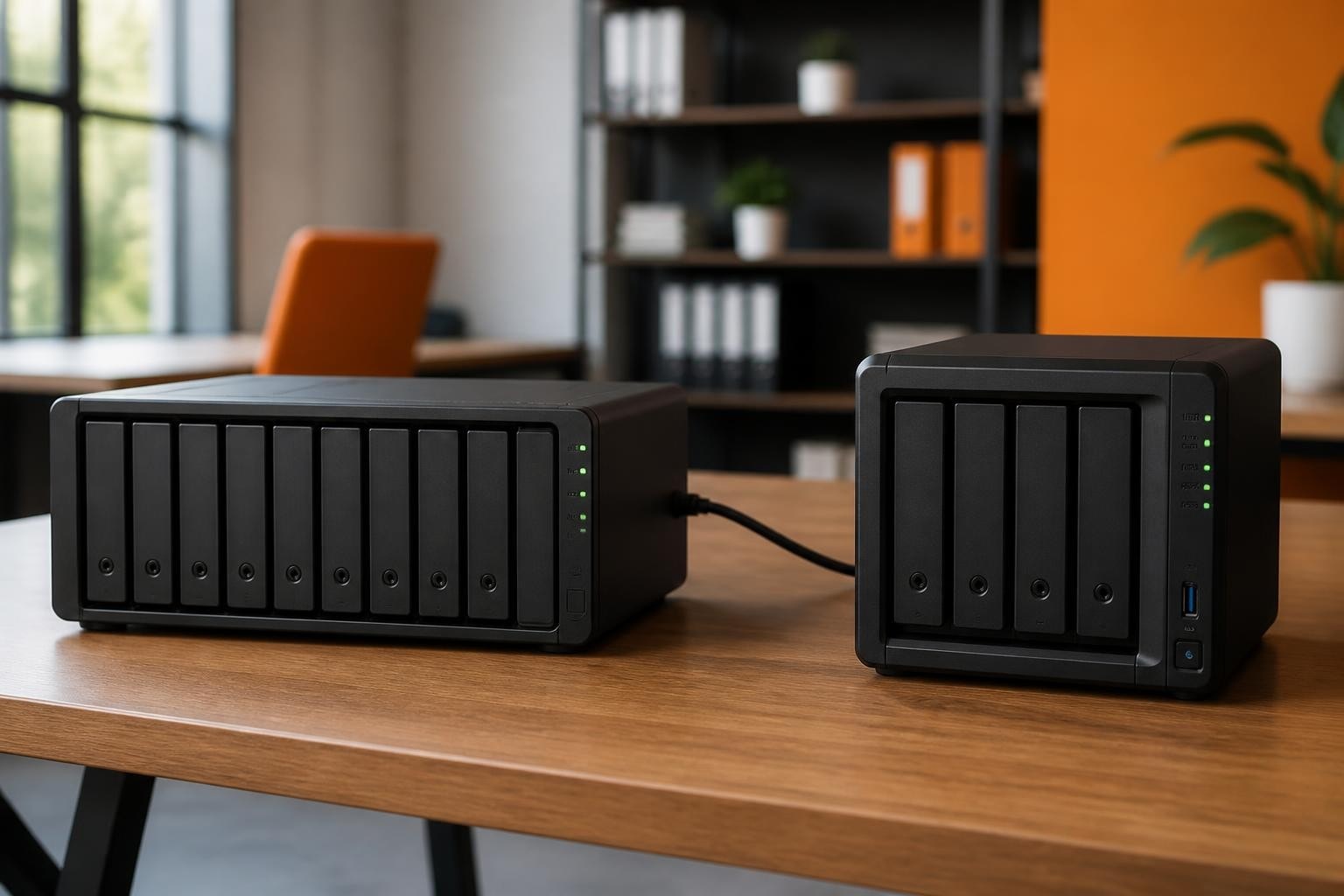

The demand for scalable storage solutions continues to accelerate as businesses accumulate increasingly vast quantities of digital data. Furthermore, organisations require infrastructure that can adapt to their evolving needs without requiring complete system replacements. The Synology DX517 addresses this challenge by providing a straightforward expansion solution for compatible network-attached storage systems. Moreover, this five-bay expansion unit enables businesses to multiply their storage capacity whilst maintaining the performance and functionality of their existing infrastructure. In addition, the device integrates seamlessly with Synology's ecosystem, therefore preserving investments in existing hardware whilst delivering room for growth.
Understanding the Synology DX517 Architecture
The synology dx517 functions as a dedicated expansion unit rather than a standalone network-attached storage device. Consequently, it requires connection to a compatible Synology NAS system to operate effectively. The unit houses five drive bays that can accommodate both 3.5-inch and 2.5-inch SATA hard drives or solid-state drives, therefore providing flexibility in storage configuration.
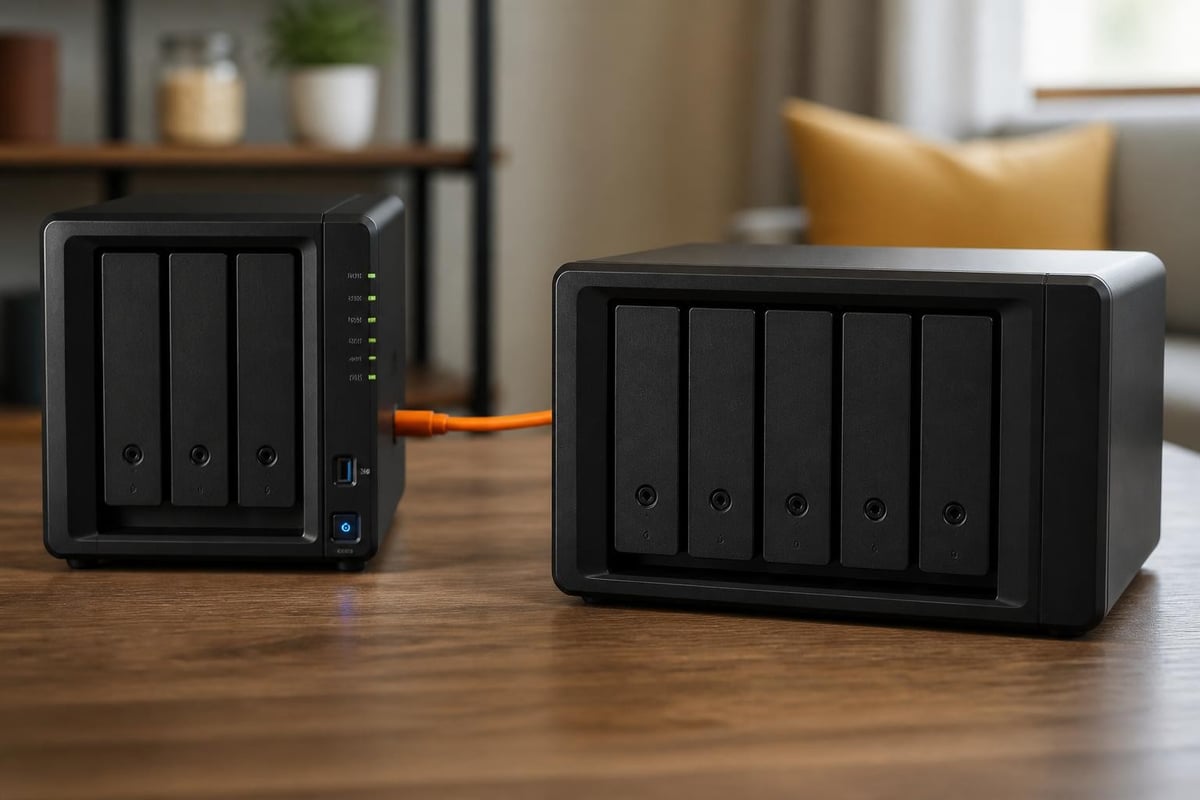
Nevertheless, understanding compatibility remains crucial before purchasing this expansion unit. According to the official Synology product page, the DX517 connects via a single eSATA cable to compatible models. Furthermore, the expansion unit supports various RAID configurations, including JBOD, Basic, RAID 0, RAID 1, RAID 5, RAID 6, and RAID 10, thereby offering comprehensive data protection options.
Technical Specifications and Connectivity
The technical foundation of the synology dx517 centres around its straightforward yet robust design. The unit measures 175 mm in height, 260 mm in width, and 223 mm in depth, therefore fitting comfortably alongside most NAS units in server racks or office environments. Moreover, the device operates using an external 120W power adapter and maintains compatibility with Synology's extensive list of supported drives.
| Specification | Details |
|---|---|
| Drive Bays | 5 x 3.5" or 2.5" SATA HDD/SSD |
| Connectivity | eSATA interface |
| RAID Support | JBOD, Basic, RAID 0, 1, 5, 6, 10 |
| Dimensions | 175 x 260 x 223 mm |
| Power Consumption | 53.44W (access), 25.44W (hibernation) |
| Operating Temperature | 0°C to 40°C |
In addition to these specifications, the device features a cooling system with two 120mm fans that maintain optimal operating temperatures. Nevertheless, users should note that the expansion unit inherits the maximum internal raw capacity supported by the connected NAS host, therefore making compatibility verification essential.
Compatibility and Integration Requirements
Before investing in the synology dx517, organisations must verify compatibility with their existing infrastructure. Furthermore, Synology maintains specific compatibility requirements that determine whether a particular NAS model can support this expansion unit. The DX517 works exclusively with select Synology NAS models, therefore limiting its application to compatible systems.
Compatible models include the DS1817, DS1517, DS1819+, DS1019+, and several other business-focused units. Moreover, each host NAS model may support different numbers of expansion units, with some accommodating up to two DX517 units for maximum scalability. Consequently, businesses should consult Synology's compatibility documentation before making purchasing decisions.
Installation and Configuration Process
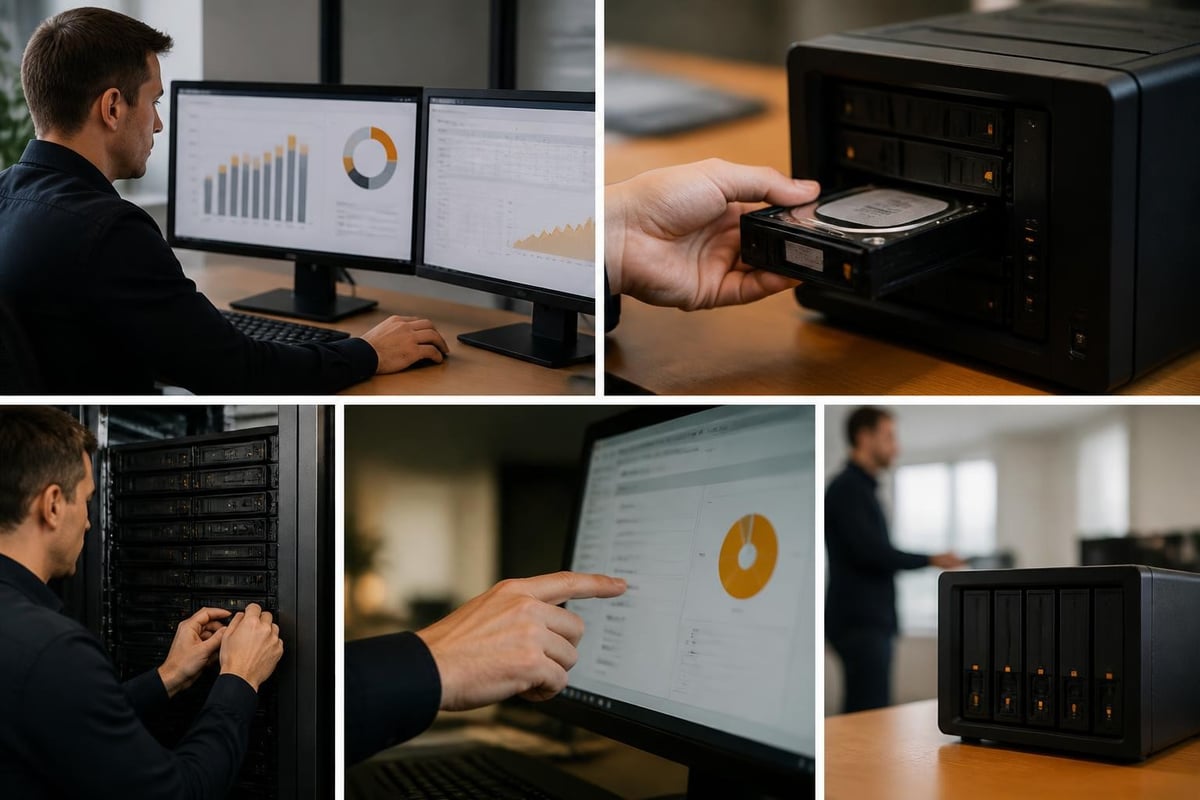
The installation procedure for the synology dx517 follows a straightforward methodology that minimises downtime. Initially, users must power down their existing NAS unit completely. Subsequently, they connect the expansion unit via the provided eSATA cable and then power on both devices in the correct sequence. Finally, the Synology DSM operating system automatically recognises the new expansion unit.
Nevertheless, proper configuration requires attention to several key considerations:
- Physical positioning: Place the expansion unit near the host NAS to avoid cable strain
- Power management: Connect both units to reliable power sources, preferably through uninterruptible power supplies
- Ventilation requirements: Ensure adequate airflow around both devices to maintain optimal temperatures
- Cable quality: Use only the provided eSATA cable to ensure reliable connectivity
- Firmware updates: Verify both devices run current firmware versions before integration
Furthermore, Synology provides detailed tutorials that guide users through the expansion process step by step. Therefore, even organisations without extensive technical expertise can successfully implement the solution.
Performance Considerations and Use Cases
The synology dx517 delivers performance that aligns with the capabilities of its host NAS unit. Consequently, the expansion unit does not introduce bottlenecks when configured correctly with appropriate drives. Moreover, the eSATA interface provides sufficient bandwidth to maintain data transfer speeds consistent with the host system's specifications.
In addition, real-world performance depends significantly on drive selection and RAID configuration. Customer reviews frequently highlight the importance of matching drive specifications across all bays to maximise efficiency. Furthermore, organisations using the expansion unit for archival purposes may prioritise capacity over speed, whilst those requiring active access to data benefit from higher-performance drives.
Common Business Applications
Businesses implement the synology dx517 across various scenarios where scalable storage proves essential:
- Media production workflows requiring extensive storage for high-resolution video files and raw footage
- Healthcare organisations managing growing repositories of medical imaging and patient records
- Financial services maintaining comprehensive transaction histories and compliance documentation
- Research institutions storing large datasets from experiments and computational analysis
- Creative agencies archiving completed projects whilst maintaining accessibility for client requests
Moreover, the expansion unit proves particularly valuable for organisations implementing graduated storage strategies. Therefore, businesses can configure high-performance SSDs in their primary NAS whilst using the DX517 with cost-effective HDDs for archival purposes.
Storage Management and RAID Strategies
Effective utilisation of the synology dx517 requires thoughtful consideration of storage management approaches. Furthermore, organisations must balance data protection requirements against capacity efficiency and performance needs. The expansion unit supports multiple RAID configurations, therefore enabling businesses to select strategies aligned with their specific requirements.
| RAID Level | Capacity Efficiency | Fault Tolerance | Performance | Best For |
|---|---|---|---|---|
| JBOD | 100% | None | Variable | Maximum capacity, non-critical data |
| RAID 0 | 100% | None | Excellent | Temporary high-performance needs |
| RAID 1 | 50% | 1 drive | Good | Critical data, smaller capacities |
| RAID 5 | 80% (5 drives) | 1 drive | Very Good | Balanced protection and capacity |
| RAID 6 | 60% (5 drives) | 2 drives | Good | Enhanced protection requirements |
| RAID 10 | 50% | 1 per mirror | Excellent | Performance-critical applications |
Nevertheless, RAID configuration extends beyond the expansion unit itself. In addition, Synology's DSM operating system allows administrators to create volume groups that span both the host NAS and connected DX517 units. Consequently, businesses can implement unified storage pools that leverage all available drive bays across multiple devices.
Data Protection and Backup Strategies
Whilst RAID provides protection against drive failures, it does not replace comprehensive backup strategies. Therefore, organisations should implement multiple layers of data protection. Furthermore, businesses utilising the synology dx517 for primary storage should maintain separate backup systems that protect against catastrophic failures, ransomware attacks, or accidental deletion.
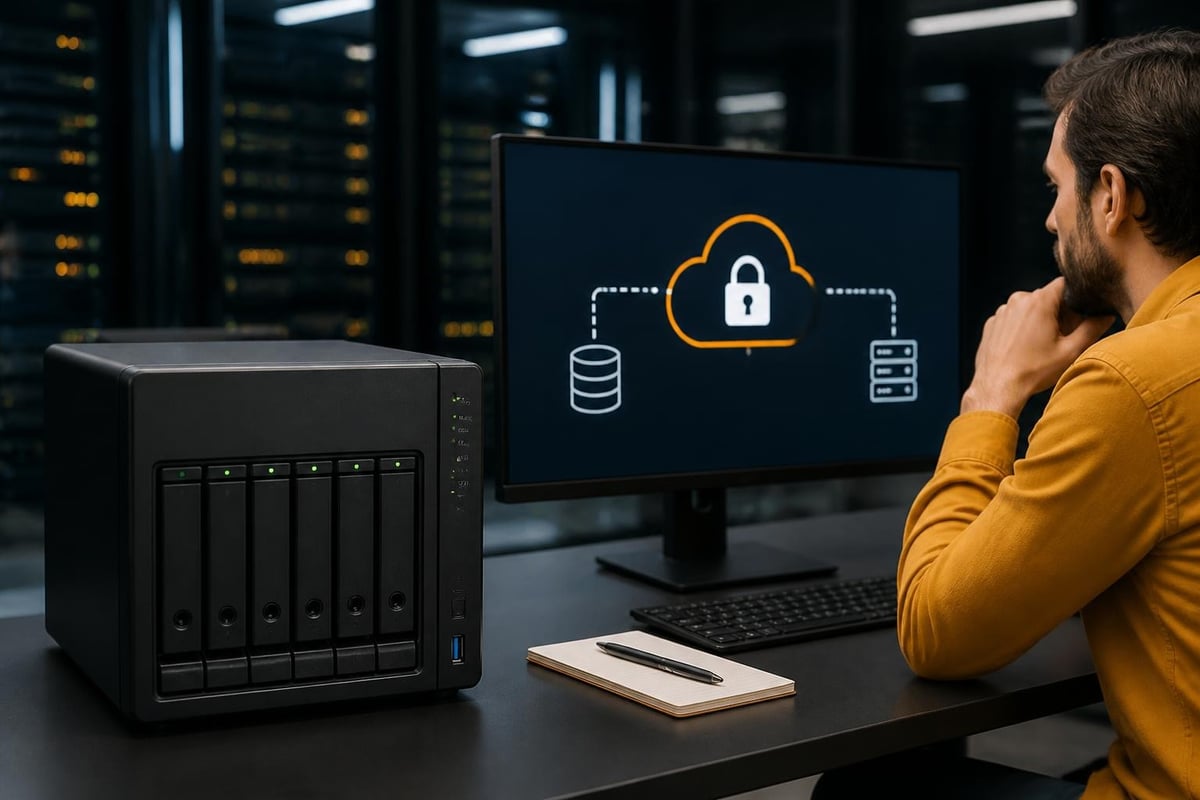
Cloud-based backup solutions complement local storage expansion by providing off-site protection. Moreover, businesses seeking encrypted cloud services can enhance their data protection strategies whilst maintaining compliance with privacy regulations. In addition, hybrid approaches combining local expansion with cloud replication deliver both performance and resilience.
Cost-Effectiveness and Scalability Analysis
The financial implications of implementing the synology dx517 extend beyond the initial hardware investment. Furthermore, organisations must consider ongoing operational costs, including power consumption, maintenance requirements, and eventual drive replacements. Nevertheless, the expansion unit typically delivers superior cost-effectiveness compared to purchasing entirely new NAS systems.
When evaluating total cost of ownership, several factors merit consideration:
- Initial hardware costs: DX517 unit price plus required drives
- Power consumption: Approximately 53W during active use, reducing to 25W in hibernation mode
- Operational efficiency: Minimal administrative overhead due to integration with existing DSM management
- Scalability headroom: Potential to add additional expansion units to compatible NAS models
- Drive replacement cycles: Planning for eventual drive upgrades as capacities increase
Moreover, businesses can implement phased expansion strategies, initially populating only some drive bays and adding additional drives as storage requirements grow. Therefore, organisations avoid large upfront capital expenditures whilst maintaining flexibility for future growth.
Return on Investment Considerations
The synology dx517 delivers measurable returns through several mechanisms. Consequently, businesses experience reduced disruption compared to migrating to entirely new storage infrastructure. Furthermore, the expansion unit preserves existing investments in Synology NAS hardware, software licences, and administrative expertise.
In addition, organisations avoid the productivity losses associated with data migration projects. Nevertheless, businesses should assess whether expansion aligns with their long-term infrastructure strategies. Therefore, organisations planning significant architectural changes within the next two years may prefer alternative approaches.
Maintenance and Long-Term Operation
Sustained reliability of the synology dx517 depends on proper maintenance practices and environmental management. Furthermore, organisations should implement monitoring protocols that track drive health, temperature levels, and system alerts. Moreover, Synology's DSM platform provides comprehensive monitoring tools that simplify ongoing management.
Regular maintenance activities include:
- Monthly health checks: Review DSM notifications and drive SMART data
- Quarterly cleaning: Remove dust accumulation from cooling fans and ventilation areas
- Annual assessments: Evaluate drive age and plan replacement cycles for older units
- Firmware updates: Apply Synology updates promptly to maintain security and functionality
- Cable inspections: Verify eSATA connections remain secure and undamaged
Nevertheless, the expansion unit's simplicity contributes to its reliability. In addition, the device contains no complex components beyond the drive backplane, power supply, and cooling system. Therefore, maintenance requirements remain minimal compared to more sophisticated storage solutions.
Troubleshooting Common Issues
Whilst the synology dx517 proves generally reliable, organisations occasionally encounter operational challenges. Furthermore, understanding common issues and their resolutions minimises downtime. Moreover, Synology's support resources provide detailed troubleshooting guidance for most scenarios.
Common challenges include connectivity issues resulting from loose eSATA cables, drive recognition failures following firmware updates, and thermal management concerns in poorly ventilated environments. Consequently, maintaining proper environmental conditions and following Synology's installation guidelines prevents most operational problems.
Strategic Integration with Business Infrastructure
The synology dx517 functions most effectively when integrated thoughtfully within broader information technology strategies. Furthermore, organisations should consider how expansion storage aligns with data lifecycle management, disaster recovery planning, and compliance requirements. Moreover, businesses benefit from evaluating expansion timing relative to capacity utilisation trends.
Organisations exploring comprehensive infrastructure solutions may benefit from understanding how physical storage expansion complements cloud-based services. Therefore, businesses seeking to optimise their digital infrastructure might explore unified platforms that combine local storage control with cloud flexibility. In addition, booking a demonstration with providers offering integrated cloud solutions can illuminate options for hybrid storage architectures.
Nevertheless, local storage expansion through devices like the synology dx517 remains essential for organisations with specific performance requirements, regulatory constraints, or data sovereignty concerns. Furthermore, maintaining control over physical infrastructure provides predictable costs and eliminates dependency on internet connectivity for data access.
Future-Proofing Storage Infrastructure
Technology evolution inevitably impacts storage infrastructure decisions. Consequently, organisations must balance current requirements against anticipated future needs. Moreover, the synology dx517 provides flexibility that accommodates evolving storage technologies, as businesses can upgrade to higher-capacity or faster drives without replacing the expansion unit itself.
In addition, Synology's ongoing DSM development ensures that even older hardware receives new features and capabilities through software updates. Therefore, the expansion unit maintains relevance beyond its initial deployment. Nevertheless, businesses should monitor Synology's product roadmap and evaluate whether emerging technologies might better serve their long-term objectives.
The Synology DX517 expansion unit provides businesses with a practical, cost-effective solution for scaling storage infrastructure without wholesale system replacements. Furthermore, its straightforward integration, flexible RAID options, and reliable performance make it suitable for diverse organisational requirements. As your business evaluates storage expansion alongside comprehensive cloud solutions, vBoxx offers secure hosting and cloud platforms that complement physical infrastructure with encrypted file sharing, communication tools, and backup services designed for European businesses prioritising privacy and sustainability.