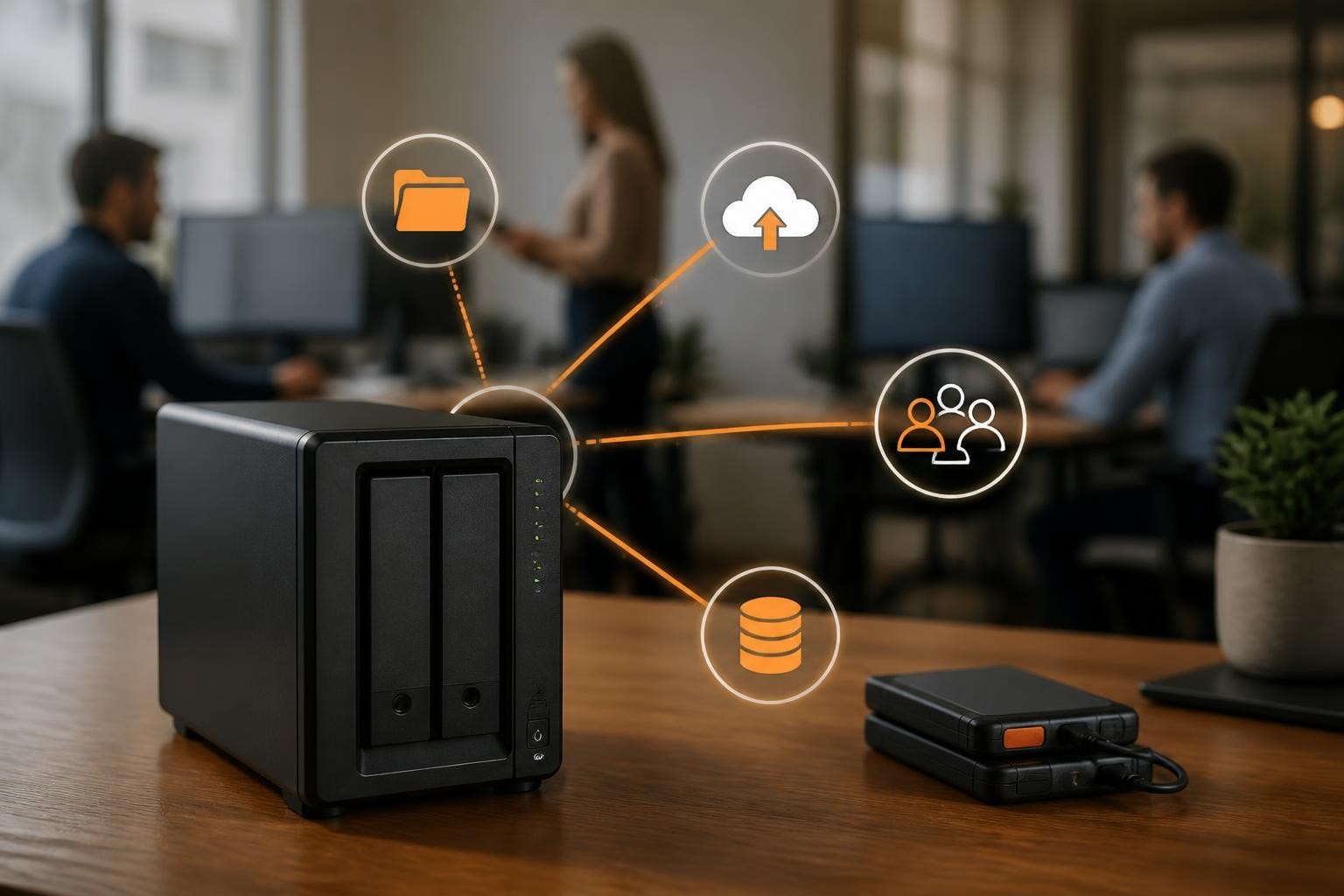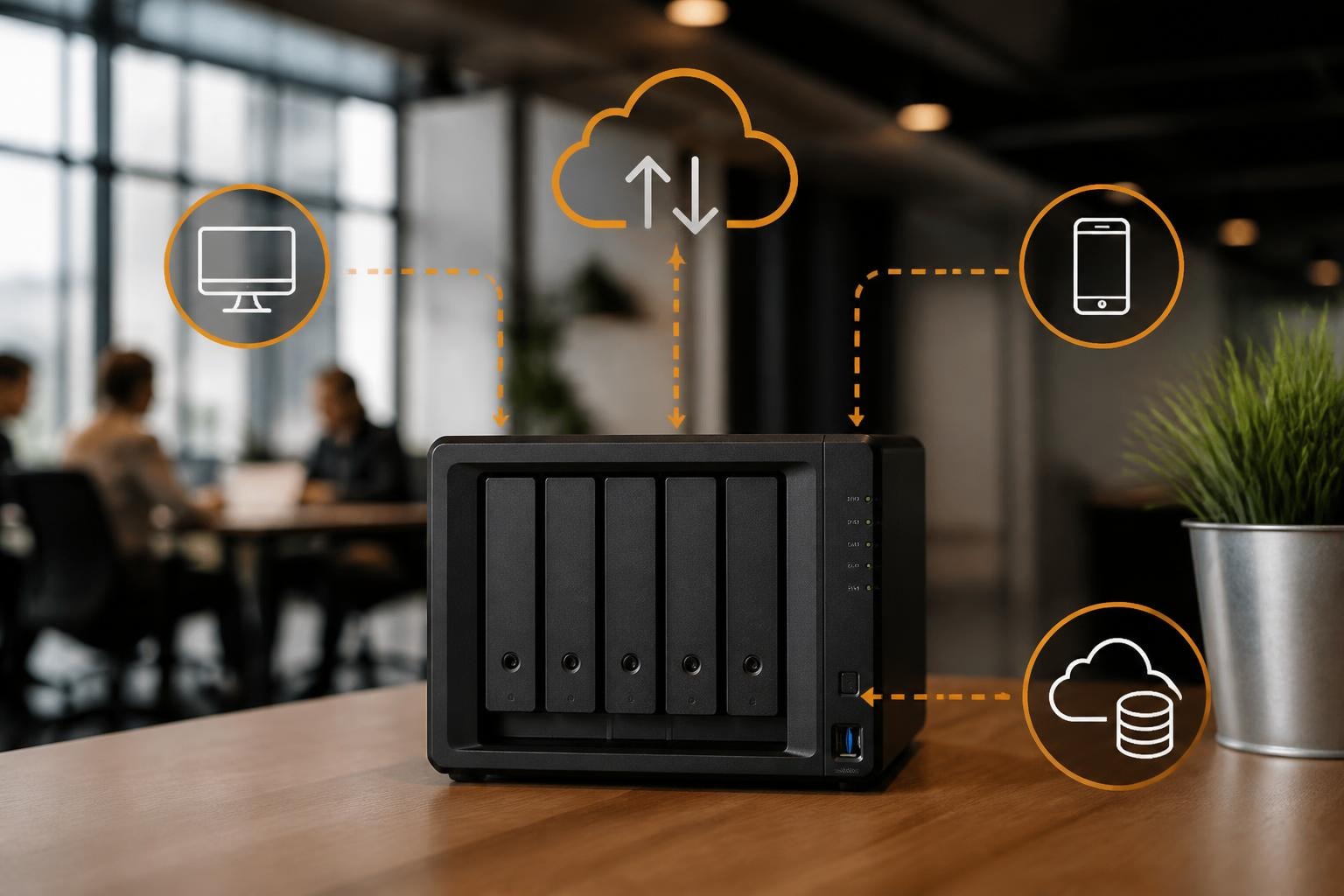

Network-attached storage has evolved from a niche technology into a fundamental component of modern business infrastructure. In particular, among the leading manufacturers in this space, Synology has established itself as a trusted name for organisations seeking reliable, feature-rich storage solutions. As a result, a NAS Synology device serves as the cornerstone of data management strategies for businesses ranging from small enterprises to large corporations, offering capabilities that extend far beyond simple file storage. Furthermore, understanding the full potential of these systems can transform how organisations approach data security, collaboration, and business continuity in an increasingly digital landscape.
Understanding the NAS Synology Ecosystem
The term NAS Synology encompasses a comprehensive range of network-attached storage devices designed to meet diverse organisational requirements. In particular, these systems function as dedicated file servers connected to your network, providing centralised storage accessible to authorised users across multiple platforms and locations.
Furthermore, at the heart of every Synology system lies DiskStation Manager (DSM), the proprietary operating system that distinguishes these devices from competitors. As a result, DSM delivers an intuitive interface whilst providing enterprise-grade functionality, enabling administrators to manage complex storage environments without extensive technical expertise.
Key Architecture Components
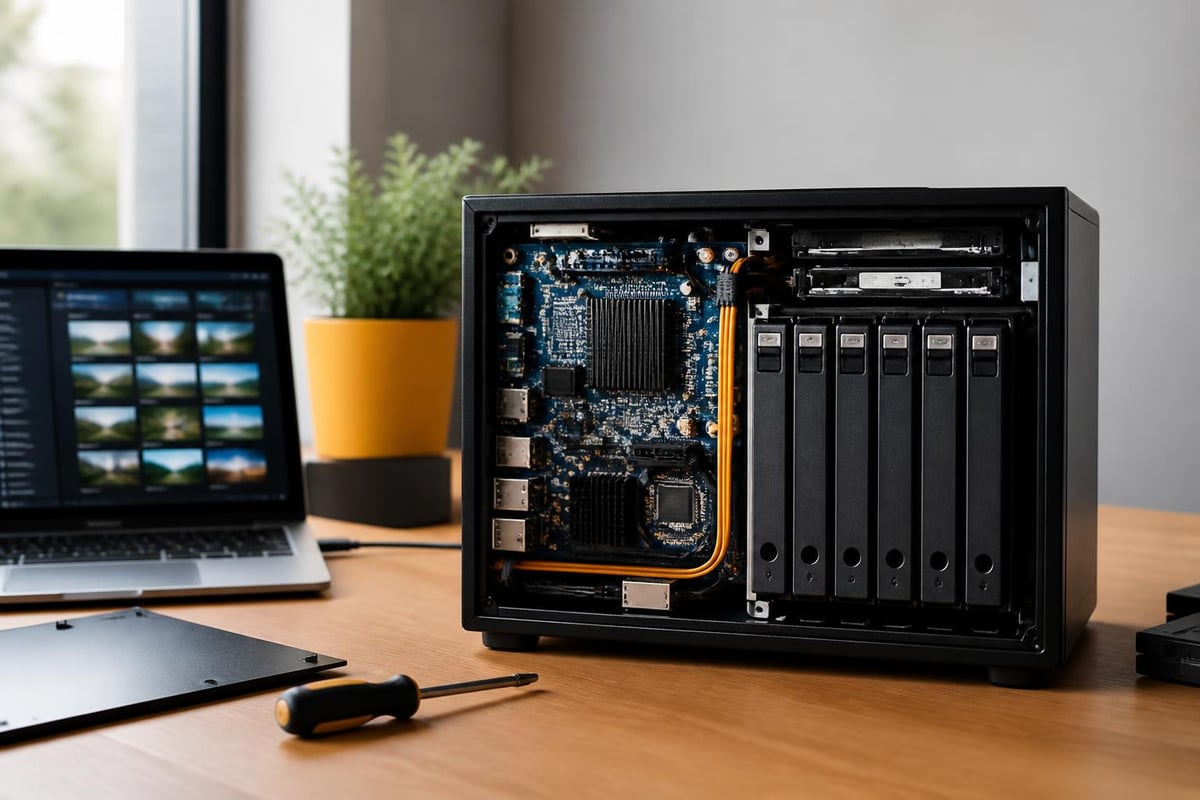
Synology NAS devices are built upon several foundational elements that determine their capabilities:
- Processing power: Modern units utilise processors ranging from entry-level ARM chips to powerful Intel Xeon CPUs for demanding workloads
- Memory capacity: RAM configurations from 2GB to 32GB or more, often expandable to support virtualisation and intensive applications
- Drive bay configurations: Systems available with 2 to 24 drive bays, supporting various RAID configurations for redundancy
- Network connectivity: Multiple Gigabit Ethernet ports with link aggregation, plus 10GbE options for high-throughput environments
- Expansion capabilities: Support for external expansion units to scale storage without replacing the primary device
The best Synology NAS devices span multiple categories, each optimised for specific use cases and organisational sizes.
Business Applications and Use Cases
A NAS Synology implementation serves multiple critical functions within modern business operations. The versatility of these systems allows organisations to consolidate various services onto a single, manageable platform.
Centralised File Management and Collaboration
File sharing represents the most fundamental application, yet Synology’s implementation extends far beyond basic network drives. The File Station application provides a sophisticated file management interface accessible through web browsers, mobile apps, and desktop clients. Version control features track document changes, therefore enabling users to restore previous iterations when necessary.
Synology Drive transforms the NAS into a private cloud platform comparable to commercial alternatives whilst maintaining complete data sovereignty. Teams can collaborate on documents in real-time, sync files across devices, and access their work from any location with appropriate authentication. This eliminates dependence on third-party cloud services where data governance may present compliance challenges.
| Feature | Capability | Business Benefit |
|---|---|---|
| File Versioning | Up to 256 versions per file | Recovery from accidental changes or deletions |
| Selective Sync | Choose specific folders to sync | Reduced bandwidth usage and storage consumption |
| Team Folders | Shared spaces with granular permissions | Improved collaboration without security compromises |
| Universal Search | Index-based file content searching | Rapid information retrieval across large datasets |
Data Protection and Business Continuity
The redundancy capabilities of a NAS Synology system form a critical component of disaster recovery strategies. RAID configurations protect against drive failures, whilst Snapshot Replication creates point-in-time copies of entire volumes without consuming significant storage space.
Hyper Backup enables flexible backup strategies to multiple destinations, including:
- External USB drives for offline copies
- Remote Synology devices at secondary locations
- Cloud storage providers for geographic redundancy
- Rsync-compatible servers for cross-platform compatibility
The immutable snapshot technology proves particularly valuable against ransomware threats, as attackers cannot encrypt or delete protected snapshots even with administrative credentials.
Performance Considerations and Hardware Selection
Selecting the appropriate NAS Synology model requires careful analysis of current requirements and future growth projections. The Synology DS923+ review demonstrates how mid-range systems balance capability with value for small to medium-sized businesses.
Workload Assessment
Different applications place varying demands on NAS resources. Understanding your primary use cases guides appropriate hardware selection:
File serving and backup: Entry-level processors with sufficient network bandwidth handle these workloads effectively. Systems with dual-core CPUs and 2GB RAM suffice for organisations with fewer than 20 concurrent users.
Virtualisation and Docker containers: These demanding applications require robust processing power and substantial memory. Look for models with quad-core or better processors and minimum 8GB RAM, preferably expandable to 16GB or beyond.
4K video editing and multimedia: High-bandwidth applications benefit from 10GbE connectivity and NVMe cache drives. The latest models support NVMe SSD caching to accelerate frequently accessed data without requiring costly all-flash storage arrays.
Scalability Planning
The modular nature of Synology systems supports growth through several mechanisms. Most mid-range and enterprise models accept expansion units that add drive bays whilst maintaining unified management through the primary device. This approach therefore proves more economical than replacing entire systems as storage requirements increase.
Recent developments in Synology’s hardware policies have enhanced flexibility. The manufacturer reinstated support for third-party drives, allowing organisations to select storage components based on cost-effectiveness and performance requirements rather than brand restrictions.

Security Framework and Access Control
Security constitutes a paramount consideration for any network storage implementation. A NAS Synology device incorporates multiple layers of protection to safeguard organisational data against unauthorised access and emerging threats.
Authentication and Authorisation
DSM supports sophisticated user management with granular permission structures. In particular, administrators can define access rights at the shared folder level, controlling read, write, and administrative privileges for individual users or groups. Furthermore, integration with existing directory services through LDAP or Active Directory enables centralised identity management.
In addition, two-factor authentication adds an essential security layer, requiring users to provide both passwords and time-based verification codes during login. As a result, this defence proves particularly valuable for remote access scenarios where credential compromise presents elevated risk.
Network Security Measures
The integrated firewall provides rule-based traffic filtering, restricting access to specific services from designated IP addresses or ranges. Auto-block features identify and blocklist IP addresses exhibiting suspicious behaviour, such as repeated failed login attempts.
Encryption capabilities extend across multiple domains:
- Transport encryption: HTTPS and SFTP protocols secure data during transmission
- Storage encryption: AES-256 encryption protects data at rest on the drives themselves
- Folder-level encryption: Selective encryption for particularly sensitive information with separate encryption keys
For businesses requiring comprehensive secure infrastructure, exploring professional solutions like those offered by vBoxx provides additional layers of protection through dedicated hosting environments and expert security consultation.
Advanced Features and Application Ecosystem
The true power of a NAS Synology system emerges through its extensive application ecosystem. In particular, the Package Center hosts hundreds of first-party and third-party applications that transform the device into a multifunctional server platform.
Surveillance and Physical Security
Surveillance Station converts the NAS into a professional video management system supporting thousands of IP camera models. In particular, features include motion detection, intelligent analytics, and secure remote viewing. As a result, the system scales from small installations with included camera licences to enterprise deployments with hundreds of cameras across multiple locations.
Productivity and Communication Tools
Synology Office provides a complete office suite with word processing, spreadsheets, and presentations. In particular, real-time collaboration features enable multiple users to edit documents simultaneously, with changes synchronised instantly across all connected clients.
Furthermore, MailPlus delivers a full-featured email server solution with spam filtering, virus scanning, and webmail access. As a result, for organisations seeking to maintain control over their communication infrastructure whilst avoiding third-party email dependencies, this application provides enterprise capabilities without recurring subscription costs.
Development and IT Operations
Docker support enables containerised application deployment, allowing IT teams to run custom services alongside standard Synology packages. Furthermore, Virtual Machine Manager extends capabilities further, supporting full Windows and Linux virtual machines on appropriately specified hardware.
In addition, Git Server transforms the NAS into a version control repository for development teams, whilst Web Station enables hosting of internal web applications or customer-facing websites.
Implementation and Configuration Best Practices
Deploying a NAS Synology system effectively requires methodical planning and configuration. In particular, the complete setup guide demonstrates the process from initial hardware installation through essential software configuration.
Initial Deployment Steps
- Physical installation: Mount drives in appropriate bays, ensuring compatibility with chosen RAID configuration
- Network connection: Connect to core network infrastructure with appropriate cabling for desired performance
- DSM installation: Access the device through Synology’s web assistant and complete initial operating system setup
- Storage pool creation: Configure RAID protection level balancing redundancy against usable capacity
- Volume provisioning: Create logical volumes on storage pools with appropriate file systems
- User account setup: Establish administrative and user accounts with appropriate privileges
- Essential packages: Install Hyper Backup, Snapshot Replication, and other core services
Optimisation Strategies
Performance tuning ensures the system delivers maximum value for the invested resources. Consider these optimisation approaches:
Network configuration: Implement link aggregation across multiple network interfaces to increase bandwidth and provide connection redundancy. Configure jumbo frames where network infrastructure supports this capability to reduce overhead in large file transfers.
Cache acceleration: Install NVMe SSD caches in supported models to dramatically improve performance for random read/write operations. This proves particularly beneficial for database applications and virtual machine storage.
Scheduled operations: Configure intensive tasks like backup jobs and integrity checks to run during off-peak hours, minimising impact on production workloads.
| Configuration Aspect | Recommended Setting | Rationale |
|---|---|---|
| RAID Type | RAID 6 for 6+ drives | Dual-parity protection against simultaneous failures |
| File System | Btrfs | Advanced features including snapshots and data integrity checking |
| Snapshot Schedule | Hourly during business hours | Granular recovery points with minimal storage overhead |
| Backup Frequency | Nightly to secondary location | 24-hour maximum data loss window |
Monitoring and Maintenance Protocols
Proactive monitoring prevents minor issues from escalating into service disruptions. In particular, DSM provides comprehensive monitoring tools that track system health and alert administrators to potential problems.
System Health Indicators
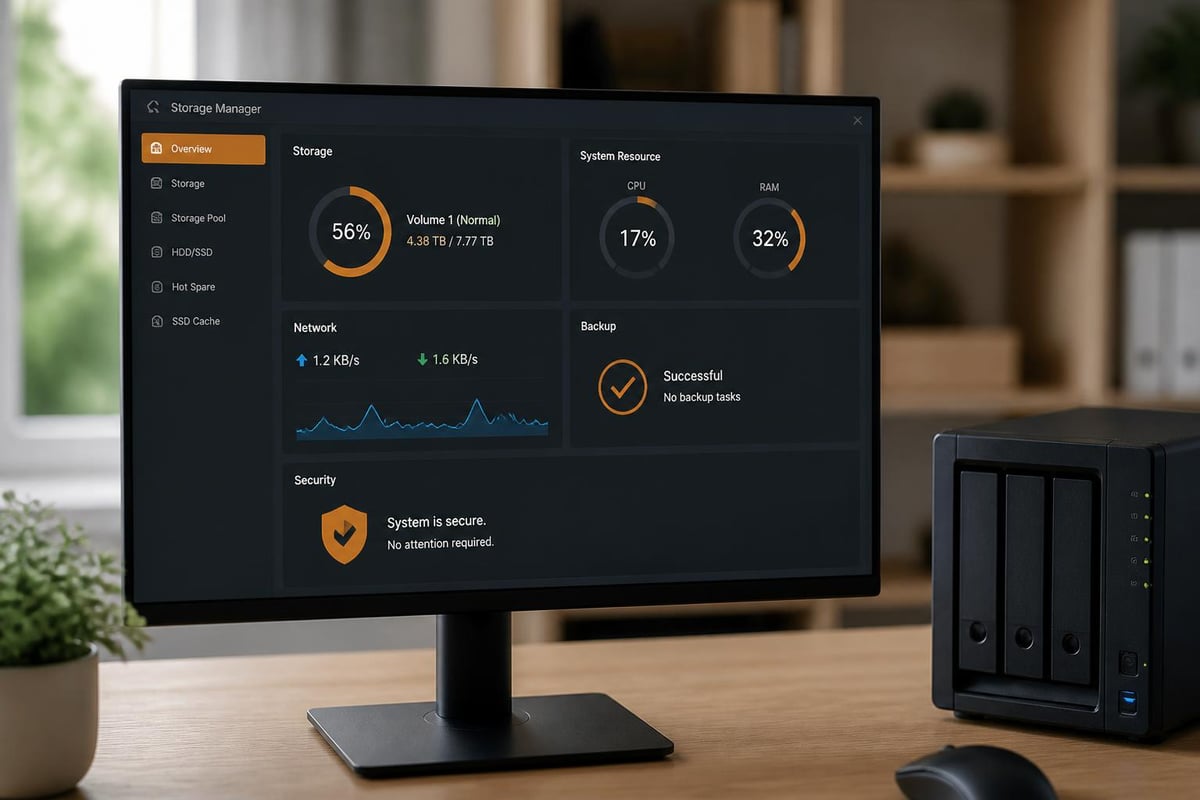
The Resource Monitor displays real-time CPU, memory, and network utilisation, identifying performance bottlenecks before they impact users. In addition, Storage Manager monitors individual drive health using SMART data, predicting potential failures before data loss occurs.
Email notifications alert administrators to critical events including:
- Drive failures or degraded RAID arrays
- Storage capacity exceeding defined thresholds
- Failed backup jobs or replication tasks
- Security events such as blocked IP addresses or authentication failures
- System updates available for installation
Regular Maintenance Tasks
Firmware updates: Synology releases regular DSM updates addressing security vulnerabilities and introducing new features. Implement updates during scheduled maintenance windows after testing in non-production environments when possible.
Drive health verification: Monthly SMART extended tests identify developing drive issues before failures occur. Plan drive replacement when predictive failure indicators appear rather than waiting for complete failure.
Backup validation: Regularly test restore procedures to verify backup integrity and ensure recovery processes function as expected. Documentation without validation provides false confidence in disaster recovery capabilities.
The DiskStation DS925+ review highlights how newer models incorporate hardware improvements that enhance reliability and reduce maintenance requirements.
Integration with Cloud and Hybrid Strategies
Modern organisations rarely rely exclusively on single infrastructure types. In particular, a NAS Synology deployment often forms part of broader hybrid strategies combining on-premises storage with cloud services for optimal flexibility.
Cloud Sync and Hybrid Backup
Cloud Sync enables bidirectional synchronisation between local NAS storage and major cloud providers. In particular, this approach supports several strategic objectives:
Furthermore, geographic distribution allows organisations to replicate critical data to cloud storage in different regions, protecting against localised disasters affecting primary facilities.
In addition, collaboration enhancement enables syncing specific folders to cloud services where external partners or remote teams maintain access, whilst keeping primary data repositories on-premises.
As a result, cost optimisation becomes possible by archiving infrequently accessed data to cost-effective cloud storage tiers whilst maintaining local copies of active datasets for optimal performance.
Organisations can explore how professional cloud providers enhance this hybrid approach. A demonstration of integrated solutions reveals how combining local NAS storage with secure cloud services creates comprehensive data management strategies.
Active Business Continuity
High Availability configurations pair two NAS Synology devices in active-passive arrangements. In particular, the passive unit maintains continuous synchronisation with the primary system. As a result, it is ready to assume operations within seconds if hardware failure occurs. Consequently, this configuration eliminates single points of failure in critical infrastructure.
Cost Analysis and Total Ownership Considerations
Understanding the complete financial implications extends beyond initial hardware acquisition. In particular, a comprehensive cost analysis includes multiple factors over the expected operational lifespan.
Capital and Operational Expenses
Initial investment: Hardware costs vary substantially based on model selection and drive configuration. Entry-level two-bay systems begin around £200, whilst enterprise-class units with extensive drive bays exceed £5,000 before storage media.
Drive costs: Budget for appropriate drives matching performance requirements and capacity needs. Enterprise-grade drives command premium pricing but deliver superior reliability and warranty coverage for business-critical applications.
Power consumption: Modern NAS devices operate efficiently, but continuous operation generates ongoing electricity costs. Power-saving features including drive hibernation and scheduled power management reduce consumption during idle periods.
Licensing expenses: Basic DSM functionality includes no licensing fees, but advanced features require additional purchases. Surveillance camera licences, MailPlus user accounts, and high availability software incur additional costs.
Return on Investment Calculations
Quantifying value requires comparing NAS costs against alternative approaches:
| Approach | 5-Year Cost (10TB usable) | Considerations |
|---|---|---|
| NAS Synology (mid-range) | £2,000-£3,000 | Complete control, one-time cost, unlimited users |
| Cloud storage subscription | £3,600-£6,000 | Ongoing fees, bandwidth costs, third-party dependency |
| File server (traditional) | £4,000-£8,000 | Higher hardware costs, Windows licensing, greater complexity |
The calculation excludes productivity gains from enhanced collaboration capabilities and potential data loss prevention through robust backup infrastructure, both of which provide substantial but difficult-to-quantify value.
Future-Proofing Your Storage Infrastructure
Technology evolution demands consideration of long-term viability when selecting storage platforms. In particular, a NAS Synology investment should serve organisational needs for five years or more to justify capital expenditure and implementation effort.
Emerging Technology Support
Recent Synology models incorporate support for emerging standards and technologies. In particular, NVMe support, 10GbE networking, and USB 3.2 connectivity ensure compatibility with faster storage media and peripherals as they become mainstream.
Furthermore, the transition toward containerisation and cloud-native applications finds support in DSM’s Docker integration and Virtual Machine Manager capabilities. As a result, organisations can deploy modern application architectures whilst maintaining familiar Synology management interfaces.
Sustainability Considerations
Power efficiency has improved substantially across recent device generations. In particular, models now incorporate intelligent drive spin-down, variable-speed cooling fans, and optimised firmware reducing energy consumption during light workloads. As a result, these enhancements align with corporate sustainability objectives whilst reducing operational expenses.
Furthermore, green hosting practices extend beyond individual devices to encompass complete infrastructure approaches. In addition, organisations committed to environmental responsibility can combine efficient NAS deployment with renewable energy-powered data centre services for comprehensive sustainable IT strategies.
Implementing robust storage infrastructure requires balancing performance, security, scalability, and cost considerations within your unique organisational context. NAS Synology devices provide proven platforms serving businesses across every industry and size category. Whether you’re establishing initial data management infrastructure or replacing aging systems, thorough planning ensures your investment delivers sustained value throughout its operational lifespan. For organisations seeking to complement local storage with professional-grade cloud services, secure hosting solutions, or expert consultation on hybrid infrastructure strategies, vBoxx offers the expertise and sustainable infrastructure to support your digital transformation journey.