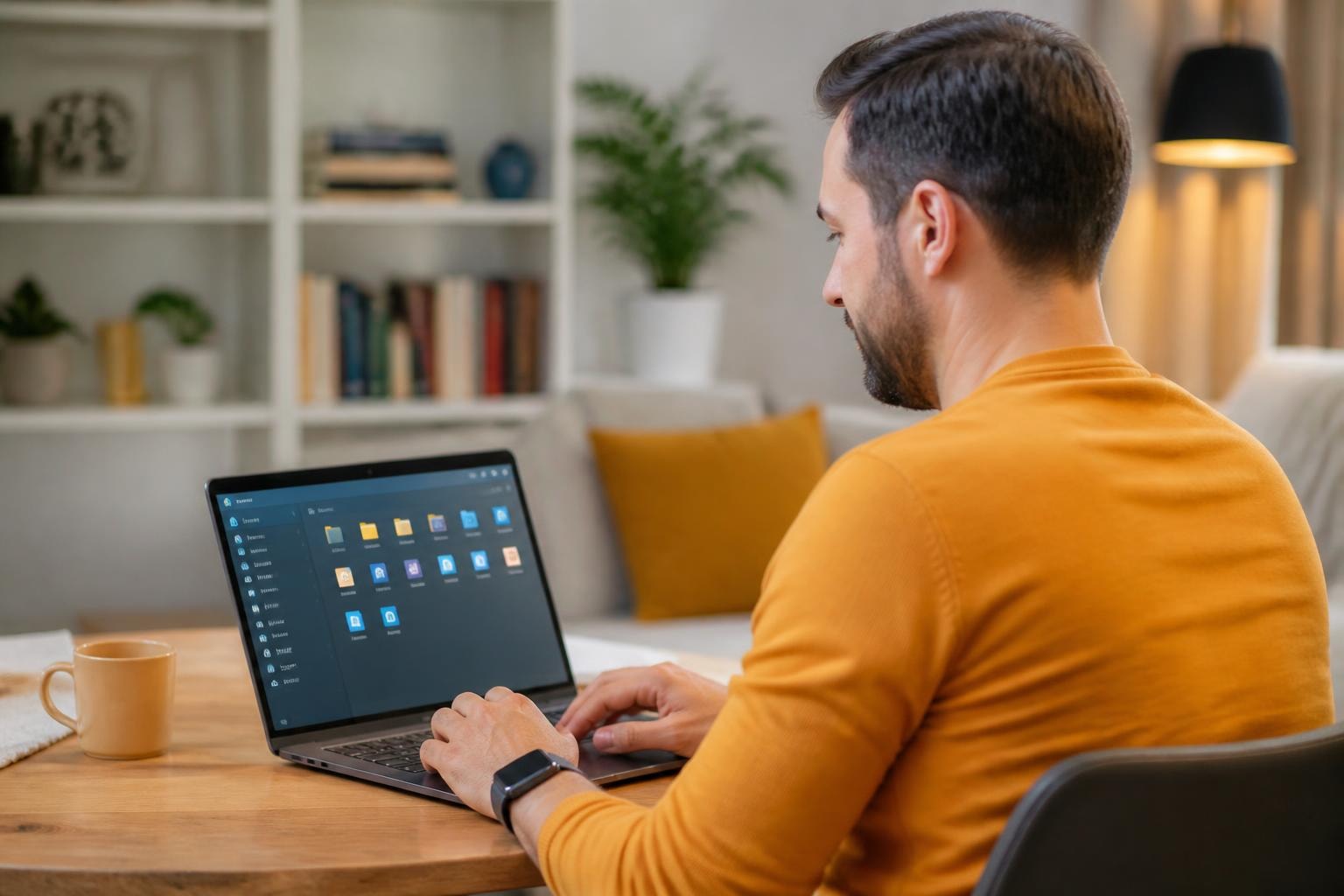

In a world where we’re constantly juggling files across devices, keeping everything organized and accessible can feel like an uphill battle. Enter Synology Drive—a powerful, all-in-one solution that turns your Synology NAS into a personal cloud. Whether you’re working from home, collaborating with a team, or just trying to keep your personal files in order, Synology Drive makes file management effortless. With Synology Drive, you can enjoy the convenience of cloud storage while maintaining full control over your data, ensuring data privacy and supporting European independence and sovereignty by keeping your information within your own infrastructure.
In this blog, we’ll explore why Synology Drive is a game-changer, how it simplifies file management, and why it’s the perfect tool for anyone looking to take control of their data. Say goodbye to scattered files and hello to seamless organization.
What is Synology Drive?
Synology Drive is a file management and synchronization tool designed exclusively for Synology NAS users. It’s part of the DiskStation Manager (DSM) ecosystem, offering a seamless way to store, organize, and share your files. Think of it as your own private Dropbox or Google Drive—but with full control over your data.
With Synology Drive, you can sync files across devices, collaborate in real-time, and access your data from anywhere in the world. It’s like having a personal cloud that’s faster, more secure, and completely under your control.
Why Synology Drive is a Game-Changer
Synology Drive isn’t just another file management tool—it’s a game-changer for anyone who values their data. Here’s why:
Your Own Private Cloud: Unlike traditional cloud-based services, your NAS stores your files. That means full control over your data, scalable storage options, and enhanced security.
Seamless File Syncing: Keep your files in sync across all your devices. Whether you’re working on your laptop, tablet, or phone, your files are always up to date.
Real-Time Collaboration: Share files and folders with colleagues, friends, or family, and collaborate in real-time. It’s perfect for team projects or sharing memories with loved ones.
Advanced File Management: Organize your files with tags, comments, and versioning. You can even restore previous versions of a file, so you never have to worry about losing important changes.
Cross-Device Access: Access your files from anywhere using the web portal or mobile app. It’s like having your entire file library in your pocket.
Real-World Uses for Synology Drive
Synology Drive isn’t just for tech enthusiasts—it’s for anyone who wants to simplify their file management. Here are some real-world ways people are using it:
Home Users:
Store and organize family photos, videos, and documents. Sync files across devices so you can access them from anywhere.
Small Businesses:
Centralize file storage and collaboration for your team. Share files with clients or partners securely.
Creative Professionals:
Store and sync large files like 4K videos and high-resolution photos. Collaborate with team members in real-time.
Remote Workers:
Access work files from home or on the go. Sync files across devices to stay productive.
How Synology Drive Stacks Up Against the Competition
While there are plenty of file management tools out there, Synology Drive stands out for its privacy, flexibility, and customization. Unlike cloud-based services, your files stay on your NAS, not on a third-party server. With advanced settings and features, you can tailor it to fit your exact needs.
Tips for Getting the Most Out of Synology Drive
To truly unlock the potential of Synology Drive, here are some tips to elevate your experience:
Enable File Versioning: Keep track of changes and restore previous versions of a file if needed.
Use Shared Folders: Create shared folders for team projects or family albums. Set permissions to control who can view or edit files.
Set Up Automatic Backups: Use Synology Drive to back up important files from your computer or phone.
Explore Advanced Settings: Dive into the settings to customize everything from sync preferences to sharing permissions.
Keep DSM Updated: Regularly update your Synology NAS’s operating system to ensure you have the latest features and security patches.
Need More Than Just Synology Drive?
Synology Drive is a powerful tool for managing and syncing your files, but what if you need more storage, scalability, or enterprise-grade performance? At vBoxx, we offer dedicated Synology rack solutions that take your file management to the next level—without the upfront costs of purchasing hardware.
Here’s why businesses and IT professionals choose us:
No Upfront Costs: Rent Synology racks instead of buying them, saving you significant capital investment.
Scalability: Easily expand your storage capacity as your business grows.
24/7 Expert Support: Our team is always available to help you optimize and troubleshoot your setup.
Enterprise-Grade Security: Protect your data with advanced security features and reliable infrastructure.
Seamless Integration: Pair Synology Drive with our Synology racks for a fully integrated IT ecosystem.
Why buy when you can rent and scale effortlessly?
Explore our Synology rack solutions or contact us today for a no-obligation consultation. Let’s build a storage and file management solution that grows with your business—without the heavy upfront investment.