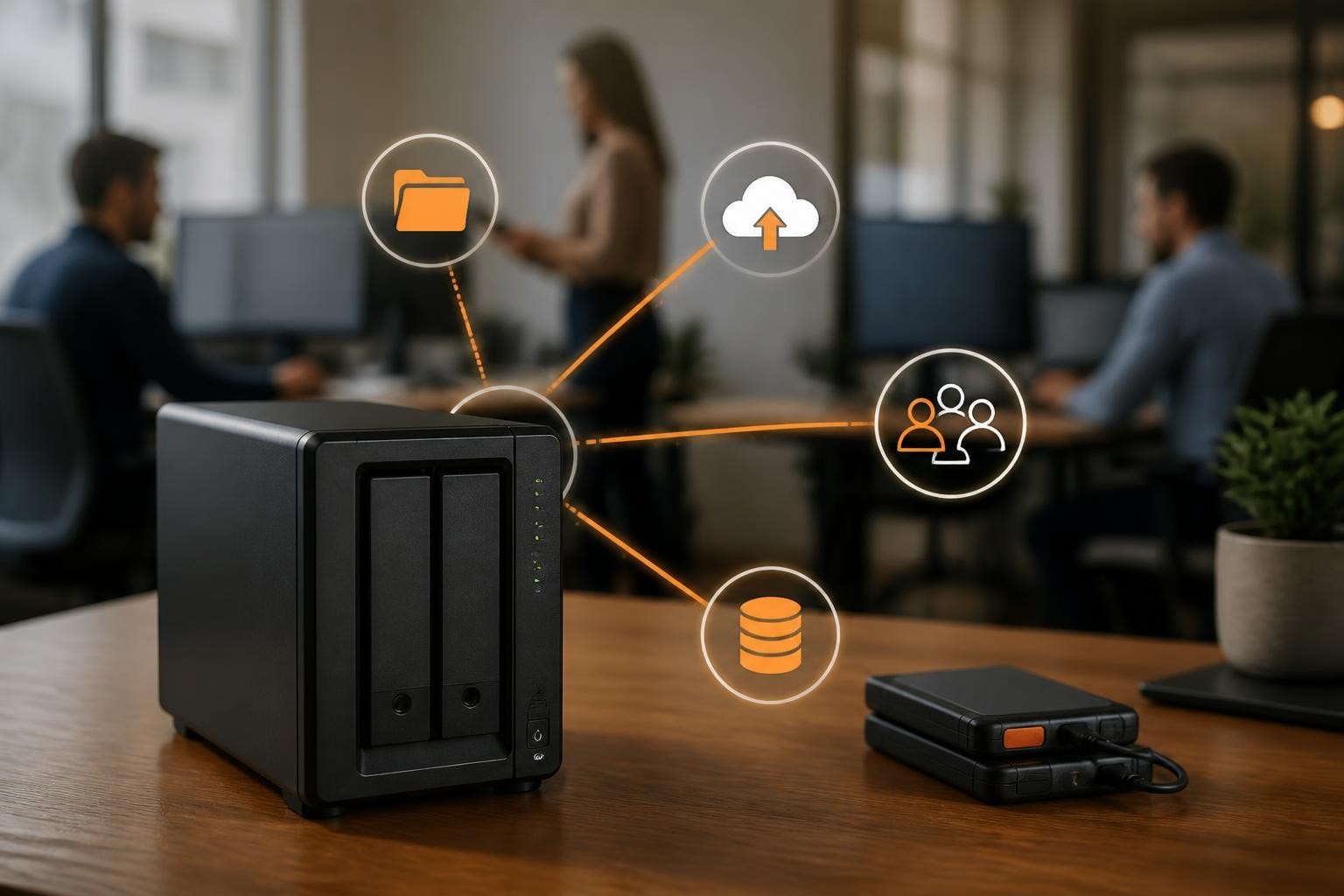

The digital transformation landscape continues to evolve rapidly, and as a result, cloud computing has become essential infrastructure rather than a luxury for organisations of all sizes. In particular, for smaller enterprises, the small business cloud represents both an opportunity and a challenge, offering access to enterprise-grade technology while also requiring careful planning around security, costs, and implementation. Therefore, understanding how to leverage cloud services effectively can determine whether a business thrives in an increasingly competitive marketplace or struggles with outdated infrastructure that limits growth potential.
Understanding Small Business Cloud Infrastructure
The small business cloud encompasses a range of services designed to replace or augment traditional on-premises IT infrastructure. These solutions include virtual servers, cloud storage, email hosting, backup systems, and software-as-a-service applications that run entirely in remote data centres.
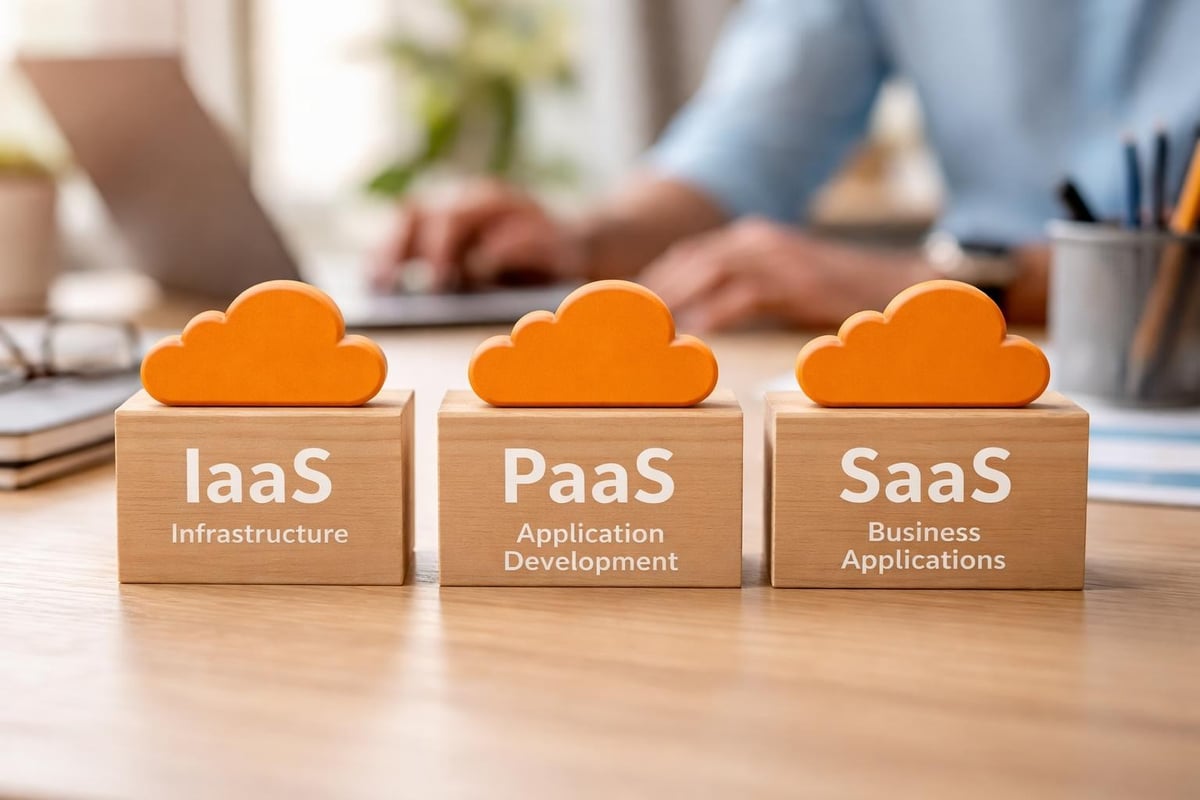
Modern cloud infrastructure operates on three primary service models:
- Infrastructure as a Service (IaaS) provides virtualised computing resources over the internet
- Platform as a Service (PaaS) offers development frameworks and deployment environments
- Software as a Service (SaaS) delivers complete applications through web browsers
Each model serves different business needs, with IaaS offering maximum flexibility for companies requiring customised environments, whilst SaaS provides immediate access to productivity tools without technical overhead.
Deployment Models for Small Enterprises
Small businesses must choose between public, private, and hybrid cloud deployments. To begin with, public clouds offer cost-effective resources shared amongst multiple tenants, making them ideal for budget-conscious organisations. In contrast, private clouds provide dedicated infrastructure with enhanced security controls, making them suitable for businesses handling sensitive data or facing strict compliance requirements.
Meanwhile, hybrid approaches combine both models, allowing companies to keep critical data on private infrastructure while leveraging public cloud resources for less sensitive workloads. As a result, this flexibility proves particularly valuable for businesses transitioning gradually from traditional systems.
| Deployment Type | Best For | Primary Advantage | Consideration |
|---|---|---|---|
| Public Cloud | Startups, general workloads | Lowest cost, fastest deployment | Shared resources |
| Private Cloud | Regulated industries, sensitive data | Maximum control and security | Higher investment |
| Hybrid Cloud | Growing businesses, mixed workloads | Balance of cost and control | Complex management |
Security Challenges in Small Business Cloud Environments
Security remains the paramount concern when small businesses evaluate cloud solutions. Unlike large enterprises with dedicated security teams, smaller organisations often lack the resources to implement comprehensive protection strategies independently. Enterprise-level cloud security can help bridge this gap, offering advanced threat detection and protection mechanisms.
The most significant security risks include:
- Account hijacking through weak passwords or phishing attacks
- Data breaches resulting from misconfigured access controls
- Insider threats from current or former employees
- Compliance violations due to inadequate data governance
- Distributed denial-of-service attacks targeting availability
Understanding security risks in cloud hosting helps businesses implement appropriate safeguards before problems occur. Many security breaches stem from preventable configuration errors rather than sophisticated attacks, making proper setup critical.
Implementing Robust Access Controls
Strong authentication mechanisms form the foundation of cloud security. First and foremost, multi-factor authentication should be mandatory for all user accounts, combining passwords with biometric verification or hardware tokens. In addition, regular access reviews ensure that permissions remain appropriate as roles change within the organisation.
Furthermore, encryption protects data both in transit and at rest. For example, businesses should verify that their cloud provider implements AES-256 encryption standards as a minimum requirement. Moreover, encrypted cloud services offer additional protection layers, ensuring that even provider administrators cannot access sensitive business information without proper authorisation.
Finally, role-based access control (RBAC) limits user permissions to only the resources necessary for their job functions. Consequently, this principle of least privilege reduces the potential damage from compromised accounts or malicious insiders.
Financial Considerations and Cost Optimisation
The economics of small business cloud solutions differ significantly from traditional IT investments. Instead of requiring large upfront capital expenditures for servers and software licences, cloud computing operates on an operational expense model with monthly or annual subscriptions based on actual usage. As a result, businesses gain greater financial flexibility and can scale costs in line with growth and demand.
Understanding Cloud Pricing Models
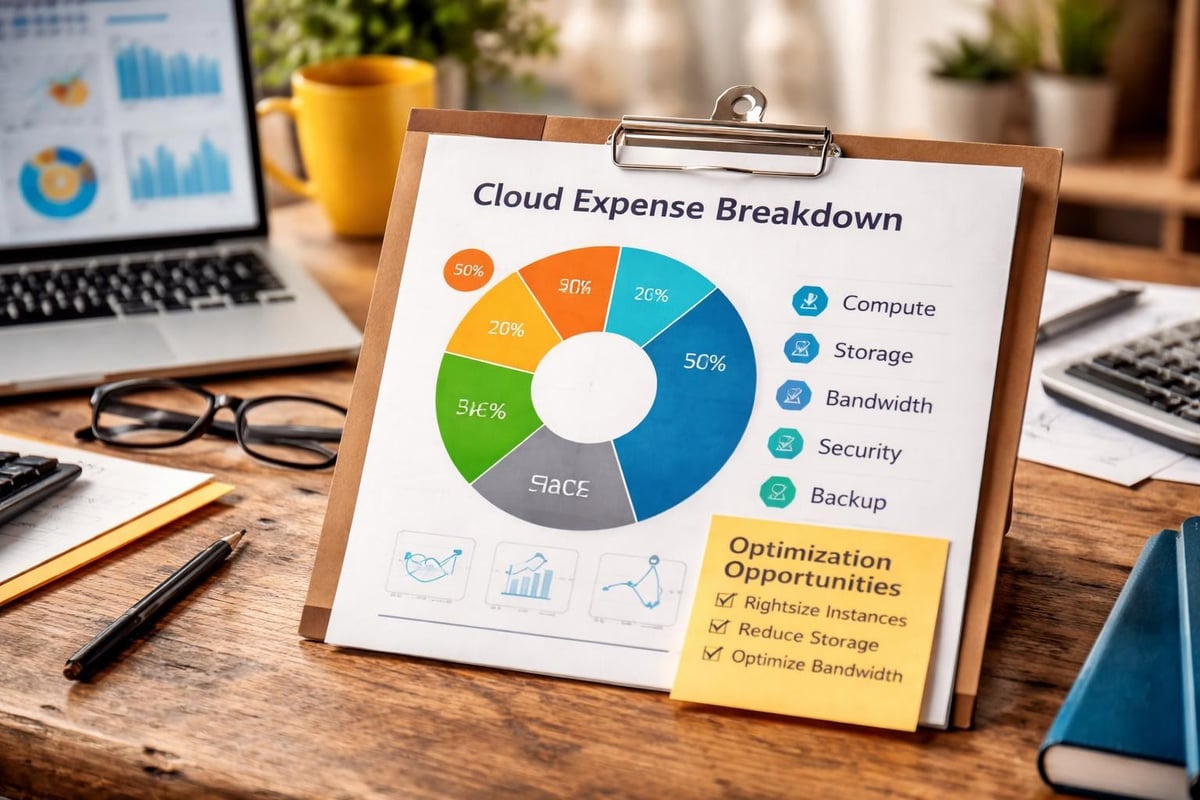
Cloud providers typically charge based on several factors:
- Compute resources measured in virtual CPU hours and memory allocation
- Storage capacity for data retention and archival
- Network bandwidth for data transfer in and out of the cloud
- Additional services such as backup, monitoring, and support
This pay-as-you-grow approach provides exceptional flexibility for small businesses. Companies can start with minimal resources and scale as requirements increase, avoiding the waste associated with over-provisioning on-premises infrastructure.
However, costs can escalate unexpectedly without proper monitoring and governance. Setting budget alerts, regularly reviewing resource utilisation, and eliminating unused services prevents bill shock. The benefits of cloud computing for small businesses extend beyond simple cost savings to include operational efficiency and competitive advantages.
Total Cost of Ownership Analysis
Comparing cloud costs to on-premises infrastructure requires comprehensive analysis beyond simple price tags. Traditional IT involves:
- Hardware purchase and depreciation
- Facility costs for power and cooling
- IT staff salaries for maintenance and support
- Software licensing and updates
- Disaster recovery infrastructure
Cloud solutions bundle many of these expenses into a single predictable monthly fee. For most small businesses, total cost of ownership favours cloud adoption, particularly when accounting for the opportunity cost of IT staff time spent on infrastructure management rather than strategic initiatives.
Migration Strategies and Planning
Transitioning to the small business cloud requires methodical planning to avoid disruption and ensure success. Cloud migration for small businesses delivers substantial benefits but demands careful execution to realise full value.
Assessment and Inventory
Begin by cataloguing all existing systems, applications, and data repositories. Classify workloads by:
- Business criticality and acceptable downtime
- Data sensitivity and compliance requirements
- Technical complexity and interdependencies
- Performance requirements and latency sensitivity
- Current maintenance and operating costs
This assessment reveals which applications suit immediate migration, which require modification, and which should remain on-premises temporarily or permanently.
Migration Approaches
Three primary strategies guide cloud migration:
Lift and shift moves applications to the cloud with minimal changes, providing quick wins and immediate benefits. This approach works well for straightforward systems without complex dependencies.
Re-platforming involves modest optimisation during migration, such as adopting managed database services instead of maintaining database servers. This balanced approach improves efficiency whilst limiting project complexity.
Re-architecting completely redesigns applications to leverage cloud-native capabilities like auto-scaling and serverless computing. Although resource-intensive, this strategy maximises long-term benefits.
| Strategy | Timeline | Complexity | Benefits | Best For |
|---|---|---|---|---|
| Lift and Shift | Weeks | Low | Quick migration | Simple applications |
| Re-platform | Months | Medium | Improved efficiency | Standard workloads |
| Re-architect | Quarters | High | Maximum optimisation | Strategic applications |
Most small businesses benefit from a phased approach, starting with lift-and-shift for quick wins whilst planning more sophisticated transformations for critical systems. Secure cloud data storage should be prioritised early in the migration process to protect business-critical information.
Performance and Reliability Considerations
The small business cloud must deliver consistent performance matching or exceeding on-premises systems. Service level agreements (SLAs) define guaranteed uptime percentages, typically ranging from 99.9% (8.76 hours of downtime annually) to 99.99% (52.6 minutes annually).
Evaluating Provider Reliability
Research provider track records through independent uptime monitoring services and customer reviews. Questions to address include:
- What backup power and network redundancy exists?
- How frequently do unplanned outages occur?
- What compensation applies when SLAs aren’t met?
- Where are data centres located geographically?
Geographic distribution affects both performance and compliance. Selecting data centres near your business and customers reduces latency, whilst choosing jurisdictions with strong data protection laws enhances privacy safeguards.
Disaster Recovery and Business Continuity
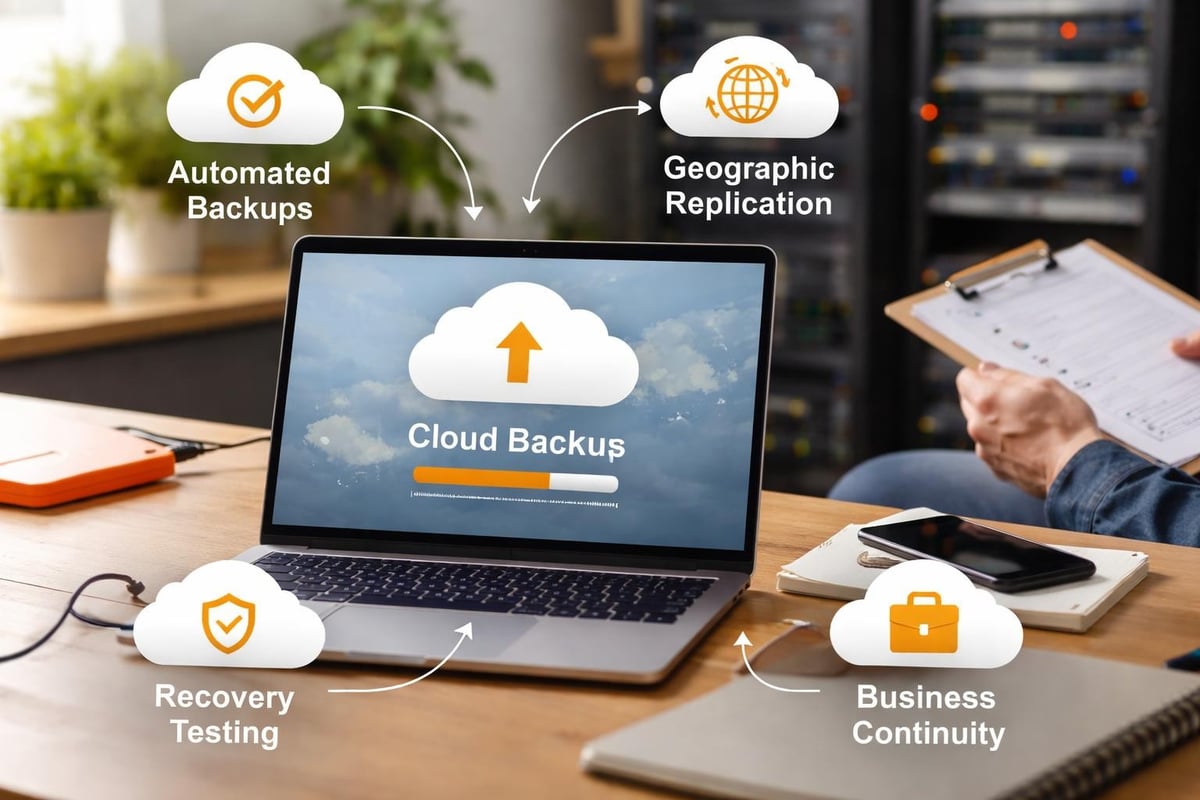
Cloud environments simplify disaster recovery by replicating data across multiple data centres automatically. Recovery time objectives (RTO) and recovery point objectives (RPO) define how quickly systems must be restored and how much data loss is acceptable.
Small businesses should implement:
- Automated daily backups with retention policies matching business requirements
- Regular restoration testing to verify backup integrity
- Documented recovery procedures accessible to relevant staff members
- Geographic redundancy for critical systems
These measures ensure business continuity even during significant disruptions. Understanding the pros and cons of cloud migration helps set realistic expectations around disaster recovery capabilities and limitations.
Compliance and Data Governance
Regulatory compliance grows increasingly complex as privacy laws proliferate globally. Consequently, the small business cloud must accommodate requirements like General Data Protection Regulation in Europe, California Consumer Privacy Act in California, and industry-specific regulations for healthcare, finance, and other sectors. Moreover, businesses must continuously monitor regulatory updates to ensure ongoing compliance. Therefore, selecting cloud providers with built-in compliance frameworks and transparent data governance practices becomes essential for reducing legal and operational risks.
Understanding Data Residency
Data residency refers to the physical location where information is stored and processed. Many regulations mandate that certain data types remain within specific geographic boundaries. Cloud providers with data centres in multiple regions allow businesses to select appropriate locations for compliance.
Verify provider certifications including:
- ISO 27001 for information security management
- SOC 2 for service organisation controls
- PCI DSS for payment card data handling
- Industry-specific certifications relevant to your sector
These certifications demonstrate that providers maintain security controls meeting recognised standards. However, ultimate responsibility for compliance remains with the business, not the provider.
Implementing Data Governance Policies
Effective governance requires documented policies covering:
- Data classification schemes identifying sensitivity levels
- Retention schedules specifying storage durations
- Deletion procedures ensuring complete data removal
- Access audit logs tracking who accesses what information
- Incident response plans for security breaches
Regular compliance audits verify that actual practices match documented policies. Many small businesses benefit from engaging compliance consultants to establish frameworks appropriate for their industry and jurisdiction.
Choosing the Right Cloud Provider
Selecting a small business cloud provider involves evaluating numerous factors beyond simple pricing comparisons. The decision impacts security, performance, and operational efficiency for years to come.
Essential Provider Capabilities
Prioritise providers offering:
- Transparent pricing without hidden fees or surprise charges
- Responsive support available when problems occur
- Proven track record with businesses in similar industries
- Privacy commitment respecting data ownership rights
- Sustainable practices minimising environmental impact
Green hosting reduces carbon footprints whilst demonstrating corporate responsibility. Providers using renewable energy and efficient data centre designs contribute to environmental sustainability goals increasingly important to customers and stakeholders.
Avoiding Vendor Lock-In
Vendor lock-in occurs when proprietary technologies make switching providers prohibitively expensive or complex. Mitigate this risk by:
- Choosing providers supporting open standards and APIs
- Maintaining exportable data formats
- Avoiding excessive customisation tying you to specific platforms
- Documenting configurations for reproducibility elsewhere
Regular evaluation of provider performance ensures the relationship continues meeting evolving business needs. The challenges of cloud technology for small businesses include managing provider relationships whilst maintaining flexibility and negotiating leverage.
Operational Excellence in Cloud Environments
Successfully operating small business cloud infrastructure requires different skills than managing traditional IT systems. Teams must understand cloud-specific concepts like elasticity, consumption-based billing, and distributed architectures.
Monitoring and Optimisation
Implement comprehensive monitoring covering:
- Performance metrics tracking response times and throughput
- Resource utilisation identifying underused or overloaded systems
- Cost analytics revealing spending patterns and optimisation opportunities
- Security events detecting potential threats or policy violations
Automated alerts notify teams immediately when issues arise, enabling rapid response before users experience problems. Regular performance reviews identify trends and inform capacity planning decisions.
Staff Training and Development
To begin with, invest in team training covering cloud fundamentals, security best practices, and provider-specific tools. In fact, many providers offer free certification programmes that help staff develop relevant expertise. As a result, understanding cloud security challenges better prepares teams to implement effective protection strategies.
Additionally, cross-training ensures multiple team members understand critical systems, thereby preventing single points of failure when individuals are unavailable. Furthermore, documented procedures and runbooks standardise operations across the team, ultimately improving consistency and resilience.
Integration with Business Applications
The small business cloud excels when seamlessly integrating with applications driving daily operations. Modern cloud platforms support extensive integration capabilities through APIs, webhooks, and pre-built connectors.
Common Integration Scenarios
Typical integrations include:
- Customer relationship management systems synchronising with email platforms
- Accounting software connecting to banking and payment systems
- E-commerce platforms linking to inventory management
- Collaboration tools integrating with project management applications
- Backup systems protecting data from all connected applications
These integrations eliminate manual data entry, reduce errors, and improve efficiency. Businesses should prioritise providers offering robust integration capabilities matching their application ecosystem.
API Management and Automation
Application programming interfaces (APIs) enable automated workflows that connect disparate systems. As a result, small businesses benefit from automation tools that reduce repetitive tasks and free staff to focus on higher-value activities.
Moreover, popular automation platforms allow non-technical users to create workflows through visual interfaces without writing code. For example, businesses can automatically file email attachments to cloud storage or create customer records from form submissions. Consequently, these streamlined processes improve efficiency while minimising human error.
Scaling Your Cloud Infrastructure
One of the primary advantages of the small business cloud is the ability to scale resources dynamically as needs change. Proper scaling strategies ensure performance remains consistent during growth whilst controlling costs during quieter periods.
Vertical and Horizontal Scaling
Vertical scaling increases resources allocated to existing systems, such as adding memory or CPU capacity to virtual servers. This approach suits applications designed for single-server deployment but has practical limits.
Horizontal scaling adds additional server instances distributing workload across multiple systems. This strategy supports unlimited growth but requires applications designed for distributed operation.
Modern cloud-native applications favour horizontal scaling with load balancers distributing traffic across server pools that expand and contract automatically based on demand.
Planning for Growth
Anticipate future requirements by:
- Analysing historical growth patterns
- Identifying seasonal or cyclical demand fluctuations
- Planning for marketing campaigns or product launches
- Building capacity buffers for unexpected spikes
- Establishing performance baselines for comparison
Regular capacity reviews ensure infrastructure keeps pace with business growth without excessive over-provisioning wasting resources. The benefits of cloud computing include this ability to align technology spending precisely with business needs.
The small business cloud transformation represents a strategic investment in operational efficiency, security, and competitive capability rather than merely a technology upgrade. By carefully evaluating security requirements, managing costs effectively, planning migrations methodically, and selecting providers aligned with business values, smaller enterprises access enterprise-grade infrastructure previously available only to large corporations. vBoxx delivers secure hosting and cloud solutions specifically designed for businesses prioritising privacy, security, and sustainability, offering the expertise and support necessary to navigate cloud adoption successfully whilst maintaining the highest standards of data protection and environmental responsibility.