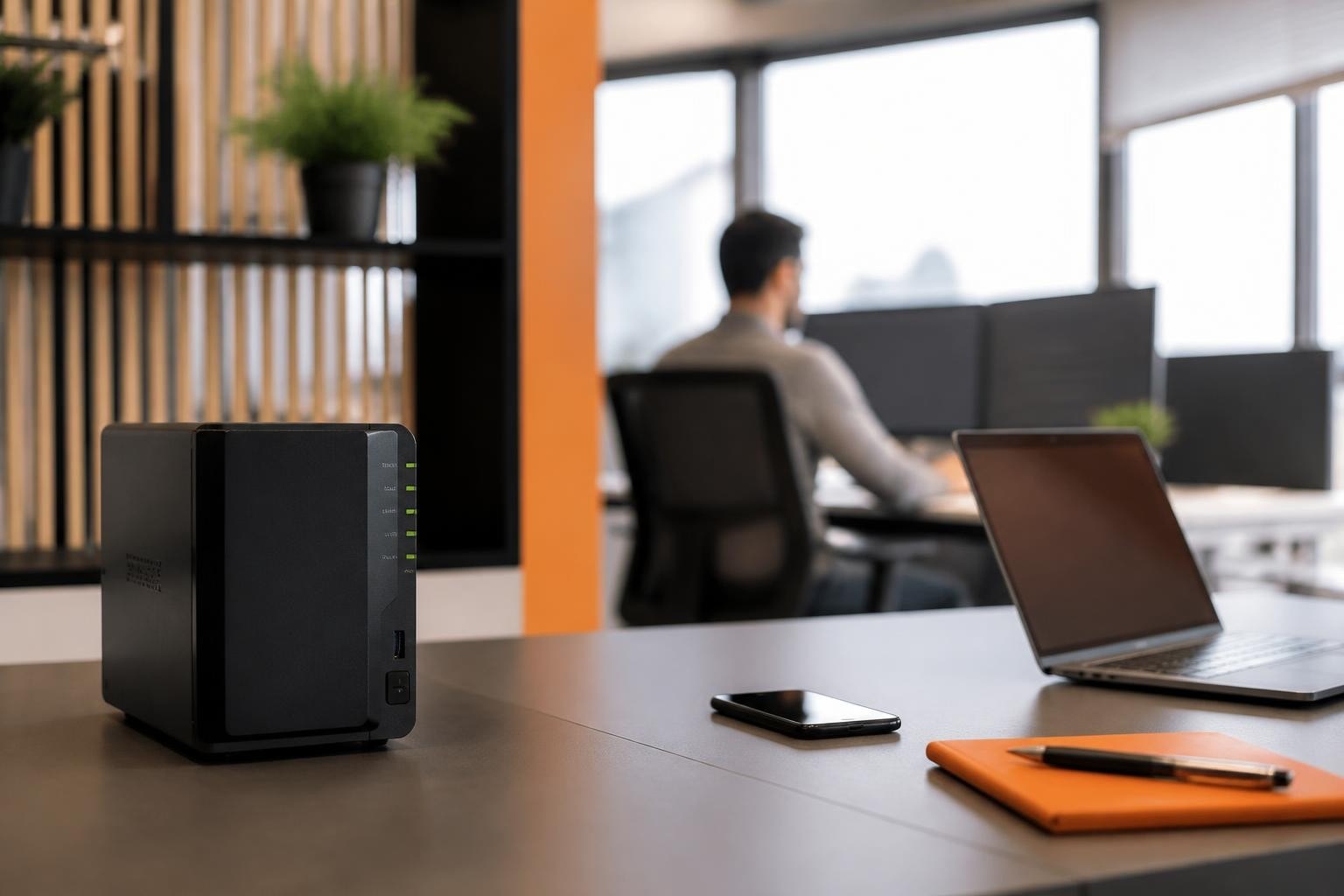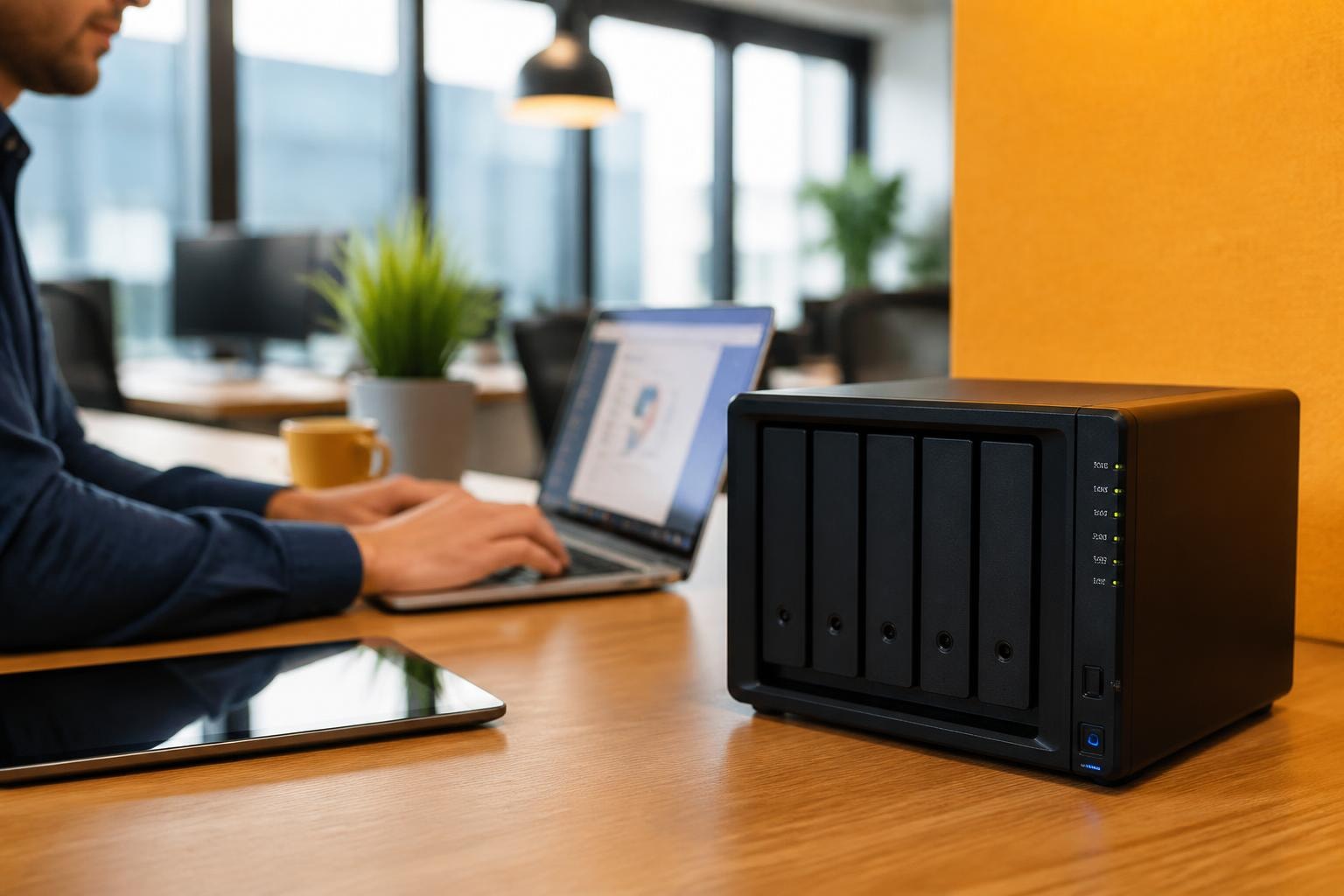
Network-attached storage has become an essential component of modern business infrastructure, particularly for organizations seeking to maintain control over their data whilst ensuring accessibility and security. In particular, the Synology DiskStation represents a comprehensive approach to network storage, offering businesses a private cloud alternative that combines robust hardware with sophisticated software management capabilities. As a result, as companies increasingly prioritize data sovereignty and protection, understanding the capabilities and implementation considerations of dedicated NAS solutions becomes crucial for making informed infrastructure decisions.
Understanding the Synology DiskStation Ecosystem
The Synology DiskStation series encompasses a range of network-attached storage devices designed to serve various business requirements, from small office deployments to enterprise-scale data centres. These devices function as centralized storage hubs that connect to your network, providing simultaneous access to files, applications, and backup services across multiple users and devices.What distinguishes the DiskStation platform is its integration of hardware reliability with the DiskStation Manager (DSM) operating system. This software layer transforms basic network storage into a versatile business tool capable of running applications, managing permissions, and automating critical data protection tasks. The synergy between hardware and software creates an environment where businesses can consolidate multiple IT functions onto a single, manageable platform.
Core Architecture and Components
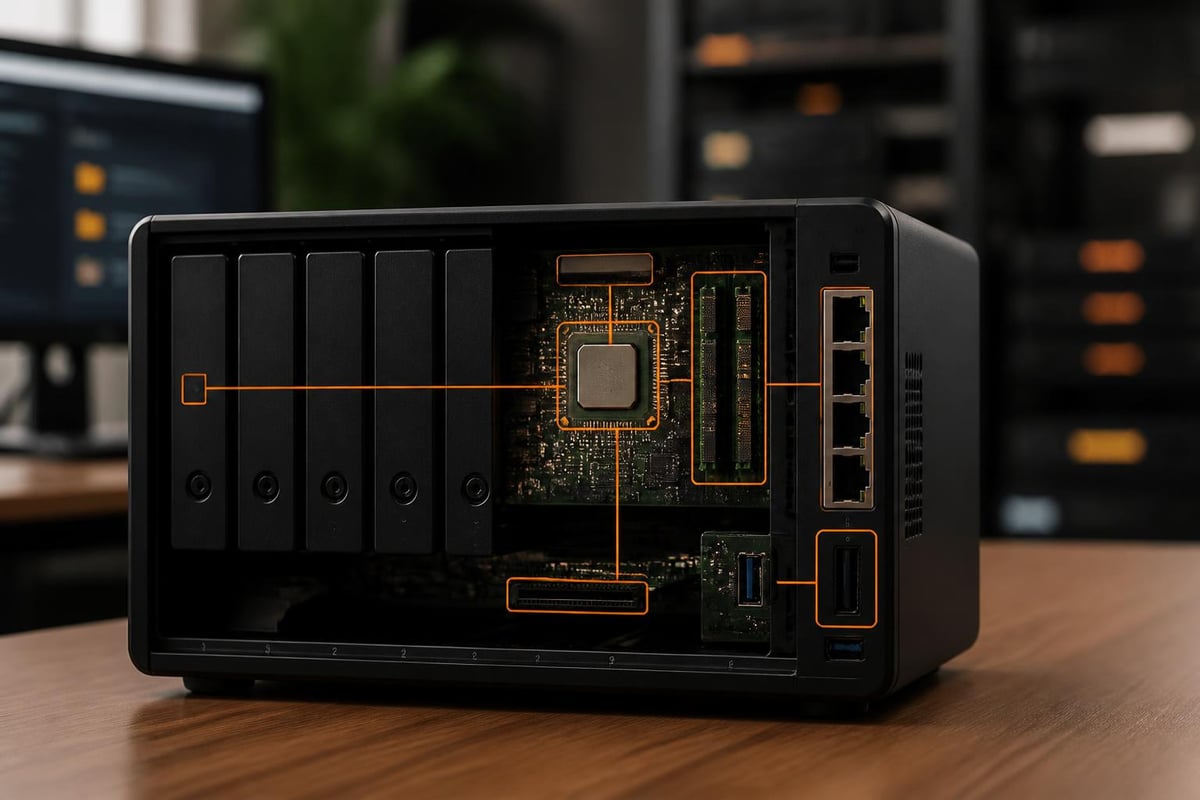
Each Synology DiskStation unit consists of several fundamental elements working in concert:- Processor and memory: Determines performance capabilities for concurrent users and applications
- Drive bays: Physical slots for hard drives or solid-state drives, ranging from two to twelve or more
- Network interfaces: Gigabit or 10GbE connections for data transfer speeds
- Expansion ports: USB and eSATA connections for additional storage or peripherals
- Power supply: Often redundant in business-focused models for continuous operation
Selecting the Appropriate Model for Business Needs
Choosing amongst the various DiskStation models requires careful consideration of both current requirements and future growth projections. The product line spans entry-level two-bay units suitable for small teams through to rack-mounted systems designed for data-intensive operations.Capacity Planning Considerations
Storage requirements extend beyond simple gigabyte calculations. Businesses must account for:- Active data volume: Current files and databases requiring immediate access
- Backup retention: Historical versions and disaster recovery copies
- Growth trajectory: Projected data increase over the hardware lifecycle (typically 3-5 years)
- RAID overhead: Storage capacity lost to redundancy configurations
- Application data: Space consumed by installed packages and their databases
| Business Size | Recommended Bays | Typical Capacity | Concurrent Users |
|---|---|---|---|
| 1-5 employees | 2-bay | 4-12 TB | 5-10 |
| 6-20 employees | 4-bay | 12-32 TB | 15-30 |
| 21-50 employees | 6-8 bay | 32-96 TB | 40-75 |
| 50+ employees | 8-12 bay | 96 TB+ | 100+ |
Performance Requirements Assessment
Processing power and memory significantly impact user experience, particularly when running applications or serving multiple simultaneous requests. In particular, a Synology DiskStation handling basic file storage for five users requires substantially less computational power than one running virtual machines, database applications, or transcoding media files.Furthermore, network throughput represents another critical performance factor. For example, Gigabit Ethernet provides adequate bandwidth for typical office file sharing, delivering theoretical speeds up to 125 MB/s. However, organisations working with large media files, CAD drawings, or database operations may benefit from 10 Gigabit Ethernet connections that increase throughput tenfold.
DiskStation Manager: The Software Foundation
The operating system distinguishes Synology's approach from generic NAS solutions. In particular, DiskStation Manager delivers a browser-based interface that mirrors desktop operating systems. As a result, this makes administration intuitive even for users without extensive networking expertise.Essential Features for Business Operations
File Services and Enterprise Access Control
DSM supports multiple file-sharing protocols simultaneously, ensuring compatibility across diverse device ecosystems. In particular, SMB/CIFS serves Windows environments, AFP accommodates macOS systems, and NFS provides Linux compatibility. As a result, this protocol flexibility means a single Synology DiskStation can serve mixed-platform offices without requiring separate storage solutions for different operating systems.User and Permission Management
Granular access controls enable administrators to define precisely who can access which folders and files. Furthermore, businesses can create department-specific shared folders, establish read-only archives for compliance, or configure personal user directories with quota limitations. In addition, integration with existing Active Directory or LDAP systems streamlines user management in established IT environments.Backup and Snapshot Technology
DSM includes sophisticated backup capabilities that protect against both hardware failure and human error. In particular, the snapshot feature creates point-in-time copies of shared folders, allowing administrators to restore files to previous states without consuming double the storage space. Consequently, this technology proves invaluable when addressing ransomware incidents or accidental deletions.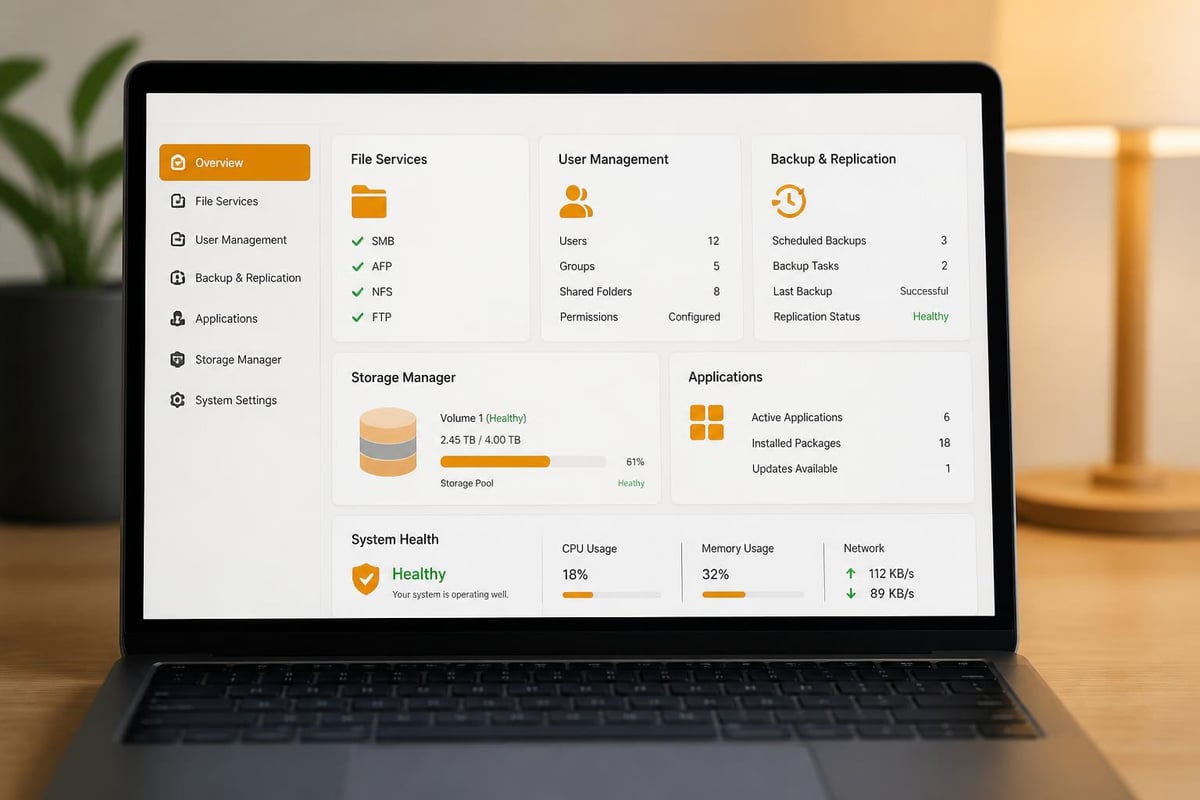
Application Ecosystem
Beyond core storage functions, DSM supports a package centre containing hundreds of first-party and third-party applications. Businesses can deploy:- Collaboration tools: Calendar, contacts, and note-taking applications
- Communication platforms: Chat servers and video conferencing solutions
- Media services: Photo galleries and video streaming platforms
- Productivity software: Document editing and CRM systems
- Development environments: Git servers and Docker containers
Data Protection and Security Strategies
Implementing network-attached storage introduces security responsibilities that differ from consumer cloud services. In particular, understanding and addressing these considerations ensures your Synology DiskStation enhances rather than compromises your security posture.RAID Configuration Options
RAID (Redundant Array of Independent Disks) protects against drive failure by distributing data across multiple disks with redundancy. Synology supports several RAID types:| RAID Type | Minimum Drives | Usable Capacity | Fault Tolerance | Performance |
|---|---|---|---|---|
| RAID 0 | 2 | 100% | None | Highest |
| RAID 1 | 2 | 50% | 1 drive | Good |
| RAID 5 | 3 | 67-93% | 1 drive | Balanced |
| RAID 6 | 4 | 50-88% | 2 drives | Good |
| SHR | 2 | Variable | 1-2 drives | Optimized |
Network Security Measures
Exposing your Synology DiskStation to internet access requires implementing multiple security layers. In particular, DSM includes built-in firewall functionality, automatic IP blocking after failed login attempts, and support for two-factor authentication. As a result, these features significantly reduce unauthorised access risks.Furthermore, for businesses requiring remote access, establishing a VPN connection to your network before accessing the DiskStation provides superior security compared to exposing services directly to the internet. Consequently, this approach ensures all communication remains encrypted and access is controlled through existing network security policies.
Encryption Considerations
DSM supports both shared folder encryption and full volume encryption. Whilst encryption provides data confidentiality if physical drives are stolen, it introduces performance overhead and key management responsibilities. Businesses must balance security requirements against usability implications, particularly regarding password recovery procedures.
For organizations exploring comprehensive secure storage solutions beyond on-premises hardware, examining file storage services that combine infrastructure management with privacy-focused approaches can provide valuable context for decision-making.
Integration with Business Workflows
Maximizing the value of a Synology DiskStation requires thoughtful integration with existing business processes rather than treating it as isolated infrastructure.Automated Backup Workflows
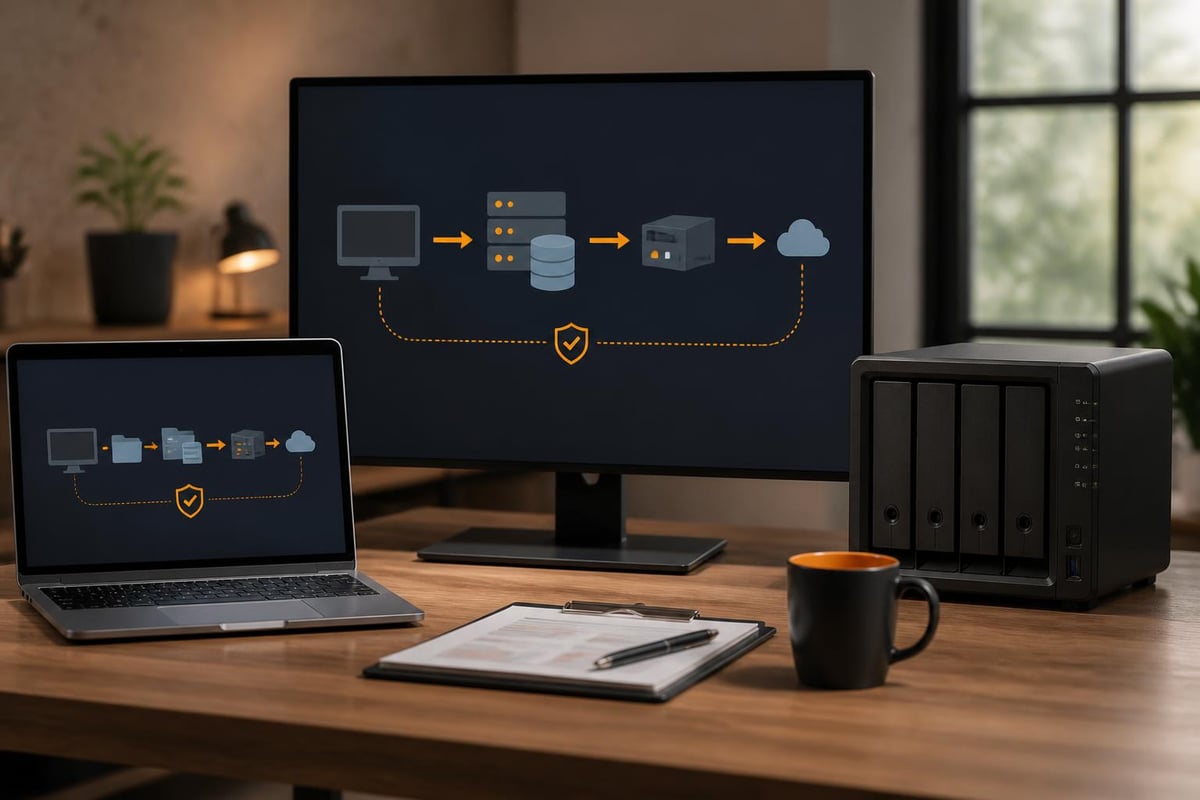
Establishing comprehensive backup strategies ensures business continuity regardless of data loss scenarios:- Endpoint backup: Configure workstations to back up critical user data automatically
- Server replication: Mirror important file shares to the DiskStation nightly
- Cloud sync: Replicate critical data to off-site locations for disaster recovery
- Application data backup: Schedule database exports and configuration backups
- Verification testing: Periodically restore backup data to confirm integrity
Collaboration Enhancement
Deploying collaboration packages on your DiskStation creates private alternatives to public cloud platforms. In particular, teams can share files through secure links with expiration dates, co-edit documents through web interfaces, and maintain project documentation in centralised wikis.Furthermore, the privacy advantage becomes particularly relevant for businesses handling sensitive client information or proprietary development work. As a result, maintaining collaboration platforms on infrastructure you control eliminates third-party data access concerns whilst still providing similar functionality to popular SaaS solutions.
Mobile Access and Synchronization
Synology provides mobile applications for iOS and Android that extend DiskStation functionality beyond the office network. In particular, employees can access files remotely, stream media content, or receive notifications about system events. Furthermore, the Drive application offers selective synchronisation, allowing users to keep specific folders available offline whilst conserving mobile storage.As a result, this mobile capability enables flexible work arrangements without compromising data security, as administrators retain full control over access permissions and can revoke access instantly if devices are lost or employees depart.
Maintenance and Operational Considerations
Sustaining reliable operation requires establishing routine maintenance practices and monitoring procedures. In particular, unlike cloud services where infrastructure management falls to the provider, on-premises storage demands active oversight.Health Monitoring and Alerting
DSM includes comprehensive monitoring tools that track system temperature, disk health indicators (S.M.A.R.T. data), and resource utilisation. In particular, configuring email or SMS notifications for critical events allows administrators to address issues proactively before they escalate to service disruptions.Furthermore, regular review of storage utilisation trends helps prevent capacity exhaustion. As a result, establishing alerts when storage reaches 75% capacity provides adequate time to procure and install additional drives before running out of space becomes urgent.
Software Updates and Security Patches
Synology releases DSM updates regularly, addressing security vulnerabilities and introducing new features. In particular, whilst automatic updates provide convenience, businesses should evaluate updates in test environments when possible, especially for mission-critical deployments. As a result, scheduling updates during maintenance windows minimises disruption to users.Furthermore, package updates deserve similar attention, as third-party applications may contain vulnerabilities. Consequently, maintaining current software versions represents a fundamental security practice that helps prevent exploitation of known weaknesses.
Drive Replacement and Expansion
Even with RAID protection, drive failures require prompt attention. In particular, Synology DiskStation units support hot-swapping, allowing drive replacement without powering down the system. As a result, following replacement, RAID arrays automatically rebuild, restoring redundancy without administrator intervention beyond physical drive installation.Furthermore, expanding capacity follows a straightforward process: install larger drives one at a time, allowing the RAID array to rebuild after each replacement. Consequently, once all drives are replaced, the array automatically expands to utilise the additional capacity. In addition, this approach enables capacity growth without downtime or data migration.
Cost Analysis and Total Ownership
Evaluating the financial implications of implementing a Synology DiskStation extends beyond the initial hardware purchase. In particular, a comprehensive analysis includes both capital expenditure and ongoing operational costs.Initial Investment Components
The upfront costs comprise:- NAS hardware: The DiskStation unit itself, varying by model and capabilities
- Storage drives: Enterprise-grade drives designed for continuous operation
- Network infrastructure: Switches and cabling supporting desired speeds
- Uninterruptible power supply: Battery backup protecting against power disruptions
- Installation and configuration: Professional services if lacking internal expertise
Ongoing Operational Expenses
Recurring costs include:- Electricity consumption for continuous operation
- Replacement drives for failures beyond warranty periods
- Software licence fees for certain applications (though core DSM remains free)
- Periodic hardware upgrades as technology advances
- Administrative time for monitoring and maintenance
Value Considerations Beyond Price
Financial analysis alone overlooks several value factors. Data sovereignty, the ability to customize extensively, and independence from third-party service disruptions provide business benefits that resist simple monetary quantification. For organizations prioritizing data privacy or operating in regulated industries, these advantages may justify higher costs.Businesses seeking to balance on-premises control with professional management might explore solutions that combine both approaches. For instance, a demonstration of integrated cloud solutions can illustrate how professional providers deliver security and convenience whilst maintaining data privacy.
Environmental and Sustainability Factors
Modern businesses increasingly consider environmental impact when making infrastructure decisions. The Synology DiskStation's energy efficiency and longevity contribute positively to sustainability goals.Energy Consumption Patterns
NAS devices consume considerably less power than traditional server infrastructure whilst providing similar functionality. Most DiskStation models draw between 15-60 watts during active operation, with power consumption scaling based on drive count and activity levels. Hard drive hibernation features further reduce energy use during inactive periods.Comparing this against the cumulative energy consumption of equivalent cloud storage (including data centre cooling, redundancy, and network transmission) reveals that localized storage can demonstrate superior energy efficiency when appropriately sized for actual usage.
Hardware Lifecycle Management
Quality NAS hardware typically operates reliably for 5-7 years before requiring replacement, with individual drives requiring periodic replacement throughout this period. This longevity reduces electronic waste compared to consumer-grade equipment requiring more frequent replacement.When hardware eventually reaches end-of-life, responsible disposal or recycling ensures minimal environmental impact. Many Synology components, particularly metal chassis and circuit boards, contain recyclable materials that should be properly processed rather than discarded.
Advanced Deployment Scenarios
Beyond straightforward office file sharing, businesses deploy Synology DiskStation units in specialized configurations that address specific operational requirements.High Availability Clustering
Mission-critical environments cannot tolerate storage downtime. Synology's High Availability feature pairs two identical DiskStation units, with one serving as active storage and the other as hot standby. Should the primary unit fail, automatic failover occurs within seconds, ensuring continuous access to data.This configuration requires careful planning, including identical hardware specifications, dedicated heartbeat connections between units, and shared storage accessible to both devices. The investment doubles hardware costs but eliminates single points of failure for organizations where downtime costs exceed infrastructure expenses.
Video Surveillance Storage
IP camera systems generate substantial continuous data streams requiring reliable storage. Surveillance-optimized DiskStation models include features specifically designed for this application:- Optimized write patterns: Firmware tuned for continuous sequential writes
- Camera licence management: Built-in support for managing recording streams
- Retention policies: Automatic deletion of old footage based on configurable parameters
- Motion detection indexing: Searchable metadata for efficient footage review
Virtual Machine Hosting
Higher-end Synology DiskStation models support Virtual Machine Manager, enabling businesses to run multiple virtual servers on NAS hardware. This capability suits development environments, testing scenarios, or hosting lightweight applications without deploying dedicated server infrastructure.Performance limitations compared to purpose-built virtualization platforms mean this approach suits specific use cases rather than replacing comprehensive virtualization infrastructure. However, for small businesses requiring one or two virtual machines alongside storage services, consolidation onto a single Synology DiskStation platform provides compelling simplicity.
Implementing network-attached storage through platforms like Synology DiskStation provides businesses with data sovereignty, customization flexibility, and long-term cost efficiency that complement or replace cloud-dependent approaches. Whether serving as primary storage, backup infrastructure, or application platforms, these systems deliver capabilities that align with diverse business requirements whilst maintaining administrative control. Organizations seeking professional guidance on implementing secure storage solutions that balance privacy, performance, and sustainability can explore how vBoxx delivers comprehensive cloud and hosting services designed for businesses prioritizing data protection and reliable infrastructure management.