
Data breaches and ransomware attacks are becoming a daily concern for businesses and individuals alike. The stakes are higher than ever, with valuable data stored on network devices vulnerable to loss or theft.
This essential guide presents a reliable, step-by-step approach to nas backup, designed for anyone seeking to protect their data with confidence in 2026.
You will discover why robust nas backup is vital, the differences between local and cloud strategies, how to set up secure backups, and which advanced features can safeguard your information. Take action now to ensure your data remains secure, resilient, and fully recoverable.
Why NAS Backup is Critical for Secure Data Storage in 2026
In 2026, the importance of nas backup cannot be overstated. As digital information becomes the backbone of daily business and personal operations, the stakes for secure storage and recovery have never been higher. Let’s explore why a robust nas backup strategy is now a necessity, not a luxury.
The Growing Value and Volume of Data
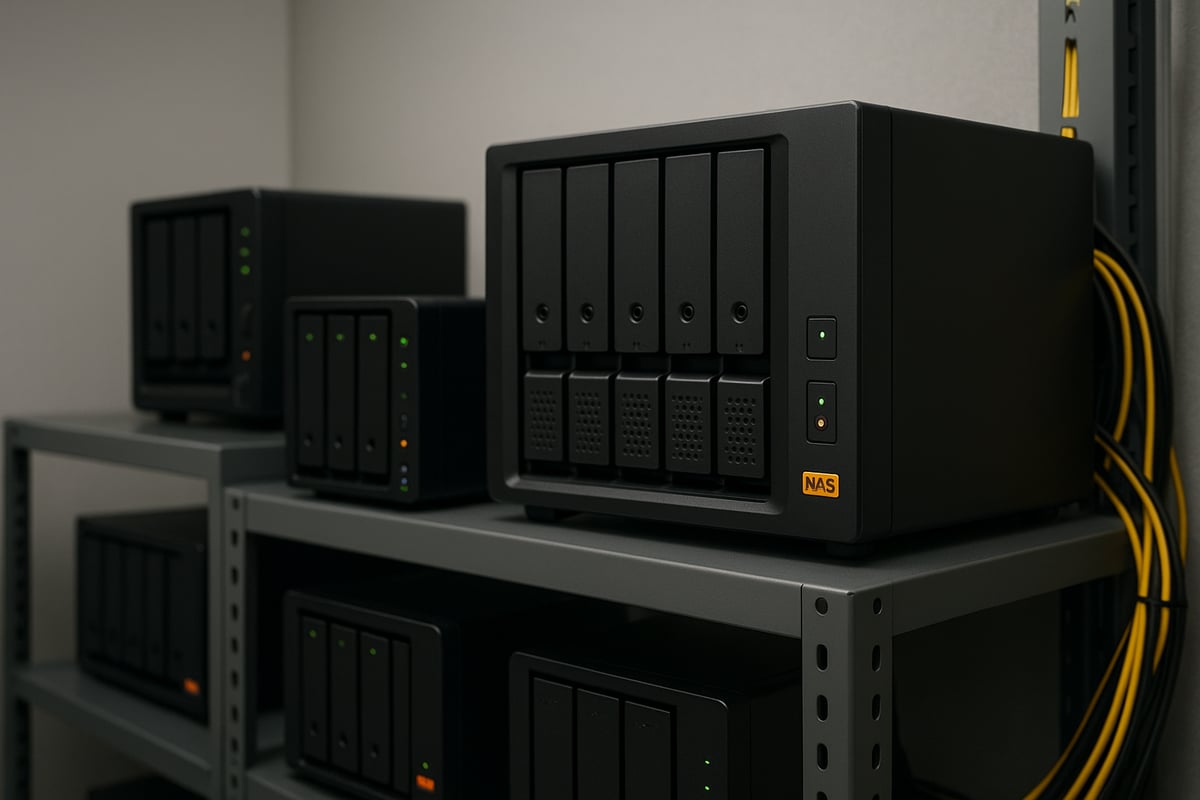
By 2026, global data volumes are projected to double, making storage demands more complex for both organisations and individuals. NAS devices have become the preferred solution for handling sensitive documents, intellectual property, and collaborative files. For example, enterprises now rely on NAS for shared environments that enable efficient teamwork and media workflows. This exponential growth in data underscores the need for a scalable and reliable nas backup strategy.
Evolving Threat Landscape: Ransomware and Disasters
The threat landscape continues to evolve, with ransomware attacks targeting NAS devices rising by over 150% between 2022 and 2025, according to Cloudian. Natural disasters, hardware failures, and human mistakes remain leading causes of data loss. High-profile incidents, especially in the education and public sectors, highlight the vulnerability of NAS systems to targeted attacks. These realities make nas backup essential for any organisation serious about safeguarding its data.
Regulatory Compliance and Data Privacy
With regulations like GDPR and NIS2 tightening, businesses face increasing pressure to enforce robust backup and retention policies. Non-compliance is costly, leading to significant fines and reputational harm. Sectors such as healthcare and finance, where data residency and privacy are paramount, must prioritise nas backup to satisfy regulatory demands. Adopting secure solutions ensures sensitive information remains protected and compliant.
The Cost of Data Loss vs. Investment in Backup
The financial impact of data loss can be staggering. For mid-sized businesses, downtime costs can exceed €100,000 per hour, according to Backblaze. However, the investment required for nas backup is only a fraction of these potential losses.
| Scenario | Estimated Cost |
|---|---|
| Unplanned Downtime (per hr) | €100,000+ |
| NAS Backup Solution (annual) | €2,000–€10,000 |
Companies with off-site backups recover 60% faster after incidents, highlighting the tangible return on investing in nas backup.
NAS Backup as a Foundation for Business Continuity
A dependable nas backup underpins business continuity plans. It enables rapid disaster recovery, minimises operational interruption, and supports hybrid workforces with secure remote access to critical data. Media companies, for instance, combine NAS and cloud backup to maintain uninterrupted production, even during unexpected outages. This approach ensures organisations remain resilient in the face of adversity.
Key Arguments and Insights
In today’s environment, nas backup is no longer optional, it is a business-critical function. The optimal backup approach balances security, compliance, and scalability to protect against evolving threats. Forward-thinking organisations see backup not only as a defence mechanism but as a competitive advantage.
For a deeper understanding of various approaches and their strengths, see this overview of NAS backup strategies and their pros and cons.
Types of NAS Backup: Local, Cloud, and Hybrid Strategies
Choosing the right NAS backup approach in 2026 is essential for robust data protection. Whether you are an individual or a business, understanding local, cloud, and hybrid strategies helps you tailor your backup to your needs.
Local NAS Backup Solutions
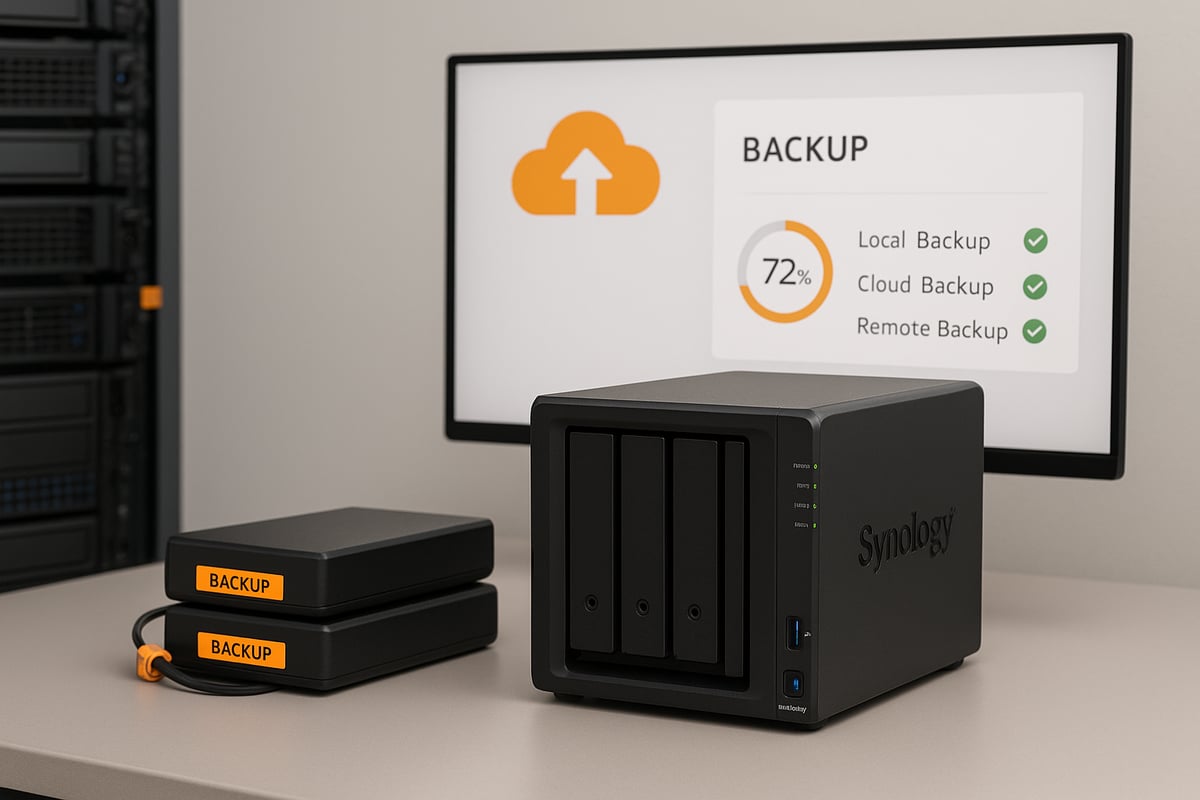
Local NAS backup solutions rely on direct-attached drives, USB backups, or RAID configurations. These options provide fast recovery times and complete control over your data. There are no recurring subscription fees, making them cost-effective for many users. However, local NAS backup is at risk from physical disasters like fire or theft, as well as localised ransomware attacks. Many businesses turn to Synology NAS for businesses to meet these challenges, as these devices offer robust local backup features. Always test recovery processes to ensure reliability.
Cloud NAS Backup Solutions
Cloud NAS backup strategies integrate with providers like Backblaze B2, AWS S3, Azure, or Google Cloud. These solutions offer off-site protection, making them resilient against local disasters. Benefits include scalability and disaster recovery capabilities, ideal for growing data needs. For example, Synology and QNAP provide native cloud integrations, simplifying the process. Cloud NAS backup ensures your data is accessible even if on-site systems fail, but it relies on internet connectivity and may incur ongoing costs.
Hybrid Backup Strategies
Hybrid NAS backup combines local and cloud backups, following the 3-2-1 rule: three copies of data, on two types of media, with one off-site. This layered protection allows fast on-site recovery and off-site redundancy. Many organisations, such as media agencies, use both on-premises NAS and cloud object storage for maximum resilience. Hybrid NAS backup strategies offer flexibility and balance, making them suitable for environments where downtime is not an option.
Cost Comparison and ROI
Comparing NAS backup costs is crucial for budget planning. For instance, Backblaze B2 charges $6 per TB per month, while AWS S3 costs $26 per TB per month. Some providers offer free egress up to three times the stored data monthly. The ROI of NAS backup comes from lower total ownership costs and reduced downtime risk, especially when compared to the high expense of data loss. Investing wisely in NAS backup pays off in business continuity.
| Provider | Cost/TB/Month | Free Egress |
|---|---|---|
| Backblaze B2 | $6 | Up to 3x stored/mo |
| AWS S3 | $26 | Limited |
Security and Compliance Considerations
Security is a core requirement for any NAS backup. Leading cloud services offer encryption, object lock, and multi-factor authentication. Compliance with regulations such as HIPAA and GDPR is vital, especially for sectors like healthcare and finance. Some businesses choose European cloud providers for strict data residency rules. When selecting a NAS backup solution, confirm it meets your industry’s security and compliance standards.
Choosing the Right Approach for Your Needs
Selecting the best NAS backup strategy depends on data sensitivity, speed of access, budget, and compliance needs. Small businesses may prefer local NAS backup for simplicity, while enterprises often combine local and cloud for comprehensive protection. Public sector and creative industries benefit from hybrid models. Ultimately, hybrid NAS backup delivers the optimal balance of speed, security, and scalability for most organisations.
Step-by-Step Guide to Setting Up a Secure NAS Backup
Setting up a secure nas backup is not just about buying hardware; it is about creating a resilient, compliant, and efficient data protection system. Follow these seven steps to ensure your nas backup is robust, secure, and ready for any challenge in 2026.
Step 1: Assess Your Data and Backup Requirements
Begin your nas backup journey by conducting a thorough audit of your data. Identify what types of files you handle, their sizes, and how critical they are for daily operations. Pay close attention to compliance needs, such as GDPR or industry-specific retention rules.
For example, a media team may store large video files requiring frequent backups, whereas a small business may prioritise financial records and documents. List your requirements:
- Data types (documents, images, videos)
- Total storage size
- Required retention periods
- Regulatory or compliance needs
Understanding these variables helps you create a nas backup plan that is both efficient and future-proof.
Step 2: Select the Right NAS Device and Backup Software
Choosing the correct hardware and software is foundational for nas backup success. Leading brands like Synology, QNAP, TrueNAS, and Asustor offer reliable devices with features tailored for business and personal use.
Evaluate options based on:
- Snapshot and versioning support
- Native cloud integration capabilities
- Scalability for growing data needs
For backup software, consider solutions like Synology Hyper Backup or QNAP Hybrid Backup Sync, which provide user-friendly interfaces and automation. If you are curious about device reviews, the Synology DS220 review for SMBs offers insights into a popular model suitable for many organisations.
Selecting the right combination ensures your nas backup adapts as your needs evolve.
Step 3: Configure Local Backups
Once your nas backup device is ready, set up local backups. Start by configuring RAID for redundancy and schedule regular snapshots to capture file changes over time. Enable versioning to restore previous file states when needed.
Practical steps include:
- Choosing a RAID level (e.g., RAID 5 or RAID 6)
- Scheduling daily or weekly snapshots
- Enabling file versioning for rollback
Test your recovery process regularly. For added resilience, keep backup NAS units in separate physical locations. This approach ensures your nas backup can withstand hardware failures or local incidents.
Step 4: Integrate Cloud or Hybrid Backup
Enhance your nas backup by connecting it to a cloud provider. Integration with services like Backblaze B2, AWS S3, or Azure gives you off-site protection and scalable storage.
Set up automated synchronisation, encrypt your data before transfer, and use features like object lock for added security. Many NAS devices, such as TrueNAS, offer built-in cloud sync tools for seamless operation.
Example configuration:
- Connect NAS to cloud storage via native app
- Enable end-to-end encryption
- Schedule regular sync intervals
A hybrid nas backup strategy, combining local and cloud, delivers the best of both worlds: instant recovery and off-site redundancy.
Step 5: Secure Your Backup Environment
Security is paramount for any nas backup. Activate end-to-end encryption to protect data at rest and in transit. Implement multi-factor authentication and strict access controls.
Monitor backup activity for suspicious behaviour, and consider immutable storage options to prevent ransomware from altering your backups. For a comprehensive list of security measures, consult NAS data protection best practices, which covers encryption, auditing, and more.
By prioritising these defences, your nas backup remains a stronghold against modern threats.
Step 6: Test and Document Recovery Procedures
Do not wait for a disaster to test your nas backup recovery process. Schedule regular restore drills to confirm your backups are functional and up to date. Document each step of your recovery plan so staff can act quickly during an emergency.
Best practices include:
- Running monthly or quarterly restore tests
- Keeping recovery documentation accessible
- Updating procedures after system changes
Organisations with well-tested nas backup plans recover faster and with less downtime when incidents occur.
Step 7: Schedule and Automate Backup Tasks
Automation minimises human error and ensures your nas backup runs consistently. Use your NAS software to schedule daily, weekly, or custom backup intervals. Monitor logs for errors, and set up alerts for failed tasks.
Leverage analytics tools to track backup health and performance over time. Automation not only saves time but also guarantees your nas backup strategy remains reliable as your data grows.
Advanced Security Features and Best Practices for NAS Backup
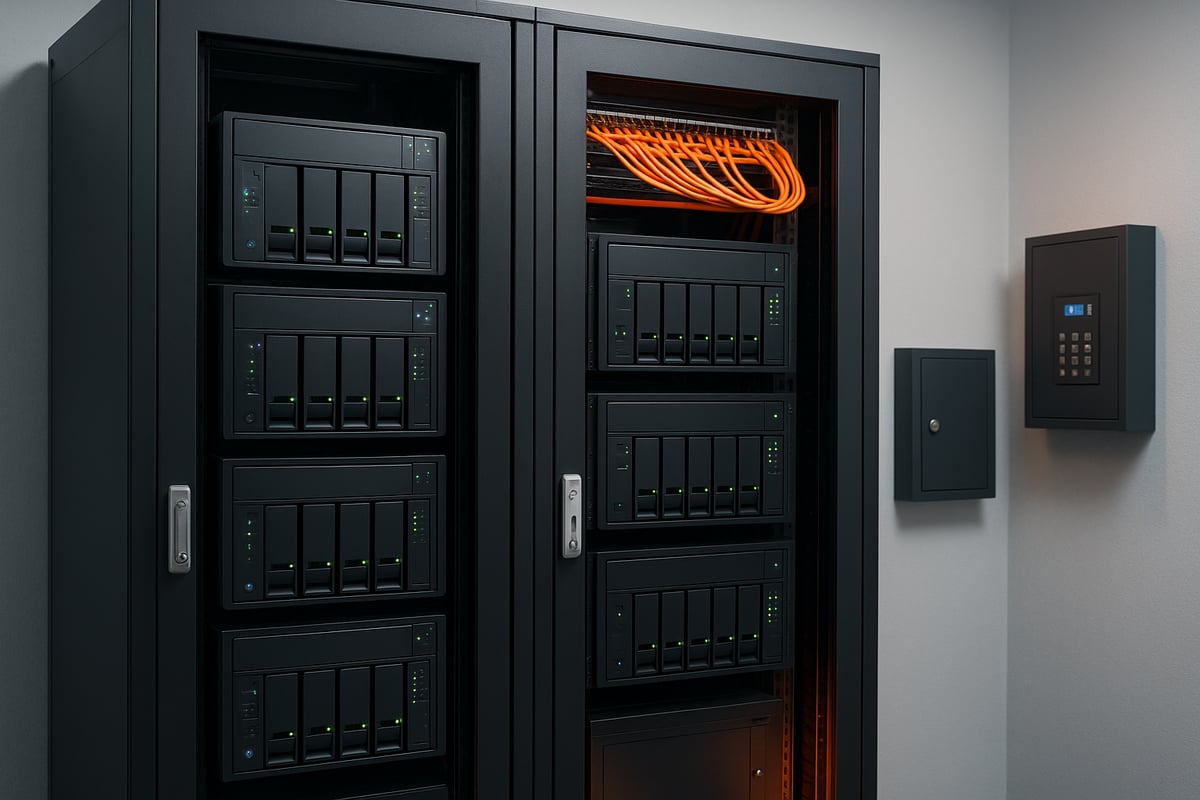
As the threat landscape evolves, adopting advanced security features and best practices is essential for any nas backup strategy. Cyberattacks and data breaches are becoming more sophisticated, so robust protection measures are now a necessity, not an option. This section explores proven techniques to safeguard your nas backup, helping you maintain business continuity and regulatory compliance.
Ransomware Resilience and Immutable Backups
Ransomware attacks are one of the most significant risks facing organisations with digital assets. To build resilience into your nas backup, leverage immutable backup technologies such as object lock and WORM (Write Once, Read Many). These features make backup files tamper-proof, so even if ransomware infiltrates your network, it cannot encrypt or delete protected data.
For example, Backblaze B2’s object lock enables you to create immutable backups that cannot be altered until their retention period expires. This approach acts like a digital air gap, providing a vital line of defence against unauthorised changes. Regularly review and enable immutability settings within your nas backup software to maximise protection.
Implementing immutable storage should be a standard part of every nas backup plan. It reduces the risk of data loss from both external attacks and internal errors, ensuring your critical data remains recoverable.
End-to-End Encryption and Access Controls
Data privacy is at the heart of every secure nas backup. Encrypting your data at rest and in transit ensures that, even if backup files are intercepted or stolen, they remain unreadable to unauthorised users. Leading NAS systems support AES-256 encryption, which is considered best practice for protecting sensitive information.
Access control is another pillar of nas backup security. Apply the principle of least privilege, granting users only the permissions required for their roles. Multi-factor authentication (MFA) provides an additional layer of defence, making it much harder for attackers to compromise your nas backup environment.
Organisations should also enforce strong password policies and regularly review user access rights. By combining encryption with robust access management, you create a multi-layered security posture that significantly reduces the risk of data breaches.
Multi-Site and Off-Site Replication
No single location is immune to disaster, which is why multi-site and off-site replication are critical components of a resilient nas backup system. By replicating your data across geographically separated sites, you protect against localised risks such as fire, flood, or targeted cyberattacks.
For instance, many companies back up their primary NAS to a secondary on-premises device and a remote cloud location. This dual approach ensures that, if one backup is compromised, another copy remains safe and accessible. Automated replication tools in modern nas backup solutions simplify this process and reduce the risk of human error.
When planning your nas backup replication, consider factors such as network bandwidth, replication frequency, and data retention policies. Regularly test failover and recovery processes to ensure your replicated backups are reliable when you need them most.
Monitoring, Alerts, and Audit Trails
Continuous monitoring is essential for maintaining the integrity of your nas backup environment. Real-time alerts can notify IT teams of failed backup jobs, unusual access patterns, or potential tampering attempts. These notifications enable rapid response and help prevent minor issues from escalating into major incidents.
Audit trails and detailed logging are fundamental for both security and compliance. By tracking every action taken within your nas backup system, you can quickly identify the source of any problem and demonstrate accountability during audits.
Modern nas backup platforms often include analytics dashboards, allowing you to visualise trends, spot anomalies, and optimise your backup processes. Use these tools to regularly review backup health, performance, and security posture.
Compliance with Industry Standards
Meeting regulatory requirements is a non-negotiable aspect of nas backup for many organisations. Frameworks such as GDPR, HIPAA, and NIS2 mandate strict controls over data protection, retention, and access. Failing to comply can result in significant penalties and reputational damage.
To ensure your nas backup aligns with these standards, document your data flows, backup schedules, and retention policies. Work with providers that offer features like data residency guarantees and comprehensive audit logs. For more guidance on aligning your nas backup with compliance requirements, explore these data privacy and compliance insights.
Staying informed about evolving regulations and adjusting your nas backup strategy accordingly is vital for long-term success.
Regular Security Audits and Updates
Security is not a set-and-forget process. Conducting regular security audits is key to identifying weaknesses in your nas backup configuration. These audits should cover access controls, encryption settings, software versions, and backup policies.
Apply firmware and software updates promptly to address newly discovered vulnerabilities. Outdated systems are a common target for attackers, so maintaining an up-to-date nas backup environment is critical.
Finally, schedule periodic reviews of your entire nas backup strategy. By proactively addressing risks and embracing best practices, you build a foundation for secure, reliable data protection in 2026 and beyond.
Cost, Scalability, and Performance Considerations for NAS Backup
Selecting the right NAS backup solution means balancing cost, scalability, and performance. As organisations face growing data volumes and evolving threats, understanding these core considerations is vital for secure, efficient, and sustainable data protection.
Understanding Pricing Models
NAS backup pricing varies by provider and deployment model. Cloud services typically use pay-as-you-go or reserved capacity pricing. Below is a quick comparison:
| Provider | Cost per TB/Month | Egress Fees | Retention Minimums |
|---|---|---|---|
| Backblaze B2 | $6 | Low/Free* | No |
| AWS S3 | $26 | High | Yes |
*Some providers offer free egress up to 3x monthly storage.
Integrated appliances, such as Synology’s Active Protect appliance family, streamline costs by combining hardware and software, offering predictable pricing and simplified management for nas backup.
Scalability for Growing Data Needs
Scalability is a core advantage of modern nas backup solutions. Cloud and hybrid models let you expand storage instantly, without major hardware investment. This flexibility is crucial for organisations managing unpredictable or rapidly increasing data volumes.
Educational and research institutions, for example, often handle petabytes of information. With nas backup, they can scale resources up or down as demands shift, only paying for actual usage rather than overprovisioning.
Performance Optimisation Tips
Performance matters for nas backup, especially when handling large files or time-sensitive workloads. To ensure efficient operations:
- Schedule backups during off-peak hours to avoid network congestion.
- Enable deduplication and compression to reduce storage and speed up transfers.
- Use bandwidth throttling to balance backup speed with other network activities.
Media companies, with their massive data sets, rely on these practices to optimise nas backup windows and maintain productivity.
Balancing Cost, Speed, and Security
When choosing a nas backup strategy, consider the trade-offs between local backup speed and cloud resilience. Hybrid approaches often deliver the best value, offering fast recovery on-site with the security of off-site redundancy.
For most organisations, a hybrid model reduces overall costs by preventing expensive downtime and providing layered protection. Integrated solutions like Synology’s appliances can further enhance value by simplifying deployment and centralising controls for nas backup.
Real-World ROI and Business Impact
Investing in a robust nas backup strategy results in significant business benefits. Organisations report faster recovery times, reduced downtime, and improved compliance. For example, those using leading cloud providers achieve restores up to three times faster after incidents.
With over 500,000 customers trusting managed nas backup services, the return on investment becomes clear. Reduced risk, operational continuity, and regulatory peace of mind make nas backup an essential component of modern IT.
Maintaining and Optimising Your NAS Backup Strategy
A robust nas backup strategy is not a one-time setup but an ongoing commitment. To ensure your data remains protected in 2026 and beyond, regular maintenance, monitoring, and adaptation are essential. Let us explore the key areas that will help you keep your nas backup reliable and resilient.
Regular Backup Verification and Testing
Routine verification is the cornerstone of effective nas backup. Schedule monthly or quarterly restore drills to confirm your backups are not only present but also functional.
- Use automated verification tools to detect errors early.
- Document each test and note any discrepancies.
- Rotate backup media if using physical drives.
By identifying silent failures before a disaster occurs, organisations can avoid costly data loss and ensure recovery is always possible.
Updating Backup Policies with Business Growth
As your business evolves, so should your nas backup policies. Review your backup schedules, retention periods, and storage allocations at least once a year.
- Increase backup frequency for critical workloads.
- Adjust retention to meet new compliance requirements.
- Expand capacity as data volumes grow.
Cloudian recommends annual reviews to keep policies aligned with business needs and regulatory changes, helping you stay ahead of risks.
Monitoring and Analytics for Continuous Improvement
Continuous monitoring enhances the effectiveness of your nas backup strategy. Leverage built-in analytics or third-party platforms to track backup health, storage use, and performance.
- Set up alerts for failed or missed backups.
- Analyse trends to spot potential bottlenecks.
- Use dashboards for real-time visibility.
For more advanced file management and backup insight, consider File management with Synology Drive, which streamlines monitoring and reporting for NAS environments.
Training and Access Management
Human error remains a leading cause of backup failure. Invest in ongoing training for staff responsible for nas backup management.
- Provide regular refresher courses on backup procedures.
- Restrict access to backup configurations.
- Implement least-privilege policies for users.
By building a culture of security awareness, you reduce insider threats and increase operational resilience.
Leveraging Professional Support and Managed Services
For complex or large-scale nas backup deployments, professional support can be invaluable. Managed backup services offer expertise in maintenance, troubleshooting, and compliance audits.
- Outsource routine tasks to free up internal resources.
- Access 24/7 support for critical incidents.
- Benefit from proactive system monitoring.
Partnering with experienced providers ensures that your nas backup remains efficient and compliant as your organisation grows.
Future-Proofing Your NAS Backup
The landscape of nas backup is always evolving. Stay informed about the latest threats, regulations, and technologies. Plan for the integration of AI-driven analytics and automation to strengthen your defences.
- Adopt immutable storage and ransomware-resistant features.
- Monitor emerging solutions like ROFBSα: Real Time Backup System Decoupled from ML Based Ransomware Detection for advanced protection.
- Prepare for future compliance requirements.
By proactively adapting your nas backup approach, you position your organisation for long-term security and operational continuity.
As you’ve seen, having a solid NAS backup strategy is essential for protecting your business’s valuable data and ensuring long term resilience. We’ve covered why backup matters, how to choose the right approach, and practical steps to keep your files secure, compliant, and always accessible. If you want to see how these solutions can work for your organisation in real time or have specific questions about implementing best practices, I encourage you to schedule a demo with our experts. Let’s work together to make your data protection both robust and future proof.