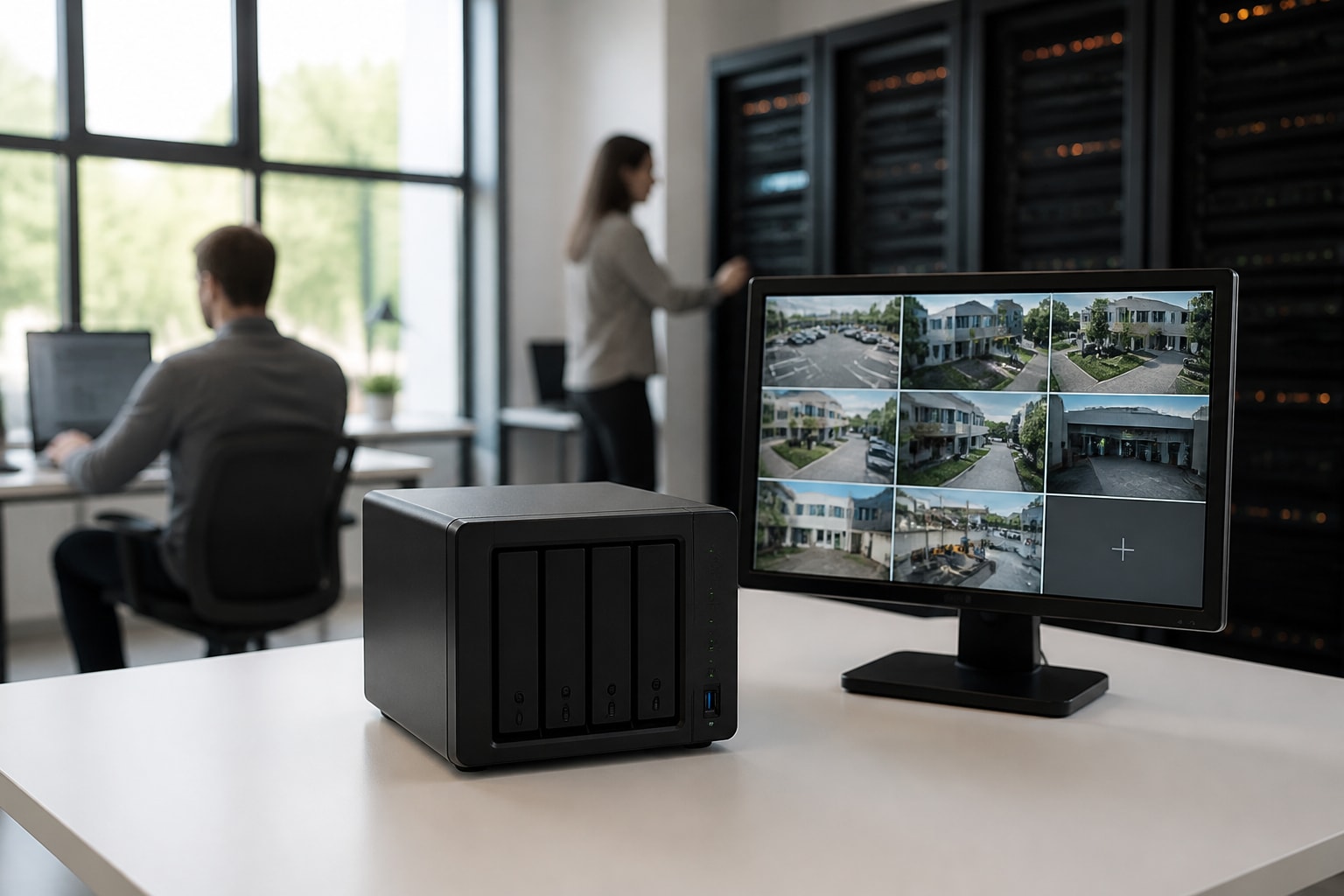
A Synology Surveillance Station license is a per-camera permission that lets your NAS record and manage one IP camera, and every Synology NAS already includes a small number of them free of charge. According to the Synology Surveillance Station User's Guide, each NAS ships with at least two pre-installed device licenses, while NVR models may include more depending on the model. Therefore, you only pay when your site needs more cameras than the included allowance covers.
This guide explains how the licensing model works, how to calculate what you need, and how to avoid common planning errors. In addition, it covers the practical side of GDPR-conscious video storage for European businesses.
How the Synology Surveillance Station licence model works
The licence model is simple: one device license covers one camera channel, and the licences are tied to the NAS that holds them. Surveillance Station is the video management software that runs on a Synology NAS, and each camera you add to it consumes one licence slot.
Several rules are worth knowing before you plan a deployment:
- Included licences: every NAS comes with at least two, as noted above.
- No expiry: the User's Guide states that pre-installed licences and purchased Surveillance Device License Packs do not expire.
- No subscription: you buy a pack once, so there is no recurring per-camera fee for the licence itself.
- Default licences stay put: the Synology Knowledge Center confirms that default licences cannot be deleted or migrated to another system.
That last point matters. Consequently, if you replace a NAS later, the pre-installed licences remain with the old unit, so you should account for this in your budget.
How many camera licences does Synology have?
Synology does not cap licences at a single fixed number; instead, a NAS includes a base allowance and you add packs up to the limit of the hardware. Synology's technical specifications list the platform maximum, but the real ceiling depends on the model and its system specifications, so check the figure for your exact unit.
In practice, the licence count is rarely the limiting factor. Nevertheless, processing power, network bandwidth and disk write speed often decide how many cameras a unit can truly handle. A small desktop NAS may technically accept licences for far more cameras than it can record smoothly at high resolution. In addition, every stream must be written to disk while playback, exports and motion analysis run at the same time, so the combined load is higher than the camera count alone suggests.
The base allowance also varies by product type. Standard NAS models include at least two licences, whereas NVR models may include more, depending on the model. Consequently, two units with the same number of bays can leave you with different purchasing needs. Finally, because pre-installed licences cannot be deleted or migrated, the included allowance should be read as a fixed feature of that specific unit.
Calculating how many licences your business needs
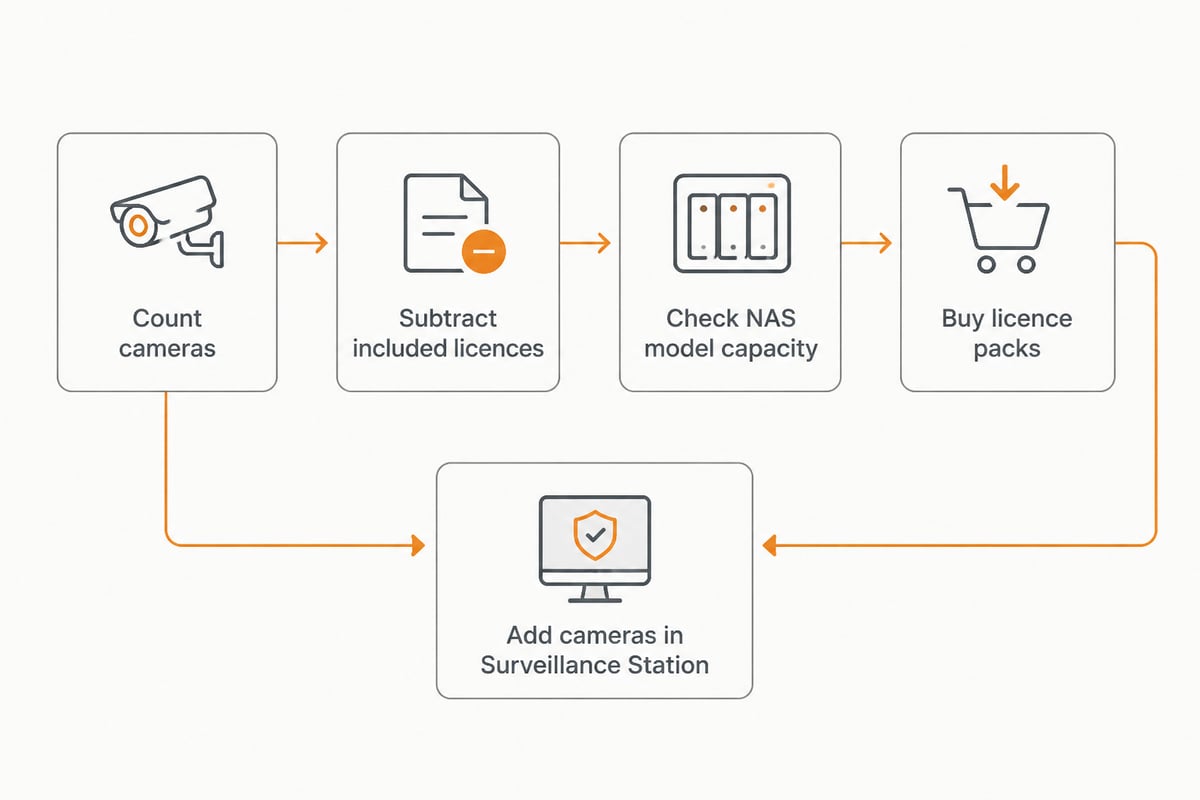
Start with a camera count, then subtract the licences already included, and the result is the number of licence packs to purchase. Follow these steps:
- List every camera position. Include entrances, loading areas, server rooms, car parks and reception desks.
- Add a margin for growth. Businesses rarely reduce camera numbers, so planning for 20 to 30 per cent more is sensible.
- Subtract the included licences. Use the pre-installed amount for your exact model.
- Check hardware capacity. Confirm that the NAS can sustain the total bitrate of all streams.
- Select pack sizes. Packs are sold in set quantities, so choose the combination that fits your count most closely.
Hypothetical example: a site with eight cameras on a NAS that includes two licences would need six additional licences, and it would then confirm that the model handles eight simultaneous streams at the chosen resolution and retention period.
For model selection, the Synology surveillance buyer's guide helps match NAS and NVR models to camera counts and surveillance needs. The vBoxx article on Synology Surveillance Station offers additional background on the software itself.
Licence packs versus hardware: where the real costs sit
The licence is usually the smaller part of total cost, because storage, networking and retention policy shape the budget far more. Therefore, a realistic plan compares all of the following:
| Cost factor | What drives it | Planning question |
|---|---|---|
| Device licences | Number of cameras above the included allowance | How many cameras at launch and in three years? |
| Storage | Resolution, frame rate, codec, retention days | How long must footage be kept? |
| NAS hardware | CPU, RAM, drive bays, network ports | Can it sustain all streams plus playback? |
| Network | Switch capacity, PoE budget, cabling | Does every camera have stable bandwidth? |
| Backup | Off-site copy of critical footage | What happens if the NAS fails? |
Retention is often set by policy rather than preference. Under the GDPR, footage containing identifiable people should be kept no longer than necessary for its purpose, so documenting a short, defined retention period is sensible. Consequently, shorter retention also lowers the storage you need to buy.
Choosing the right Synology model for your camera count
The right model is the one that sustains your full camera load with headroom, and the licence count follows from that choice. Smaller offices with a handful of cameras can work well on a compact two-bay unit. Larger sites need more bays, stronger processors and faster networking. Therefore, begin with the total bitrate of all streams and the retention period, then select the unit whose CPU, RAM and drive bays comfortably exceed that requirement.
For orientation, these vBoxx articles cover relevant hardware:
- The Synology 2-bay and Synology 4-bay overviews suit small and mid-sized deployments.
- The Synology rack NAS guide is useful for larger, server-room installations.
- In addition, the Synology backup article explains how to protect recordings.
Purpose-built NVR models may bundle more licences, so compare the included allowance of each unit before deciding. Extra drive bays allow longer retention or redundancy such as RAID, which protects recordings if a single disk fails. The Synology surveillance buyer's guide can help match camera counts to models. Finally, remember that you cannot transfer default licences later, so choose hardware you expect to keep.
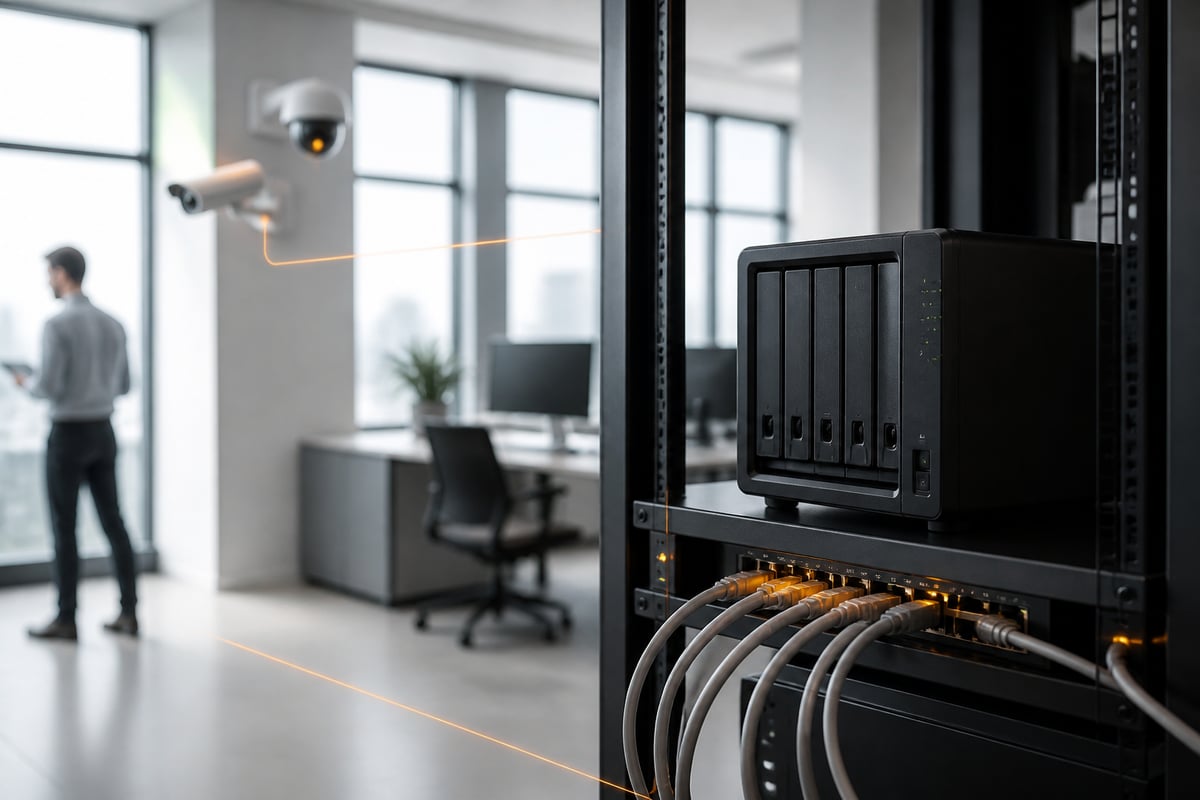
Activating and managing a Synology Surveillance Station licence
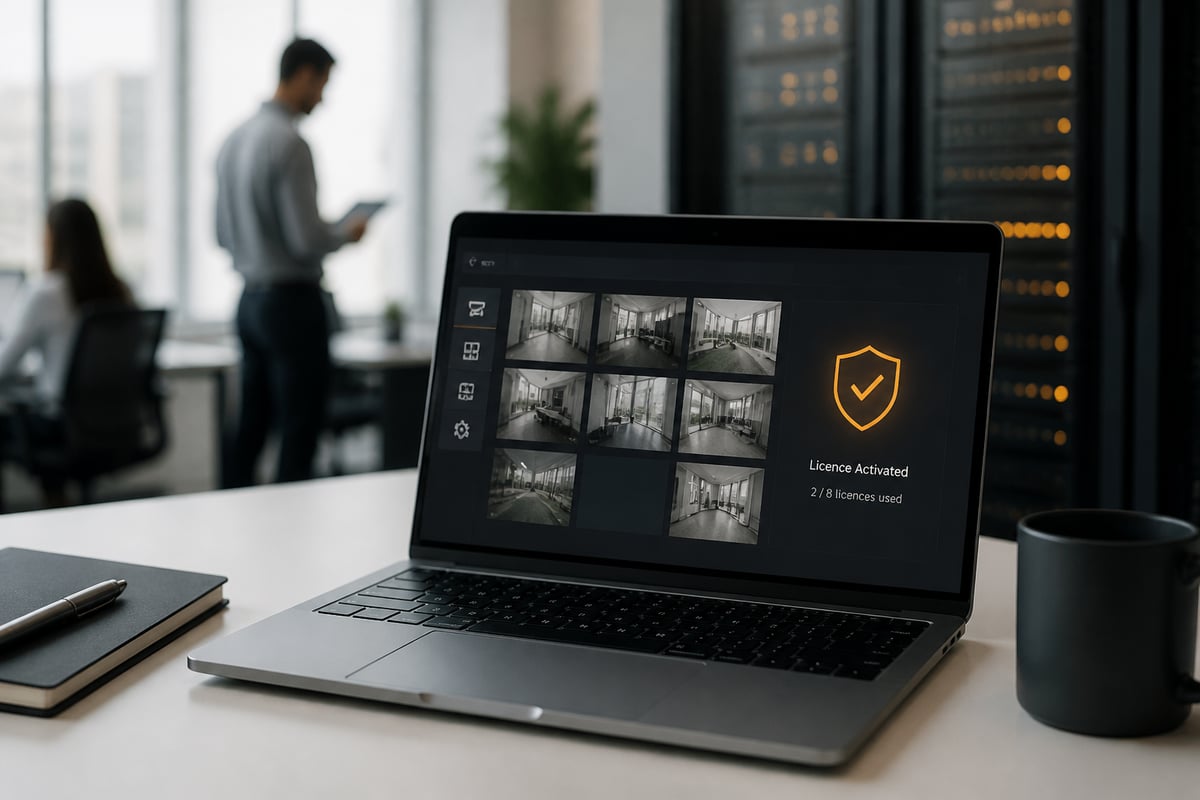
Activation happens inside Surveillance Station: you add the licence pack, and the available camera slots increase on that NAS. Keep a record of your licence keys and the unit they belong to, because they are bound to that system. Store the keys somewhere other than the NAS itself, such as a password manager or a documented IT register, so that a hardware failure does not leave you without proof of purchase.
A tidy management routine usually includes:
- Documenting which cameras use which licence slots.
- Reviewing unused slots before buying additional packs.
- Keeping firmware, DSM and Surveillance Station updated.
- Testing recordings and exports at regular intervals.
If a camera is removed, its slot becomes available again for another device. As a result, rotating cameras between positions does not require new licences, provided the total stays within your allowance. For example, moving a camera from a loading bay to a new reception desk only requires removing it from one position and adding it at the other.
Because purchased packs do not expire, there is no renewal date to track for the licences themselves. Nevertheless, a periodic review is still sensible. Therefore, compare the number of active cameras with the licensed total at least once a year, and plan any extra packs before a new installation begins rather than during it.
Hosting Surveillance Station in a European environment
Many businesses prefer to keep video data inside the EU, because footage of employees and visitors is personal data under the GDPR. A locally managed NAS can serve this goal, yet it also brings maintenance, patching and physical security duties.
vBoxx offers dedicated Synology NAS hosting on its own infrastructure in Dutch data centres. Its facilities are EU-owned and EU-operated, data and backups stay inside the EU, and a data processing agreement is available. vBoxx is ISO 27001 certified, audited by TÜV NORD, and its servers are maintained and monitored proactively by its own engineers. For licence, capacity or configuration questions in a hosted setup, refer to vBoxx's product pages or contact team, since specifics depend on the chosen service.
Nevertheless, camera streams must reach the NAS over the network, so latency and bandwidth need testing before any hosted deployment. Therefore, many organisations keep recording on site and use hosting for backup copies instead. The vBoxx guide to hosted Synology discusses these options in more depth.
Common licensing mistakes to avoid
Most problems come from planning gaps rather than technical faults. Watch for these:
- Assuming unlimited cameras. The licence allows a camera; the hardware decides whether it runs well. Therefore, check CPU load and disk throughput against your total bitrate before adding the tenth or twentieth stream.
- Ignoring future growth. Buying single licences repeatedly is less convenient than planning a sensible pack size. In addition, a margin of 20 to 30 per cent, as suggested earlier, avoids repeated small purchases.
- Expecting to move default licences. As confirmed above, they stay with the original system. Consequently, a planned NAS replacement should include the cost of licences you will need again.
- Overlooking audio and privacy rules. Recording sound or covering public areas can carry extra legal obligations under European and national law. Signage and a documented retention period are usually expected under the GDPR.
- Skipping backup. Without an off-site copy, a single hardware failure can erase evidence.
In addition, legacy media often sits alongside new systems. For businesses digitising older tape archives before moving them onto a NAS, VCR Supply offers rental and repair of professional videotape decks.
FAQ
What is Synology used for?
Synology makes network-attached storage devices that businesses use for file storage, backup, collaboration, email and video surveillance. With Surveillance Station installed, a NAS becomes a recorder and management platform for IP cameras.
Is Synology Video Station discontinued?
Video Station is a media-streaming package and is separate from Surveillance Station, which handles security cameras. For current availability of Video Station on your DSM version, check Synology's official package documentation before relying on it.
Do I need a new licence if I replace a camera?
No, a replacement camera can reuse the slot of the camera it replaces, provided your total camera count stays within your licensed allowance. The licence is tied to the NAS, not to a specific camera brand or unit.